
Apple iOS 5 Review
Camera Application Improvements
The default iOS camera application also gets some love with new improvements and features. The changes are initially pretty subtle. Under options at the top is a new toggle for a grid overlay which helps you optionally compose photos using rule of thirds, and on the iPhone 4 the HDR toggle is here. Of course on the 3GS the only toggle is for grid. Next, pinch to zoom brings up the digital zoom toggle at the bottom.


Another new (and more subtle) feature is AF/AE lock. Just like the normal tap to AF/AE, except hold down. The target square flashes twice, then on release you're shown AF/AE lock.
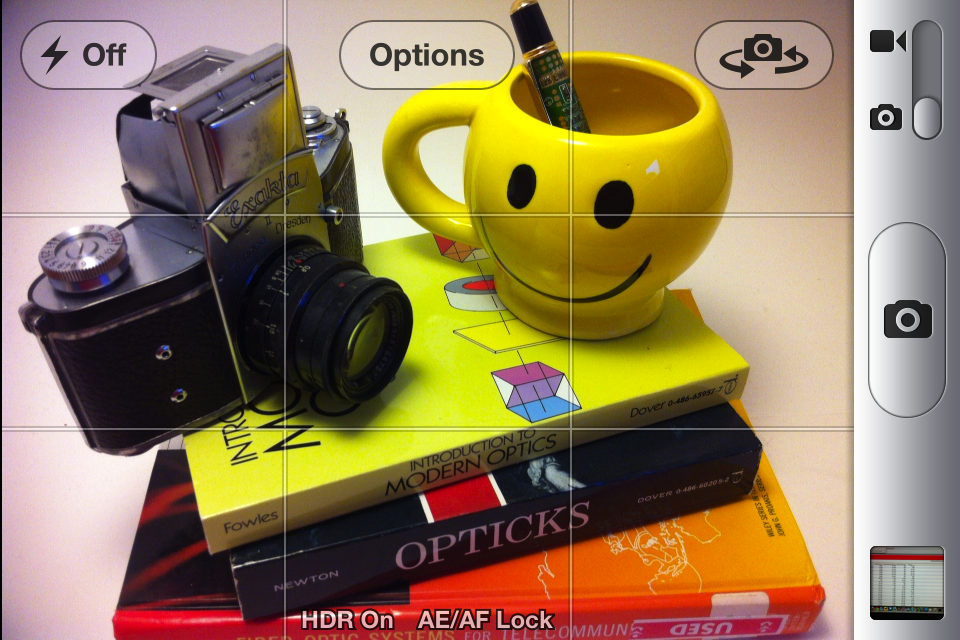
Last but not least, the volume up button now triggers image capture. This feature was famously added by Camera+, which then resulted in the application being pulled from the App Store, and now the feature resurfaces in the official camera application. While capturing using the volume up button is useful, it also makes the iPhone 4 form factor a much less stable shooting platform thanks to the volume button's spring preload. Pay attention to good DSLR camera buttons - the spring preload isn't that much at all, and the shutter button "break" only takes a few newtons of force. This is very important because it doesn't result in the shooting platform moving right at capture trigger. Unfortunately in this regard the iPhone 4's beefy buttons make shooting blur-free images difficult, the result is that shooting with the volume button still feels like something of an afterthought. Interestingly enough, the iPhone 3GS' much less preloaded volume button makes for a much more stable shooting platform when using the button.
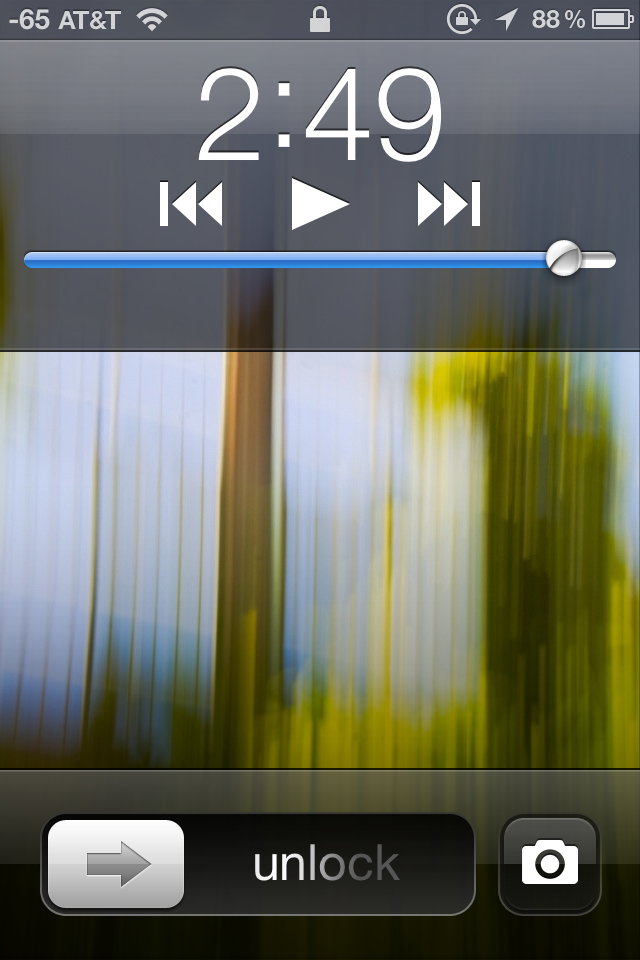
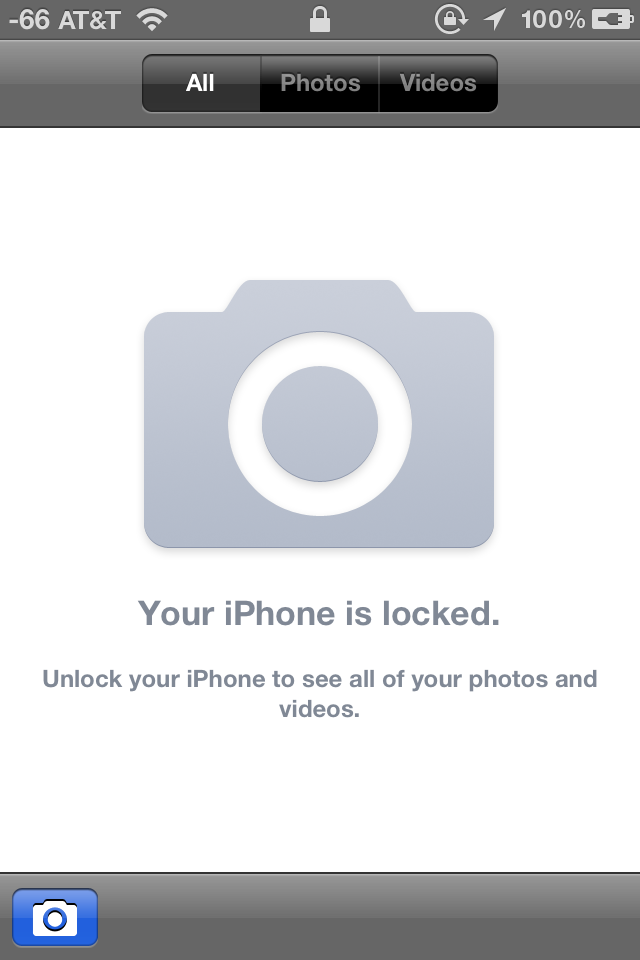
On the lock screen, double tapping the home button brings up the new camera button. This enables you to take photos pretty quickly, and even with the a passcode you can shoot photos. Apple has done a pretty good job making sure you can't escape from here either, we tried force quitting the camera application or gallery after entering the capture mode through the lock screen. Further, you can't view photos in the gallery from this secure camera application. Things seem pretty locked down (as they should be) so far.
The last subtle feature is a camera button which appears in the bottom left if you enter the gallery from the camera app. This button brings you, as expected, right back into the camera application.
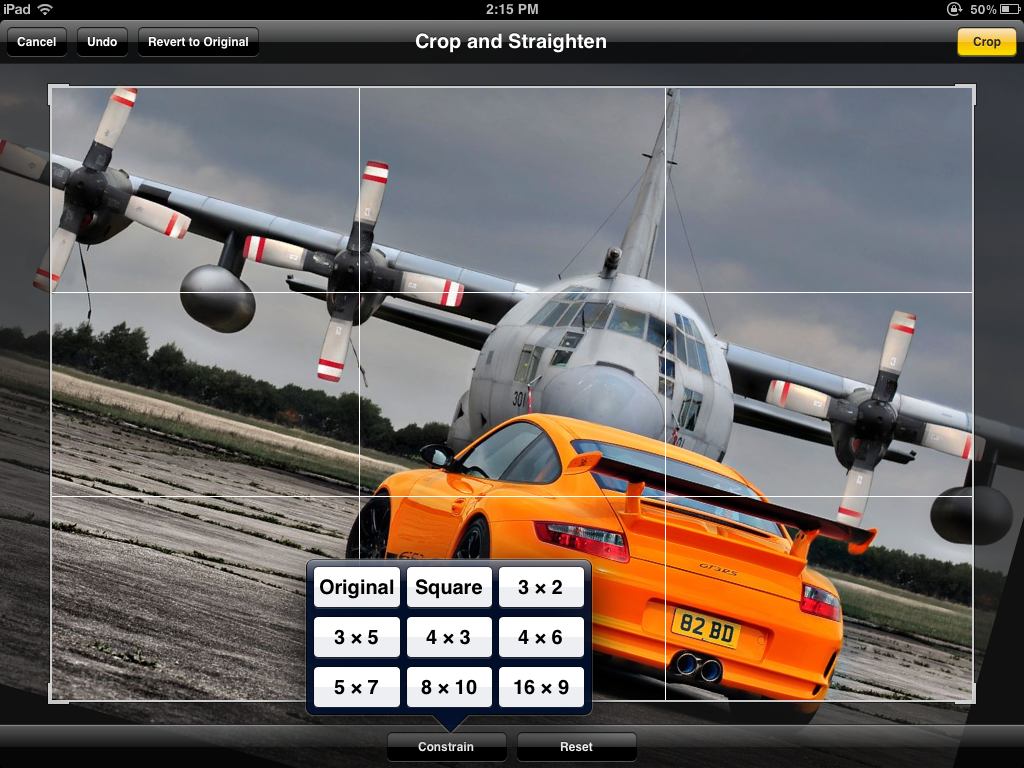
Photos

Originally published at https://www.anandtech.com/show/4956/apple-ios-5-review (Wayback Machine).