
Back to the Mac: OS X 10.7 Lion Review
Launchpad
Launchpad is Apple’s new application launcher. It’s heavily influenced by iOS’s Home Screen and anyone who has used iOS will be familiar with Launchpad’s functions. Launchpad acts as an individual application so you can add it to Dock (though it is there by default) or you can launch it using a specific gesture, or simply Spotlight it. Once you trigger Launchpad, you're shown all of your Mac's programs in a tile layout identical to iOS's Home Screen, and its behavior is as expected: apps can be moved into folders, and can take up multiple pages which can be navigated using your touchpad or your mouse.
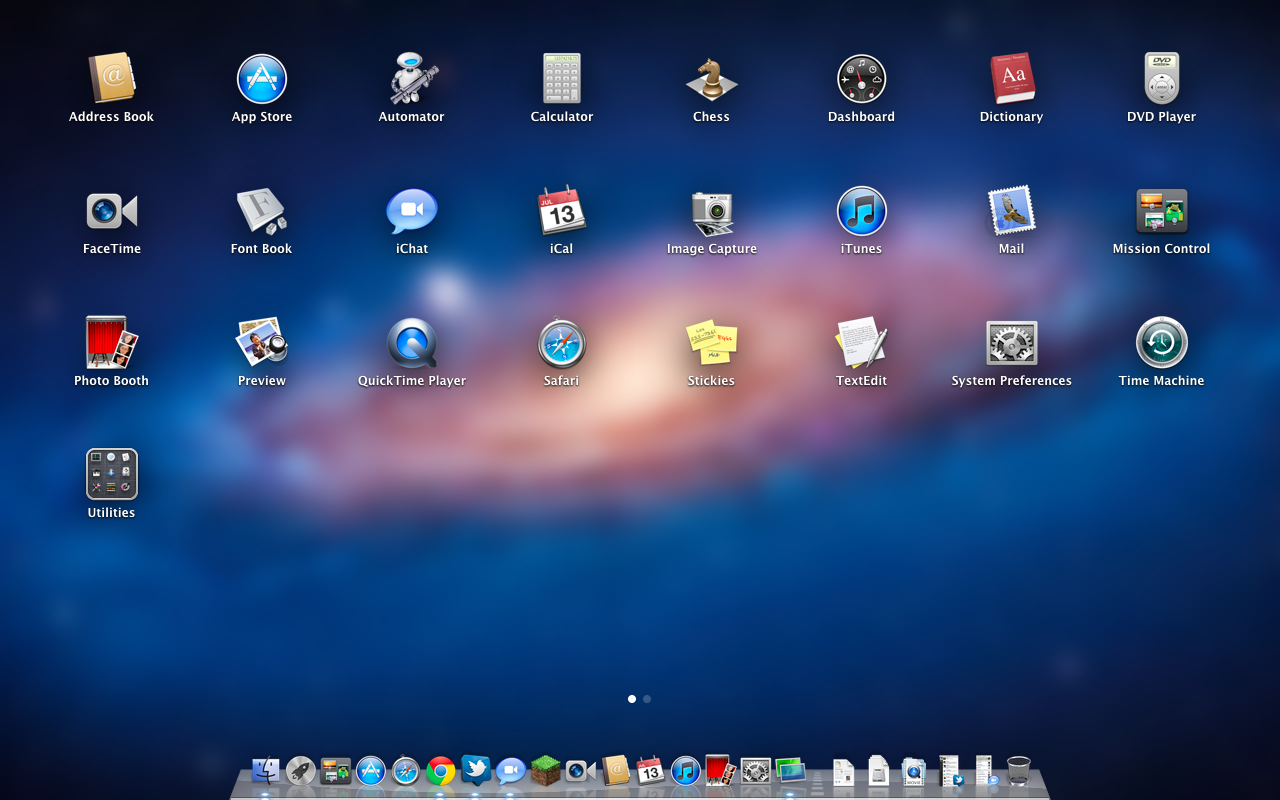
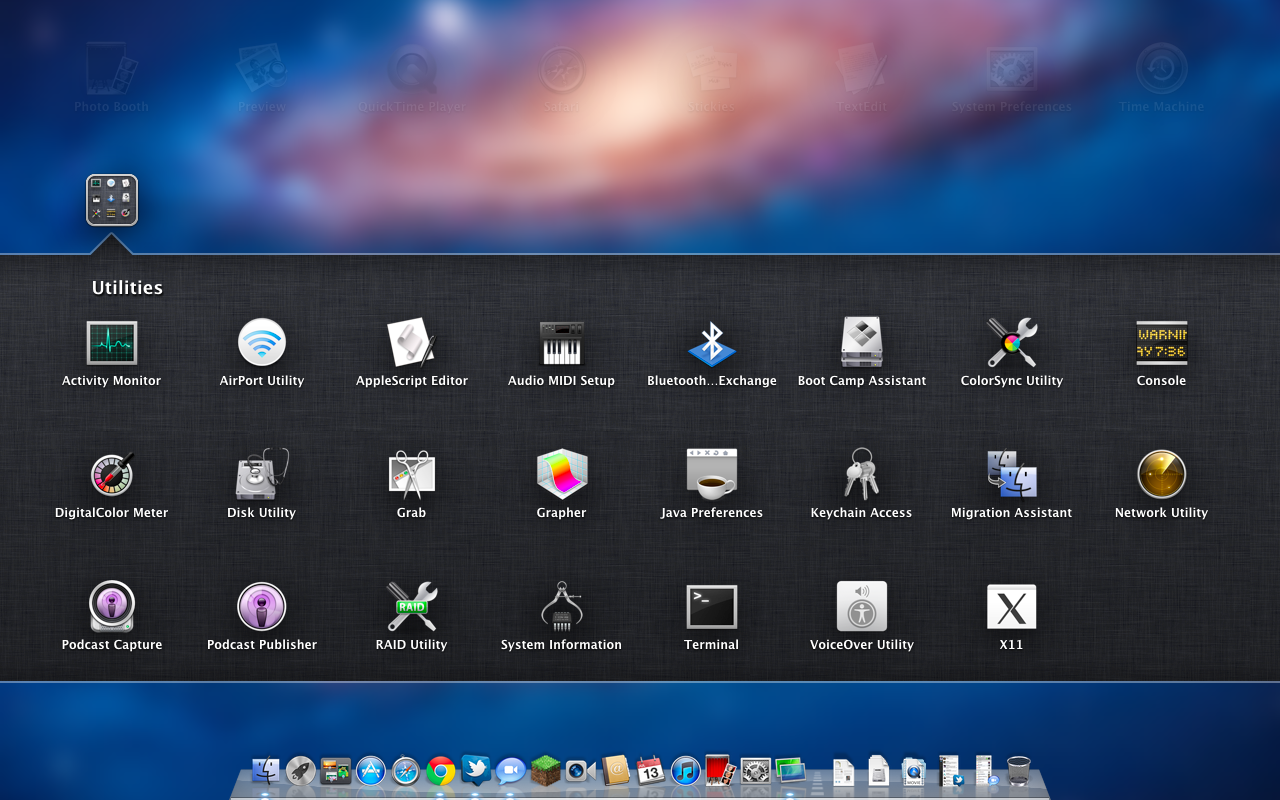
In all honesty, I find Launchpad to be fairly useless. I’ve been using Lion since the first Developer Preview and I’ve only used Launchpad a handful of times. There are a number of faster ways to launch an app, especially Spotlight. Maybe I’m a slave of my old habits but... I don’t find any use for Launchpad. It's one of the less successful iOS imports - it doesn’t fit in, nor does it bring anything truly new, since the Stacks feature has been doing same thing for a while now.
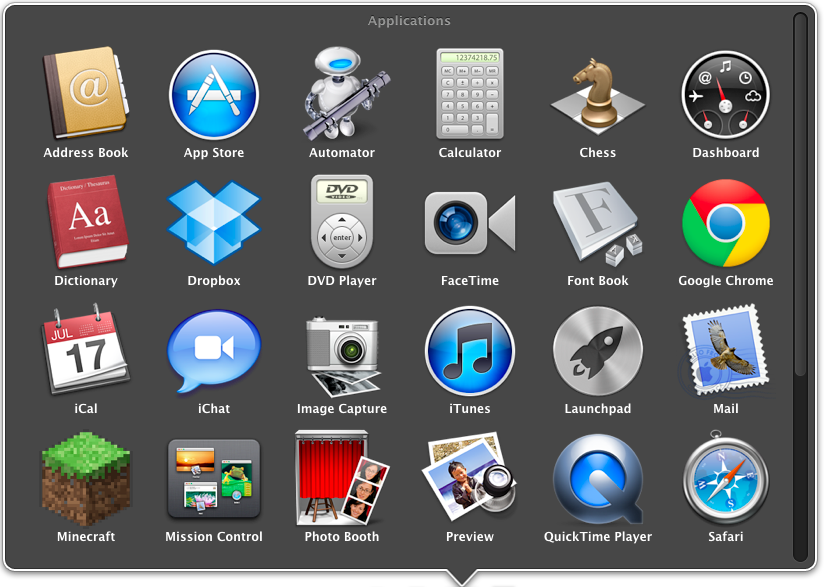
A Stacks view of the Applications folder. Look familiar?
Launchpad may, however, offer more utility on a laptop with multitouch trackpad because it is easy to trigger it with a gesture. On a desktop, the only way to open Launchpad is to either click it in Dock or use Spotlight, unless you have the Magic Trackpad. This even applies to Magic Mouse, although it is possible to add gestures using third party software. Making it so hard to access takes away its usability. Why would I open Launchpad to launch an app when I could open the app I want to open straightaway?
What I find the most irritating is that Launchpad does not recognize your existing folders. For instance, I have my Adobe apps neatly in Adobe CS5 folder, so they don’t take up my whole applications folder when I’m browsing it (very annoying with Stacks). I would have to group them again just for Launchpad. Call me lazy, but there are so many other ways to launch an app which doesn’t require that, and I think I will stick with them.
I can see Launchpad working well for users that don't have that many applications on their Mac however. With a single page of icons, Launchpad may be a more consumer-friendly way to launch applications. Perhaps this is Apple's way of introducing iOS users who've never owned a Mac to launching apps in OS X?
Full Screen

Safari in full screen
For people who have used Windows, making windows full screen may not seem like a big feature since it has been included in Windows for ages. In fact, it may sound a bit laughable considering that it has taken Apple this long to integrate any OS wide full screen feature to OS X. However, as usual, Apple likes to reinvent the wheel and do things differently than others, and full screen is no exception.
Apple’s approach is a bit more than just a maximize button. Earlier in this article, we talked about Mission Control and how it works. Basically, full screen windows act as individual Spaces. If you make a window full screen, it will create an own Space for that window. That way you don’t have to to exit from full screen when you want to change the window, you simply use the gestures to scroll between Spaces or use Mission Control. The end result is a truly monolithic experience where you're only interacting with one application at a time, and even then the resemblence to iOS is quite strong since full screen mode does away with the Dock and the OS menu bar.
In my opinion, Apple’s approach makes usage of full screen a little more complicated than in Windows but at the same time, full screen applications are more usable. You don’t need to minimize your full screen window in order to use other windows. You can also work with multiple full screen windows effortlessly. Full screen is not a big deal for desktops with hi-res screens since you have the screen estate for multiple windows but in a laptop, especially 13” and smaller, Full Screen can take better advantage of every single pixel on your screen.
There is one huge limitation though: running apps in full screen in multi-monitor setup is unusable. You simply cannot run an app in full screen in the other monitor while using another app in the second monitor. When in full screen mode, the other screen will only have the grey background, you cannot move any windows there nor launch any new apps. For example, you cannot run Mail in full screen in your second monitor while browsing Safari on your main monitor. And this is not the only issue. If you have a window on your second screen and make it full screen, it will be full screen in your main monitor. Essentially this means you cannot run apps in full screen in your second monitor, which is really a shame for people with multiple monitors. This is even present with QuickTime Player, you cannot use it to play movies on your TV for instance without making it your main monitor. Luckily this is only limited to QuickTime, and other players with their own full screen modes work fine.
Apple’s full screen approach definitely has its pros and cons over Microsoft’s but overall it’s a crucial feature for OS X and it’s surprising that it has taken this long for Apple to add it.
Originally published at https://www.anandtech.com/show/4485/back-to-the-mac-os-x-107-lion-review (Wayback Machine).