
Motorola Droid 2 Review: Rebooting the Droid
More BLUR additions
We’ve already discussed the majority of Motorola’s BLUR-lite skin for Android in the context of the Droid X review. I thought that I wouldn’t see any more from BLUR, but I was wrong. Cleary not contented with how things turned out with the Droid X, Motorola has added a few extraneous things that for me push the Droid 2 a bit over the scale in my opinion.
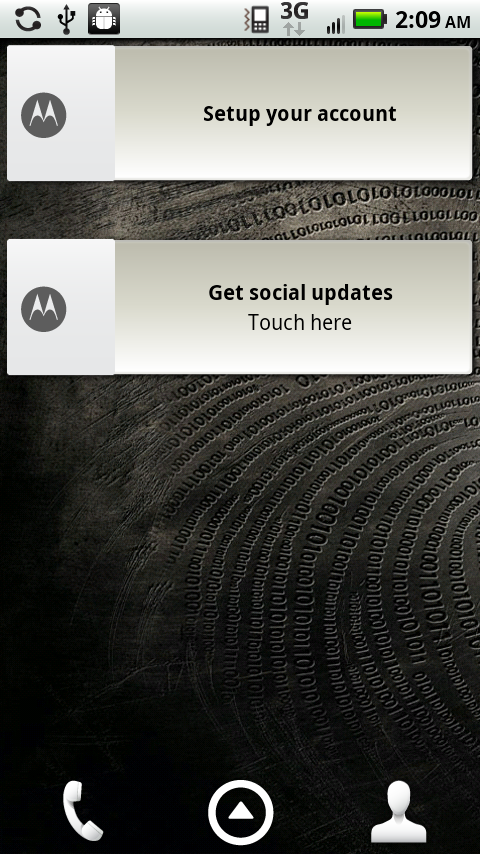
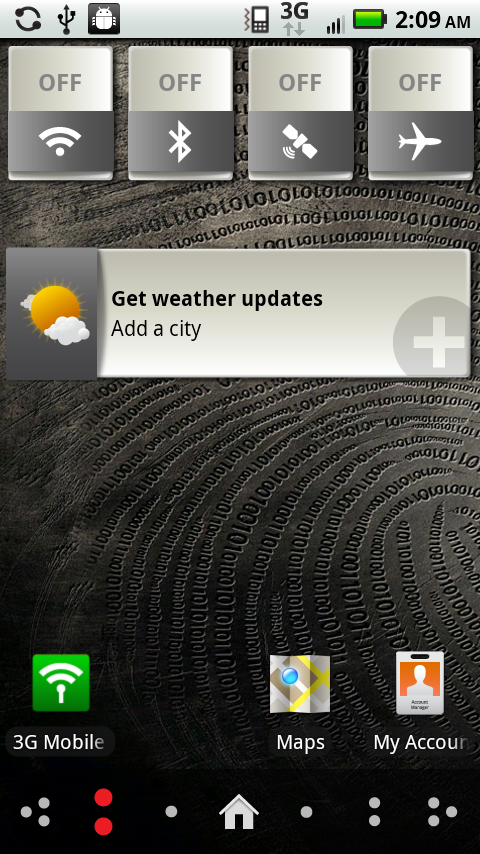
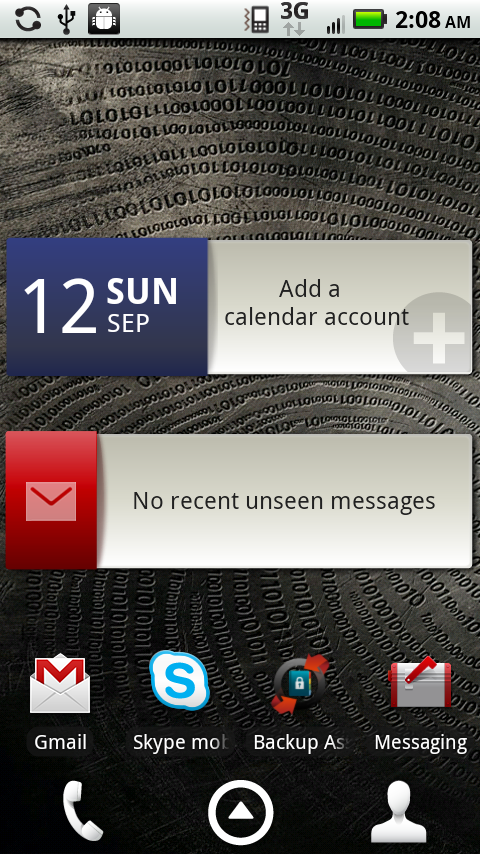
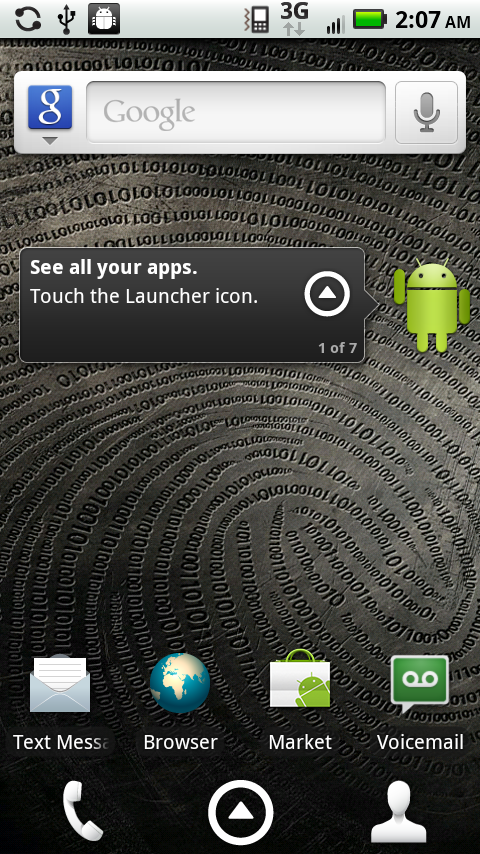
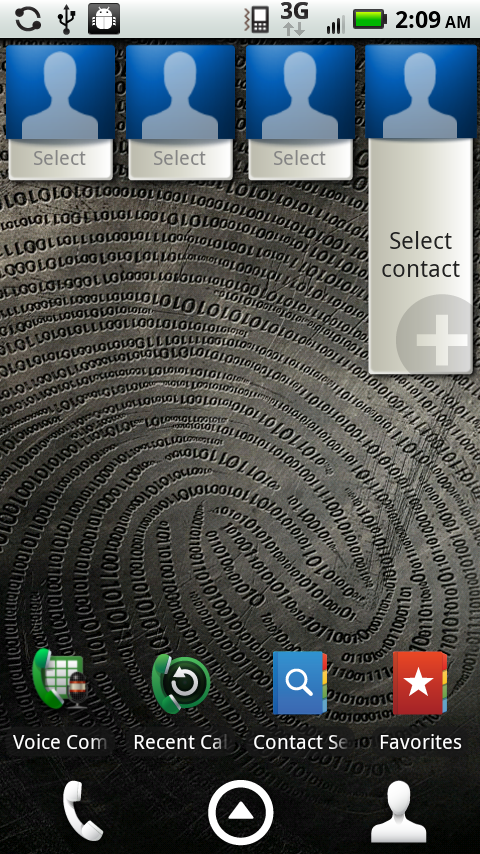
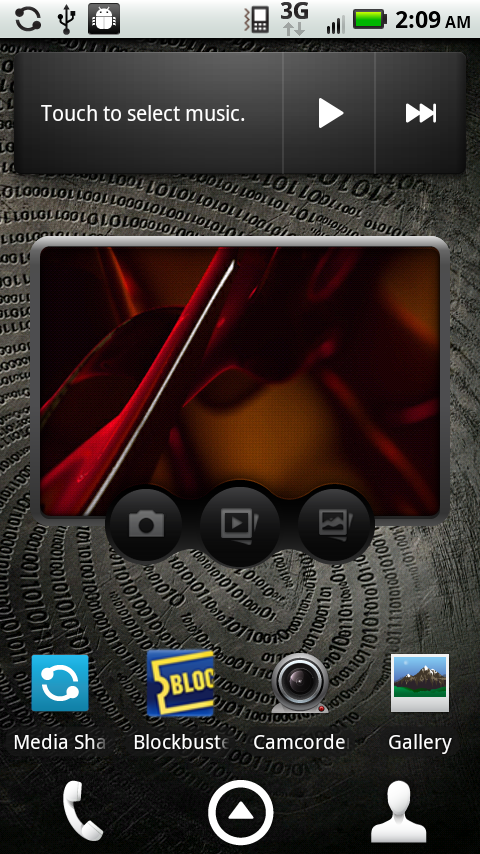
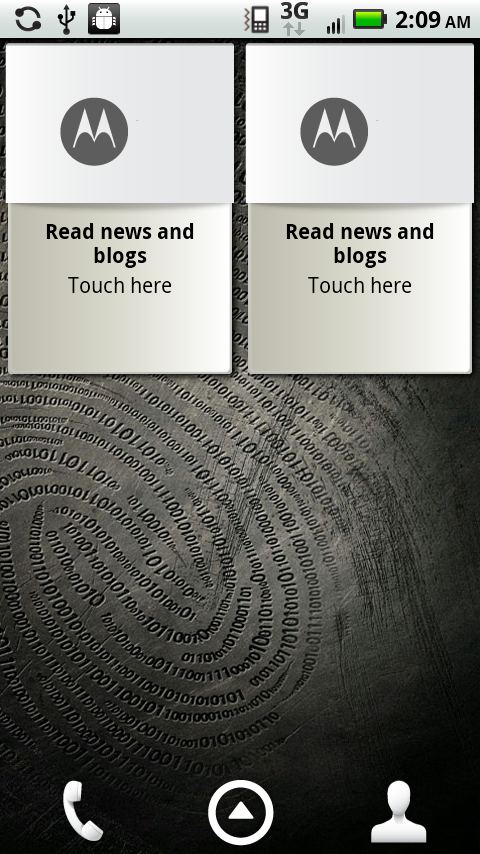
First off, the default widget layout remains the same.
|
Home Screens—Default Configuration and Layout
|
|||||||||
 |
 |
 |
 |
 |
 |
 |
|||
There’s stuff on every page, but thankfully you can remove them pretty easily. I still like that the Motorola widgets can be resized dynamically, however there’s just too many of them strewn about by default. It’s a matter of personal taste I guess, but don’t people like things to be clean and empty when they get them instead of already full of stuff?
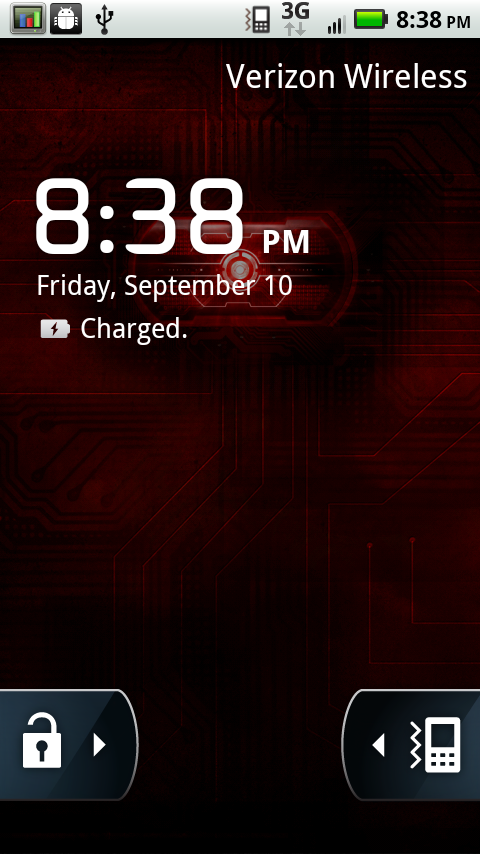
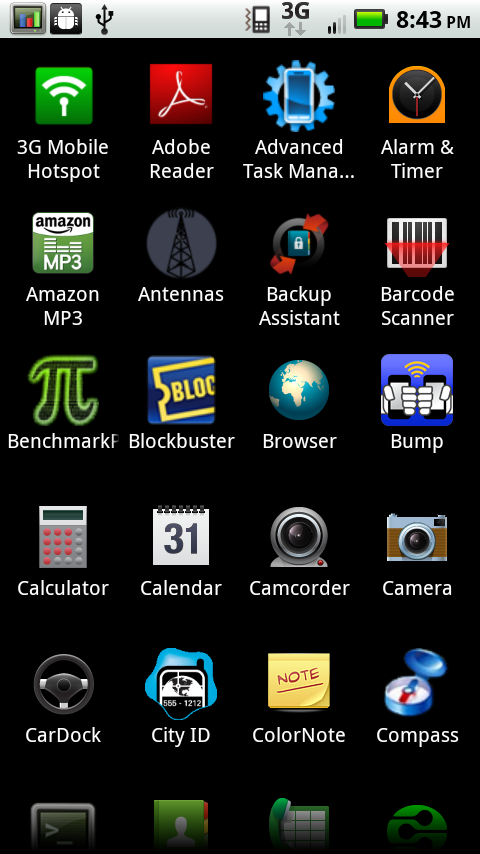
Anyhow, what really gets me is what’s been added. Tapping on the up arrow to launch the applications list no longer results in an instantaneous presentation of applications. Instead, there’s a sporadically low FPS, choppy 1 second fade animation. Hit home to go back to the home screen, and there’s another 1 second fade animation. Go to settings -> display and set animations to “no window animations are shown,” and the second long blur animation will still happen every single time.
|
Left—Lock Screen, Right—Applications Menu
|
||||
 |
 |
|||
It sounds stupid, but it’s really these little extra things that are frustrating. Further, because they’re part of the BLUR UI, they don’t hook into the standard Android settings menus, which is why disabling all animations doesn’t do anything. It’s stuff like this that makes rooting not just a matter of choice, but rather a necessity for getting all this extra stuff out of the way.
Virtually everything else about the BLUR skin that I saw on the Droid X I see on the Droid 2. Probably the only notable change is that random extra animation, and landscape support for when you have the keyboard out.
 Landscape Homescreen
Thankfully, you really can use the device with the keyboard out basically everywhere in Android, as everything first party has portrait and landscape support. Applications have to build their own landscape support in, but that’s how it is on all the major platforms.
Browser
The Droid 2 is the first Motorola Droid shipping with Flash preinstalled. It comes with 10.1.72.10 installed by default, which is the last beta build out on the market before 10.1 officially was finalized. Interestingly enough, there’s Adobe Flash branding right on the Droid 2 box.

You can update the device to the latest version of Adobe Flash, 10.1.92.10, by grabbing it from the market directly. Be warned though it doesn’t show up in the normal list of applications waiting to be updated from the downloads window, you have to seek it out yourself. Sam and I have been doing lots of flash testing and have an interesting story coming up—there’s no major difference between the Beta 3 build and this final version that we’ve encountered yet.

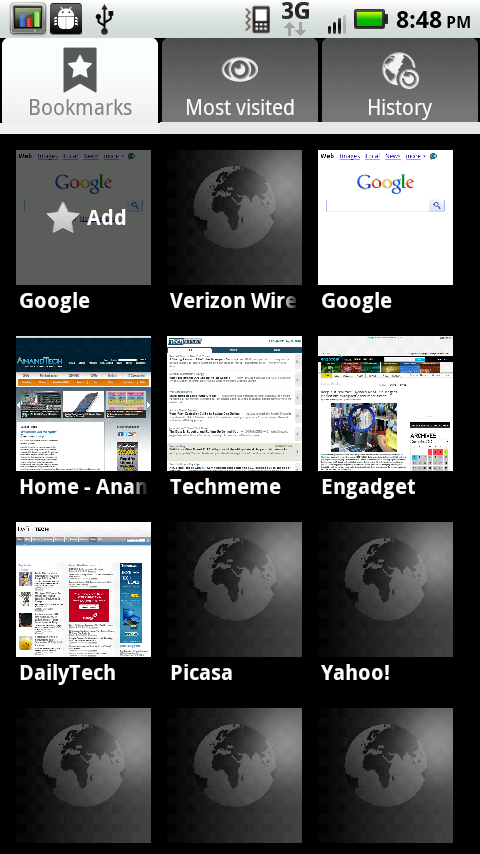
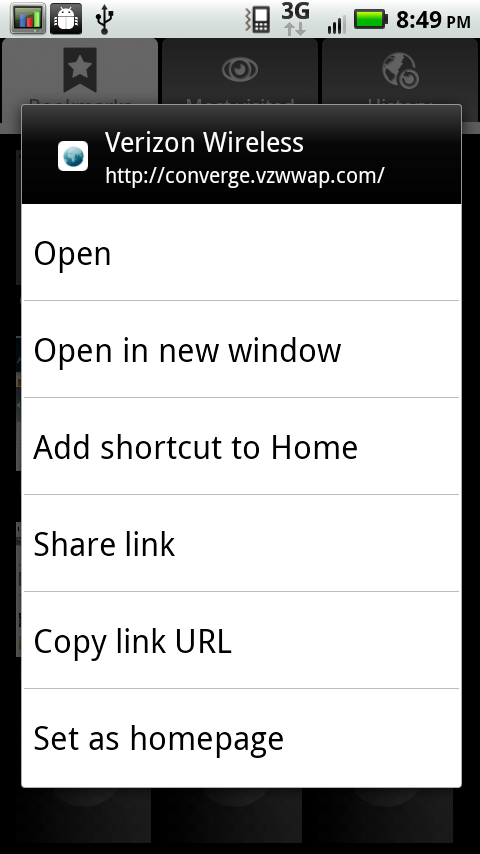
What’s different about the browser on the Droid 2 is in bookmarks. I noticed that you can’t delete either the Verizon or Google bookmark, which occupy the first and second spot in the bookmark menu. Try to delete them by long pressing, and you’ll get a dialog where deletion is suspiciously absent. You can't scroll up or down, it's just not there.
|
Left—Bookmarks, Right—No delete link for VZW
|
||||
 |
 |
|||
This isn’t just slightly annoying so much as it is unnerving. Do we really need a permanent bookmark to Verizon’s portal page, or Google? Moreover, what's open about forcing you to live with a useless Verizon bookmark you can't delete—without rooting? I’ll let you be the judge.
The rest of the browser is thankfully unchanged and just as great as it is on stock Froyo.
Originally published at https://www.anandtech.com/show/3908/motorola-droid-2-review-rebooting-the-droid (Wayback Machine).