
Zalman HD-160 and Accompanying Products
- Posted in
- Cases/Cooling/PSUs
HD-160 Case - Interior (cont'd)
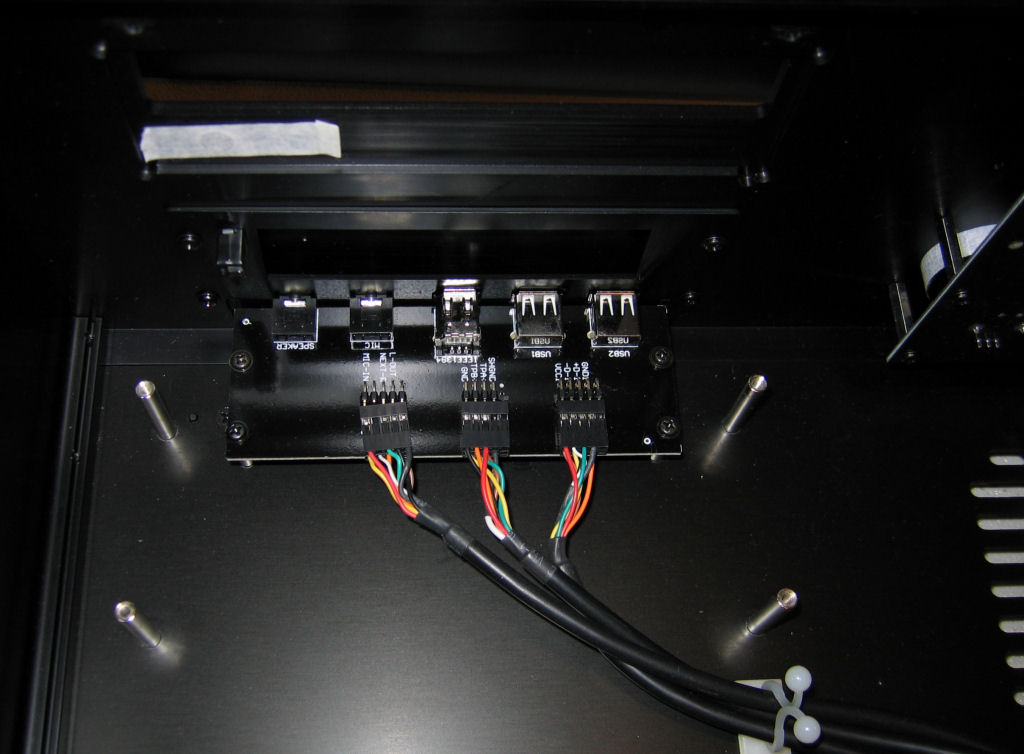
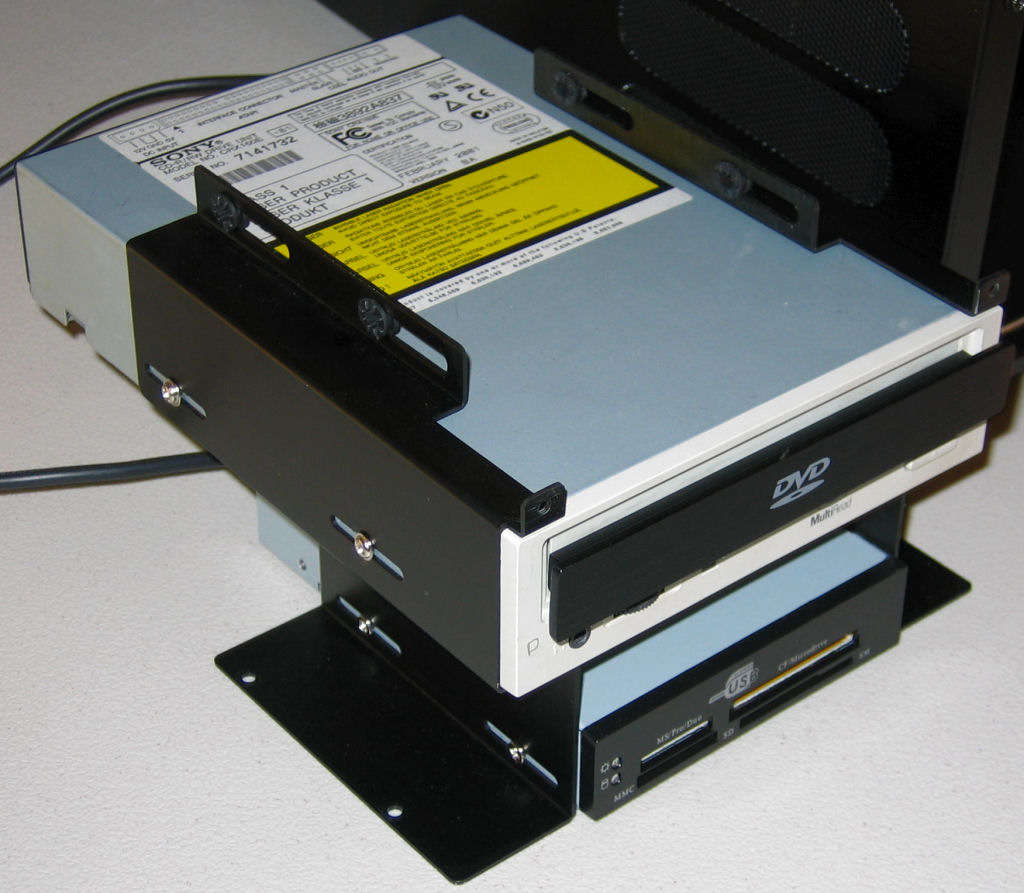
To take a closer look at the HD-160, we removed components and examined them individually. First, here's a picture of the multi-card reader/port pieces, which (thankfully) uses standard USB connections and is mounted sturdily by several bolts.
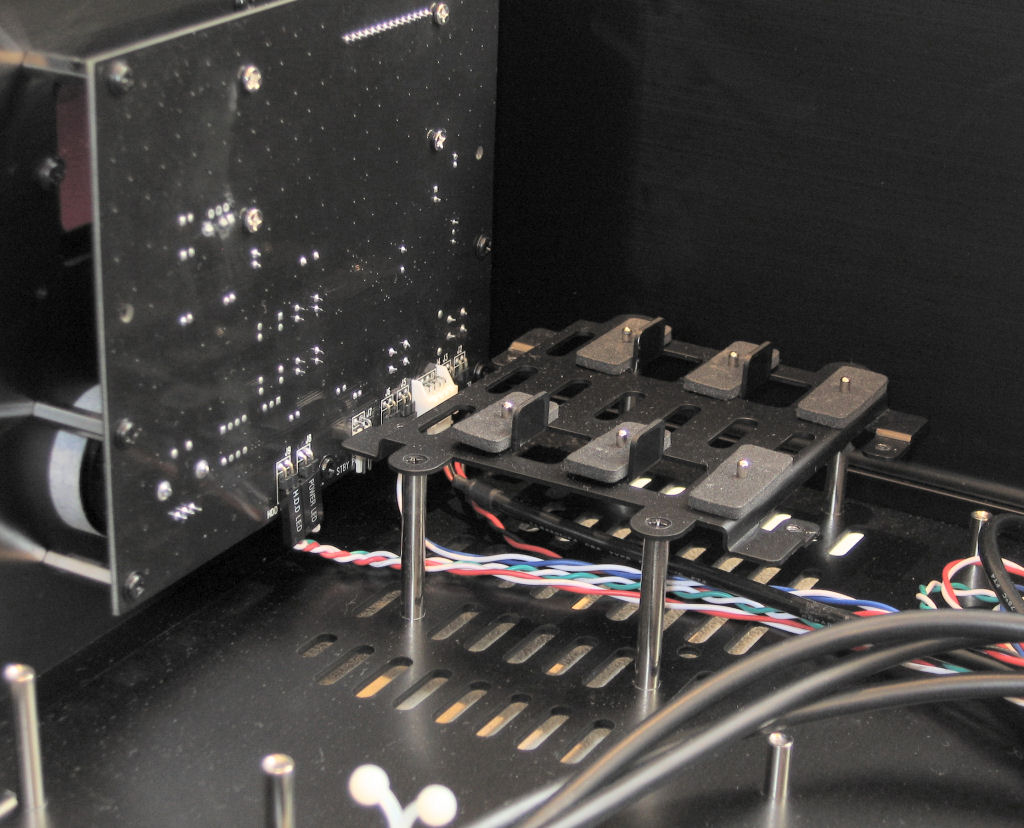
With the top of the other hard drive mounting unit removed, we can see how these drives are held in place.
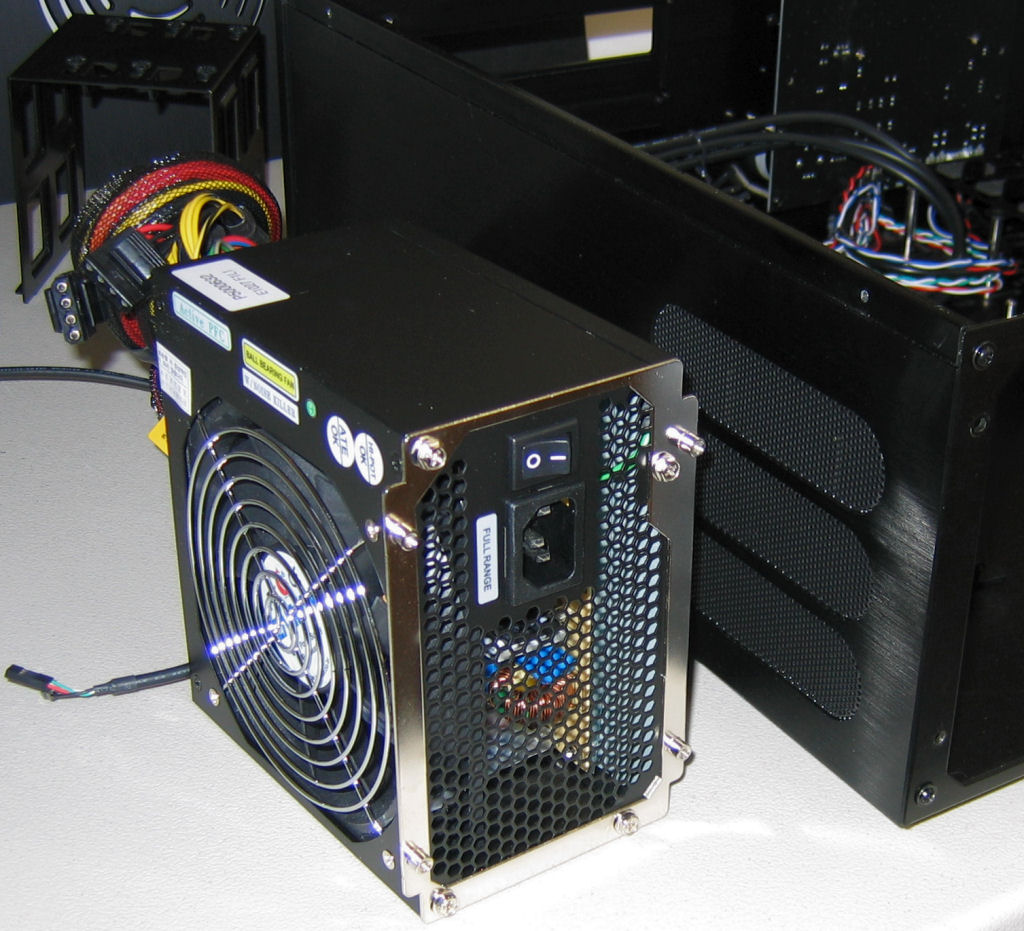
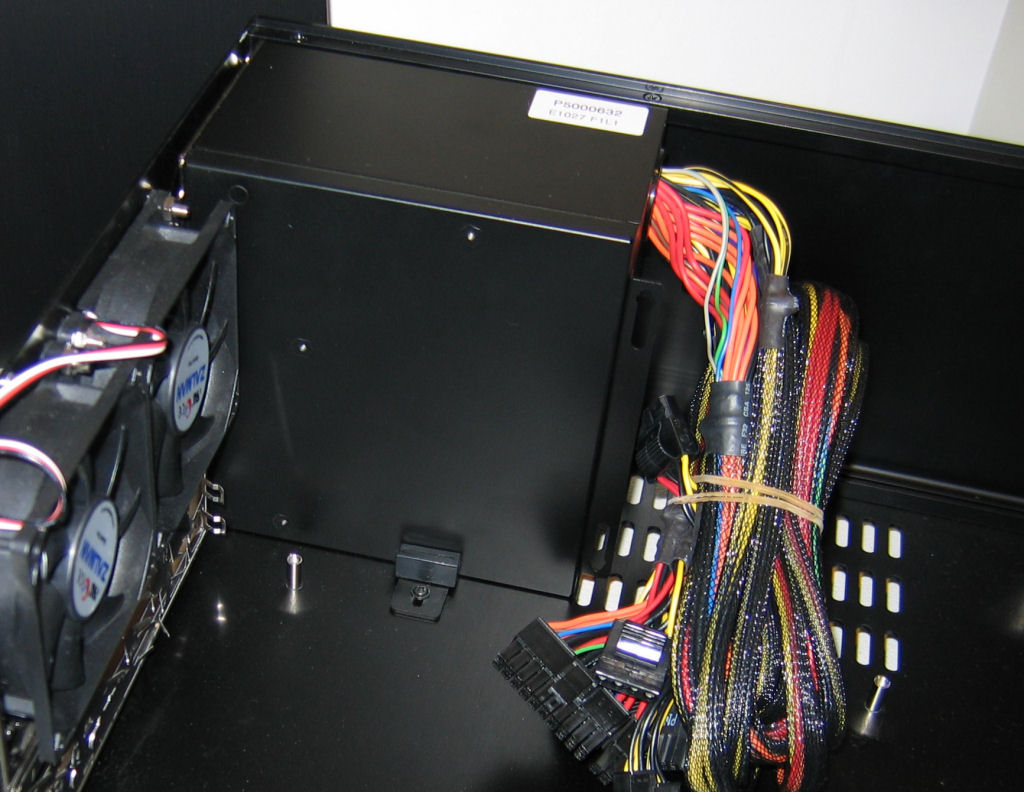
The installation of the power supply is quite similar to other designs that we've looked at before, with a separate plate first attaching to the supply, which then screws into the case. The plate itself is symmetrical with respect to the case's mounting points, so any compatible power supply can be turned either direction in the HD-160.
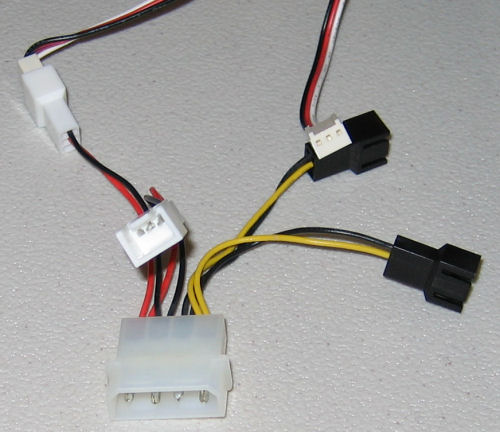
Before getting to the details of the rest of the installation process, it should be noted that Zalman includes a versatile molex adapter with the case that allows the user to run the two rear exhaust fans at either 5v or 12v, depending on the desired cooling performance/noise level. Little inclusions like this are certainly welcome additions to any higher-end chassis; it's always nice to have options.
To take a closer look at the HD-160, we removed components and examined them individually. First, here's a picture of the multi-card reader/port pieces, which (thankfully) uses standard USB connections and is mounted sturdily by several bolts.
Click to enlarge.
Click to enlarge.
With the top of the other hard drive mounting unit removed, we can see how these drives are held in place.
Click to enlarge.
The installation of the power supply is quite similar to other designs that we've looked at before, with a separate plate first attaching to the supply, which then screws into the case. The plate itself is symmetrical with respect to the case's mounting points, so any compatible power supply can be turned either direction in the HD-160.
Click to enlarge.
Click to enlarge.
Before getting to the details of the rest of the installation process, it should be noted that Zalman includes a versatile molex adapter with the case that allows the user to run the two rear exhaust fans at either 5v or 12v, depending on the desired cooling performance/noise level. Little inclusions like this are certainly welcome additions to any higher-end chassis; it's always nice to have options.
Originally published at https://www.anandtech.com/show/1981 (Wayback Machine).