Zalman HD-160 and Accompanying Products
- Posted in
- Cases/Cooling/PSUs
HD-160 Case - Installation
After the power supply, the motherboard is really the next logical unit to put in the HD-160.
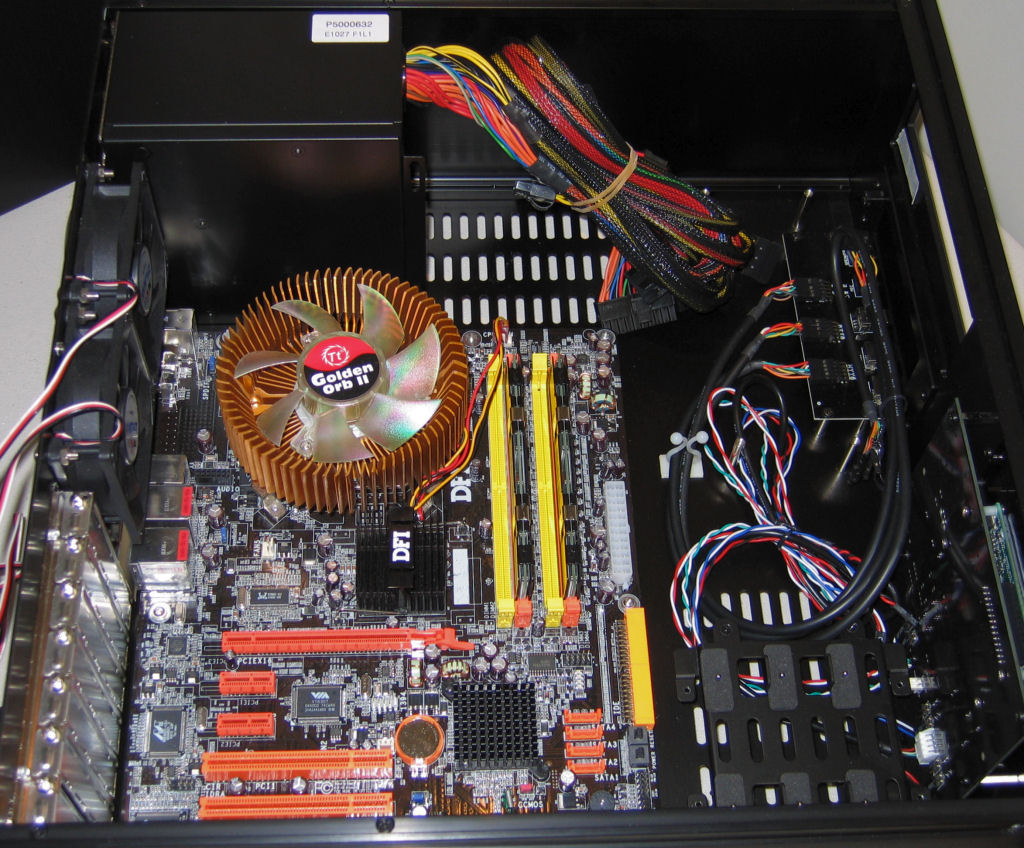
With the cages out, our standard test motherboard assembly was very simple to put in place and attach to the included standard ATX mounting points.
Next up is the hard drive, which (as we mentioned before) wasn't too bad except for the two screws that have to go towards the bottom on the front side of this cage.
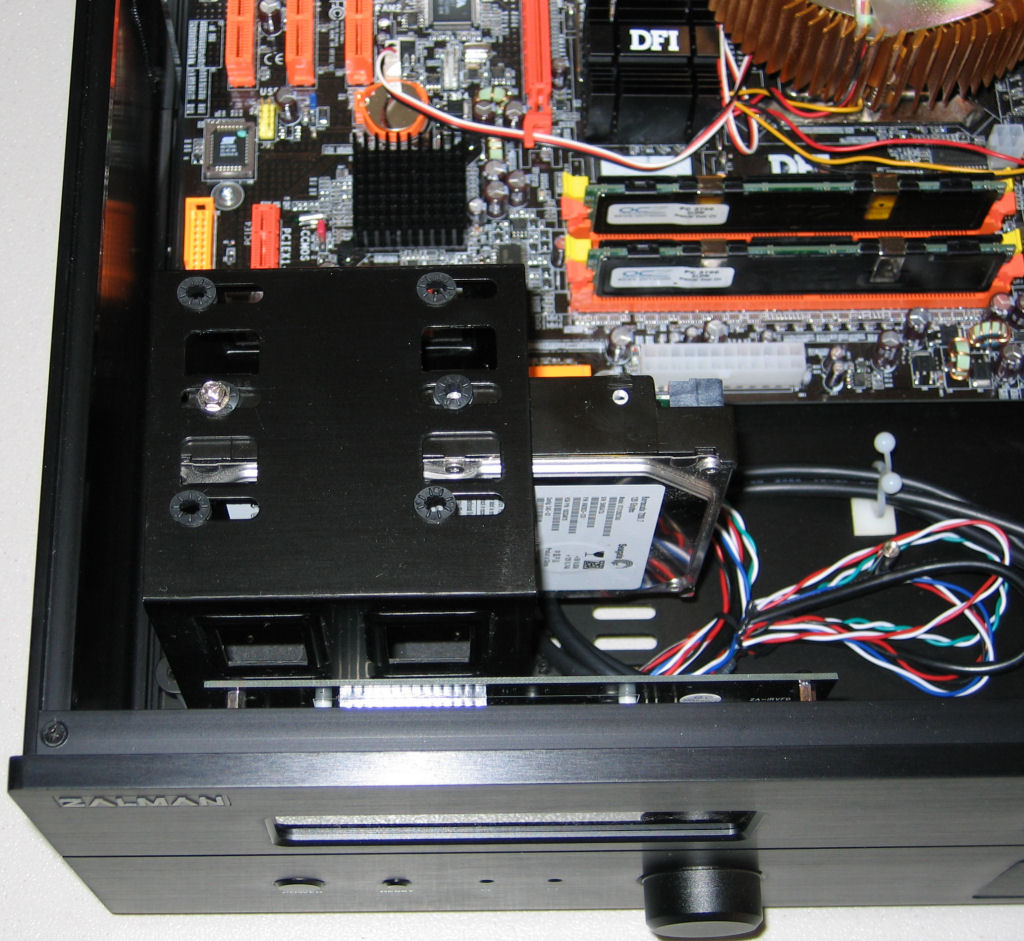
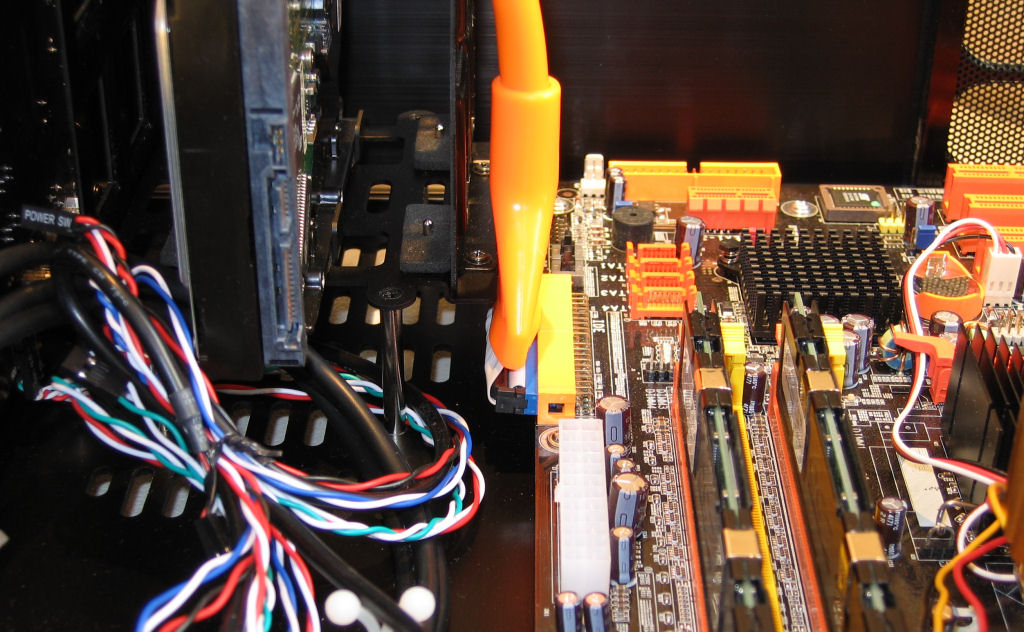
As it usually tends to be, our sideways-facing primary IDE channel port was once again a bit of a nuisance, but certainly not as bad as it has been in the past. With the option to take out the entire HDD cage (bottom piece included) if necessary, this is really only a minor complaint.
With the necessary cabling and most other components in place, the last cage can be screwed into place, and thankfully this unit, even with the optical drive already mounted, is fairly simple to install.
After this was done, we connected a few cables, including the ATX power cord and IDE cable to get a picture before any real cable management was performed.
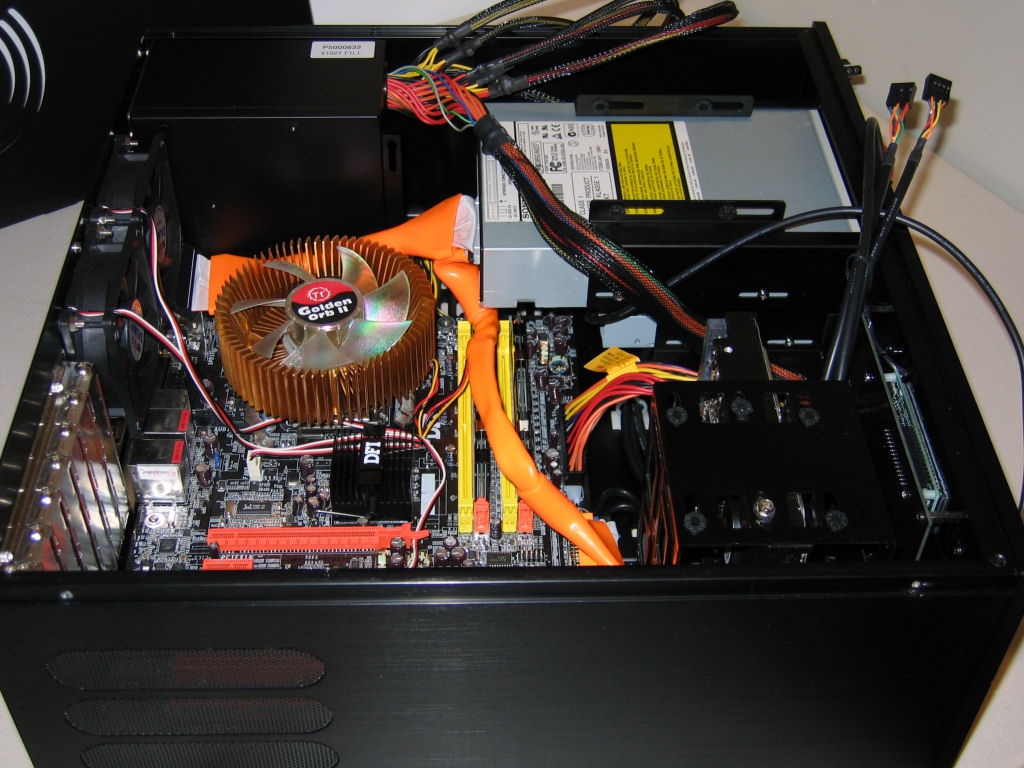
Thanks to the extra space on either side of the external drive cage, cable management is a breeze in the HD-160. We were able to route cables much better than in other cases with minimal effort.
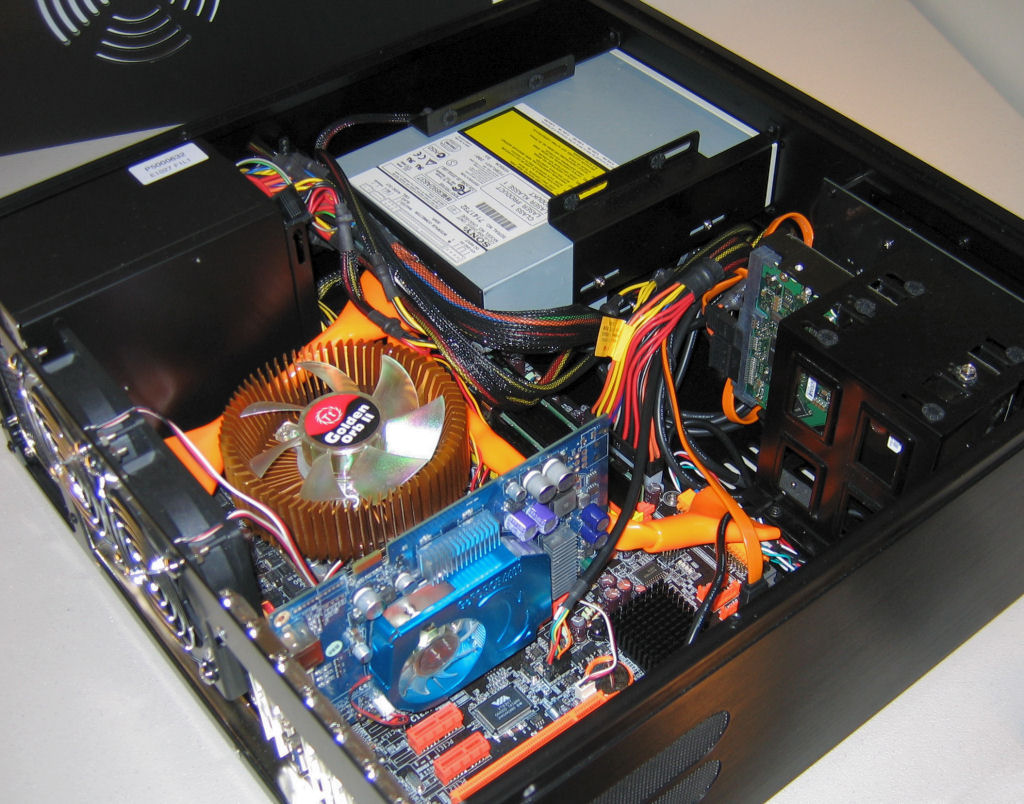
Finally, we installed our 6600GT video card, which was about as simple as it could be. Even longer video cards shouldn't have any problems inside the case, thanks to the smart layout.
Included with the HD-160 is a VFD, which by default simply displays "Welcome to HTPC", but after installing drivers, it displays the current date and time, as shown below.
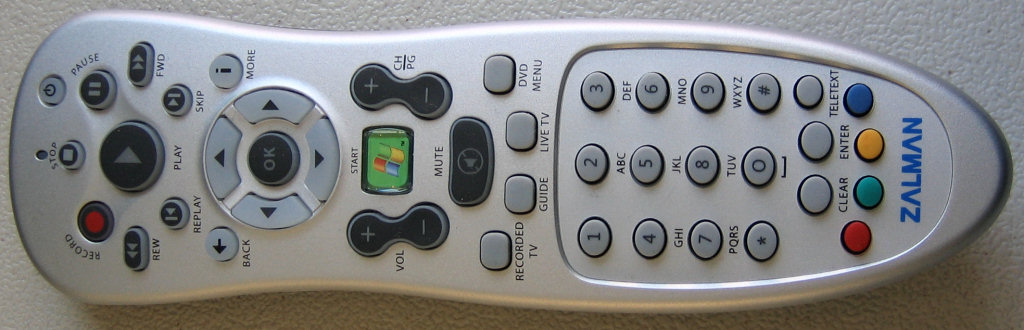
A nice Windows MCE remote is included as well, but the documentation and software for programming the remote are lacking. However, since most of what goes on with the remote and display are only tied directly to Media Center Edition, this perhaps isn't as big of a deal as it might seem. When working in the OS itself, the display has a much better idea what information to display and the controls on the remote integrate automatically with the base software of the OS - especially windows media player.
After the power supply, the motherboard is really the next logical unit to put in the HD-160.
With the cages out, our standard test motherboard assembly was very simple to put in place and attach to the included standard ATX mounting points.
Next up is the hard drive, which (as we mentioned before) wasn't too bad except for the two screws that have to go towards the bottom on the front side of this cage.
As it usually tends to be, our sideways-facing primary IDE channel port was once again a bit of a nuisance, but certainly not as bad as it has been in the past. With the option to take out the entire HDD cage (bottom piece included) if necessary, this is really only a minor complaint.
With the necessary cabling and most other components in place, the last cage can be screwed into place, and thankfully this unit, even with the optical drive already mounted, is fairly simple to install.
After this was done, we connected a few cables, including the ATX power cord and IDE cable to get a picture before any real cable management was performed.
Thanks to the extra space on either side of the external drive cage, cable management is a breeze in the HD-160. We were able to route cables much better than in other cases with minimal effort.
Finally, we installed our 6600GT video card, which was about as simple as it could be. Even longer video cards shouldn't have any problems inside the case, thanks to the smart layout.
Included with the HD-160 is a VFD, which by default simply displays "Welcome to HTPC", but after installing drivers, it displays the current date and time, as shown below.
A nice Windows MCE remote is included as well, but the documentation and software for programming the remote are lacking. However, since most of what goes on with the remote and display are only tied directly to Media Center Edition, this perhaps isn't as big of a deal as it might seem. When working in the OS itself, the display has a much better idea what information to display and the controls on the remote integrate automatically with the base software of the OS - especially windows media player.
Originally published at https://www.anandtech.com/show/1981 (Wayback Machine).