Archive 1997–2024

SilverStone SG01B

Installation

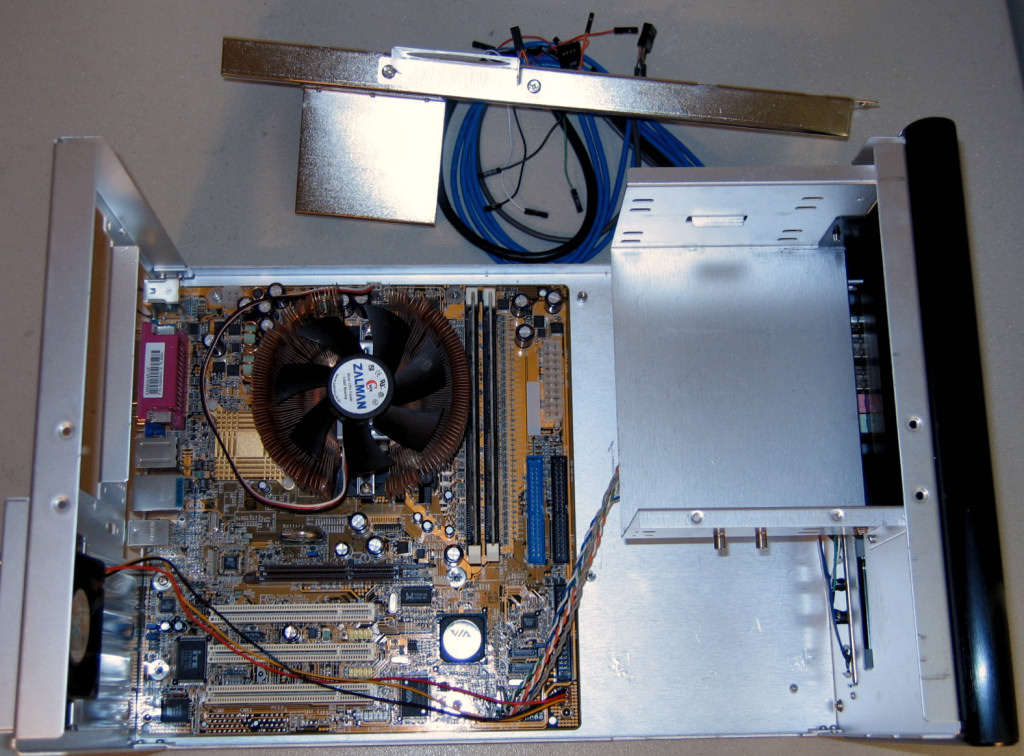
Without a motherboard tray, we found it to be advantageous to remove the top support to make it easier to install the motherboard in the SG01.

Click to enlarge.
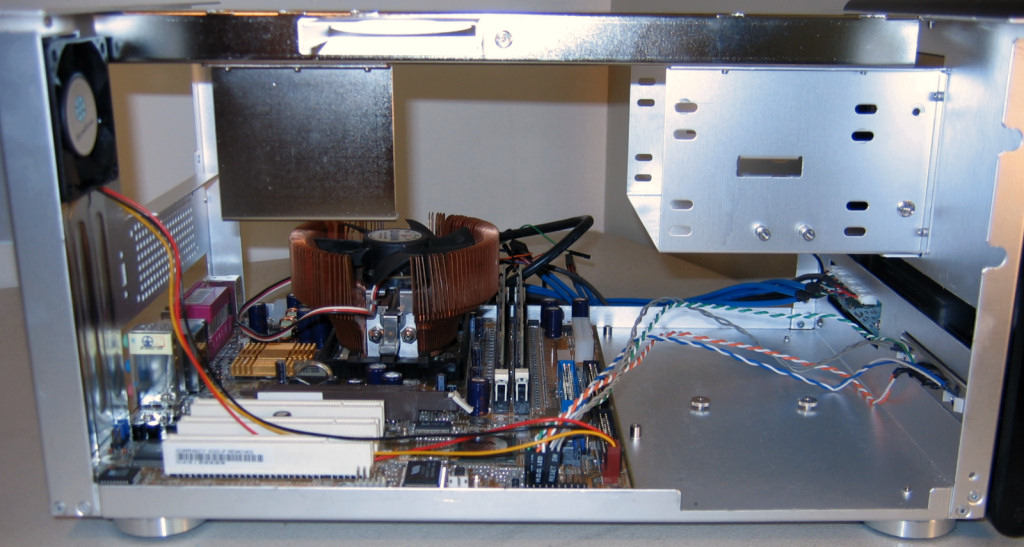
Before putting in anything else, we connected some of the cables and re-attached the top crossbar.


Click to enlarge.

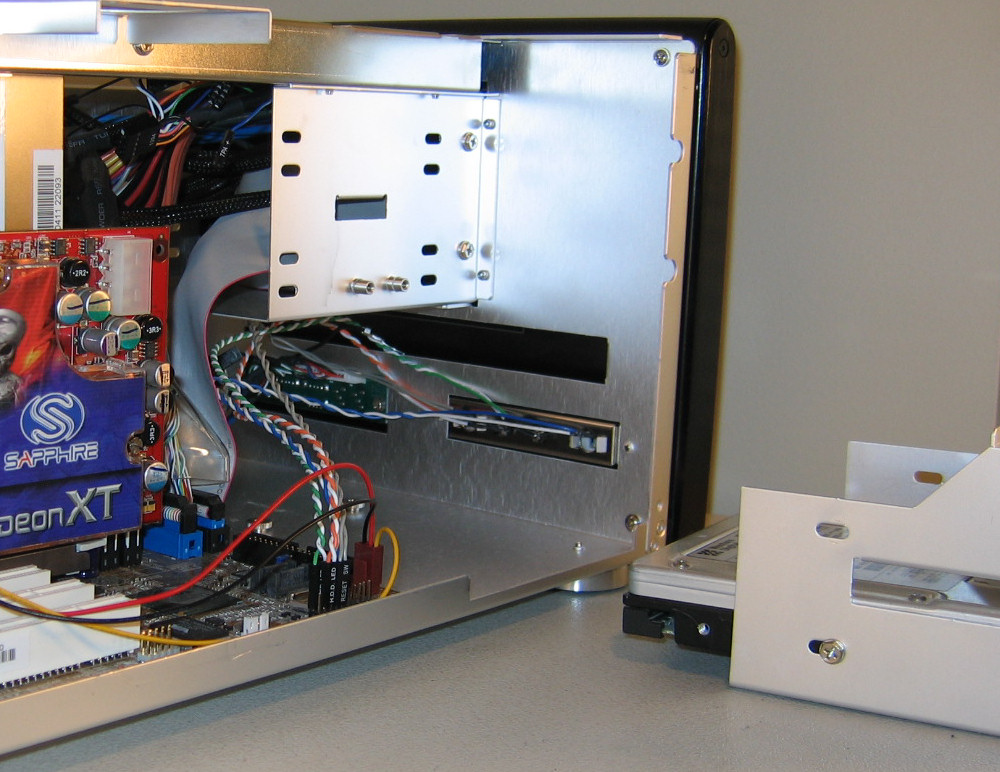
Now ready to put in our hard drive cage, the cage is positioned as it will be in the case, and is simply slid in from the side.


Click to enlarge.

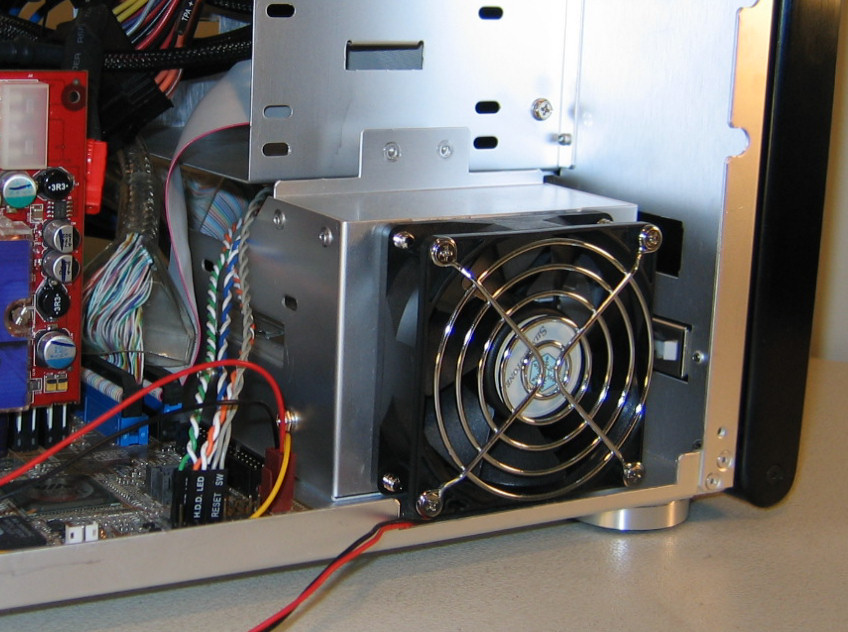
Notice how there will be very little clearance between the fan grill and the actual side of the case. This is actually a good thing, as it means that pretty much only cool air will be drawn over the hard drive(s).


Click to enlarge.

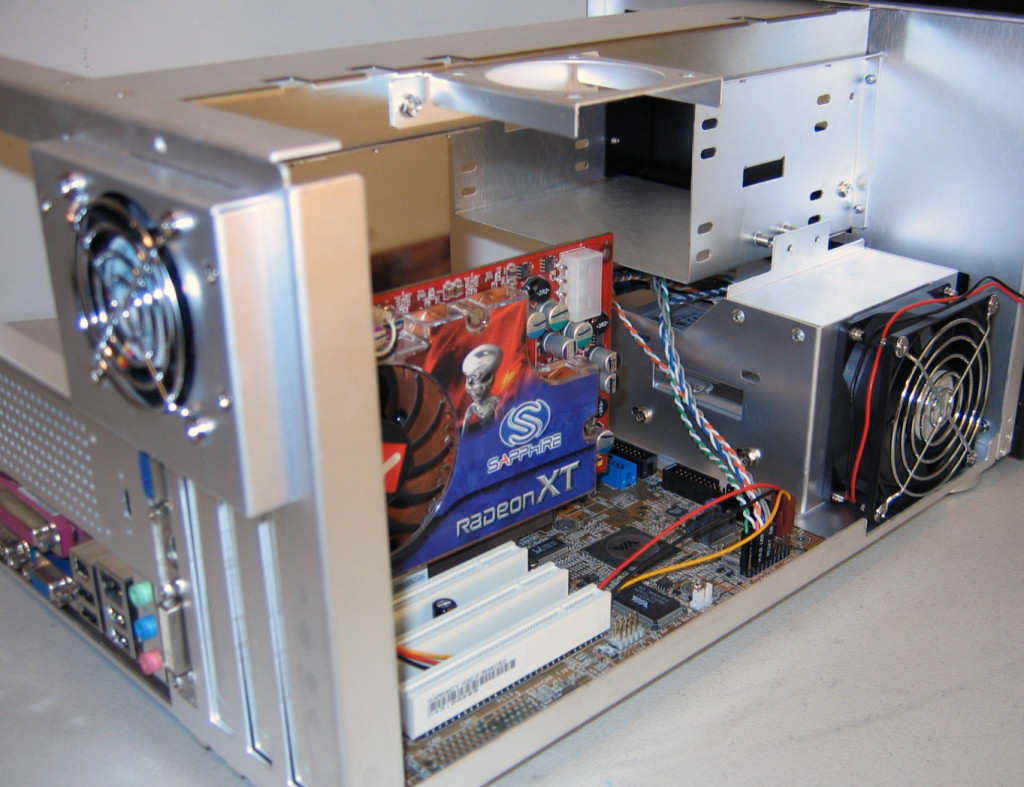
One final shot of this side of the case before we put in the CD drive and power supply, which really shows that there’s a good portion of unused space right above the hard drive cage and fan. If a modder were ambitious enough, perhaps this space could be used for a water pump and radiator.


Click to enlarge.


Originally published at https://www.anandtech.com/show/1835 (Wayback Machine).