
ATI's Avivo vs. NVIDIA's PureVideo: De-Interlacing Quality Compared
- Posted in
- GPUs
De-Interlacing Quality - Film Cadence
"The ability of a processor to detect and correct for a given film-to-video cadence affects image detail and may introduce scan line artifacts ("jaggies") as the video processor defaults to video mode. Observe the lines in the coffee cups and watch to see if they appear to jump or flicker, a sign of incorrect cadence detection resulting in half-resolution images. The text in the newspaper may also exhibit moiré and interlaced scan line artifacts."In this test, we have a 2:2 cadence that neither card handles properly. According to the benchmark's documentation, "documentaries shot on high speed film use 30 frames per second frame rates resulting in a 2:2 cadence."
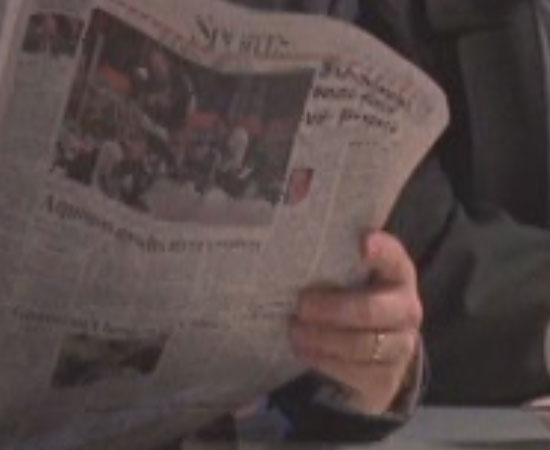
Hold mouse over image to see NVIDIA's Image Quality.
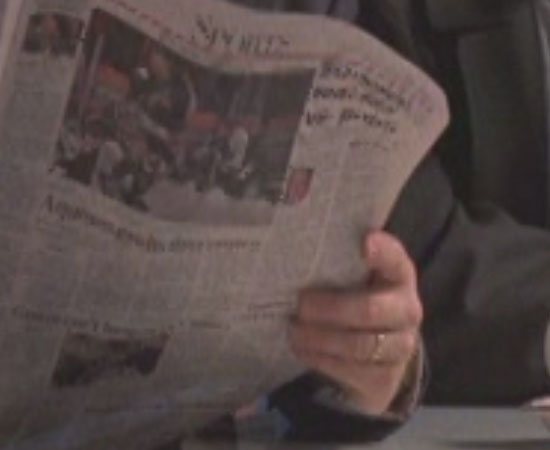
Hold mouse over image to see NVIDIA's Image Quality.
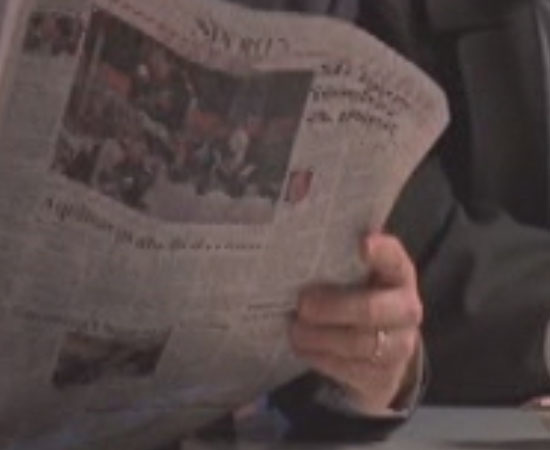
Hold mouse over image to see NVIDIA's Image Quality.
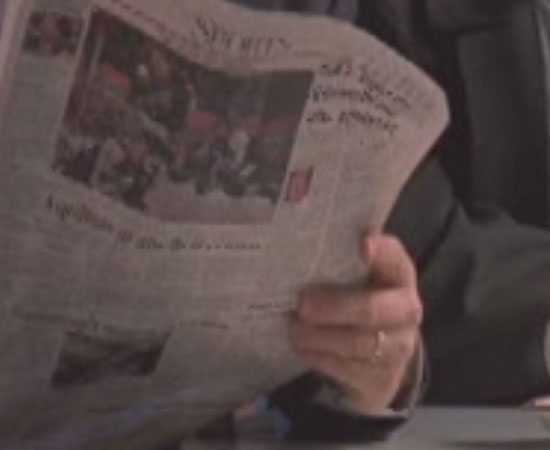
Hold mouse over image to see NVIDIA's Image Quality.
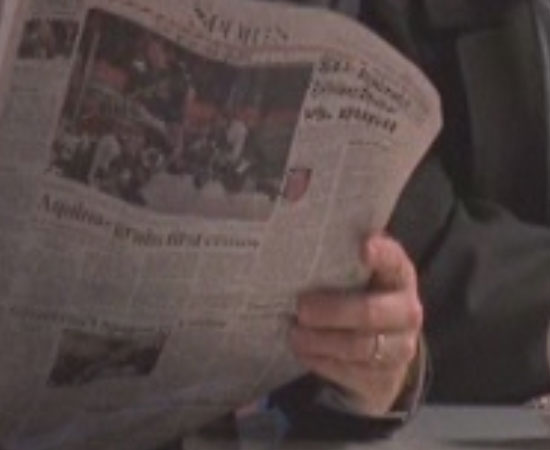
Hold mouse over image to see NVIDIA's Image Quality.
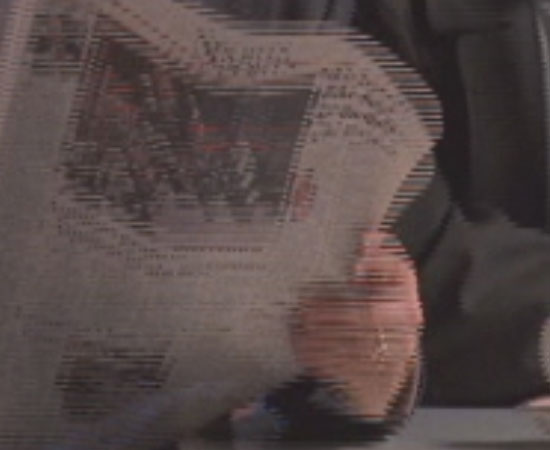
Hold mouse over image to see NVIDIA's Image Quality.
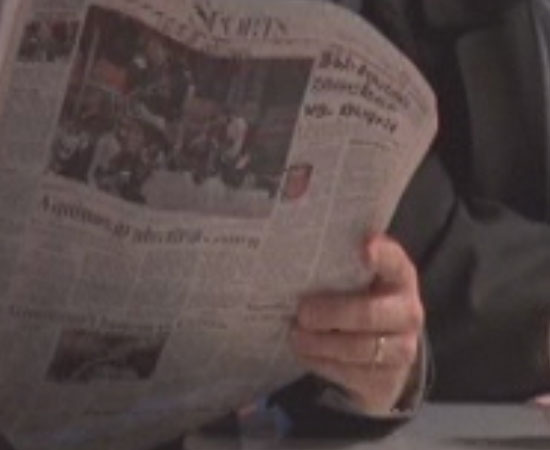
Hold mouse over image to see NVIDIA's Image Quality.
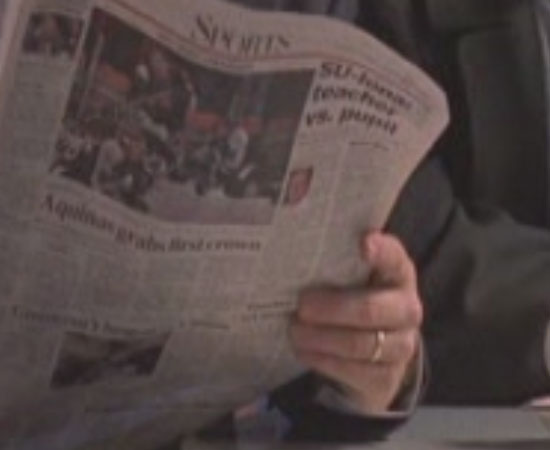
Hold mouse over image to see NVIDIA's Image Quality.
| Scoring | Description (5 points for each cadence) |
| 5 | THE INDIVIDUAL TEST CADENCE IS PRESENTED SMOOTHLY WITH NO FLICKERING OR JAGGIES IN THE COFFEE CUPS, NO MOIRÉ IN THE NEWSPAPER, AND NO LOSS OF RESOLUTION |
| 0 | ANY OF THE ABOVE ARTIFACTS APPEAR DURING ANY INDIVIDUAL TEST CADENCES |
Originally published at https://www.anandtech.com/show/1809 (Wayback Machine).