
ATI's Avivo vs. NVIDIA's PureVideo: De-Interlacing Quality Compared
- Posted in
- GPUs
De-Interlacing Quality - 3:2 Detection
For the ATI solution, there was a short period of time where the following was visible:
"Although video programs are transmitted to your TV using one of two picture refresh rates - 30 frames per second, interlaced (30i) and 60 frames per second, progressive scan (60p) - the original program content may have vastly different refresh rates. For example, motion picture film is shot, edited, and screened with a picture refresh rate of 24 frames per second, progressive scan (24p).Both ATI and NVIDIA detected the 3:2 sequence and properly de-interlaced the scene within the 0.2 second/5 frame suggested limit by the benchmark, but what was truly interesting was the fact that NVIDIA's solution didn't have any visible moiré pattern at all, even for 5 frames.
To convert such programs for television, a conversion process is used to find a common mathematical relationship between the original program and the broadcast format in use. One common technique is called 3:2 pulldown. During this technique, one additional film frame is repeated in every fifth field of video - hence, the term "3:2". A complete film-to-video sequence actually has a 2:3:2:3 pattern.
A quality video processing circuit will detect the extra frame and remove it to result in a smooth presentation of motion. However, the 3:2 sequences can be corrupted during digital editing, insertion of video effects and titles, digital compositing, and intercutting with animated sequences (which often have very different cadences).
Electronic editing is the most common source of discontinuities in the 3:2 sequence. If all edits started on the first, odd-numbered field of video (often called the 'A' frame), then the job of the 3:2 circuitry in your TV would be quite simple. However, when edits do not start on the 'A' frame, your 3:2 processor can lose count and must recapture the sequence.
For this test, your TV's progressive scan image or 3:2 cadence processor must be set in "Automatic" mode, not "Film Mode". As you watch the test image, pay attention to detail in the rows of seats in the racetrack grandstand. In addition to smooth motion and image detail, observe how quickly the TV's image processor picks up the 3:2 pattern.
No more than 5 frames (about .2 seconds) should pass before this happens, which is about the time it takes the racecar to reach the "HOMESTEAD" billboard on the wall along the track. If you see a strong moiré interference pattern in the grandstand, it is evidence that the processor has not correctly detected the image cadence."
For the ATI solution, there was a short period of time where the following was visible:
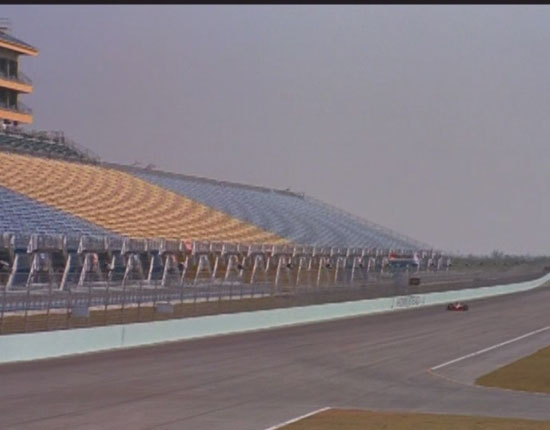
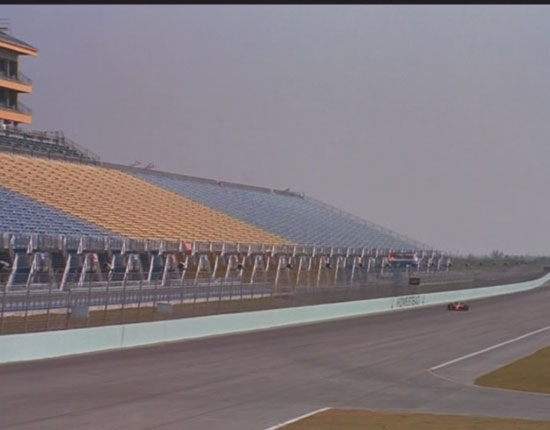
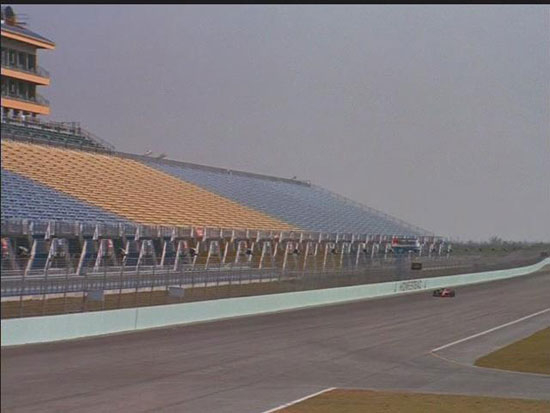
| Scoring | Description |
| 10 | OVERALL SHARPNESS IS GOOD, NO MOIRÉ PATTERN IS SEEN, AND THE TV LOCKS INTO FILM MODE ALMOST INSTANTLY (NO MORE THAN 5 FRAMES OR ABOUT .2 SECONDS) |
| 5 | THE IMAGE LOOKS DETAILED AND MOTION IS SMOOTH, BUT MOIRÉ IS SEEN IN THE GRANDSTAND FOR UP TO ONE HALF SECOND (ABOUT 15 FRAMES) AS THE TV SWITCHES INTO FILM MODE |
| 0 | THE TV TAKES TOO LONG TO LOCK INTO FILM MODE OR DROPS IN AND OUT OF FILM MODE, AND A STRONG MOIRÉ PATTERN IS SEEN IN THE GRANDSTAND |
Originally published at https://www.anandtech.com/show/1809 (Wayback Machine).