
The Windows 10 Review: The Old & New Face of Windows
- Posted in
- Operating Systems
- Microsoft
- Windows 10
Even More New Features: Miscellaneous Additions to Windows 10
When I sat down to write this review, I had been using the new operating system on and off since October of 2014. New features would come on over time, but now that you sit back and look at the big picture, there is just a huge number of changes and features that have come to Windows 10. Not all have been excellent, with OneDrive as the big example of that, but many of the changes have been quite welcome.
Here are a few more features which I feel are worth discussing in short detail. There is even more than I haven’t discussed, but I have to draw the line somewhere.
Groove Music
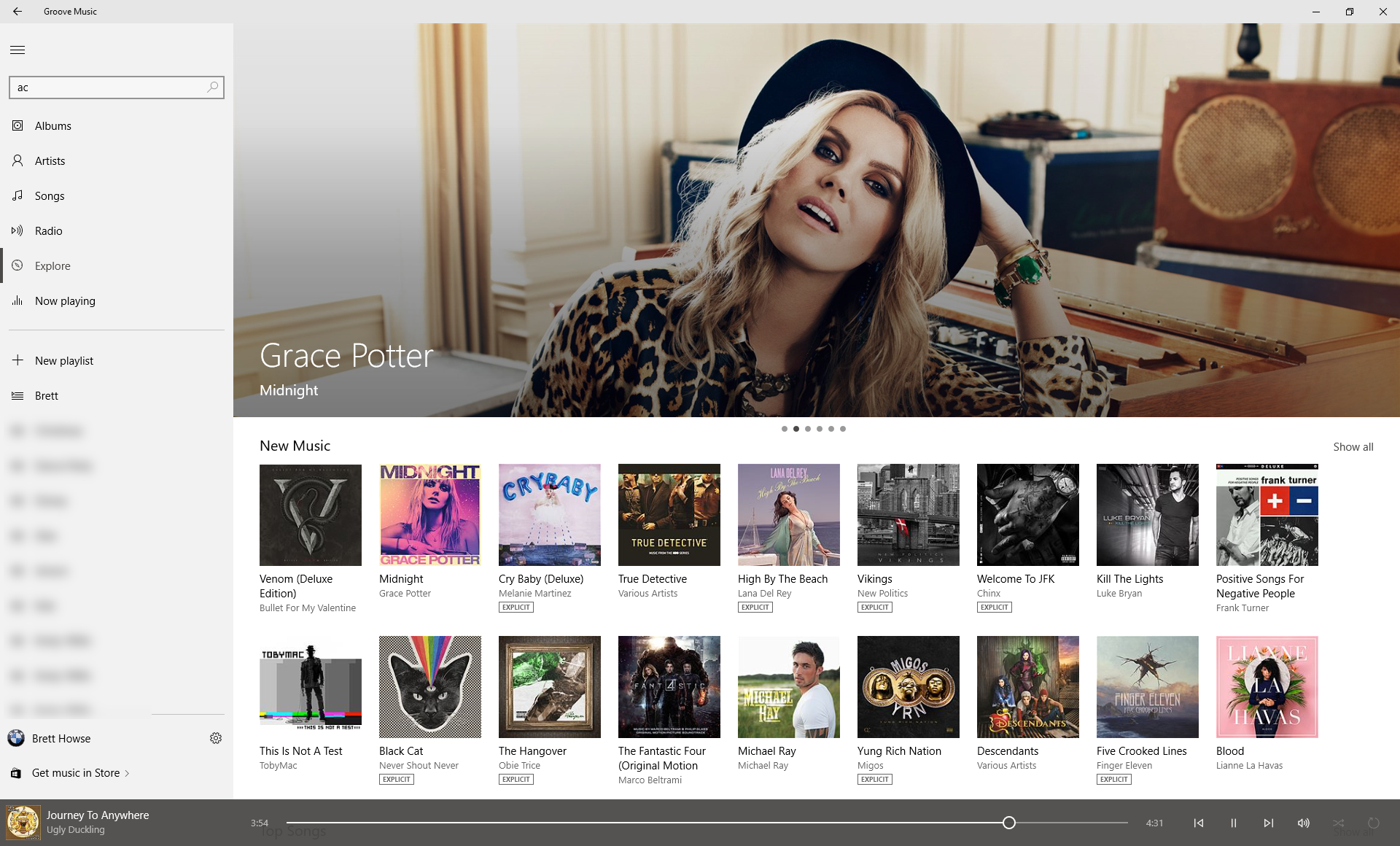
First it was Zune, then it was Xbox Music, and now it’s Groove, or Groove Music. Microsoft has had a fully featured music service for what seems like forever, but no one knows about it. Groove is really well done in Windows 10, and I think the app is quite nicely laid out and easy to use. It can manage all of your music on your PC, and if you copy your music to your OneDrive folder, you can stream it for free on any other Windows device, as well as within the Groove Music apps on iOS and Android. I’ve been a subscriber for a couple of years now, and as I’m sure anyone would say that has tried subscription music, it really does change the way you listen to music. New music discovery is much easier. I’d like to see a bit more social added to Groove, such as the ability to easily share playlists.
Family finally comes to Windows
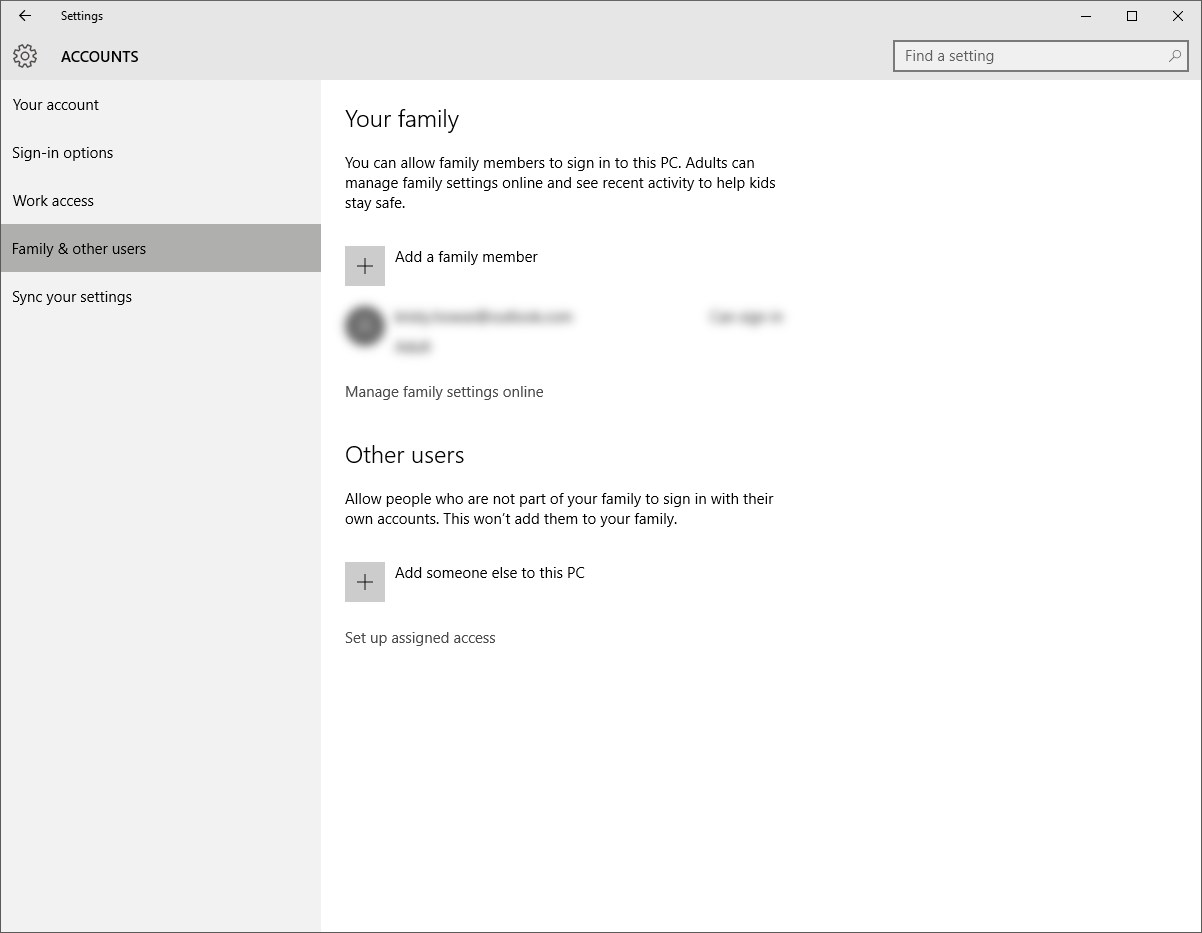
Windows has for some time offered the ability to enable an account as a child account, which puts certain restrictions on the account as well as keeps track of what is going on. Windows 10 has revamped this quite dramatically. Child accounts must now be Microsoft Accounts, and not local, but before you get upset it is for a good reason. You can now configure a child account online, and the settings you configure will now be applied across all devices that you set up to allow your child to log in to. This is a huge amount of work saved because previously it had to be configured on a per-device basis. Child accounts in Windows 10 will have limited access to the store based on age, and things like Cortana will not work.
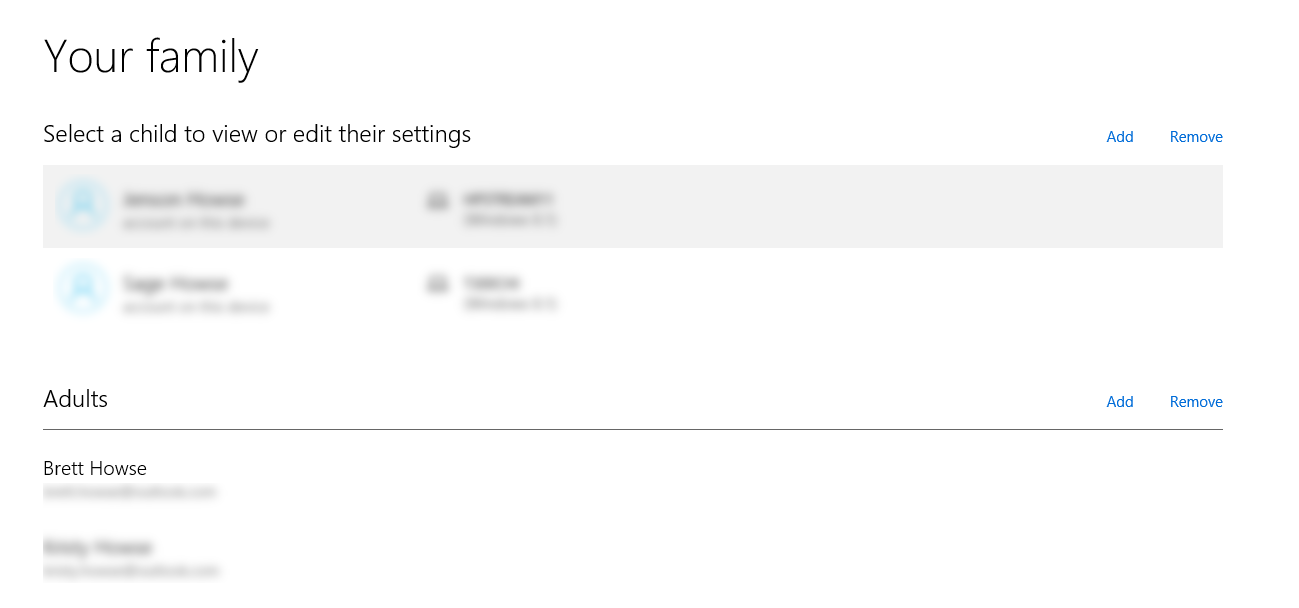
The other thing that is new though is the idea of an adult account. You can set up more adult accounts, and they can also approve things for the child accounts to do. The entire management is now much easier.
What I hope to see is that this construct will be expanded over time to all of Microsoft’s services, so that you can then have things like a Groove Music subscription which applies to the entire family – even if it costs more than a single subscription.
WIMBoot Evolved
In Windows 8.1 Update, Microsoft introduced the concept of WIMBoot, which was aimed at very low cost devices with limited onboard storage. The idea was that you could save space by doing hard links to the recovery partition, and therefore using it as your system files. The concept was good, and it did save some space, but over time it quickly showed it had some flaws. Since the recovery partition could not be updated, any time there was a Windows Update for a system file, the new file would replace the hard link to the recovery partition. The space savings would quickly evaporate and my experience with WIMBoot is that it fills up all of your storage very fast.
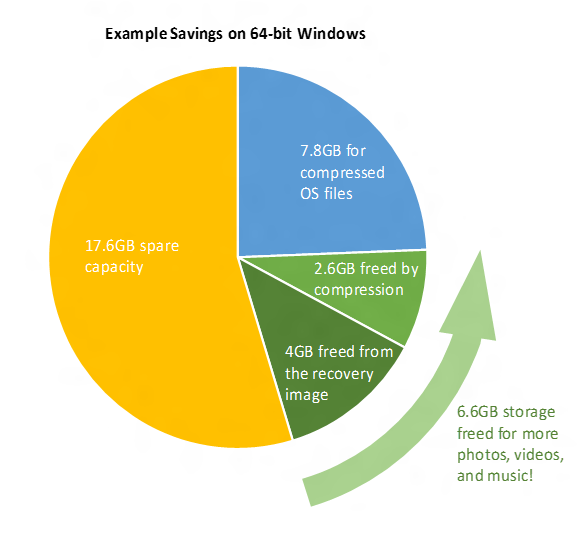
For Windows 10, the concept is now a lot different. The recovery partition is now gone, and instead when you do a system reset it will leave the system files in place, and wipe out everything else. This also means that as updates occur, the original file will be overwritten and you won’t run into the issues with WIMBoot where you end up using a lot of space for this. The other big benefit is that when you do a system reset your system will now already be up to date, and you won’t have days and days of patches to apply.
The potential downside is if your system gets to the point where it won’t boot, there will not be a recovery partition to recover from. These are early days, and I haven’t seen a system with the new version of WIMBoot yet, so I’ll hold off judgement for now. I think it will certainly fulfill its goal better than the original version though.
Print to PDF
This almost seems unreal that you could not do this before, but Windows 10 now supports printing to PDF with no third party software. Rejoice!
MKV support
You can now natively play MKV files. Enough said.
Windows Media Center: RIP
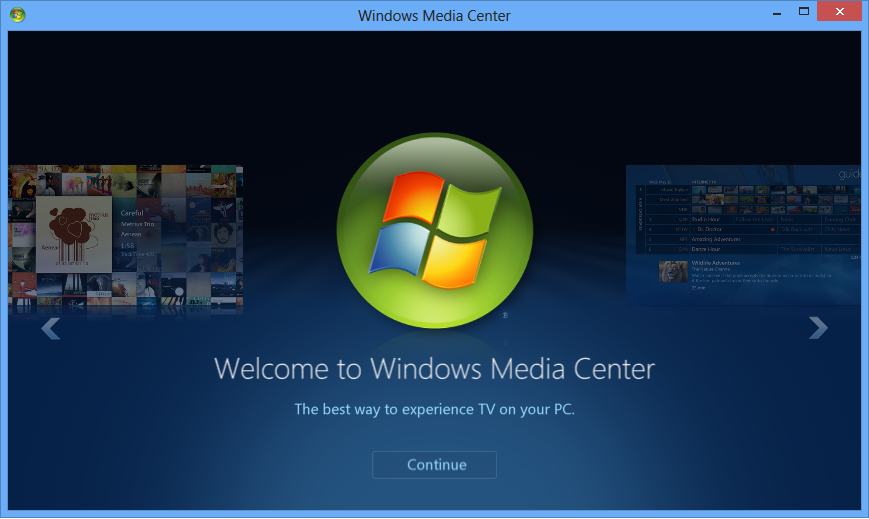
This is not so much as a new feature, but a feature that has been removed. Windows Media Center has been around since the days of Windows XP, and it was updated all the way up to Windows 7. But, due to lack of use, and high costs to support, the popular DVR software has been removed completely from Windows 10. If you are a heavy user of this, there is no option but to stick with Windows 7 or 8.1. I was a big fan of Windows Media Center, but its time has come. As a replacement (and a weak one at that) there is now a DVD player in the Windows Store which you should get for free if you upgrade from a device with Media Center, and if you want it as a standalone piece, it costs too much to purchase so please don’t.
Originally published at https://www.anandtech.com/show/9543/the-windows-10-review (Wayback Machine).