
The AnandTech Guide to Video Card Overclocking Software
Video card overclocking has become a very popular topic amongst gamers and PC enthusiasts these days. With the release of next generation games around the corner and the growing popularity of resolutions beyond 1080p, overclocking is becoming increasingly important to users looking to squeeze the most performance they can out of their video cards.
It’s been more than a decade since video card overclocking was first introduced. Back then, overclocking was considered a risky practice where only advanced users would participate. It was also looked down upon by video card manufactures and board partners alike.
Many of our seasoned readers may remember some of the more popular utilities used back in the day, such as NVMax, CoolBits, ATITools, RivaTuner, and PowerStrip. Much like today’s utilities, each had their strengths and weaknesses. Regardless of the utility used, they all had the same objective: increase the frequencies of our video cards to obtain better than stock performance. Comparing these to today’s overclocking utilities, fundamentally not much has changed. The biggest changes have to do with features and functionality, most of which can be a huge asset to users when overclocking their video cards.
Meanwhile, overclocking is no longer being shunned by video card manufactures and board partners. Instead, it's acknowledged and used in the marketing and design of many video cards, in hopes of increasing market share and brand reputation. Due to the popularity of overclocking, board partners have embraced these utilities and begun to develop them on their own. Along with developing these utilities, board partners have been marketing custom cooled and factory overclocked models to help increase profit margins, and to help broaden their product offerings as well. Additionally, video cards manufactures have been implementing safety measures to prevent users from easily damaging their video cards. Safety nets, such as the use of dynamic clock speeds and GPU throttling, have made overclocking safer and more accessible to the average user.
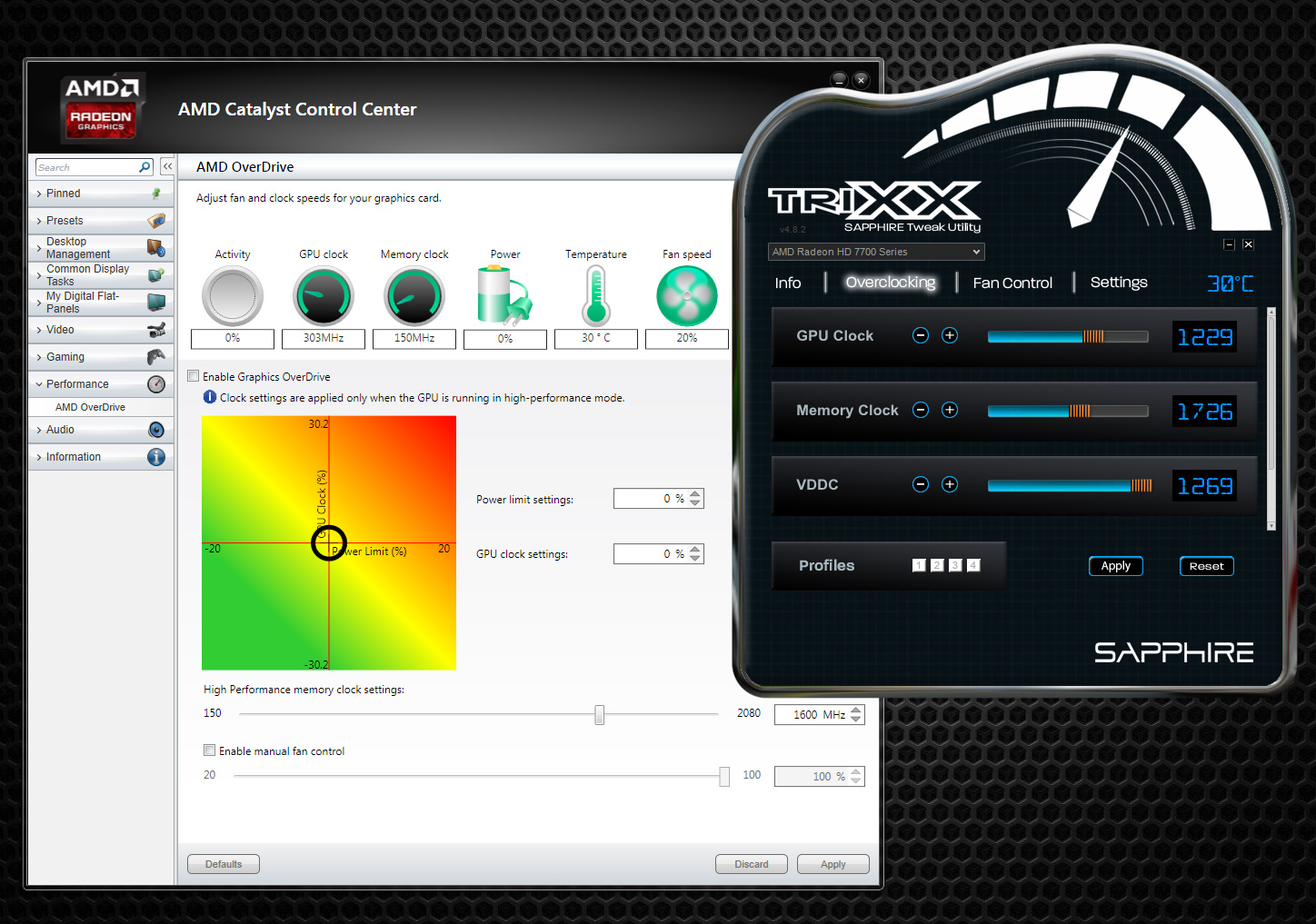
This article will not be a guide on how to overclock your video card; instead, we'll be doing a round-up of the utilities that help make overclocking possible. Overclocking with the use of software utilities continues to be the most popular method to date. There are over a dozen utilities that can be used to overclock today’s video cards, but today we'll only be looking at the most popular within our community. These utilities include AMD OverDrive, Sapphire TriXX, ASUS GPU Tweak, EVGA Precision X, and MSI Afterburner. As we delve into these utilities, we’ll be analyzing each of their strengths and weaknesses and discovering what separates them from each other as well. Hopefully this round-up will provide some useful data and help you decide which utility is right for you.
Originally published at https://www.anandtech.com/show/8589/anandtech-guide-to-video-card-overclocking-software (Wayback Machine).