
LaCie d2 Thunderbolt 2 DAS Review
- Posted in
- Storage
- Seagate
- LaCie
- DAS
- Thunderbolt 2
Setup and Usage Impressions - Thunderbolt on Windows
The LaCie d2 Thunderbolt 2 continues their tradition of bringing aluminum designs that are pleasing to the eye. The unibody enclosure is complemented by vibration dampening rubber feet at the bottom which also provide good grip. The official gallery below takes us through the external appearance of the d2 Thubderbolt 2. One of the marked departures from the first generation d2 is the usage of a USB 3.0 Micro-B plug instead of a USB 3.0 Standard-B plug for the USB device interface.


In order to use the SSD upgrade option, the user has to remove three screws on the rear of the unit and take out the SATA - PCIe bridge card (using the ASMedia ASM1061 chip) and replace it with the d2 SSD upgrade kit. Note that the installation of the d2 SSD upgrade kit removes support for the USB 3.0 device port. LaCie did have a convincing explanation for this - There is no chipset currently available which can support both USB 3.0 and Thunderbolt 2 for a single storage device without bringing down the effective bandwidth to USB 3.0 levels. The SSD upgrade kit involves a PCIe x4 SSD, and it makes sense for LaCie to make its full speed available to end users. If that means sacrificing the USB 3.0 option, it is a very fair trade-off. Some photographs from our review kit are provided in the gallery below.


Initially, LaCie had some reservations when we indicated that our testing would be exclusively on Windows. They cited the following potential issues:
- The d2 Thunderbolt 2 is not certified with Windows yet, we can't claim complete compatibility with the SSD upgrade and Windows. Certification is in progress
- The end-user could experience issues with hot plug and Windows
- There could be a speed difference between Mac OS and Windows
In addition, they also noted that the market for Thunderbolt is mainly on the Mac OS side right now. These are all valid points, and, taking into account the fact that our 2big Thunderbolt 2 review's comments also echoed the same, we are in the process of getting hold of a suitable Mac OS-based Thunderbolt 2 testbed. But, for today's review, we will be looking at the performance of the unit when used with a Windows 8.1-based PC.
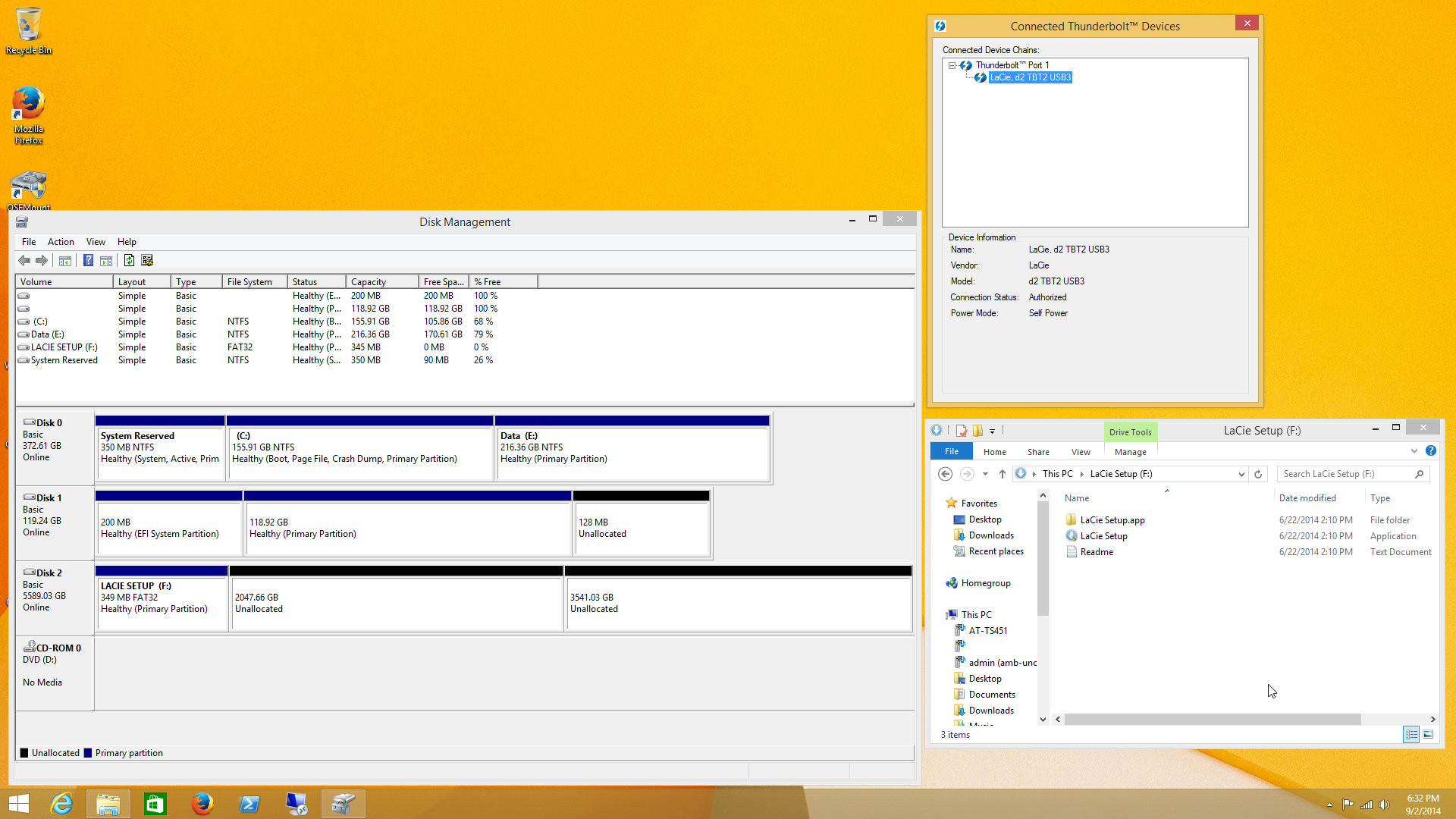
Upon connecting the d2 Thunderbolt 2 + d2 SSD Upgrade kit to our DAS testbed, we found that the JBOD 'hybrid drive' setup was recognized by Windows without issues.
S.M.A.R.T features are available for both storage blocks over the Thunderbolt 2 interface. The most important aspect to check was the availability of TRIM support for the PCIe segment. The S.M.A.R.T data attributes indicated support and we verified it in practice also.

At IDF 2014 yesterday, we discussed some aspects of Thunderbolt adoption on Windows with Intel. Look out for a separate pipeline piece discussing general Thunderbolt on Windows aspects later this week. In the meanwhile, we will not digress from our focus on the d2 Thunderbolt 2 in this review.
Originally published at https://www.anandtech.com/show/8468/lacie-d2-thunderbolt-2-das-review (Wayback Machine).