
EVGA Torq X10 Gaming Mouse Review
- Posted in
- Peripherals
- EVGA
- Mouse
Introduction
It is natural for any growing company to look for diversification. For EVGA, a company known for their high quality GPU cards and gaming motherboards, growth has led them to seek further attention from gamers. The company already released several high performance PSUs and a few cases when their first gaming peripheral, the Torq X10 gaming mouse, arrived at our labs. We will be taking a quick look at it and see what it can offer to gamers and advanced users in today's capsule review.
Key features and specifications
- Max DPI: 8200
- Sensor Type: Laser (Avago 9800)
- Main Switch Type: Omron - 20 Million Click Lifecycle
- Programmable Buttons: 9
- Min/Max Weight: 121G/134G (without cable)
- Max Polling/Report Rate: 1000Hz
- LED Color: Red, Green, Blue, Yellow, Orange, Pink, Purple
- Feet Type: Low Friction PTFE
- Max Number of Profiles: 5 (512K Onboard)
- Height: 1.25in - 31.75mm (min) 1.5in - 38.1mm (max)
- Length: 4.5in - 114.3mm
- Width: 2.25in - 57.15mm
The specifications are good, though naturally there's more to a mouse than paper specifications. The Torq X10 includes programmable buttons, adjustable weight, profile and macro support, and adjustable DPI sensor.
- Onboard storage can support up to 5 separate profiles
- Ambidextrous design supports right or left handed gamers
- Adjustable height system supports all gamers
- Adjustable DPI up to 8200 DPI with On-the-Fly Sensitivity adjustment
- Adjustable weight system
- Highest quality materials including silver coated wire and Omron switches (20 million click life cycle)
- Robust software allows full control over mouse including Macro setup, profiles and OSD
- Super low friction PTFE mouse feet
Packaging and bundle
We received the EVGA Torq X10 in a well-designed, wedge-shaped package. The mouse can be clearly seen beneath the clear top of the package, which envelops the mouse and allows for a rough hands-on experience when browsing at a local shop.
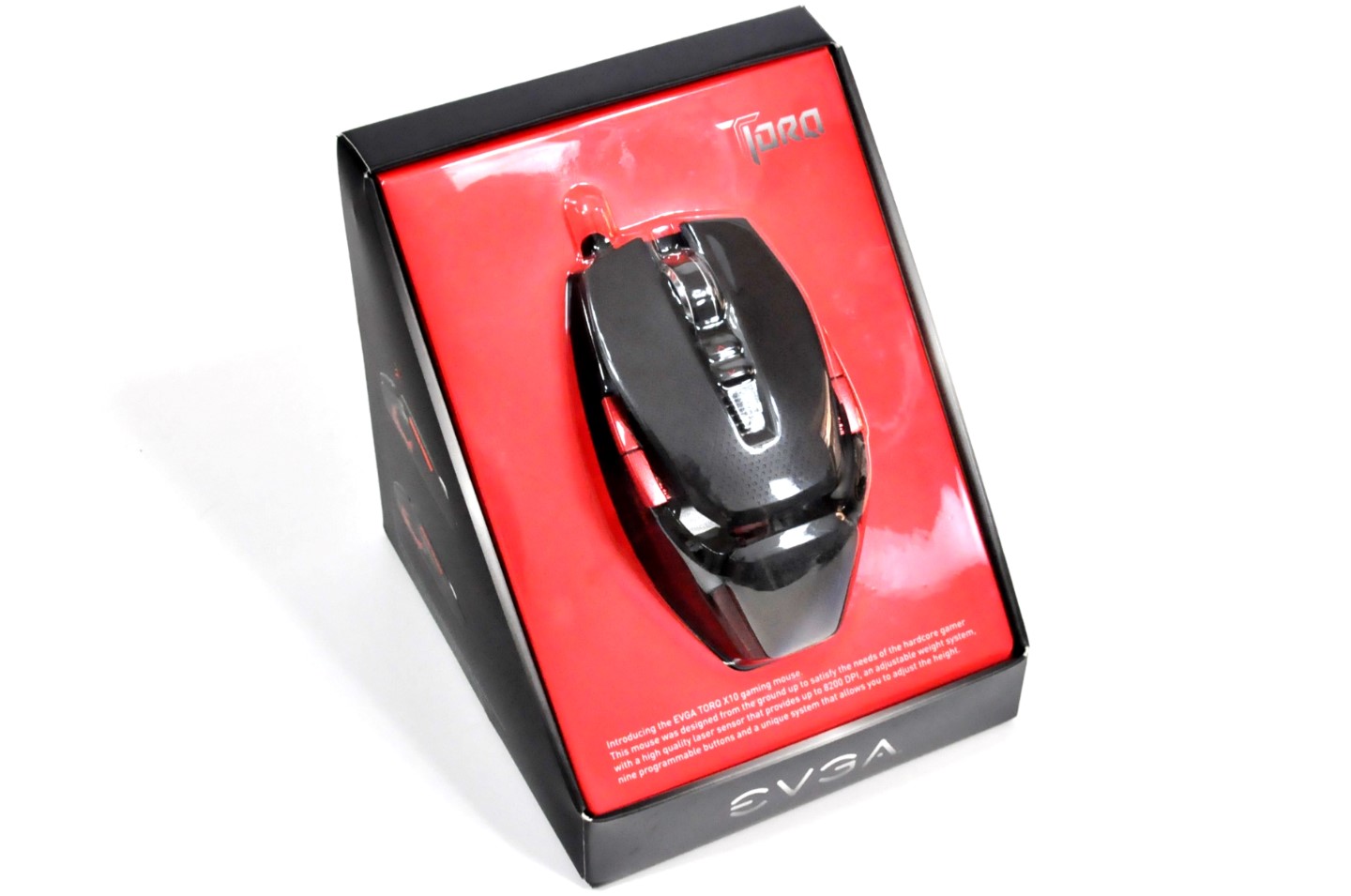
Inside the box, we found six cylindrical weights, Teflon feet, an adjustment tool, and a very basic quick-start guide. There is no media with the drivers/software of the mouse; the user will have to download it from EVGA's website. Furthermore, do not fear if you accidentally lose the tool; it is a simple Torx T10 screwdriver that can be easily found at most tool shops or online. Ostensibly, the Torx T10 screw is what gave this mouse its name.

Originally published at https://www.anandtech.com/show/8393/evga-torq-x10-gaming-mouse-review (Wayback Machine).