
ASRock FM2A88X Extreme6+ Review
ASRock FM2A88X Extreme6+ Software
Building a software platform for a motherboard can be a walk in the park or a hard trek. Some manufacturers take the easy route with next to nothing for the user, whereas the majority of manufacturers do make the effort. Smoothing the software production requires good ideas and good software engineers. I have always stated that the best method to do this would be to start with the enthusiasts and ask what they want, then take it to a designer (as in, not a software designer but a general artist) to make it look elegant, and finally pass it on to the programming team. When the programming team is done, future iterations of the software should start with the enthusiasts again but from the software already at hand. My desires aside, ASRock is making progress with their A-Tuning software product, acting as a hub for all the other modular software implementations.
A-Tuning
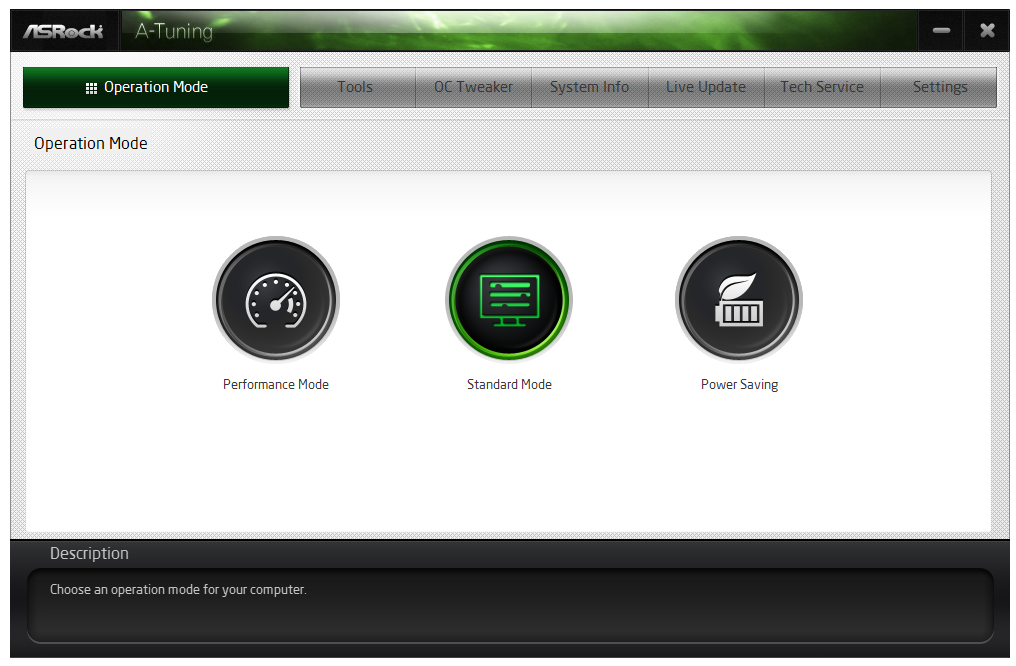
The first interface of A-Tuning is the Operation Mode, which acts as a quick overclocking selection tool. By default we have standard mode, to the right is the power saving mode and a performance mode on the left. The Power Saving mode, as explained in the overclocking section later in the review, implements a gradient to apply the faster, more powerful processor modes. Thus in order to crank up to full speed, in this mode the system requires 8 seconds of full CPU load. Performance mode allows the CPU to access the full turbo mode immediately, and there is also an Auto Tuning option once Performance Mode is selected.
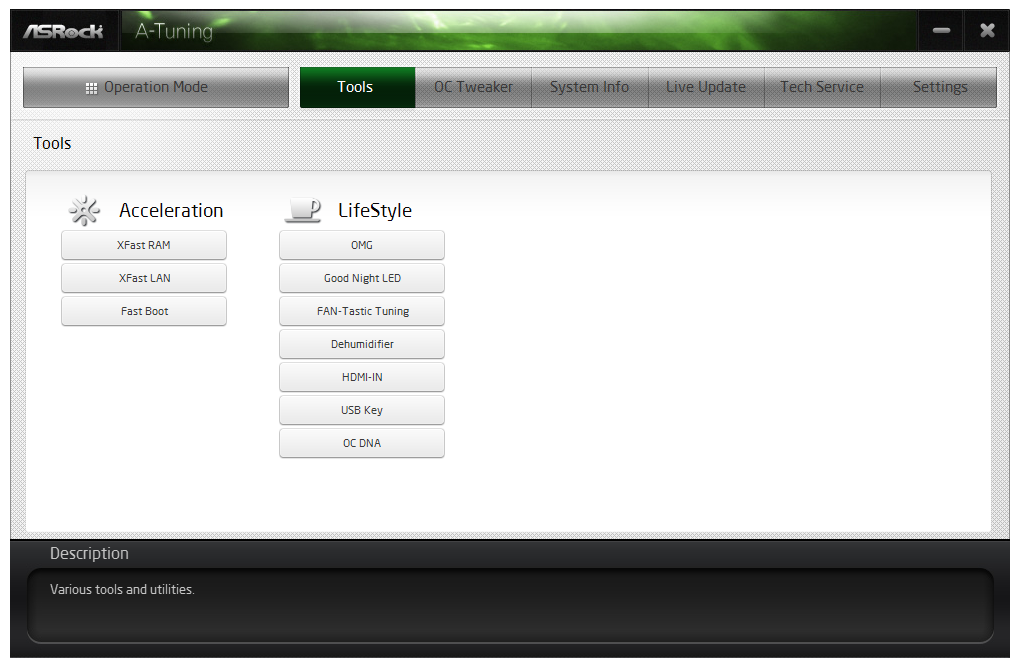
The Tools menu features the modular aspect of A-Tuning, giving access to XFast RAM, XFast LAN, Fast Boot, Online Management Guard, FAN-tastic Tuning, Dehumidifier function, HDMI-IN, USB Key and OC DNA.
XFast RAM
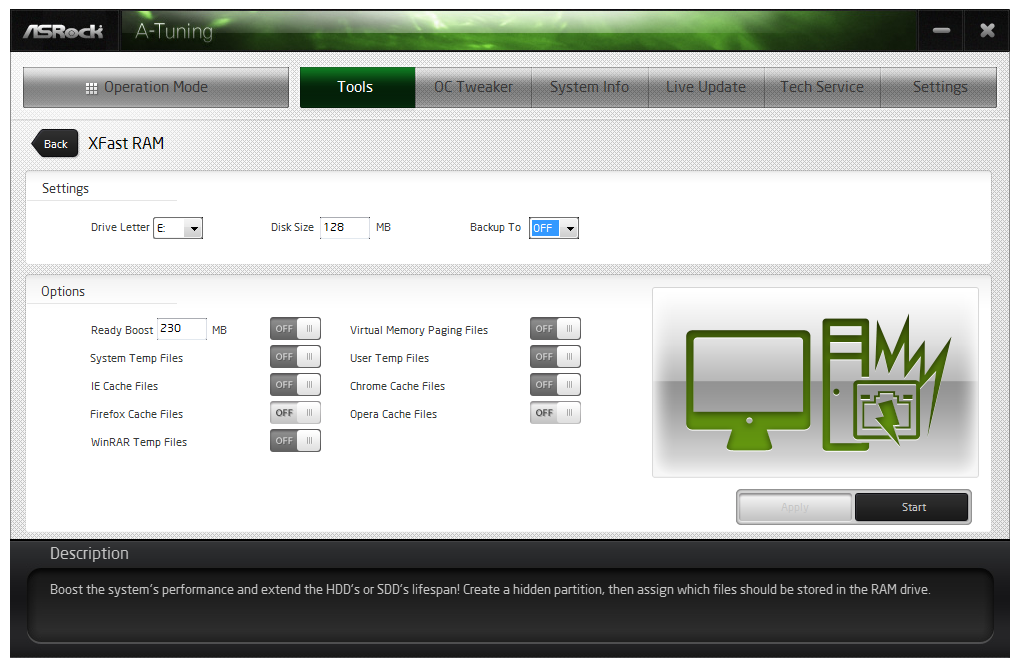
ASRock’s main motherboard line has shipped with XFast RAM for a few generations. This is essentially RAMDisk software, allowing users to create a pseudo hard-disk from excess DRAM. ASRock’s implementation also includes a few options for commonly used programs, such as caching temporary internet files in the RAMDisk automatically, as well as other temporary files.
XFast LAN
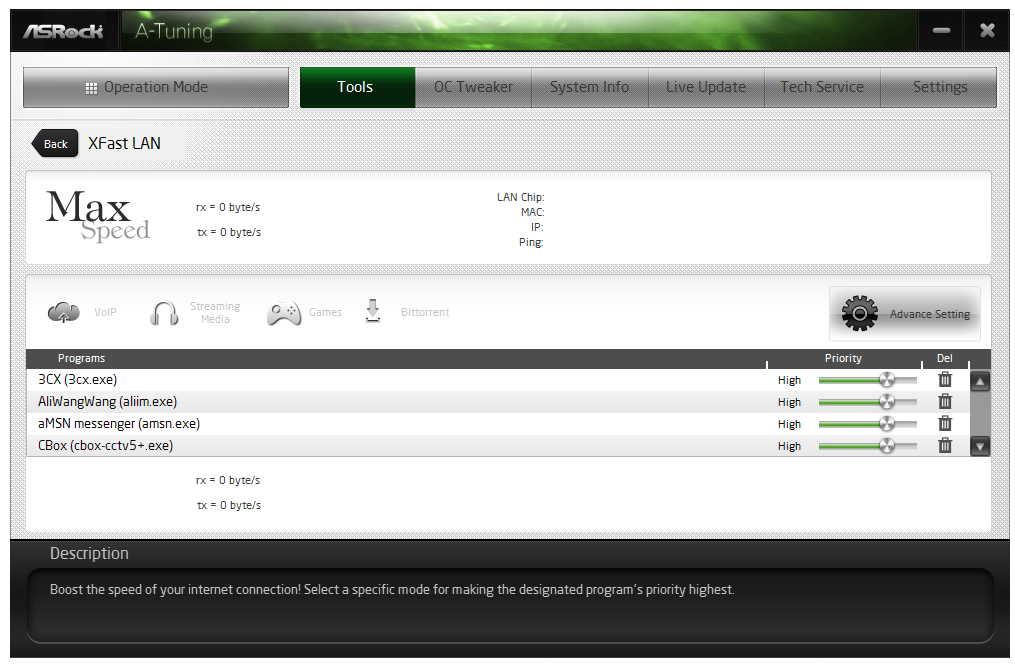
Similarly with XFast LAN, this software is a main component of ASRock’s main motherboard line. Based from the cFos software network management program, ASRock has implemented a custom frontage similar to other manufacturers to allow users to prioritize the internet access of certain programs (e.g. VOIP/games) over others (updates/messengers).
Fast Boot
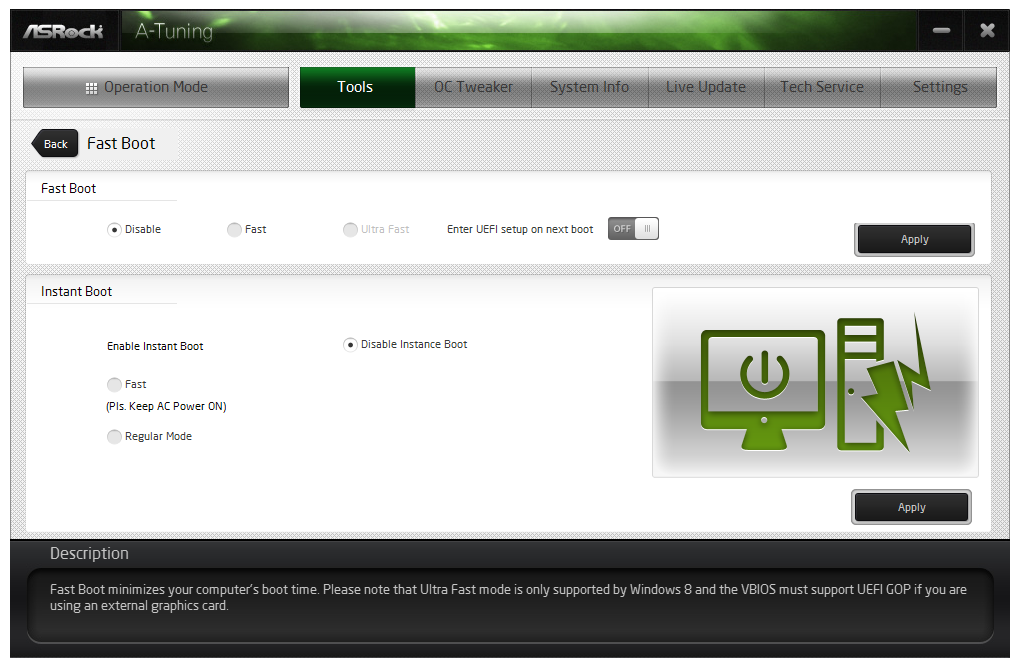
Due to the capability of Windows 8 to implement a faster boot-to-OS topology, motherboard manufacturers use OS software to re-enable features such as booting into the BIOS. In some circumstances, there are several boot options relating to port enabling on boot that users can customize, and some software also provides an ‘instant boot’ option, which essentially reboots the system and places it in a deep sleep mode ready to ‘awake’ when the machine is turned on.
Online Management Guard (aka OMG)
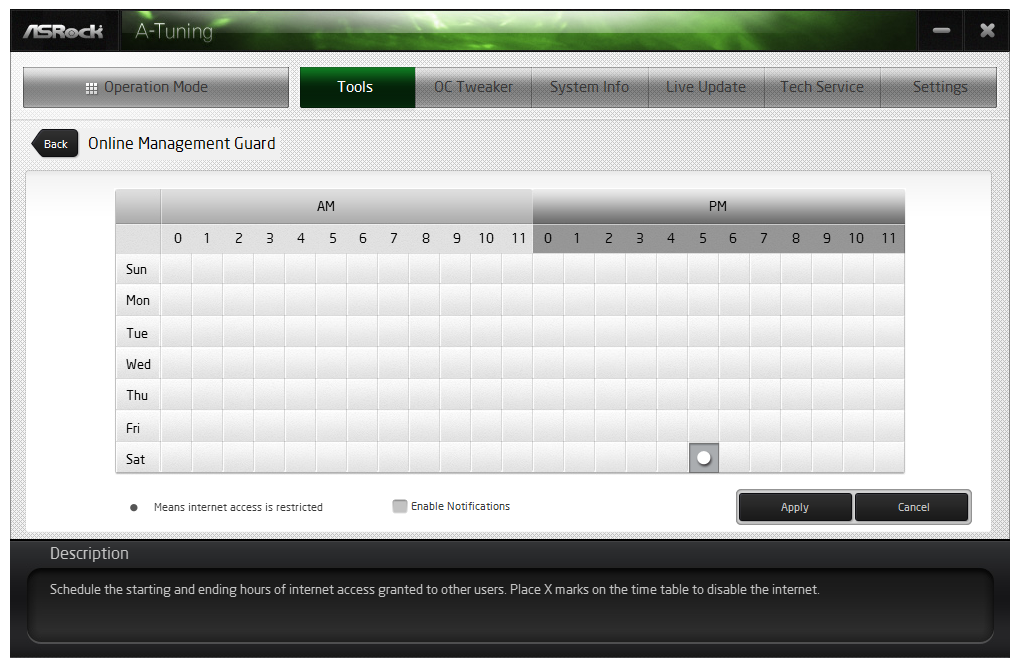
The online management guard from ASRock, despite the acronym, is a tool designed to block network (internal and internet) access to the system during certain hours of the day. Two main reasons spring to mind as to why this software would be used. First is for children, when internet access is to be restricted, and second is in a public environment where the use of a computer might be restricted to one or two tasks.
FAN-Tastic Tuning
One of the bigger changes in the motherboard ecosystem ever since I started reviewing motherboards has been the response to upgrading fan controls. Previously, fan controls were a two point power-based gradient, which fails to comprehend that fan profiles are not always linear or that users might want a gradual or sharp incline at some point along the temperature scale. ASRock’s solution with FM2+ is the FAN-Tastic Tuning.

The software will test the equipped fan to provide a power vs. fan speed graph on the right hand side, and the user can describe a six point gradient in the graphing area. I need to confirm whether the ASRock graph is Fan Speed in RPM or Fan Power in %, given that the axis is labeled Fan Speed (%). If it is indeed Fan Speed as a % of RPM rather than a % of power, then this is the fan profiling agent I have been looking for.
Dehumidifier
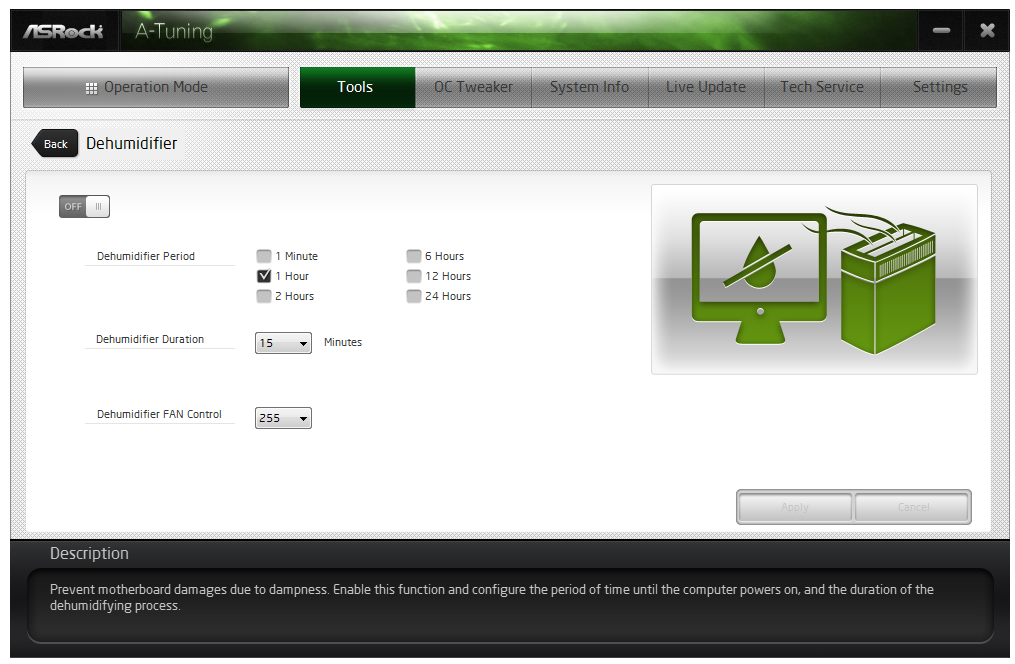
The Dehumidifier function, similar to the BIOS implementation, is somewhat ill-named. This tool allows the fans to keep spinning after the system has been shut down but while the AC power is still running. The user can specify the length of time the fans remain on, the delay from turn off to fan-spinning, and the power of the fan. The purpose of this utility is to equilibrate the temperature of the air inside and outside the case. In hot and humid climates the different temperatures of air can hold different amounts of water vapor, such that when the warm air inside a case cools down slowly, it will precipitate the water as it cools but inside the case on the electronics. By equaling the temperature inside and outside of the case, this should not happen.
HDMI-In
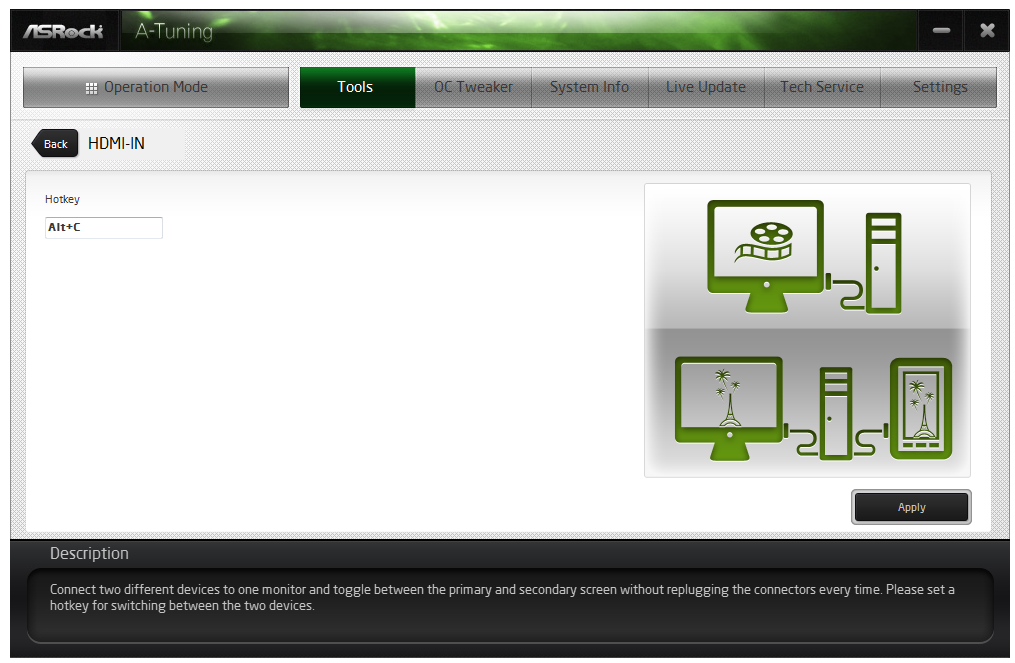
One of ASRock’s new features in 2013 was HDMI-In – the use of two HDMI ports on the rear-IO panel to act as a pass-through for other HDMI devices. The situation ASRock usually has for this is when a user has a console next to their PC, but rather than having a monitor with two HDMI inputs, the console can send a HDMI to the PC, and the PC would act as a pass-through to the monitor. The user can then switch between the inputs using a hotkey. The next stage in this design would be for ASRock to create software to allow the HDMI-In stream to be recorded. With some other motherboard models, particularly the Killer range, ASRock bundle a 3 month license for XSplit for exactly this.
USB Key
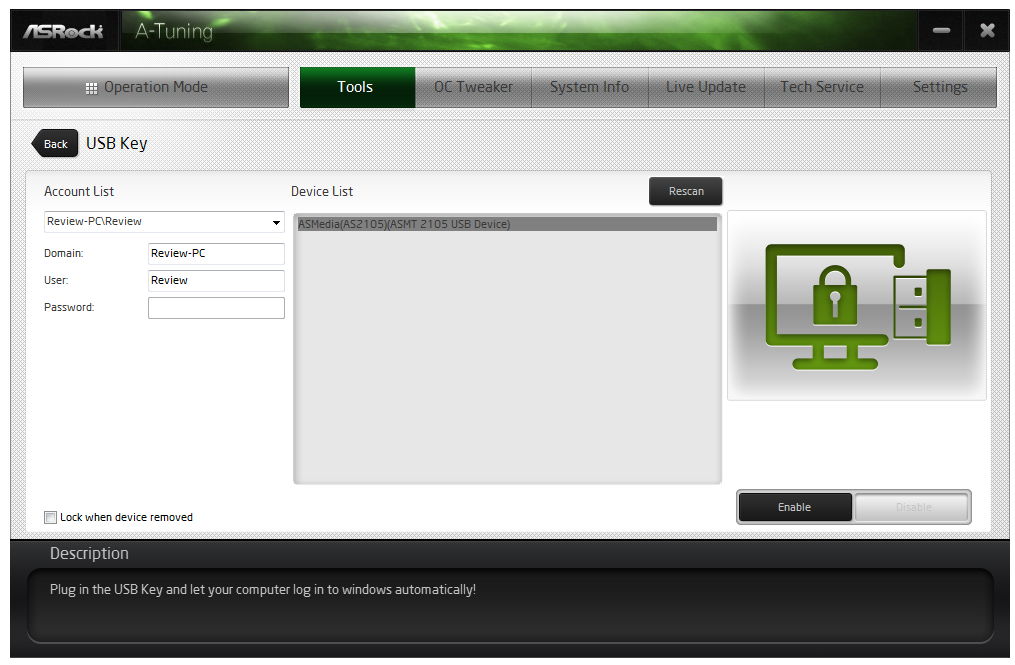
Another of ASRock’s new features is USB Key. This is a tool that allows users of multiple ASRock systems to use a USB drive as a login tool, rather than input user names and passwords or for double verification.
System Info
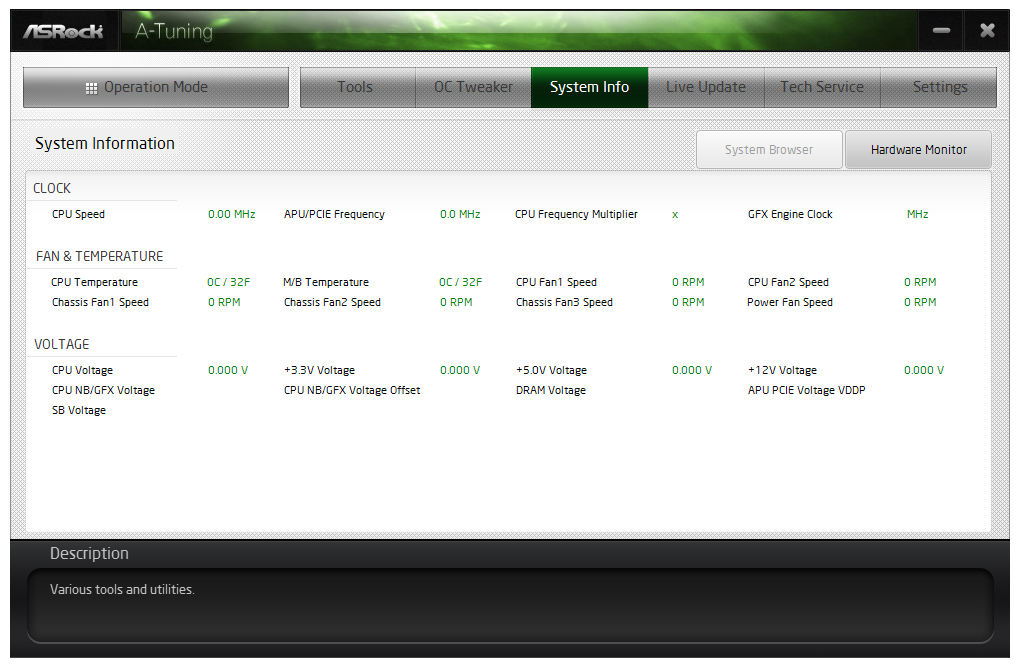
Another tab along A-Tuning is the monitoring software for all the system information. This includes speeds, voltages, temperatures and fan RPM. On our sample however, the software was not working, giving zeroes for every result as shown below. The System Browser tab was also non-functional.
Live Update
We are now in 2014. Every motherboard manufacturer should have a system in place to allow users to connect to the internet and download new drivers or software. ASRock now have this system in place via the Live Update tab in A-Tuning. As shown below, we see the software that the system recognizes is not the same version number as listed on the ASRock servers. The only failing with the software, like others that are in the market, is that we do not have the size (in MB) for each update before we download it. There are still some areas on limited data plans, and would rather not download a new audio driver if it requires 350 MB (but they might if it was 4 MB).

Gallery


Originally published at https://www.anandtech.com/show/7865/asrock-fm2a88x-extreme6-review (Wayback Machine).