
ASRock FM2A88X Extreme6+ Review
ASRock FM2A88X Extreme6+ BIOS
ASRock’s graphical BIOS now sits and a relatively happy plateau. After the first couple of generations, we have a system that is easy to read, easy to follow and is aesthetically pleasing to look at (in my opinion at least). The white on black with the high image quality background at least is better than most, with higher definition images being used in the BIOS throughout. ASRock has a tendency to try out a lot of new things with a chipset release, see which ones users respond to and develop those in future releases. In FM2+ however, there is not that much extra from FM2/A85X, due to the similarities of the platform.
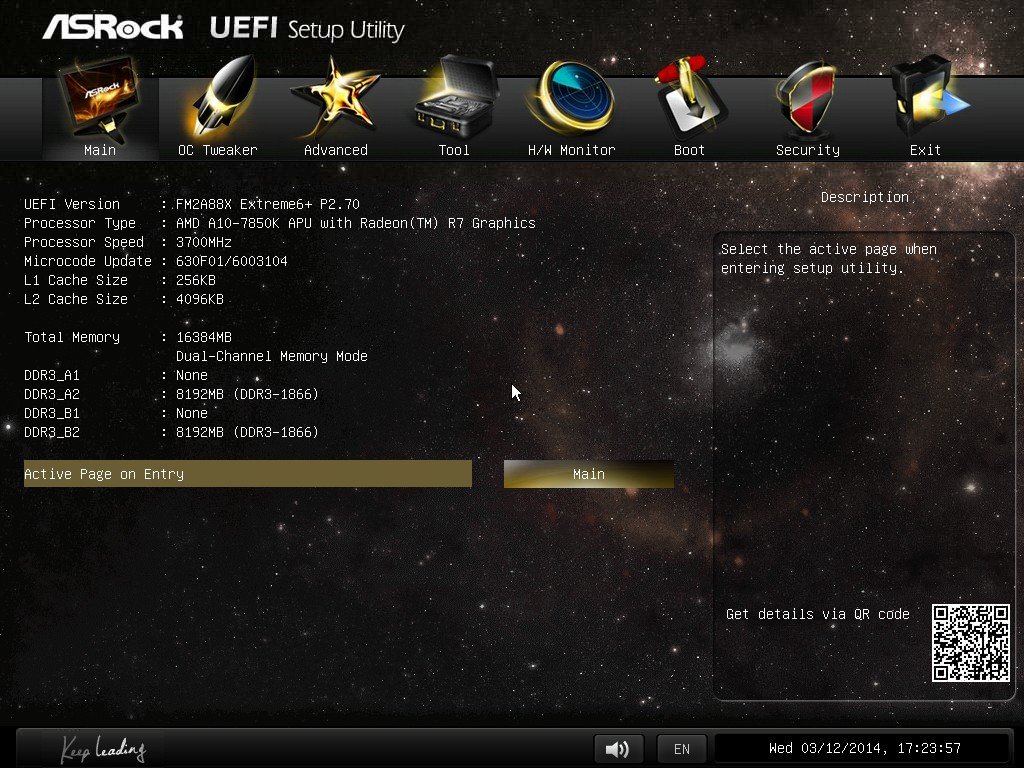
The screen we first get into is called ‘Main’, and gives us the motherboard being used, the BIOS revision, the CPU name and speed as well as the total memory installed, where it is installed, and how fast it is running at. This is 85% of what I want in the front screen on a motherboard: other features such as CPU temperature, voltage and fan speed would also be welcome. There is an option to adjust the point of entry into the BIOS, thus enthusiast users such as overclockers can boot straight into the OC Tweaker menu.
The OC Tweaker menu separates out all the main overclocking options into sections for the CPU, DRAM and voltage. At the top is an EZ OC Mode (‘Easy Overclocking’), which offers options from 4000 MHz to 4500 MHz with our A10-7850K.
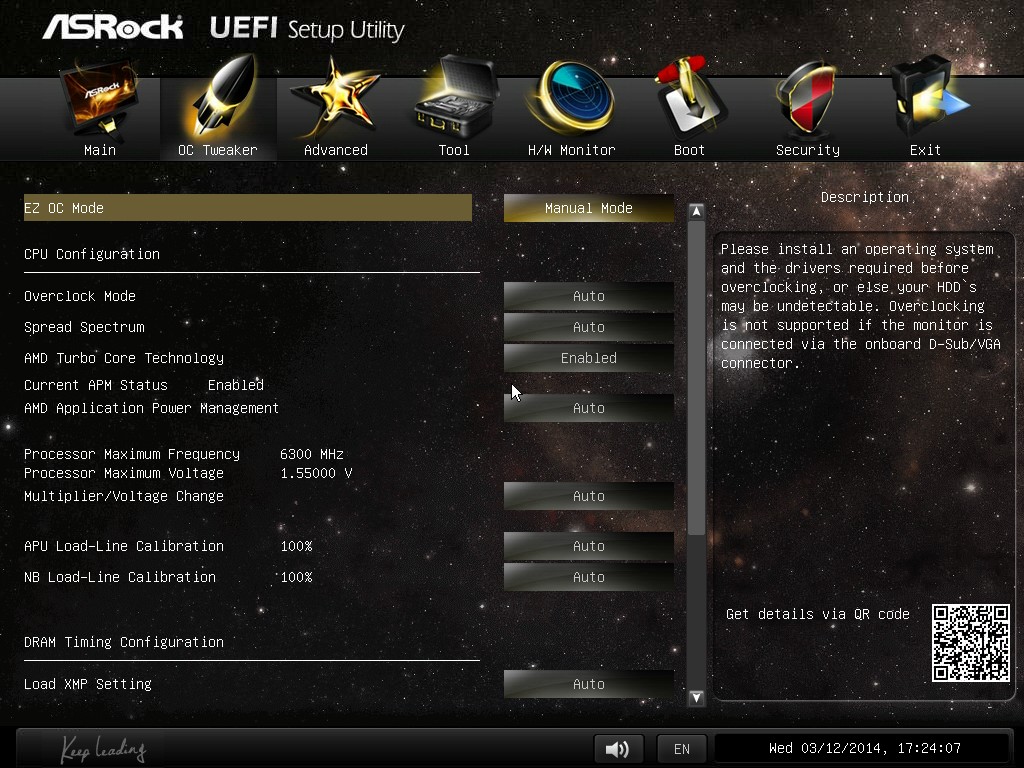
For finer tuning of the DRAM timings, the DRAM Timing control should be adjusted to manual. Unfortunately this is a little confusing here – ASRock should have an ‘Auto’ option for all the memory sub-timings in case a user wants to adjust just one.

The ‘Advanced’ tab gives further submenus relating to CPU, North Bridge, South Bridge, Storage and Super IO configurations. In the CPU Configuration menu, features such as ‘Target TDP’ are present, such as when using the A8-7600 Kaveri APU, which can be used in 65W or 45W mode.

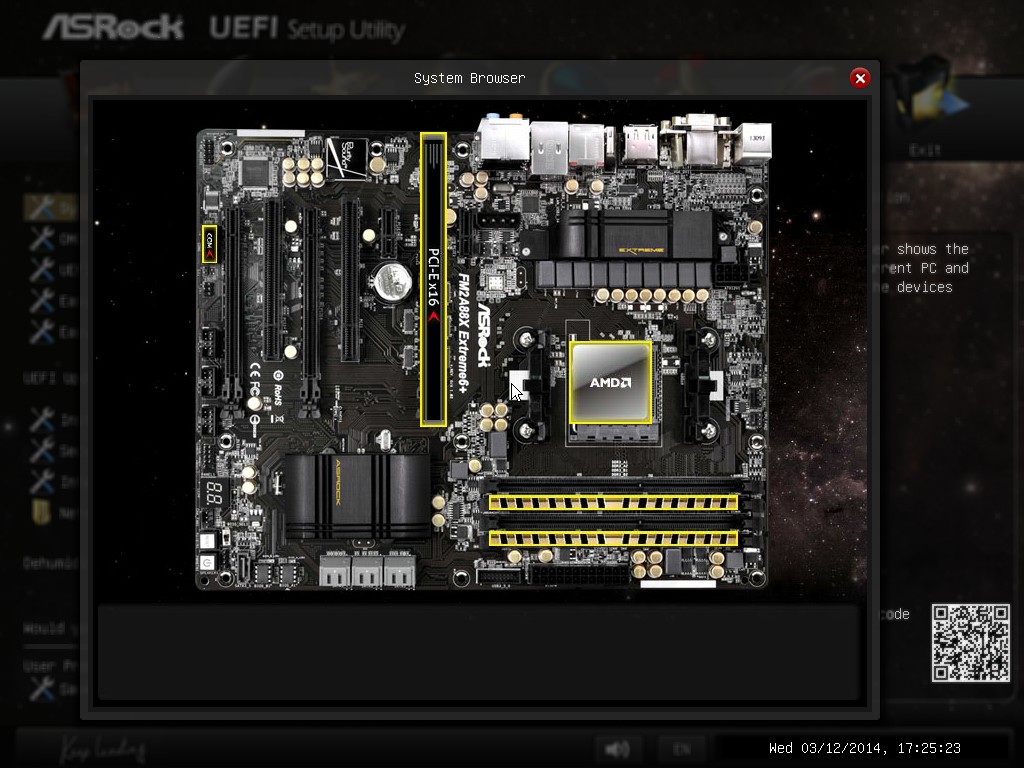
Whenever ASRock adds new utilities to the BIOS, they typically go under the Tool tab. Here we have features that have graduated through multiple generations, such as the System Browser which gives a visual representation of the motherboard along with all the equipment installed:
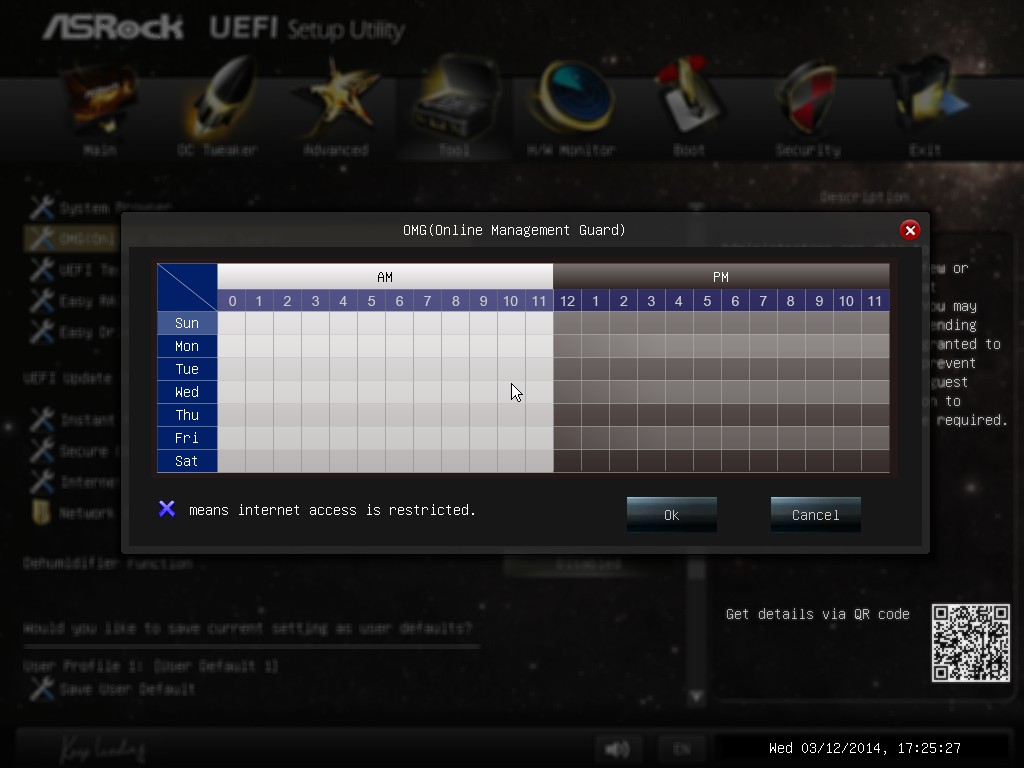
There is also the Online Management Guard, which disables the network ports when the BIOS reaches certain hours of the day:
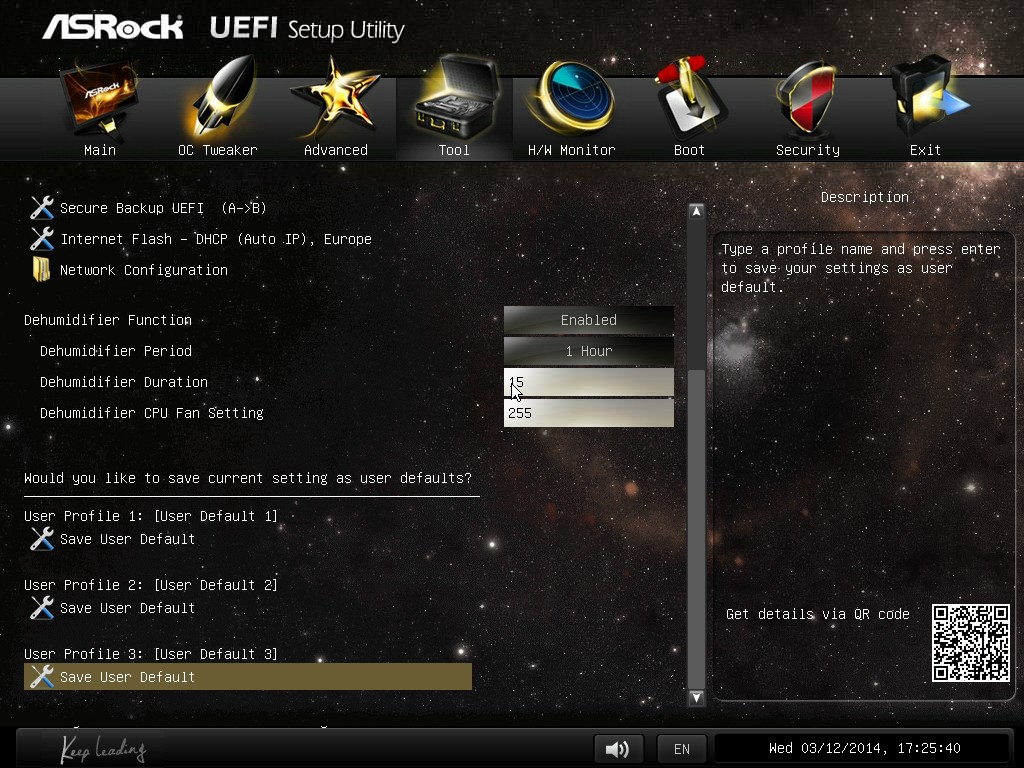
One of the newer features in the Tool menu is the Dehumidifier function, which we have covered in previous reviews. This allows the PC to enter a semi-sleep state to keep the fans spinning after the PC is turned off in order to equilibrate the air temperature inside and outside the case. In high humidity environments this helps reduce condensation inside the case as the PC cools naturally by forcing the equilibration. After talking with ASRock at Computex, ‘Dehumidifier’ works as an explanation in Chinese, although I think a little is lost in English as that word has a specific meaning. Nevertheless whatever the name, the feature is the same in any language.
The fan controls are in the HWMonitor menu, which gives our temperature sensor readings as well as fan speeds and voltages. For fans in the BIOS, ASRock gives pre-determined fan controls or allows users to specify a multi-point gradient:

I want to see this in every BIOS from every manufacturer. The only step up for this would be to combine something like MSI’s fan control representation system, along with a fan testing tool similar to what we see with Biostar, and we might actually have something approaching a proper adjustable fan control in a graphical setting in a BIOS.
Unfortunately one thing missing from the ASRock BIOSes is a Boot Override feature. Whenever I want to boot from a device once, I would like the option in the BIOS just to select that device and instantly boot from it. Almost all other BIOS manufacturers have this option, however in this regard ASRock is a little behind – the user needs to adjust the boot order to do so.


Originally published at https://www.anandtech.com/show/7865/asrock-fm2a88x-extreme6-review (Wayback Machine).