
Server Buying Decisions: Memory
Benchmark method
We used the HP DL 380 Gen8, the best selling server in the world. The good people at Micron helped ensure we could test with 24 DIMMs.
As we were told that the new Xeon E5-26xx V2 ("Ivy Bridge EP") had better support for LRDIMMs than the Xeon E5-26xx ("Sandy Bridge EP"), we tested with both the E5 2680 v2 and the E5-2690 in the Stream and latency tests. For the real-world CDN test (see further) we only use the E5-2680 v2. As the latter test is not limited by the CPU at all (25% load on the E5-2680v2), testing with different CPUs does not make much sense.
Benchmark Configuration: HP DL 380 Gen8 (2U Chassis)
Testing with the HP-DL 380 Gen8 was a very pleasant experience: changing CPUs and DIMMs is extremely easy and does not involve screwdrivers.
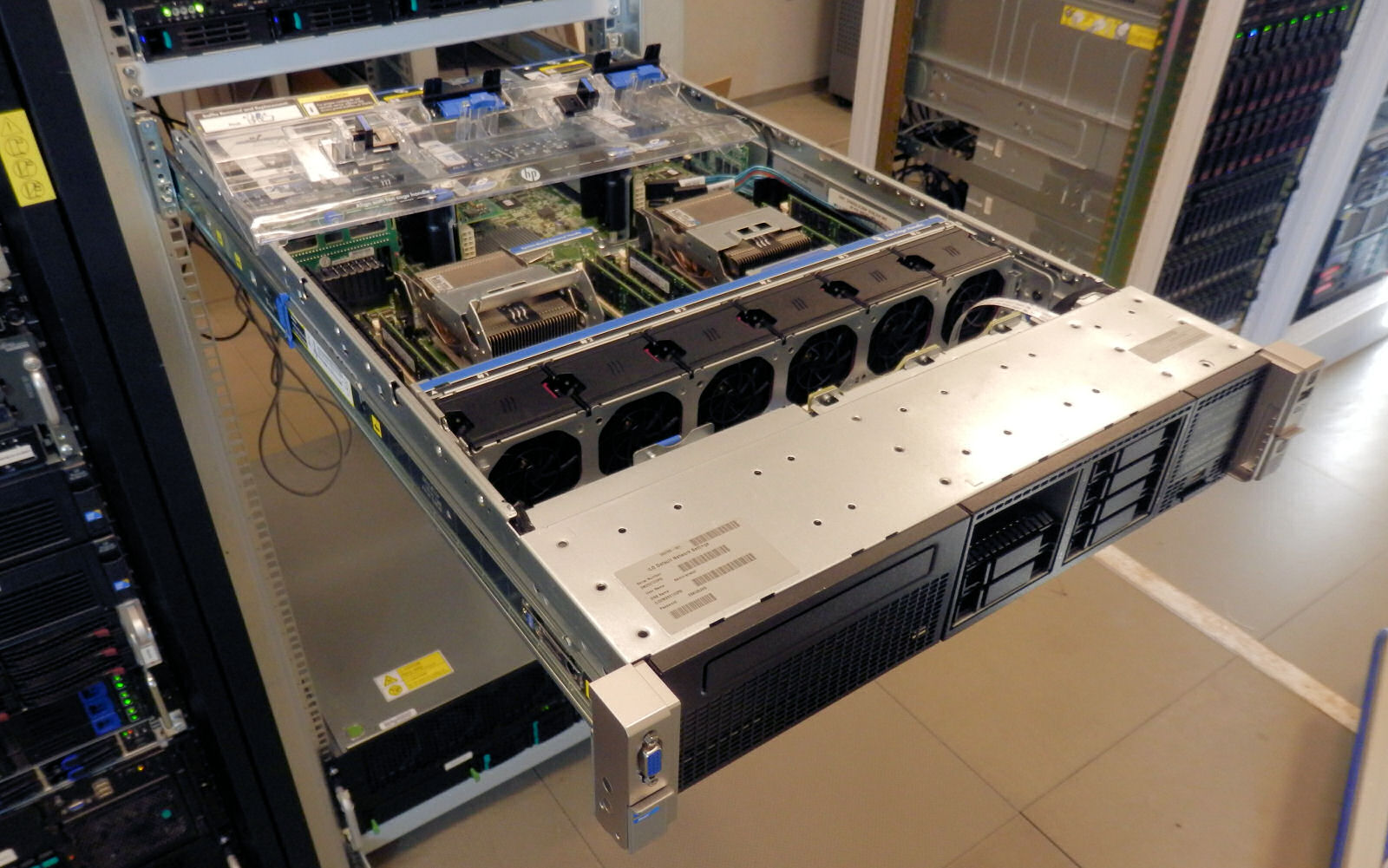
The benchmark configuration details can be found below.
| CPU |
Two Intel Xeon processor E5-2680 v2 (2.8GHz, 12c, 25MB L3, 115W) Two Intel Xeon processor E5-2690 (2.9GHz, 8c, 20MB L3, 135W) |
| RAM |
768GB (24x32GB) DDR3-1866 Micron MT72JSZS4G72LZ-1G9 (LRDIMM) or 384GB (24 x 16GB) Micron MT36JSF2G72PZ – DDR3-1866 |
| Internal Disks | One Intel MLC SSD710 200GB |
| BIOS version | P70 09/41/2013 |
| NIC | Dual-port Intel X540-T2 10Gbit NC |
| PSU | HP 750W CS Platinum Plus Hot Plug 750 Watt |
A dual-port Intel X540-T2 10Gbit NC was installed and was connected to the DELL PowerConnect 8024F switch with a 20Gbit bond.
Originally published at https://www.anandtech.com/show/7479/server-buying-decisions-memory (Wayback Machine).