
NVIDIA's GeForce GTX Titan, Part 1: Titan For Gaming, Titan For Compute
GPU Boost 2.0: Overclocking & Overclocking Your Monitor
The first half of the GPU Boost 2 story is of course the fact that with 2.0 NVIDIA is switching from power based controls to temperature based controls. However there is also a second story here, and that is the impact to overclocking.
With the GTX 680, overclocking capabilities were limited, particularly in comparison to the GeForce 500 series. The GTX 680 could have its power target raised (guaranteed “overclocking”), and further overclocking could be achieved by using clock offsets. But perhaps most importantly, voltage control was forbidden, with NVIDIA going so far as to nix EVGA and MSI’s voltage adjustable products after a short time on the market.
There are a number of reasons for this, and hopefully one day soon we’ll be able to get into NVIDIA’s Project Greenlight video card approval process in significant detail so that we can better explain this, but the primary concern was that without strict voltage limits some of the more excessive users may blow out their cards with voltages set too high. And while the responsibility for this ultimately falls to the user, and in some cases the manufacturer of their card (depending on the warranty), it makes NVIDIA look bad regardless. The end result being that voltage control on the GTX 680 (and lower cards) was disabled for everyone, regardless of what a card was capable of.
With Titan this has finally changed, at least to some degree. In short, NVIDIA is bringing back overvoltage control, albeit in a more limited fashion.
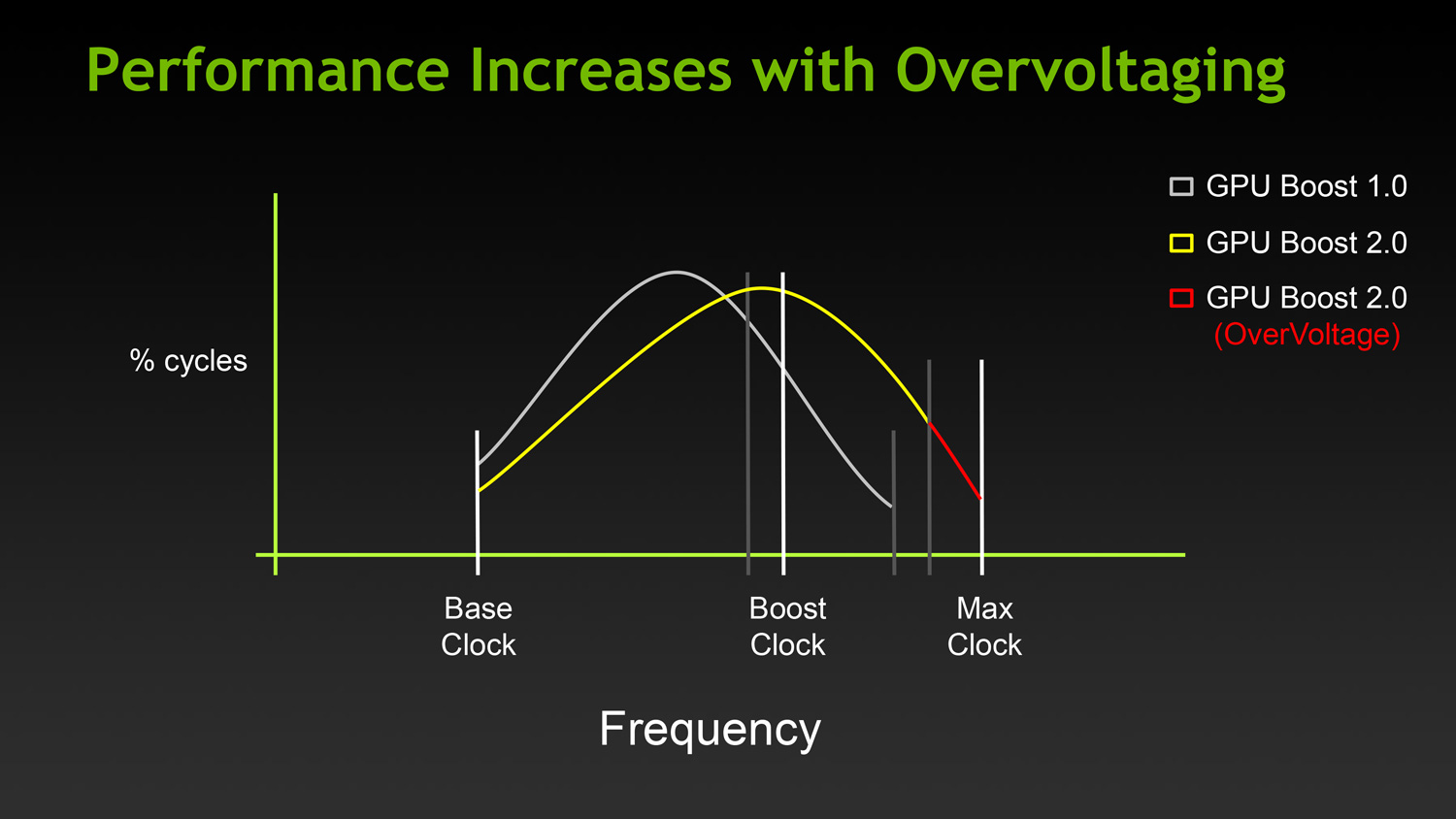
For Titan cards, partners will have the final say in whether they wish to allow overvolting or not. If they choose to allow it, they get to set a maximum voltage (Vmax) figure in their VBIOS. The user in turn is allowed to increase their voltage beyond NVIDIA’s default reliability voltage limit (Vrel) up to Vmax. As part of the process however users have to acknowledge that increasing their voltage beyond Vrel puts their card at risk and may reduce the lifetime of the card. Only once that’s acknowledged will users be able to increase their voltages beyond Vrel.
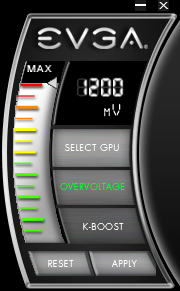
With that in mind, beyond overvolting overclocking has also changed in some subtler ways. Memory and core offsets are still in place, but with the switch from power based monitoring to temperature based monitoring, the power target slider has been augmented with a separate temperature target slider.
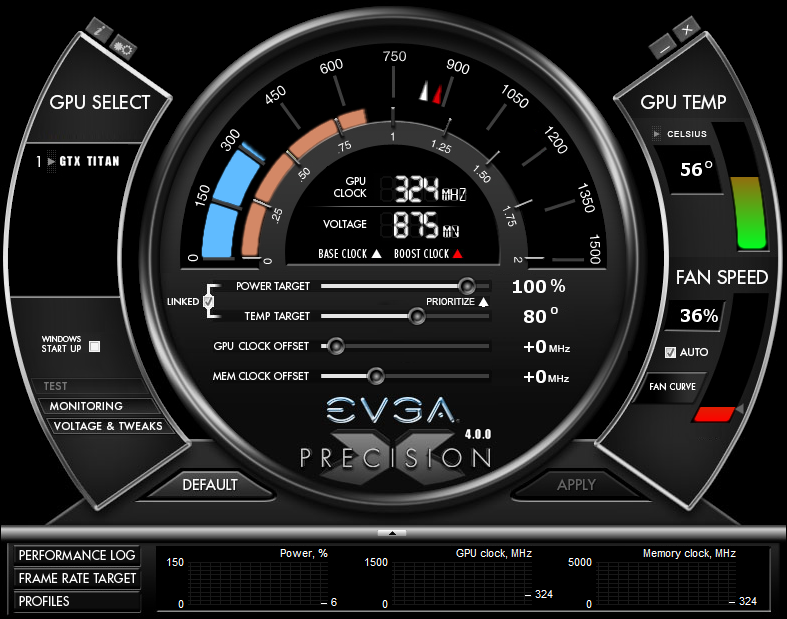
The power target slider is still responsible for controlling the TDP as before, but with the ability to prioritize temperatures over power consumption it appears to be somewhat redundant (or at least unnecessary) for more significant overclocking. That leaves us with the temperature slider, which is really a control for two functions.
First and foremost of course is that the temperature slider controls what the target temperature is for Titan. By default for Titan this is 80C, and it may be turned all the way up to 95C. The higher the temperature setting the more frequently Titan can reach its highest boost bins, in essence making this a weaker form of overclocking just like the power target adjustment was on GTX 680.
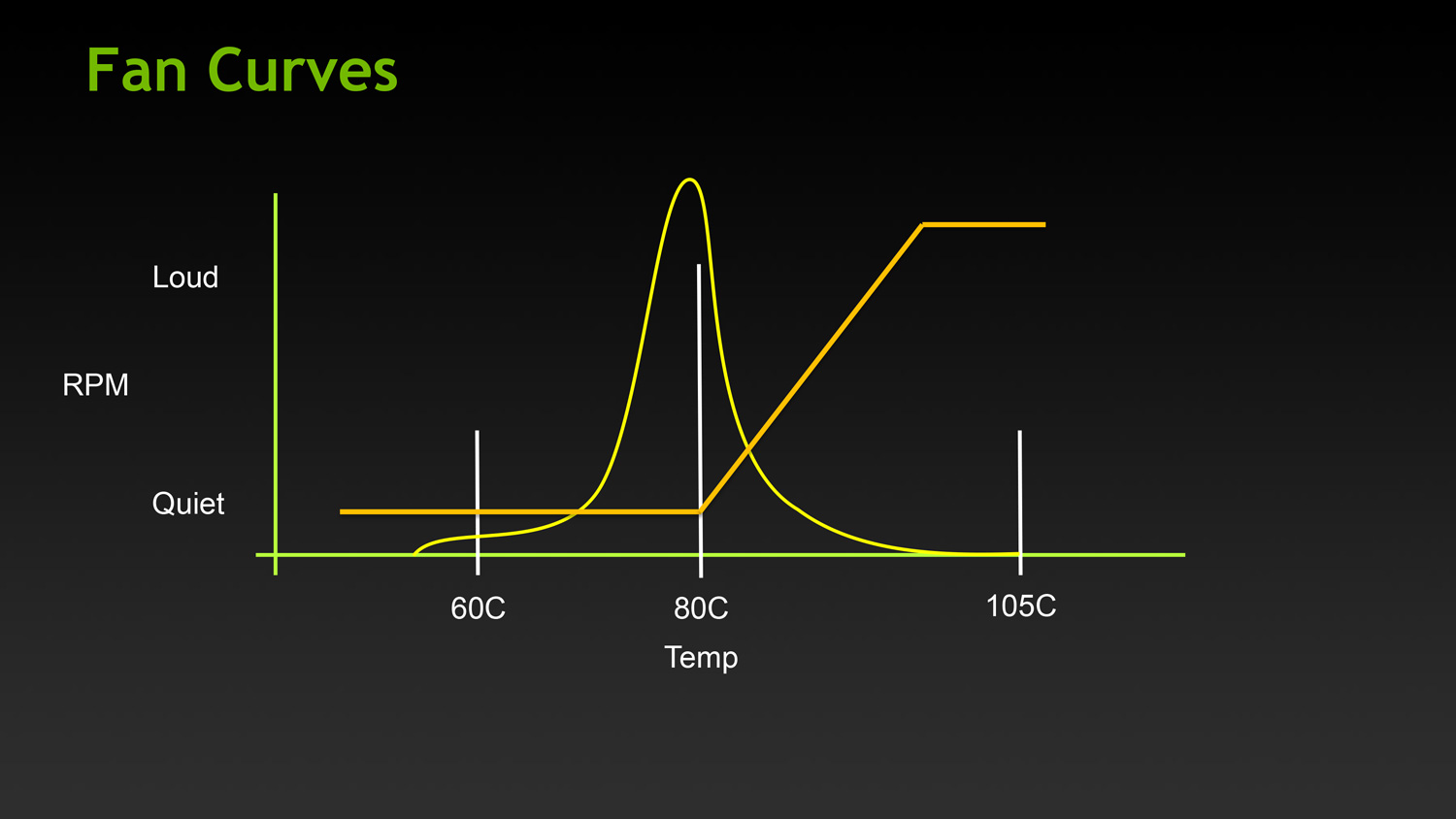
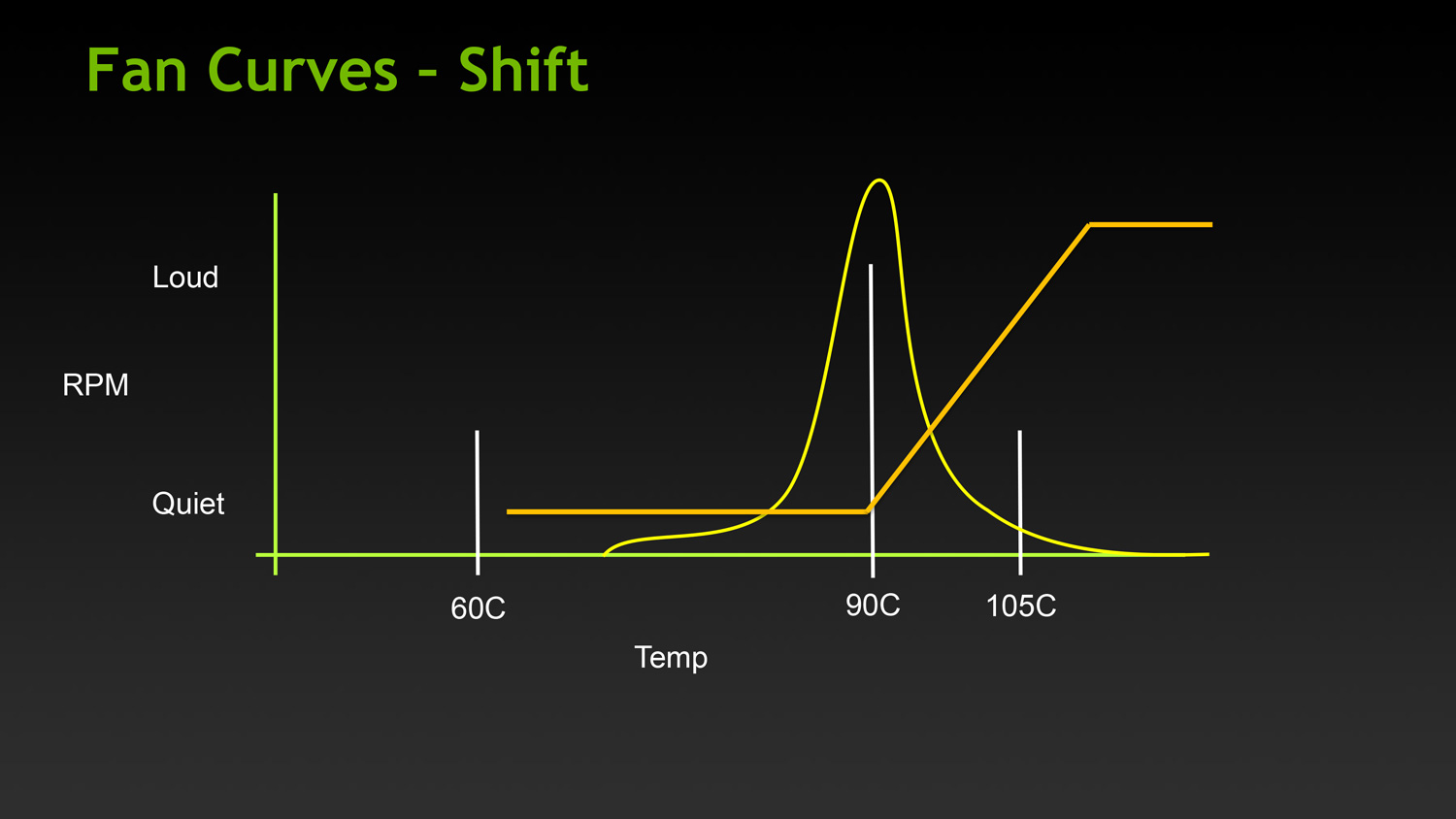
The second function controlled by the temperature slider is the fan curve, which for all practical purposes follows the temperature slider. With modern video cards ramping up their fan speeds rather quickly once cards get into the 80C range, merely increasing the power target alone wouldn’t be particularly desirable in most cases due to the extra noise it generates, so NVIDIA tied in the fan curve to the temperature slider. By doing so it ensures that fan speeds stay relatively low until they start exceeding the temperature target. This seems a bit counterintuitive at first, but when put in perspective of the goal – higher temperatures without an increase in fan speed – this starts to make sense.
Finally, in what can only be described as a love letter to the boys over at 120hz.net, NVIDIA is also introducing a simplified monitor overclocking option, which can be used to increase the refresh rate sent to a monitor in order to coerce it into operating at that higher refresh rate. Notably, this isn’t anything that couldn’t be done before with some careful manipulation of the GeForce control panel’s custom resolution option, but with the monitor overclocking option exposed in PrecisionX and other utilities, monitor overclocking has been reduced to a simple slider rather than a complex mix of timings and pixel counts.
Though this feature can technically work with any monitor, it’s primarily geared towards monitors such as the various Korean LG-based 2560x1440 monitors that have hit the market in the past year, a number of which have come with electronics capable of operating far in excess of the 60Hz that is standard for those monitors. On the models that have been able to handle it, modders have been able to get some of these 2560x1440 monitors up to and above 120Hz, essentially doubling their native 60Hz refresh rate to 120Hz, greatly improving smoothness to levels similar to a native 120Hz TN panel, but without the resolution and quality drawbacks inherent to those TN products.
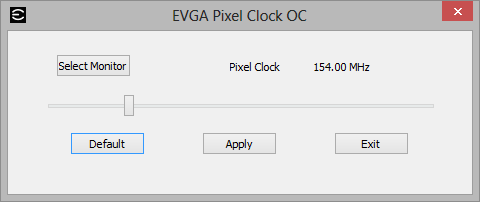
Of course it goes without saying that just like any other form of overclocking, monitor overclocking can be dangerous and risks breaking the monitor. On that note, out of our monitor collection we were able to get our Samsung 305T up to 75Hz, but whether that’s due to the panel or the driving electronics it didn’t seem to have any impact on performance, smoothness, or responsiveness. This is truly a “your mileage may vary” situation.
Originally published at https://www.anandtech.com/show/6760/nvidias-geforce-gtx-titan-part-1 (Wayback Machine).