
Buffalo MiniStation Thunderbolt Review - An External with USB 3.0 and Thunderbolt
- Posted in
- Storage
- SSDs
- USB 3.0
- Thunderbolt
- Buffalo
Back when Thunderbolt (then Intel Lightpeak) was optical, I was actively involved in covering the interface, partly out of professional curiosity due to my optical background, partly because I sincerely believe optical interfaces are an inevitable part of the future. When Lightpeak became Thunderbolt and lost the optical layer, it fell under Anand’s beat and the Mac umbrella. I acquired a MacBook Pro with Thunderbolt somewhere around the same time, but never acquired any Thunderbolt peripherals or drives. Since then, Thunderbolt has slowly but surely gained traction with more and more peripherals and host devices. Initial adoption was glacial in part because most of the earliest Thunderbolt peripherals were really aimed at the very high end market with big RAID or JBOD stations, and partly due to what boiled down to Thunderbolt being Apple-only until just recently.
There’s an interesting story as to exactly why most of the initial Thunderbolt peripherals were aimed at such a high-end market, and some of it was purely because of both the TDP, size, and engineering constraints involved with the first generation Thunderbolt controllers. The other half of the equation is that selling external storage isn’t always the most valuable prospect, as shoppers expect commodity pricing and generally know the cost of the drive inside. Thankfully, second generation Thunderbolt controllers with smaller size, TDP, and lower cost are now the norm, and at the same time Apple has unleashed more Macs with the interface of note, meaning that there’s a bigger captive market of potentially interested shoppers.
So when Buffalo dropped us a line about an upcoming 2.5" form factor portable hard drive with both USB 3.0 and Thunderbolt interfaces, I couldn’t resist the temptation and jumped at the opportunity to review it. When it comes to single drive external Thunderbolt storage, the only real options at this point are either the Seagate GoFlex, or the new Buffalo MiniStation Thunderbolt.
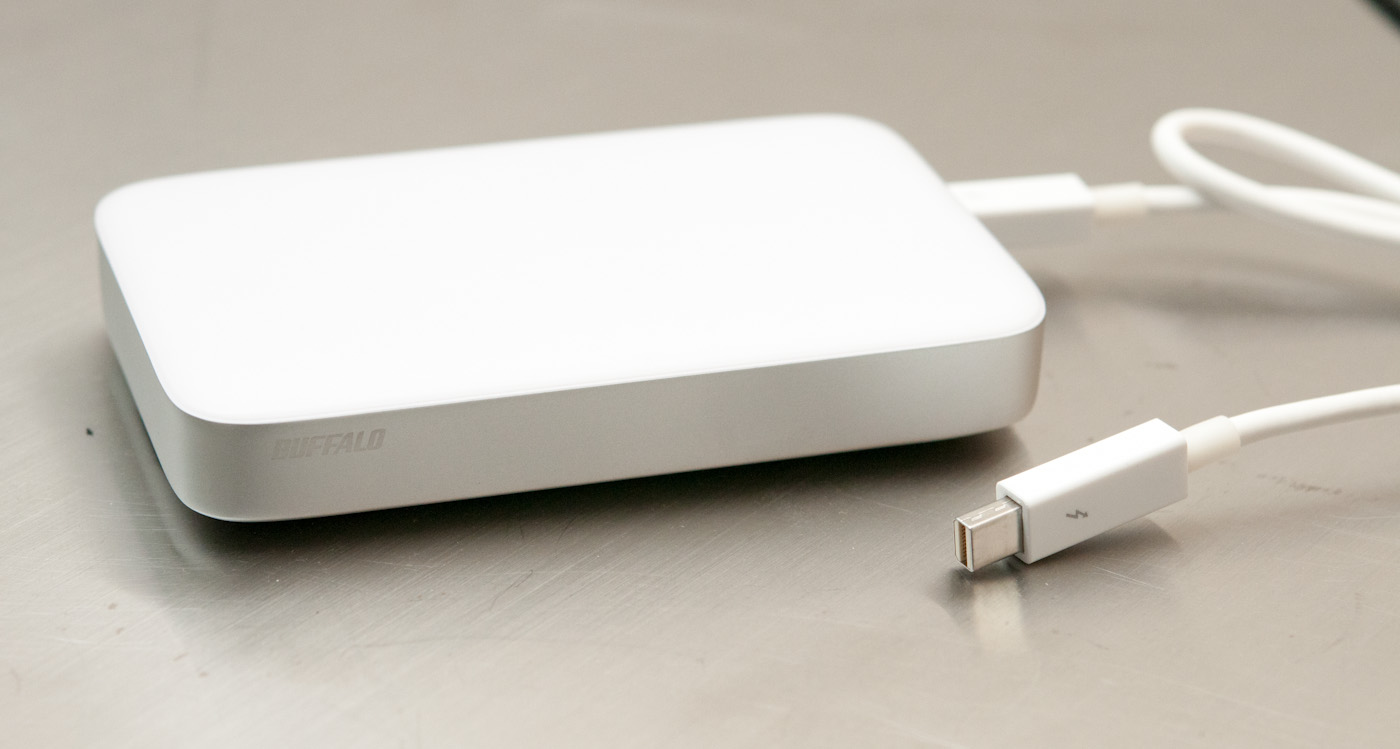
The Buffalo MiniStation comes in two flavors, differentiated only in storage size. There’s a 1 TB version which runs $229.99 named the HD-PA1.0TU3, and a 500 GB version named the HD-PA500TU3 and priced at $199.99. The only difference is what drive you get inside; both include Thunderbolt and USB 3.0. Buffalo has also opted to include both the USB 3.0 and Thunderbolt cables with both MiniStations. Prior drives required the separate purchase of a Thunderbolt cable, which costs around $50. Since there are now multiple cable suppliers (whether this means the active controller in the cable, or companies cabling the system remains unknown to me), pricing has started creeping down and Buffalo was able to include both a 19.7 inch Thunderbolt cable and USB 3.0 cable.
| Buffalo MiniStation Thunderbolt | |||||
| HD-PA500TU3 | HD-PA1.0TU3 | ||||
| Storage | 500 GB HDD | 1 TB HDD | |||
| Interface | miniUSB 3.0 (2.0 legacy), Thunderbolt (no pass through), Cables Included | ||||
| Formatting | Mac (HFS+) | ||||
| Size, Mass | 3.17 x 5.12 x 0.91 (inches), 9.28 oz | ||||
| Pricing | $199.99 (newegg) | $229.99 (newegg) | |||
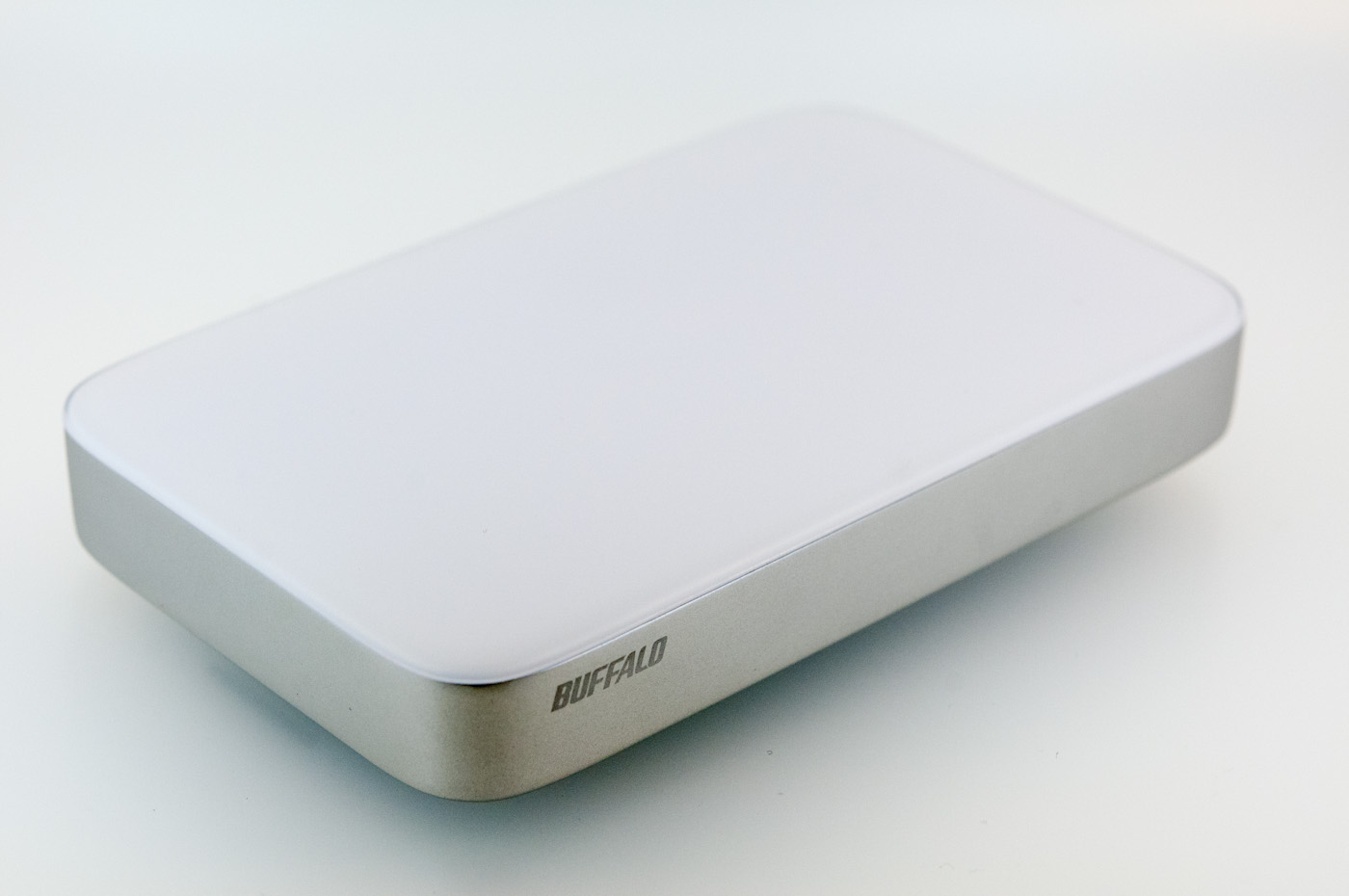
Since Thunderbolt is still predominantly an Apple interface (7-series boards and IVB Ultrabooks notwithstanding), the industrial design of the Buffalo MiniStation is decidedly Apple inspired. The drive is made of two main parts, a single piece aluminum can in which the drive sits, and a plastic top which snaps inside this assembly.
There’s a series of white status LEDs which shine through a diffuse rectangular chicklet cutout on the bottom front lip, which reflects up off of a surface. The indicator light breathes like an Apple power indicator when there’s activity, and stays solid when plugged in. It’s a nice take on an external hard disk status LED that I haven’t seen done before.
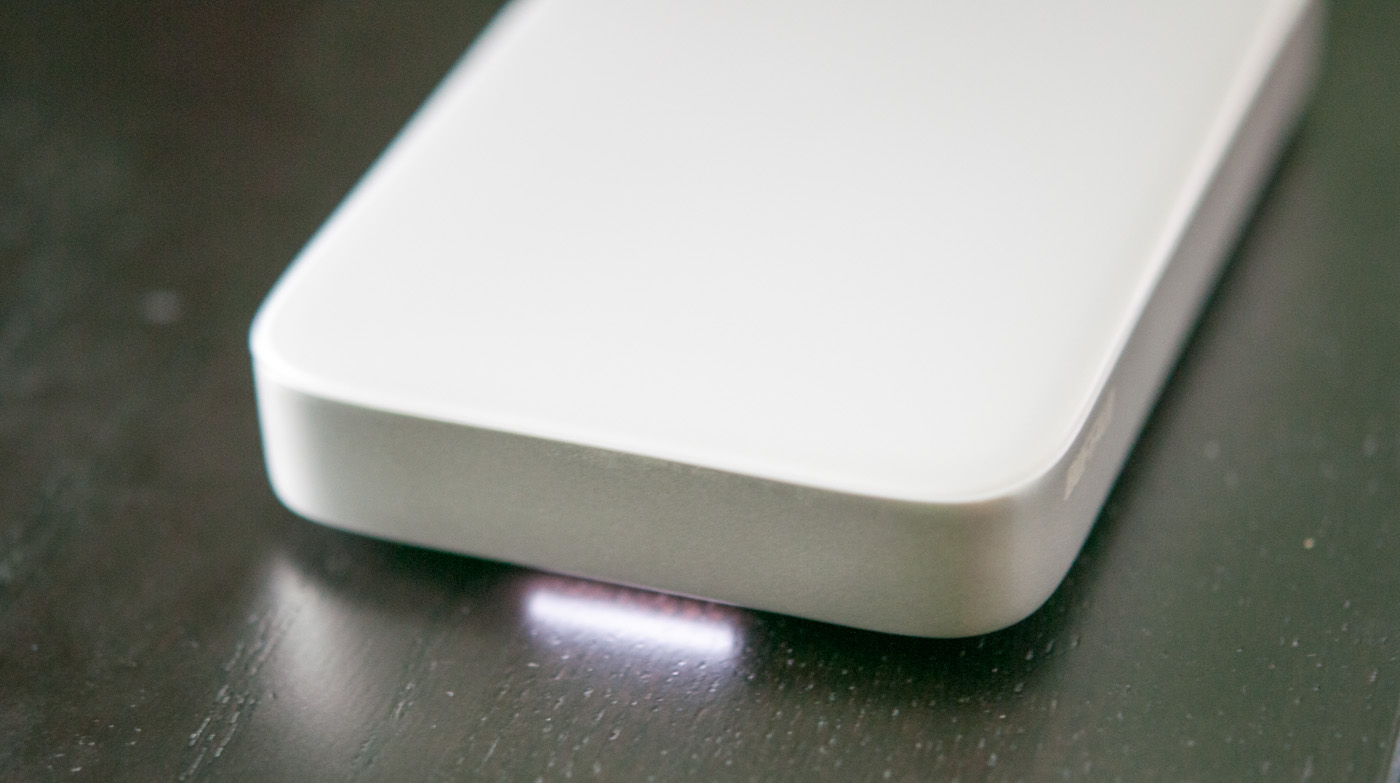
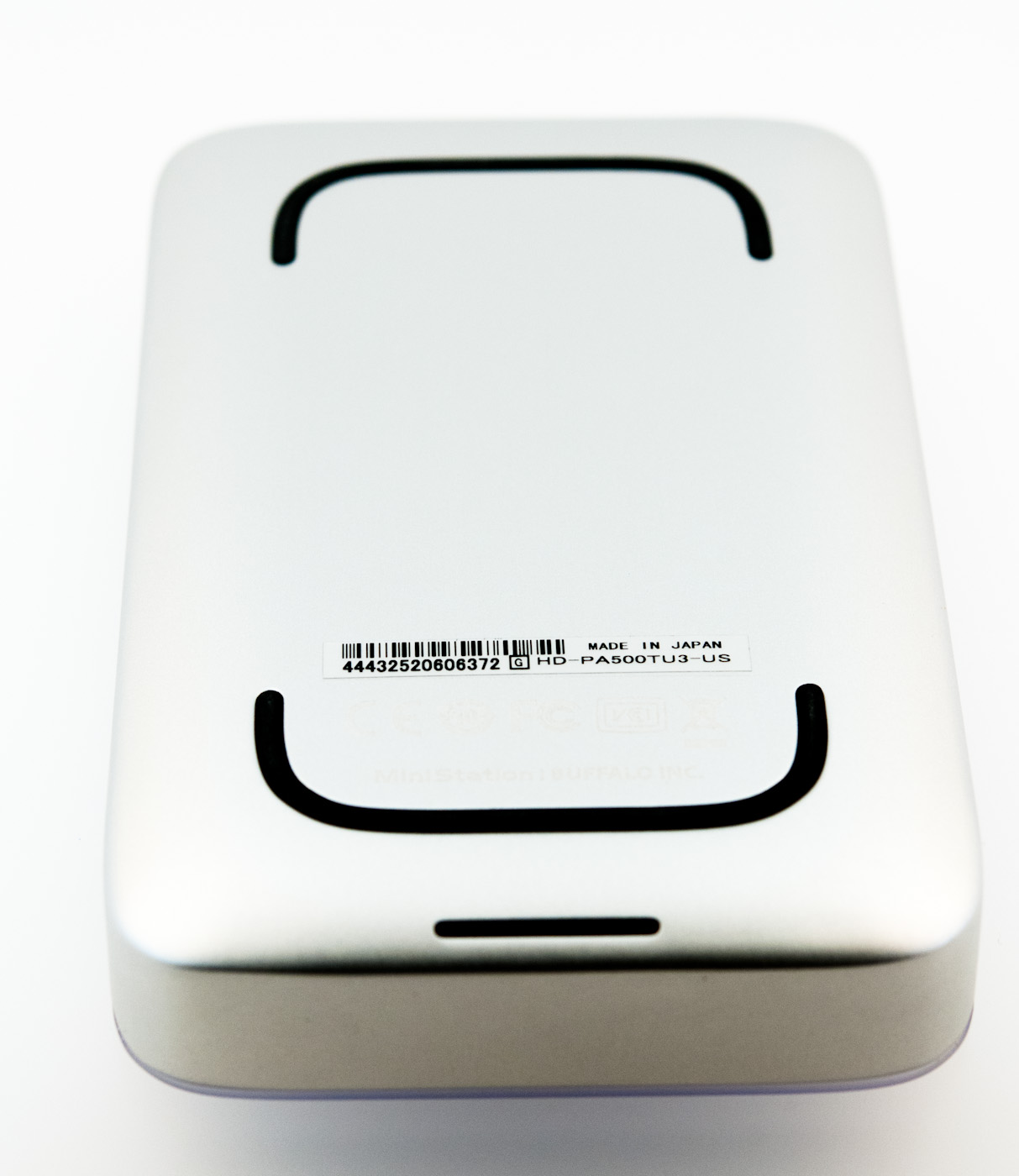
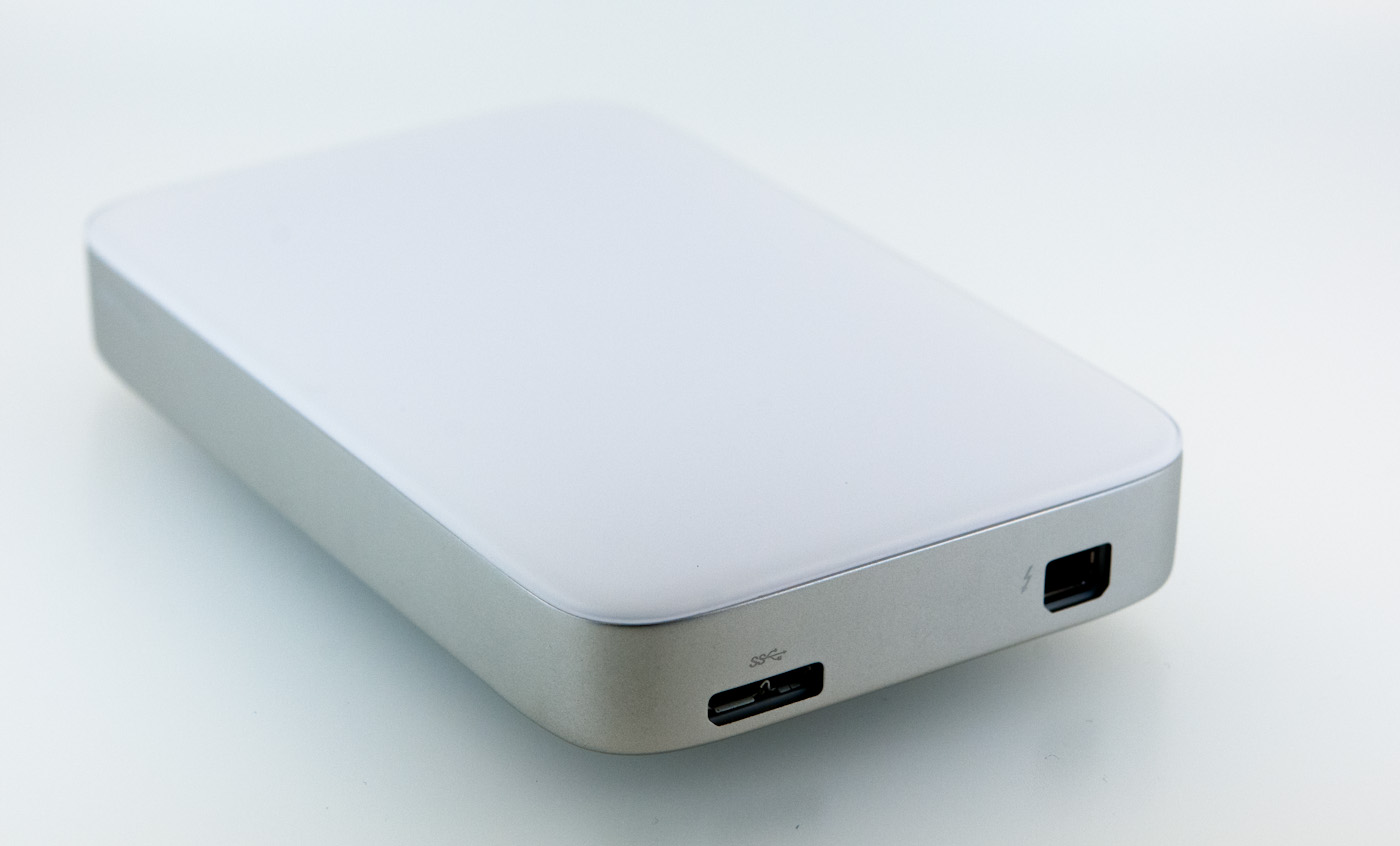
On the underside are two small rubber feet which actually aren’t part of the aluminum base but make contact with the drive caddy inside. Regulatory markings are laser etched near the front rubber foot. At the back of course are the Thunderbolt and USB 3.0 ports, on opposite sides of the drive.


Construction of the MiniStation is subjectively great. There’s not much flex if you squeeze the aluminum side against the plastic lip, and it feels like a solid brick of aluminum in the hand. I’ve regularly transferred videos shot on my DSLR onto the MiniStation, then tossed the drive into the main pocket of my backpack. It isn’t a super rugged design, but definitely will get the job done.
Originally published at https://www.anandtech.com/show/6127/buffalo-ministation-thunderbolt-review-an-external-with-usb-30-and-thunderbolt (Wayback Machine).