
A Tale Of Two Thunderbolt Storage Devices: Seagate's GoFlex Desk and Western Digital's Thunderbolt Duo
- Posted in
- Thunderbolt
- Seagate
- WD
- Western Digital
Unveiled at the late January 2012 Macworld Expo, WD's Thunderbolt Duo began shipping in mid-March, in both 4 TByte and 6 TByte versions:
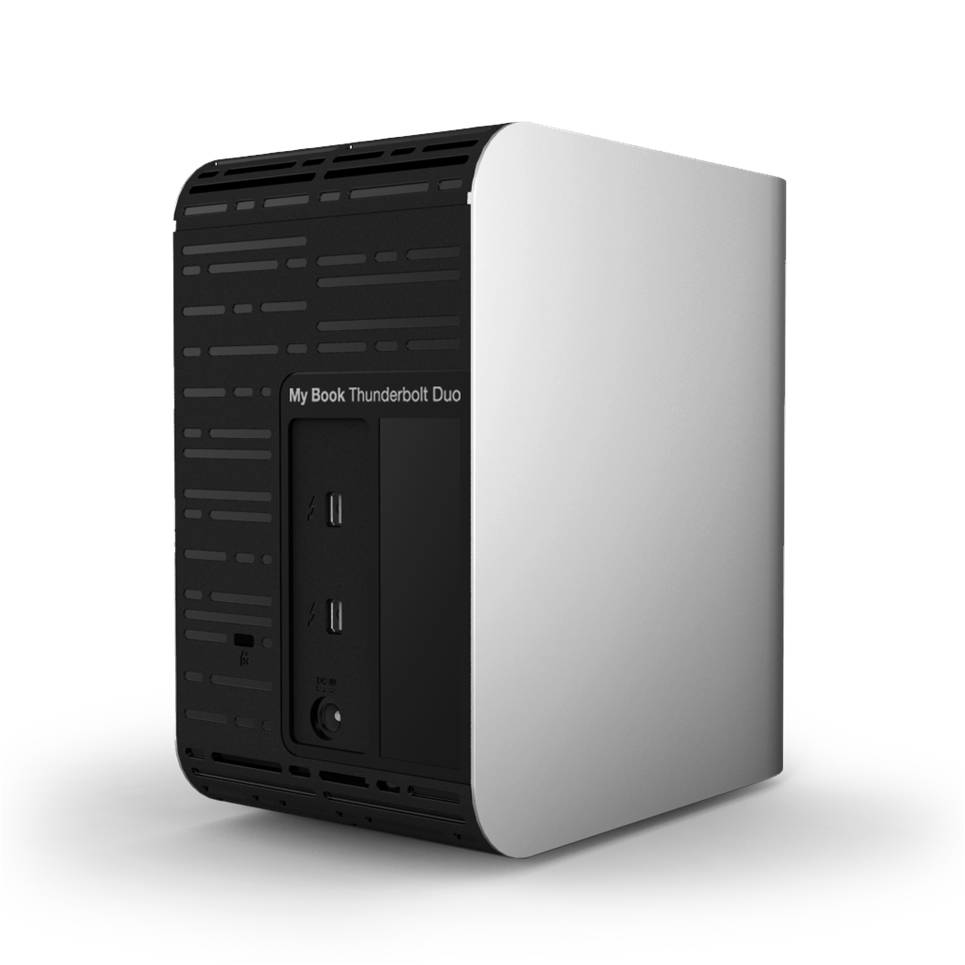
This two-drive, two-Thunderbolt-port enclosure is fanless, as with the Seagate GoFlex Desk, thereby explaining WD's decision to go with Caviar Green "IntelliPower" HDDs instead of the faster-spinning but also hotter-running Caviar Blue, Caviar Black or VelociRaptor counterparts. Specifically, my review 6 TByte unit contained two WD30EZRX HDDs, with 64 MByte caches and 6 Gbps SATA interfaces. WD, as you may already know, has long declined to reveal the RPM range over which its Caviar Green HDDs operate; a specific RPM at any particular time is dependent on both access requirements and sensed operating temperature.
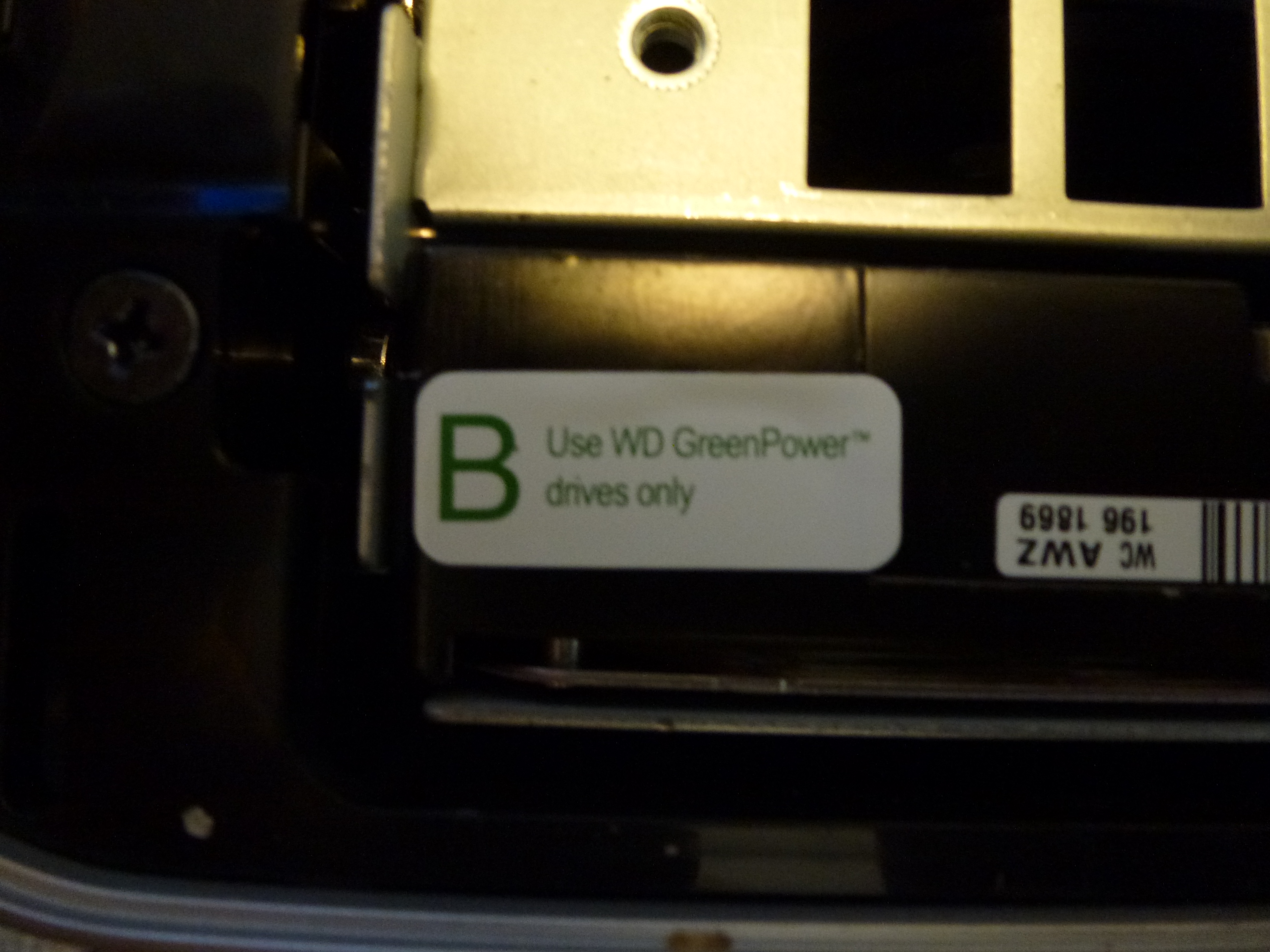
As with the Seagate Thunderbolt Adapter, WD does not include a Thunderbolt cable with the Thunderbolt Duo adapter. And don't bother trying to swap out the included HDDs for SSDs. In addition to asking me to not disassemble the enclosure in order to see what was inside, my PR contact at WD warned me, "the drive will not recognize anything other than the WD Caviar Green drives that it is qualified and designed for." And the stickers stuck to the drives also indicated as such:
Nonetheless, I attempted to do so anyway, wanting to stress-test the transfer rate capability of the enclosure's circuitry and software, potentially beyond that of the rotating media inside. Swapping out drives is a fairly simple process; the topside face is held in place by a spring-loaded latch:
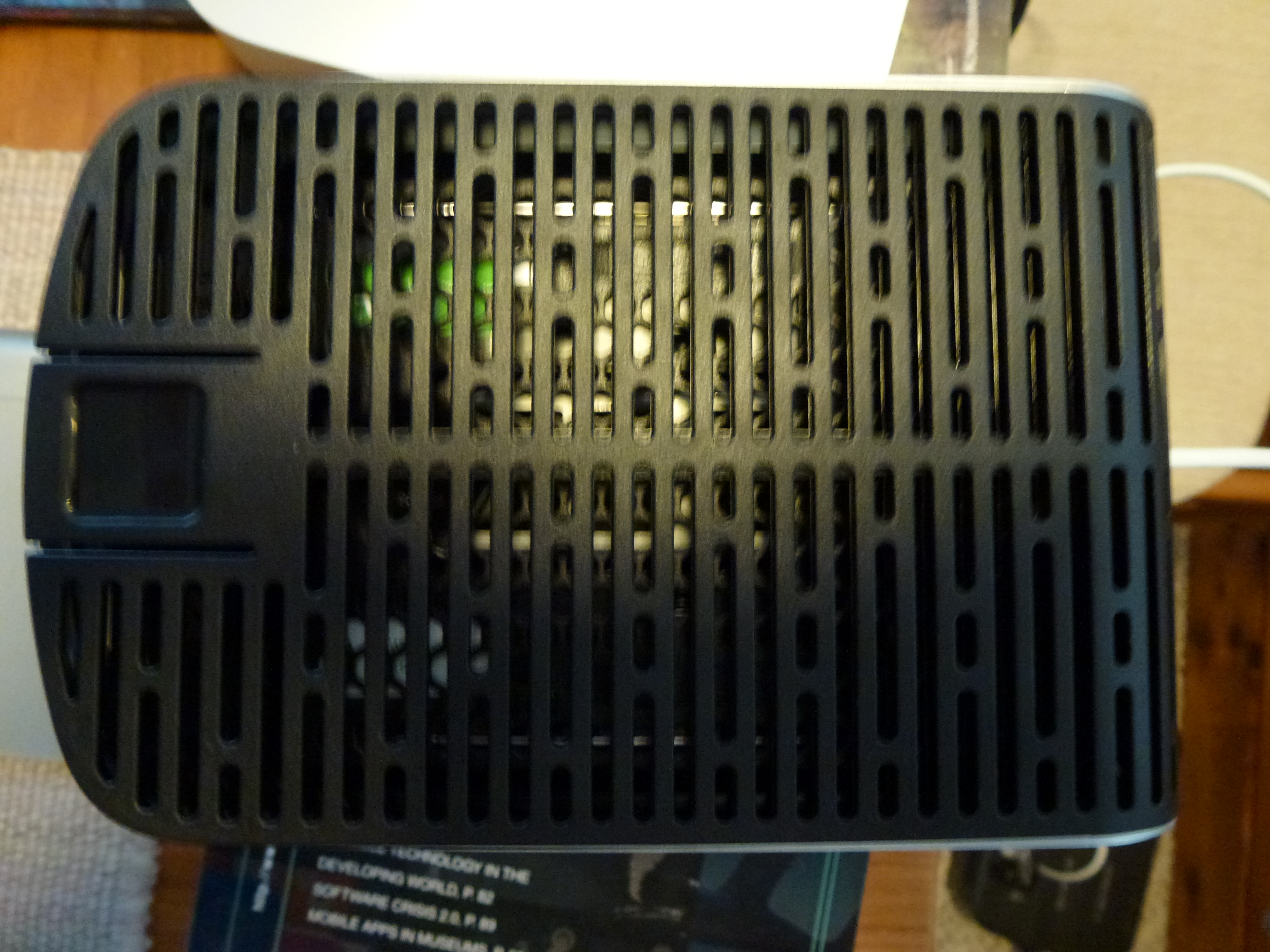
below that, a thumbscrew-constrained metal plate:

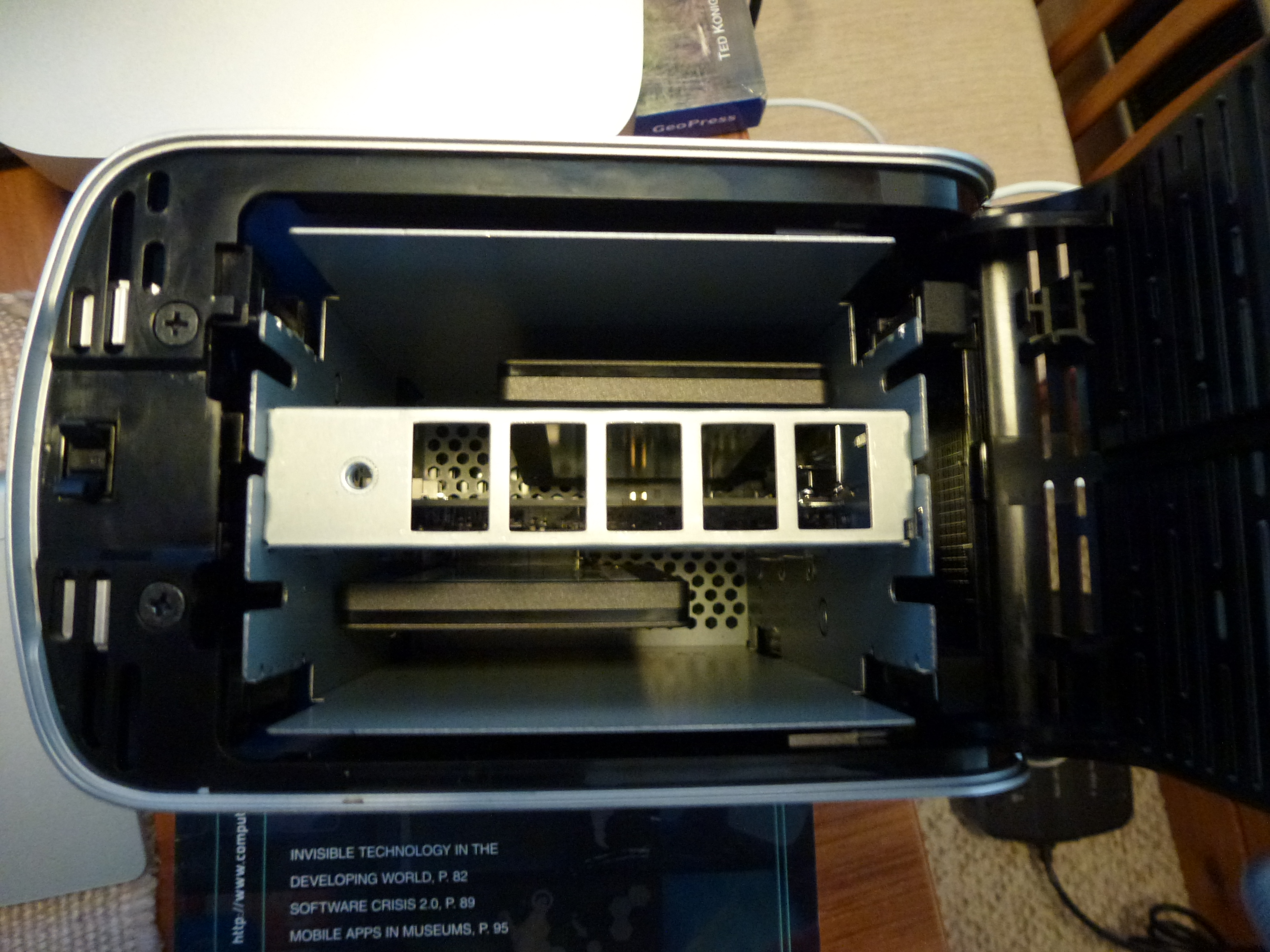
Remove both, and you can then lift a drive straight out:

I temporarily replaced both 3.5" Caviar Green HDDs with 2.5" 256 GByte Micron C400 SSDs, whose light weight, in combination with the vertical mounting orientation, enabled them to reliably remain in place using only the SATA and power connectors:
But a variety of error and warning messages indicated to me that my PR contact's guidance had reality at its basis; WD seems to be polling the drives' firmware upon power-up and blocking usage when it discerns invalid manufacturer and product codes:


The bay A error message isn't strictly accurate; the SSDs work fine, and both re-inserting the one in bay A and swapping their respective locations produced no change. This particular message seems to just be the functional equivalent of the 'incompatible drive' notification for bay B.
Originally published at https://www.anandtech.com/show/5797/a-tale-of-two-thunderbolt-storage-devices-seagates-goflex-desk-and-western-digitals-thunderbolt-duo (Wayback Machine).