
P67 $190 Part 2: MSI P67A-GD65, ASRock P67 Extreme6 and ECS P67H2-A2
MSI P67A-GD65: Board Features
| MSI P67A-GD65 | |
| Market Segment | Performance |
| CPU Interface | LGA 1155 |
| CPU Support | i3/i5/i7 Sandy Bridge |
| Chipset | P67 |
| Base Clock Frequency | 38.0 MHz to 400.0 MHz in 0.1 MHz intervals |
| DDR3 Memory Speed | 1333 MHz by default, 800-2133 MHz supported |
| Core Voltage | Auto, offset or fixed modes, 0.800 V to 1.800 V in 0.015 V intervals |
| CPU Clock Multiplier | Dependent on CPU |
| DRAM Voltage | Auto, 1.108 V to 2.464 V in 0.007V intervals |
| DRAM Command Rate | Auto, 1T-3T |
| Memory Slots |
Four 240-pin DDR3 DIMM slots in dual-channel Regular unbuffered DDR3 memory Up to 32GB total supported |
| Expansion Slots |
2 x PCI Express 2.0 x16 slots (x16/x0 or x8/x8) 3 x PCI Express 2.0 x1 slot 2 x PCI slots Supports ATI Crossfire Supports NVIDIA SLI |
| Onboard SATA/RAID |
2 x SATA 6.0 Gb/s ports (top white) supporting RAID 0/1/5/10 4 x SATA 3.0 Gb/s ports (blue) supporting RAID 0/1/5/10 2 x SATA 6.0 Gb/s ports (white) from Marvell 9120 supporting RAID 0/1 2 x eSATA 3.0 Gb/s ports from JMicron JMB362 |
| Onboard |
4 x SATA 3Gb/s connectors 4 x SATA 6Gb/s connectors 5 x Fan Headers (1x4-pin, 4x3-pin) 1 x USB 2.0 headers support additional 2 USB 2.0 Ports 1 x USB 3.0 header supports additional 2 USB 3.0 Ports 1 x Power on button 1 x Reset button 1 x Front panel switch/LED header 1 x TPM module connector 1 x Serial port connector 1 x Voltage Check Point 1 x COM port header 1 x SPDIF out connector 1 x Firewire/IEEE 1394 header 1 x Front panel audio header OC Genie Button |
| Onboard LAN | Realtek® RTL8111E Gigabit Fast Ethernet |
| Onboard Audio | Realtek® ALC892 8-Channel HD Audio |
| Power Connectors |
24-pin EATX Power connector 8-pin EATX 12V Power connector |
| Fan Headers |
1 x CPU Fan (4-pin) 4 x SYS Fan (3-pin) |
| IO Panel |
1 x PS/2 keyboard/mouse connectors 1 x RJ45 LAN connectors 1 x Audio port (Line-in, Line-out, Mic-in) 1 x Optical S/PDIF Out connector 1 x Coaxial S/PDIF Out connector 1 x Clear_CMOS button 1 x IEEE 1394 port 2 x USB 3.0 ports compatible to both USB 3.0/2.0 devices (blue) 2 x eSATA 6.0Gb/s ports 8 x USB 2.0 ports |
| BIOS Version | 1.B |
| Warranty Period | 3 Years |
Interesting points to note are that the SATA 6 Gbps support RAID (0/1 on all, 5/10 on PCH ports), and the warranty is for three years, which is longer than that of the other boards in this roundup.
MSI P67A-GD65: In The Box
- 4 locking SATA cables (2 of these are right angled at one end)
- IO shield
- 3-slot SLI connector
- USB 3.0 rear panel
- 4-pin Molex to SATA power cable
- MSI M-connectors
- V-check cables
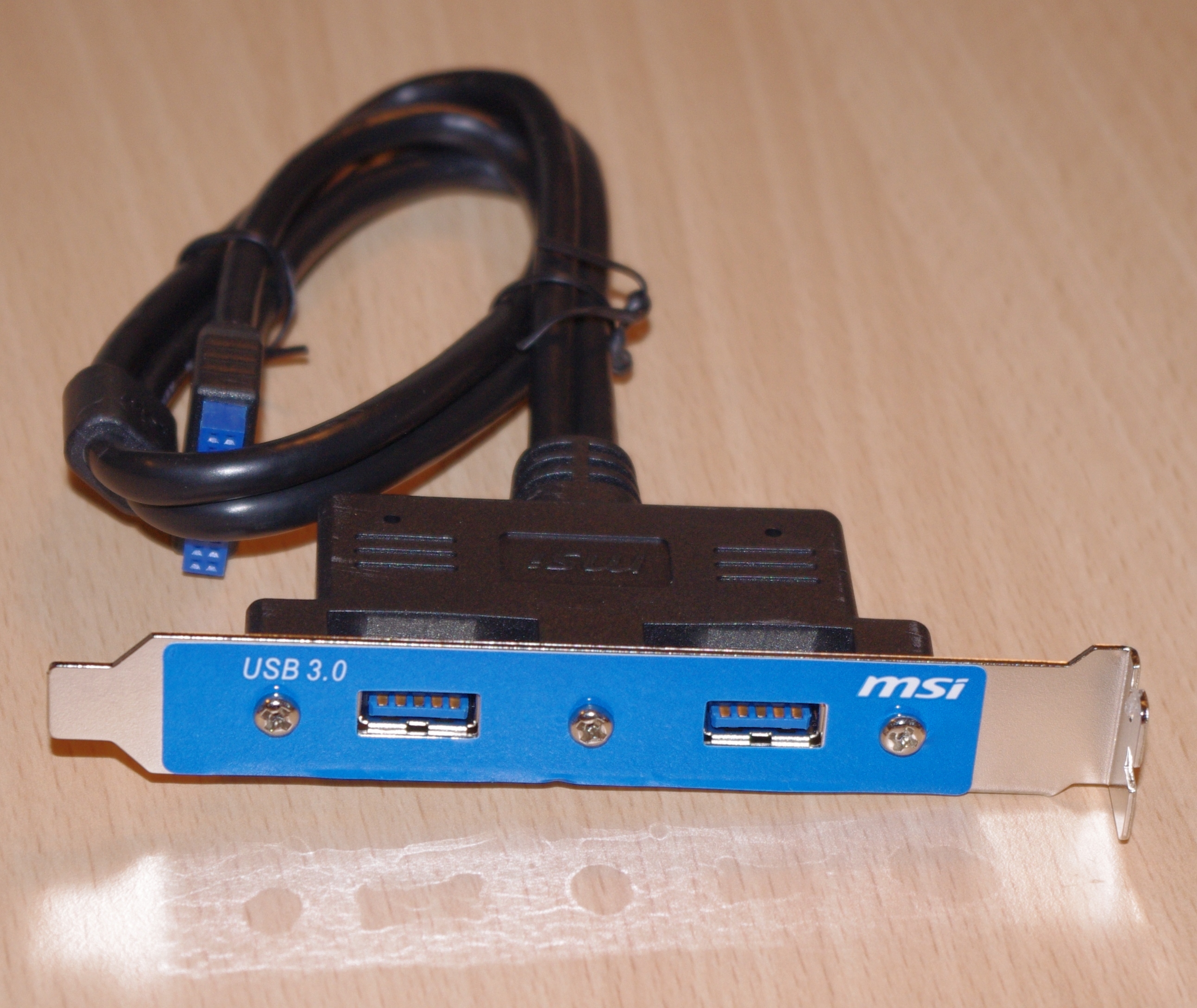
The USB 3.0 rear panel connector is of a reasonable length, but personally I feel it is not as good as the option we’ve seen from ASRock.
MSI P67A-GD65: Software
To say the MSI P67A-GD65 comes with a lot of software as standard is an understatement. As a way of raising value of a product, a manufacturer can include a series of software which promotes and increases the functionality of the product—MSI have done this to an extent, but then have thrown everything else at it as well into one package to the extreme. We'll have a look at the software supplied on the CD, in no particular order:
Install Disc
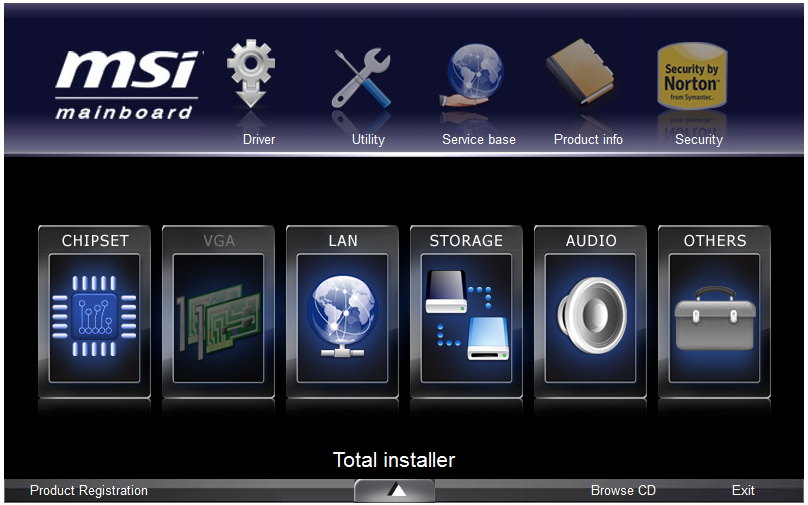
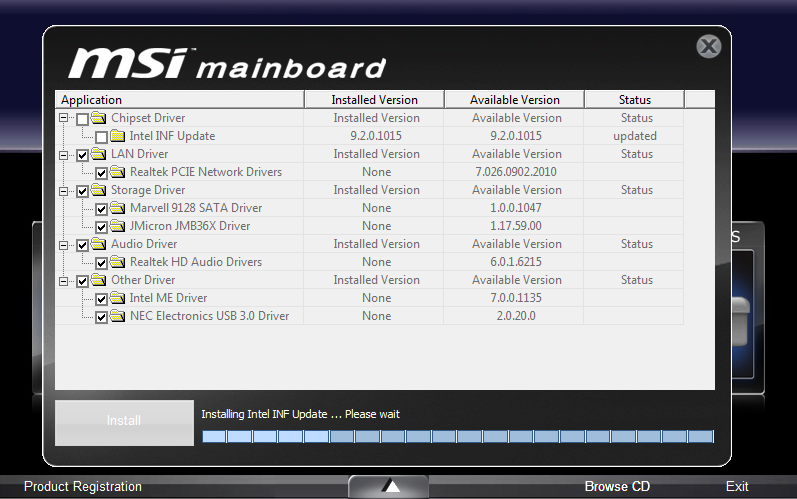
The installer on the CD that comes with the board is fairly straightforward—load it in, click 'Total Installer', and the menu below appears in case a user wants to select/deselect certain drivers. The same thing goes with the software too.
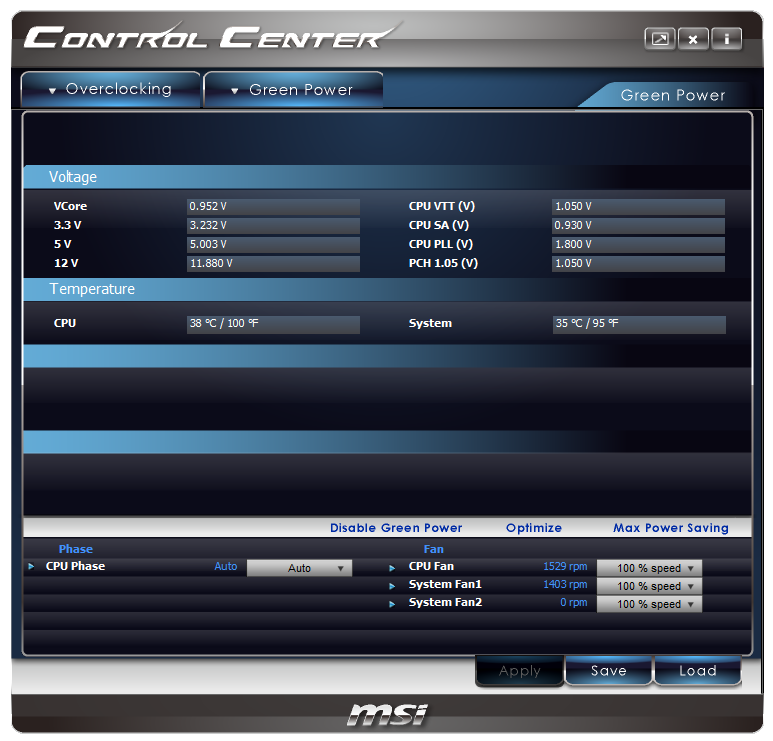
MSI Control Center II
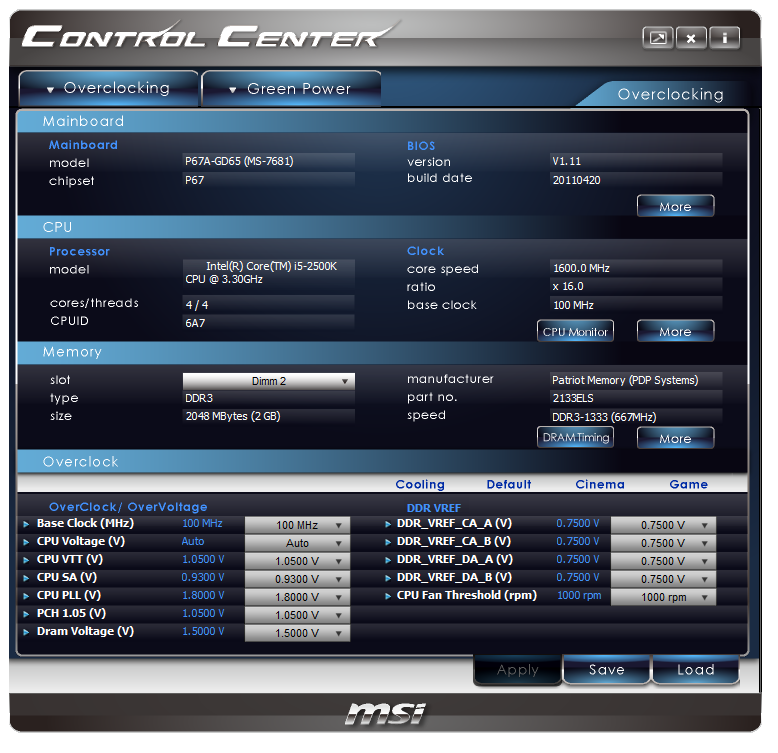
The MSI Control Center II is your main focus for overclocking, power saving and fan controls. Everything is fairly accessible and reasonably set out—though not as user friendly as other software we have seen from other manufacturers that have a similar role.
The overclock options are limited to BCLK, as seen on other P67 boards, but rather than sliders we have a simple drop down menu. The drop down menu is odd—when we use the mouse wheel to scroll through BCLK or voltages, the options that are visible don't change, but when you select one, it selects what you would have scrolled to. This is an error that needs addressing, even if it is a minor one—I use the mouse wheel quite a lot in these situations. If I didn't, I'd be typing in the values, but that option isn't available either.
Above the overclock options are a variety of presets—'Cooling', 'Default', 'Cinema', 'Game'. These change the voltages and BCLK accordingly—the software itself, if the BCLK change is large, will slowly increase/decrease the BCLK in 0.5 MHz jumps (even if the BCLK options are only available to the nearest MHz). Under the 'Game' setting, we saw 103 MHz and a small voltage increase. We can also change the RAM sub-timings—this option works quite well.
This software also allows you to turn off the CPU phase LEDs, which is useful if your computer has a non-blue color scheme. The fan controls are very bland; only the CPU and two SYS fans are controllable, and only the % speed is changeable—no ramps are settable.
MSI Live Update 5
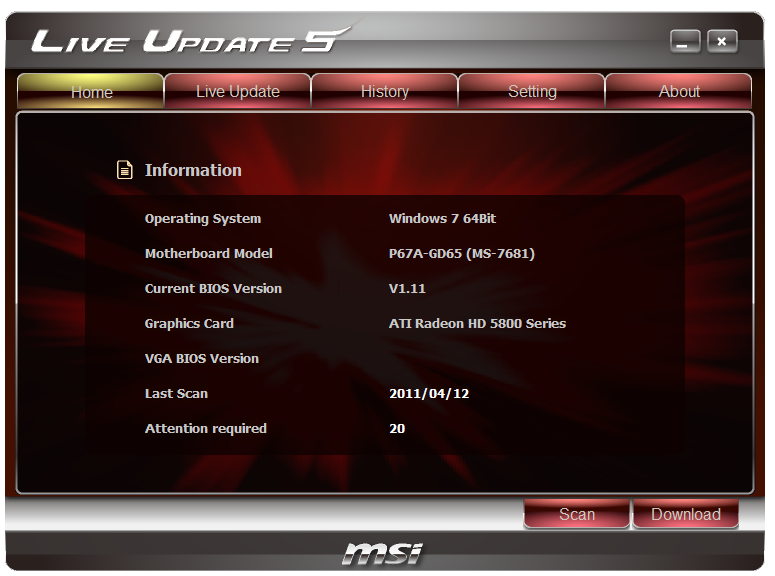
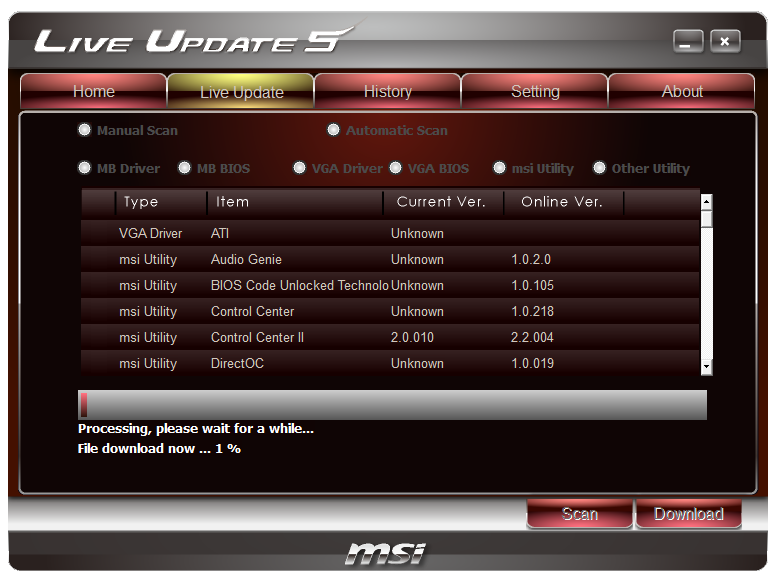
The Live Update software is a nice addition, which automatically checks the system in terms of drivers and software, and the MSI website for updates. The software downloads them and lets you install them—however, I came across a few glitches.
When I first installed the software, I was on BIOS 1.5. On the version of Live Update that came with the CD, it could not find a newer version of the BIOS available, even though 1.9 was available at the time through the website. I had to update Live Update itself first to find a newer BIOS on the MSI servers through Live Update.
I had the 1.B BIOS installed, and this utility said BIOS 1.B0 was available—I was unsure if this was a beta BIOS, as the B0 was not available on the MSI website. I downloaded and updated the BIOS, and the software stated I still had the 1.B BIOS—which leads me to think the B0 BIOS doesn't really exist, or is actually the 1.B BIOS but not renamed properly.
Another issue is that the Live Update software offers downloads which may not be compatible with the motherboard. I was offered the DirectOC software to download and install, which I did, only to find that my motherboard wasn't compatible with it. Perhaps some refinements in this area are needed.
The last issue is that Live Update demands your attention. I had the program installed, didn't use it yet, and was running the 3D benchmarks—Live Update kept minimizing the game until I paid attention to it, or turned it off. I get easily irritated by software that does this (I have in the past changed virus scanners because of it).
MSI Audio Genie
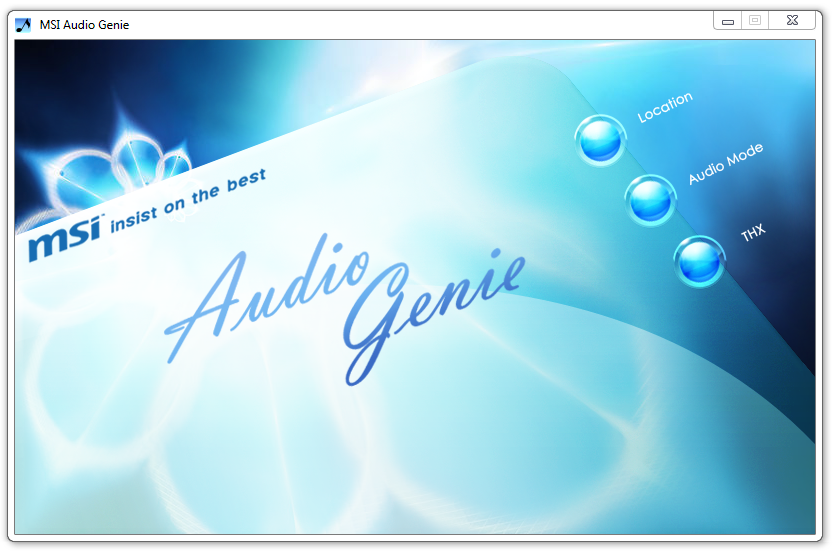
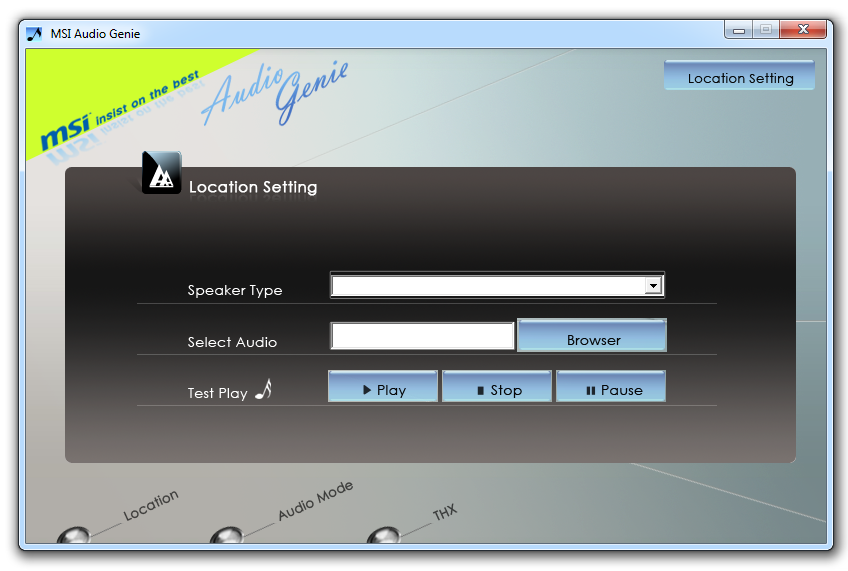
The MSI Audio Genie is a package designed to optimize the audio experience from the onboard audio. The speaker setup can be changed alongside a series of preset functions for films, games etc. In order to use proper equalizer settings, the THX TruStudio Pro needs to be installed as well.
MSI Video Genie
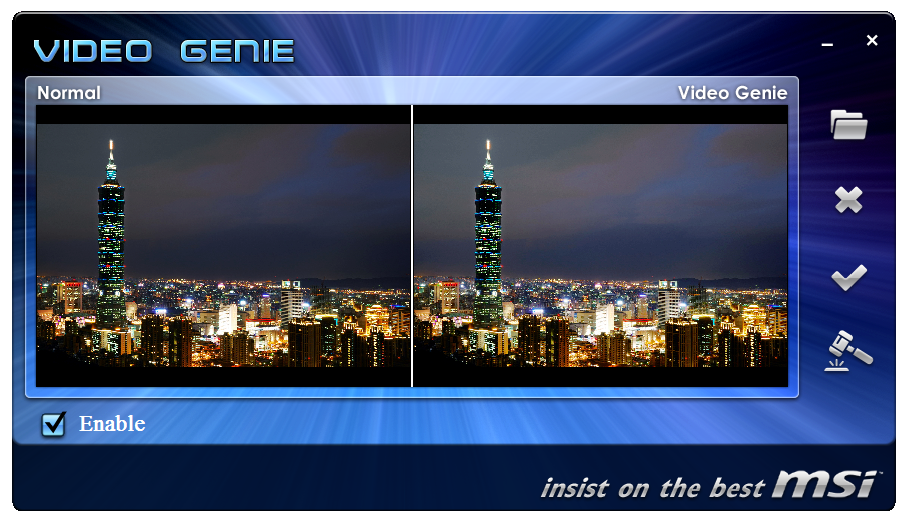
The MSI Video Genie software is an automatic modifier for the monitor in an attempt to optimize low brightness areas in videos/films. It does make an obvious difference in general when you first run the software, though whether it is applicable in a majority of cases is debatable—especially if what you are watching is intended to be dark.
MSI Super Charger
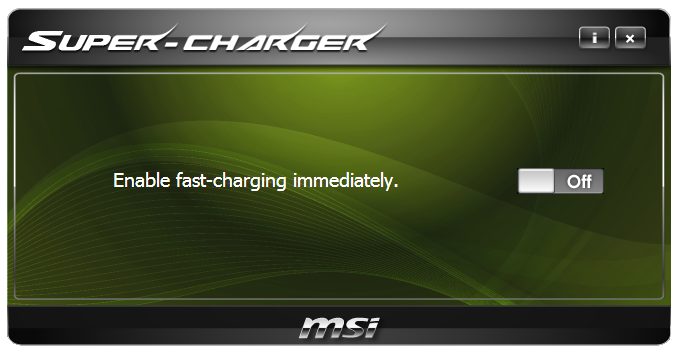
The Super Charger software enables and disables the increased power delivery of the USB header on the board which supplies more power than the standard USB header. We are starting to see this technology on a variety of boards, in terms of Quick Charge or under similar names.
MSI Teaming Genie
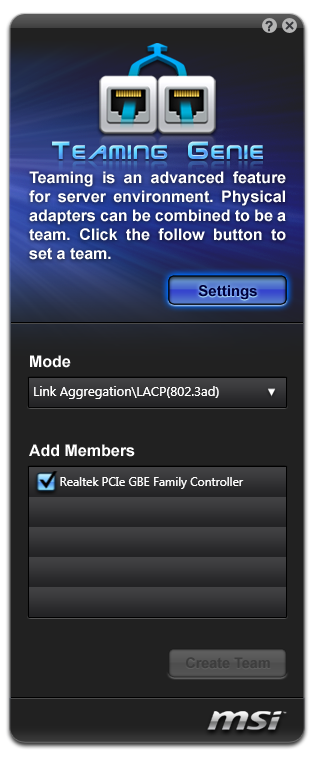
The Teaming Genie software is a very odd addition to the GD65. The idea behind this software is to pair up capable Ethernet ports into one connection—this is useful if transferring data to and from a source with a higher throughput (i.e. a 10 Gigabit server). The reason why this is an odd addition is that the motherboard only has one gigabit Ethernet port! Unfortunately I don't have an Ethernet PCI/PCIe card in order to test if this software detects other cards in the system.
Chicken Shake

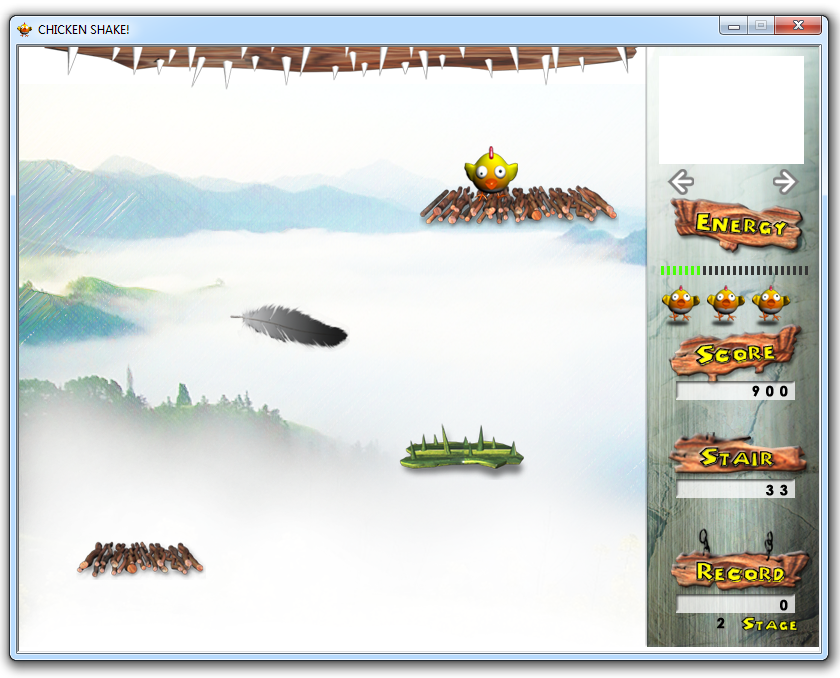
MSI have included Chicken Shake—a rather poor game based on movements through the webcam, similar to the Xbox 360s first attempt at webcam games before the Kinect was released. The game itself won't actually start unless a webcam is detected, and then the settings can be changed for keyboard input. Under webcam mode, the chicken on screen moves when you move your face—however there is a large lag between moving your head and moving the chicken. The gameplay is minimal—just stop the chicken from touching the spikes.
MSI Q-Face
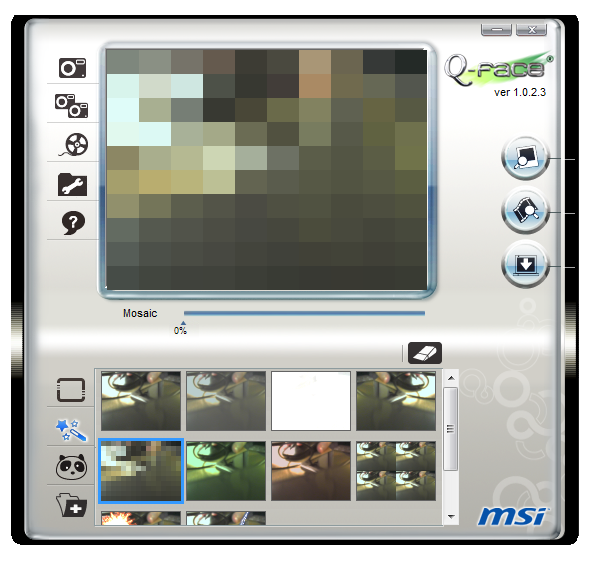
The other webcam software is the MSI Q-Face application. This mimics software in some commercial webcam packages, whereby the face movements are monitored and forms of augmented reality are applied—i.e. hats and special effects. Move your head, the effect moves with you.
Additional Software
MSI includes other non-MSI programs—eSobi 2 (90 day trial), MAGIX Video Easy SE (7 day trial) and mufin player 1.5 (full program). eSobi 2 is a news feed reader, Video Easy is a simple video editor, and mufin player is a fully functioning media player.


Originally published at https://www.anandtech.com/show/4323/p67-190-part-2-msi-asrock-and-ecs (Wayback Machine).