
Corsair TX750 V2: New and Improved
Appearance, Cables and Connectors
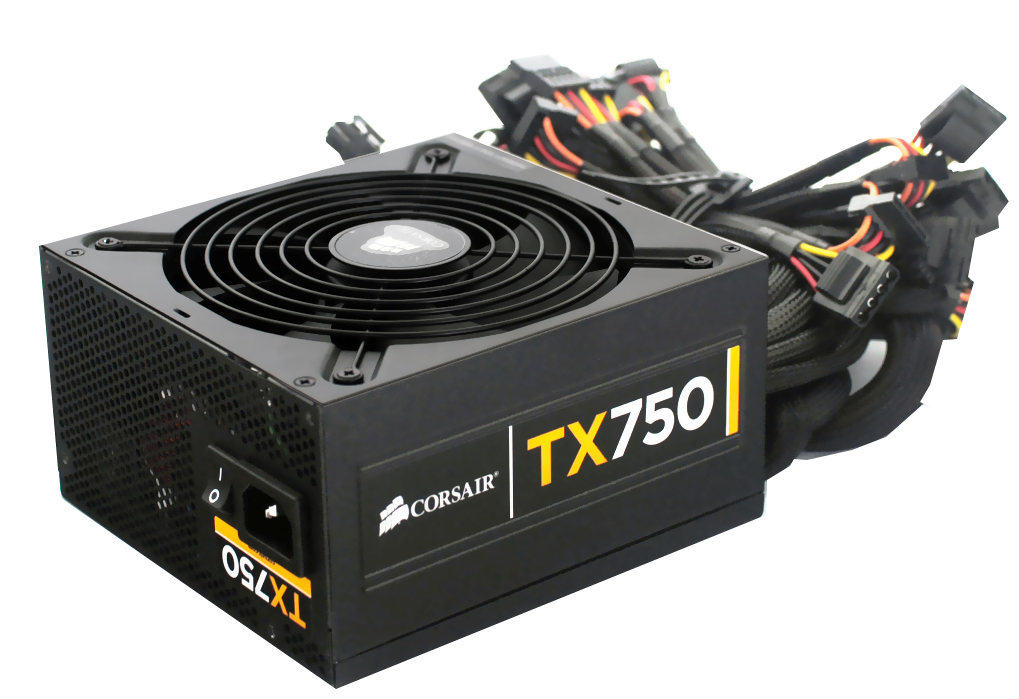
Like the Corsair AX 750W, this model has a simple black finish. On both sides of the PSU there are Corsair logos with the product name. With a usual fan grille and a small power switch it looks "boringly normal" in contrast to Antec's HCG series. The surface is scratch-resistant and those honeycombed ventilation holes at the back are relatively small, which is good for EMI shielding but may hinder airflow slightly.
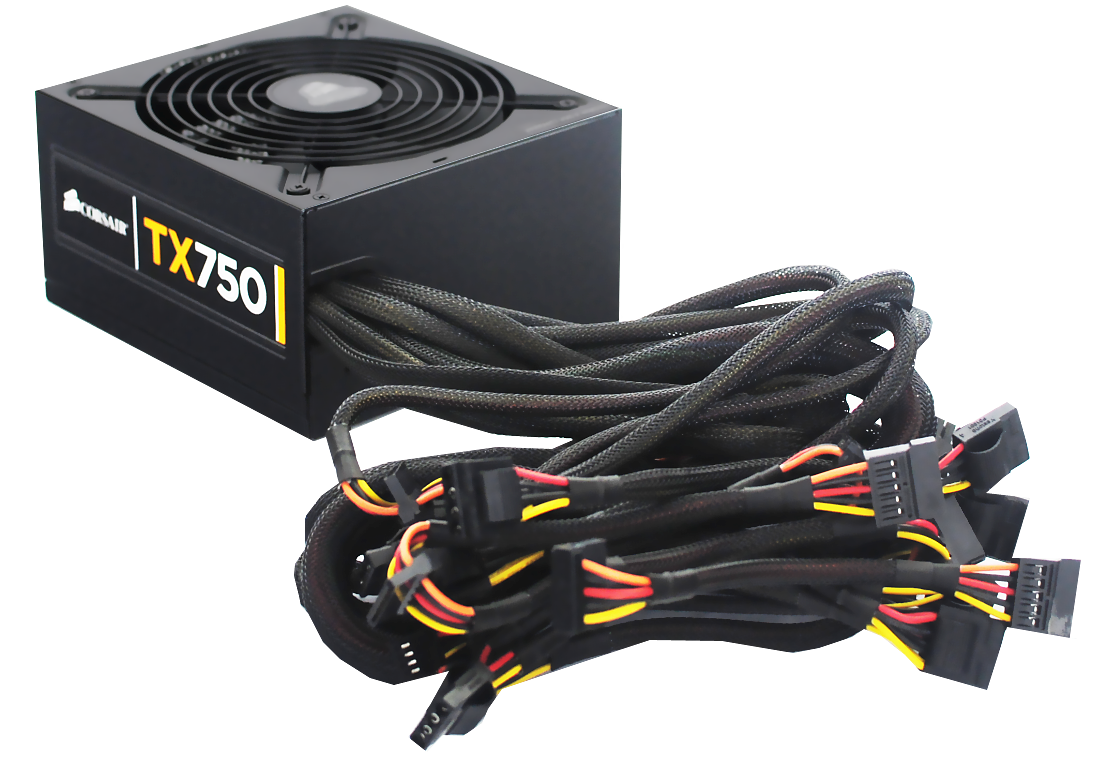
Corsair has a nicely fashioned hole for the cables exiting the casing, which will protect the black sleeving and cables against damages from rubbing against the case. Cheap power supplies often have sharp-edged outputs that can destroy the sleeving or in some cases even damage the wires, so the protective cover around the edge is appreciated.
The TX750 comes with a large number of fixed cables. You'll want to make sure that your case has enough space to store unused cables, so you don't obstruct the airflow. If your case has a window, the fixed cabling can also look untidy, which is why most users with windows cases prefer modular cables.
| Cables and Connectors | ||
| Fixed | Main | 24-pin 60cm |
| ATX12V/EPS12V | 4+4-pin 60cm | |
| PCIe | 4x 6/8-pin 60cm | |
| Peripheral | 4x SATA 40-85cm / 4x SATA 40-85cm | |
| 4x Molex 40-85cm / 4x Molex 40-85cm (+ FDD adapter 15cm) | ||
The Corsair TX750 V2 has fewer SATA connectors than the Antec HCG 750W, though the length of both mainboard cables (24-pin and 4+4-pin) are equal. Like Seasonic, Corsair offers an FDD adapter in case you need it. In total, the TX750 supports eight SATA and eight Molex connectors, which is more than enough to support most PC configurations. This PSU is also SLI and CrossFire certified.
Originally published at https://www.anandtech.com/show/4311/corsair-tx750-v2-new-and-improved (Wayback Machine).