
Sony NSZ-GT1 Blu-Ray Player with Google TV Review
First Run
When powered on for the first time, the NSZ-GT1 requires a relatively straightforward setup process including a step to pair the remote with the device (which, had I known, would have saved significant time and unnecessary battery swapping when I tried to power it on using the remote), overscan configuration, selecting a standby mode, network configuration, providing/creating a Google account, STB and cable/satellite service selection as well as TV and [optionally] AVR setup. All told, the process took about 15-20 minutes to complete only complicated by locating the IR sensor on the STB.


Detailed Settings
I found the NSZ-GT1’s settings placement in the various submenus to be somewhat unintuitive, so it is fortunate that many users will find the default values acceptable with only one exception—and even that is only essential to enable network based features found in Profile 2.0 Blu-ray discs. That said, there are several options worth detailed discussion.
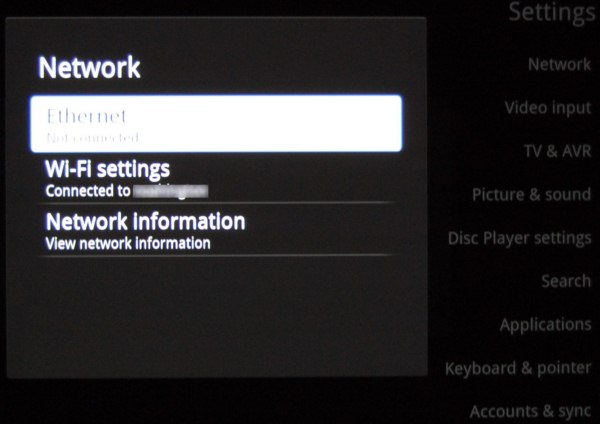
During the initial setup process, I configured the NSZ-GT1 with a wired Ethernet connection, but given the device's file playback limitations (discussed in more detail later) there is no need for more bandwidth than WiFi can provide so it is a perfectly viable option. The device contains a dual-band (2.4/5 GHz) radio with support for 802.11 a/b/g/n as well as WPS. So, connecting to the access point was very easy; even preferring the 5GHz SSID on the dual-band D-Link DIR-825 used in testing.
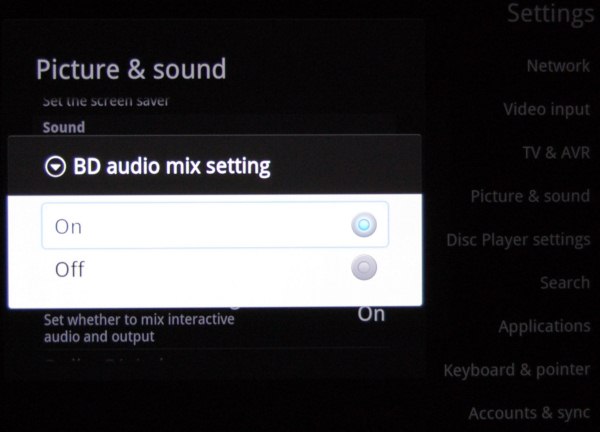
By default, the NSZ-GT1 decodes HD audio (Dolby TrueHD/DTS-MA) to PCM during playback. The main benefit of this feature on most players is that commentary audio tracks can be mixed with the primary audio during the movie. Navigation sounds on the menus are also enabled. Generally, I prefer to let the AVR decode audio. Disabling the HD audio decode feature enables HD audio bit streaming initially. However, it does not consistently restart the stream after using a transport control (pause, fast forward, etc.) on DTS-MA titles; only one of the five discs tested functioned properly with audio available afterwards. While it was possible to restart audio playback by cycling through audio tracks, that workaround is less than ideal. Until Sony fixes this issue, it is better to leave this setting alone (HD audio decoded to LPCM).
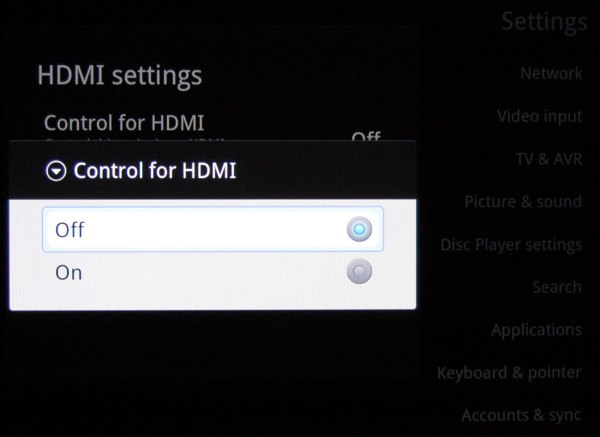
As noted earlier in the remote discussion, if your display and AVR support CEC the experience is much better with it enabled. Most vendors prefer to brand CEC, and Sony is no exception in this case opting for “Control for HDMI” (Panasonic calls it “Viera Link” where Denon goes with “HDMI Control”).
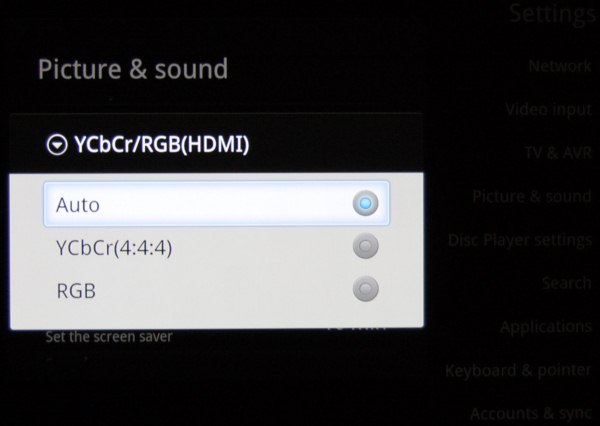
Most HDTVs will work perfectly with the “Auto” default setting for colorspace, which outputs 8-bit YCbCr 4:4:4 to the TC-P58VT25. It is great that this level of color control is presented to the user should there be any issues with what is automatically set (I assume it is based on EDID), but for those with downstream hardware that prefer YCbCr 4:2:2 (i.e. some dedicated external video processors) an additional option would be optimal.
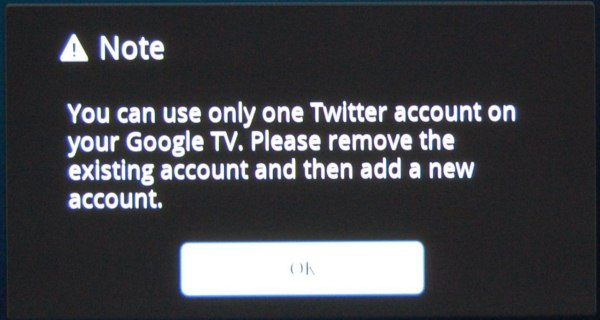
One of the frustrating (and limiting) aspects of the device is how focused it is on enabling a single GTV user. We will discuss this in more detail later, but nowhere is it more obvious then when trying to add an additional Twitter account.


Originally published at https://www.anandtech.com/show/4034/sony-nszgt1-bluray-player-with-google-tv-review (Wayback Machine).