
Dell G2410H Review: A Green 24" LCD
OSD Tour
The G2410 OSD is thankfully very similar in layout and design to the other Dell OSDs we’ve seen before. We’ve already touched on the settings for energy conservation, which are admittedly well thought out and actually very accurate.
The rest of the OSD is thankfully relatively complete, though there aren’t settings for manually controlling the scaling settings and aspect ratio. This is perhaps the only possibly glaring omission, something we’d like to see on any monitor, no matter the price.


Scaling
Even though you can’t control it directly, the G2410 does a pretty good job scaling a variety of different resolution inputs appropriately. For the most obvious and common resolutions, you’ll see an aspect-appropriate fill scaling of the display. All of the common display resolutions above 1280x1024 resulted in aspect-appropriate scaling before the panel started stretching the image to fill the display. For example, 1280x1024 is the first resolution that results in stretch-to-fit scaling.
Resolutions below there, however, started acting a bit strange. At 1280x768 there is obvious stretching and failure to aspect-correct scale, as shown:

Going down further to 720P (1280x720) results in black borders around the image, and curiously the OSD reports a 1920x1200 60Hz input, even though Catalyst Control Center clearly shows 1280x720 @60 Hz. Underscanned 720P at 1776x1000 also resulted in black borders at all times. If you go back to our U2711 review, you’ll find that many of the same odd resolutions result in the same incorrect behavior, and we don’t really fault Dell for the display not scaling some of the odder resolutions properly; unless you’re using an HDMI to DVI cable, you should be running the LCD at native resolution.
Conclusions
The G2410H isn't going to set any records for color gamut or display performance, but it does deliver in the areas Dell promises it will - namely energy efficiency and green cred. Looking at the numbers, the G2410 sips power compared to the competition. It's obvious that Dell opted for WLEDs for their huge power savings over CCFL, and went on the ligher side to boot, since maximum brightness isn't overwhelming at 311 nits.
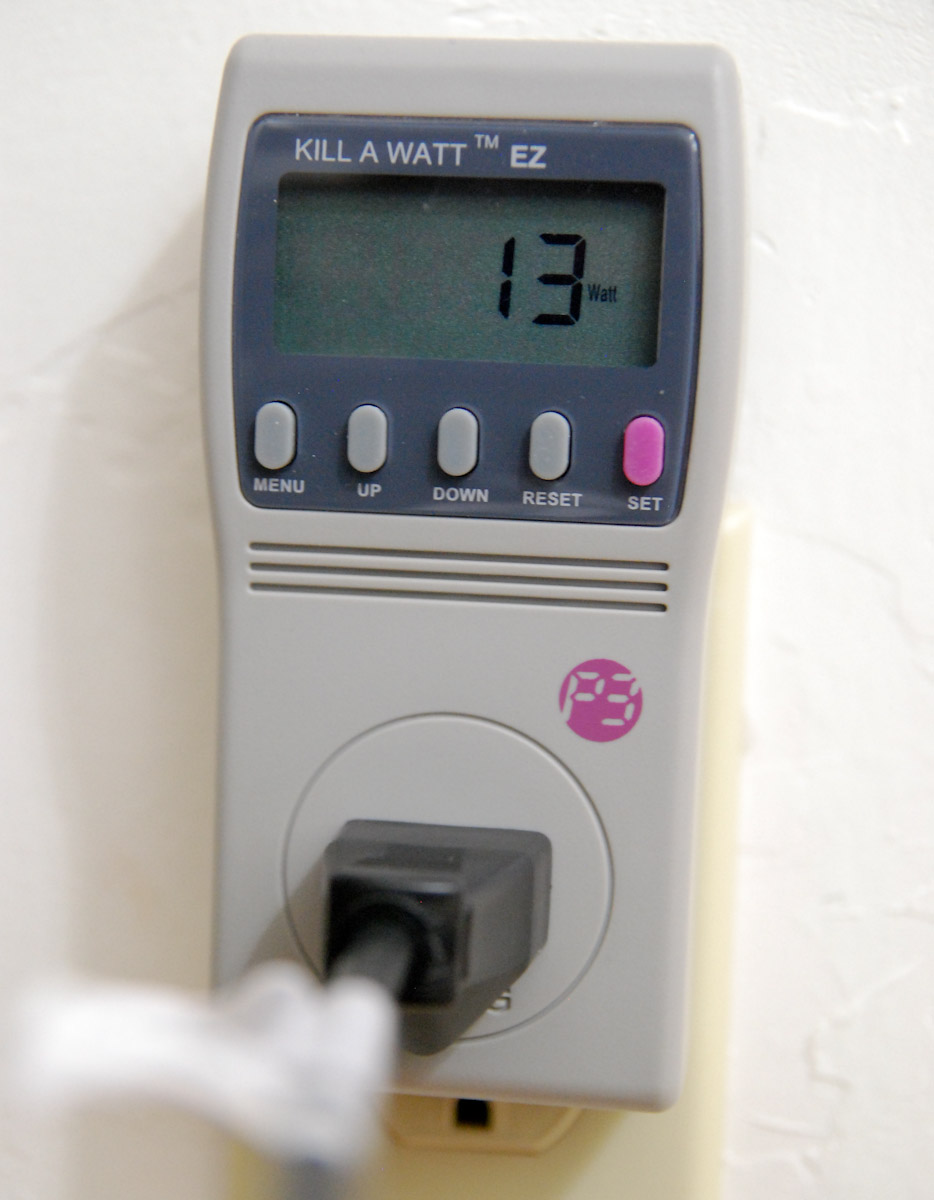
It's an interesting niche that Dell is carving out here - businesses and people that want to live a "green" lifestyle can opt for paying a bit more, go with the G2410H, and get something that actually does draw considerably less power. This monitor isn't for avid digital photography enthusiasts or design/production professionals, but it does deliver performance and tangible savings that potentially appeal for energy conscious businesses and consumers.
Originally published at https://www.anandtech.com/show/3703/dell-g2410h-review-a-green-24-lcd (Wayback Machine).