
Apple's iPad - The AnandTech Review
- Posted in
- Smartphones
- Mac
- Apple
- iPad
- Mobile
It Was Meant For You
The best way I can describe picking up, holding and using the iPad is it feels like it was built for you. Whenever someone on Star Trek TNG walked around with a tablet, it was always natural and they always seemed able to do whatever it was they needed to do on it. That’s the iPad. As an added bonus, you don’t have to wear a terrible jumpsuit to use it.
A definitely overused phrase to describe Apple products, but the iPad just works. It’s got an ambient light sensor that’ll sensibly adjust the brightness of the display. There’s an accelerometer that feeds info into the system controller that lets the iPad know how it’s oriented. The display rotates smoothly to orient itself properly regardless of how you’re holding it. And for those tabletop or on the lap sessions you can lock rotation at the flick of a switch. Apple thought this one through.
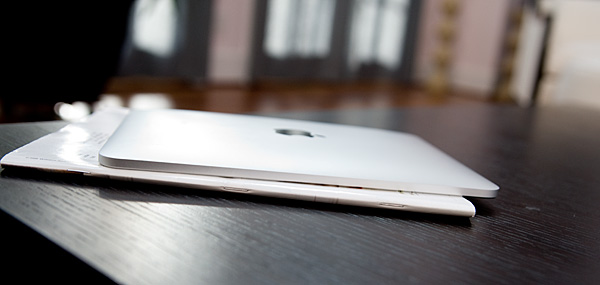
The iPad vs. a magazine
It works just like a big iPhone and at first, the UI actually looks awkward and overly spaced out. Use it for enough time and the opposite starts feeling true. The iPhone feels cramped and crowded and the iPad feels almost perfect.
Since the iPad is running iPhone OS 3.2, the UI works just like the iPhone. Your home screen is a collection of apps (20 per screen) and you get multiple pages to store more apps. There are four fixed icons at the bottom of the screen (you can add two more). These icons are present on all pages of the home screen.
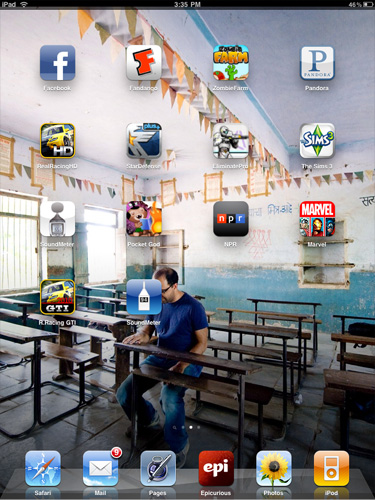
Press and hold an icon to move it around. Hit the little X button to delete an app from your iPad.
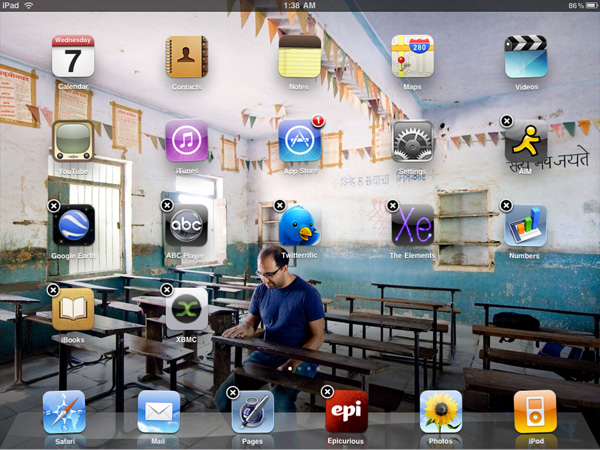
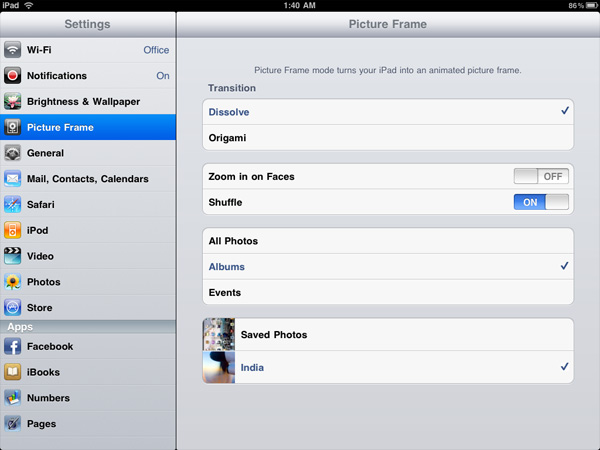
Apple lets you select any photo as your home screen wall paper, and you can use a different one for your lock screen wall paper. A neat addition is the ability to put the iPad in picture frame mode while locked by hitting this button that appears on the lock screen.

Hit that button and the device launches runs through a slideshow of all of the photos you’ve got on the device. You can set the iPad to only display certain albums or events so you don’t accidentally embarrass yourself around others.
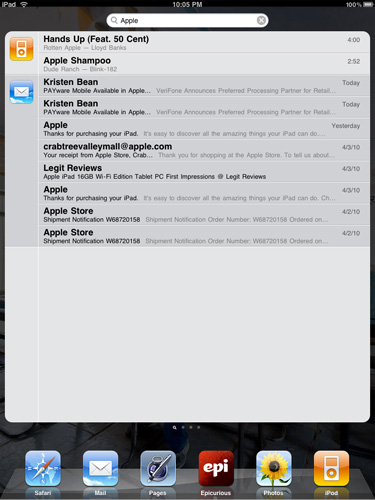
You get a system wide search option that’ll quickly search all applications, calendar entries and downloaded emails quickly.
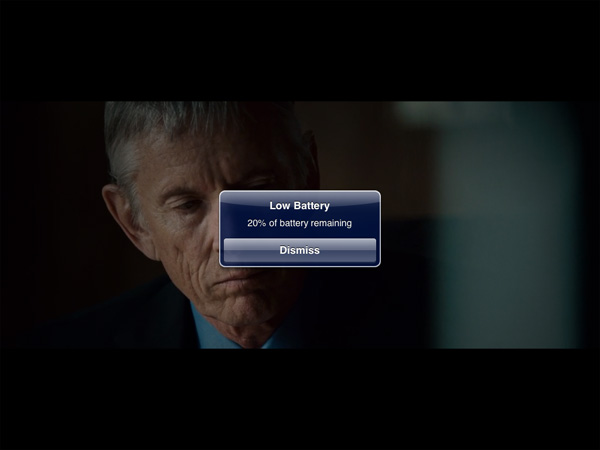
Notifications are handled pop-up style like the iPhone. They are less annoying on the iPad simply because you don’t encounter as many (no SMSes, no missed calls, no voicemails), but the system still doesn’t scale well to handle lots of notifications. Apple is widely expected to address this in the next version of the OS.
Originally published at https://www.anandtech.com/show/3640/apples-ipad-the-anandtech-review (Wayback Machine).