
Windows Phone 7: The AnandTech Guide
- Posted in
- Smartphones
- Windows Phone 7
- Mobile
Hands on With WP7S - Phone and SMS
This being a phone, it's surprising how little there is to talk about with regards to the dialer, phone, and messaging applications. I've been paying especially careful attention to what Microsoft is ready to show of the call in progress screens, incoming call dialogs, and the dialer. Of note is that all of the interface demos shown thus far completely circumnavigate the dialer; calls thus far have been entirely initiated from contacts, search, or contextually linked numbers in UI. The reason is that although the dialer is there, it isn't finished. You can't fault Microsoft for not showing something that isn't done yet. At the same time, it needs to get the same kind of re-thinking that the rest of the UI got between Windows Mobile and WP7S.
We've seen a handful of glances of the call in progress screen, but these vary from build to build. Notably, we can see the carrier string at the top right, although in one build it humorously shows "AT&T/Cingular Wireless," despite Cingular no longer existing under that name. On newer builds, it reads simply "AT&T."
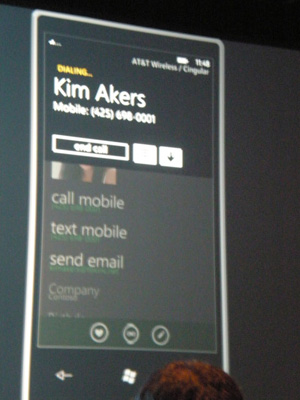
This is blurry because it was up for all of 3 seconds
As far as the "text" SMS/MMS application goes, the interface in here is reasonably well fleshed out, but still not finished enough that Microsoft would let me get away with a photo or two of it. Our demo phone showed an interesting error message about failing to back data up to the cloud, but this was entirely because the phone hadn't had a SIM in it until 10 minutes prior. I did get a brief chance to play with the interface, and it has nice landscape to portrait transitions and the same sort of look as the rest of the interface, but I didn't get a chance to actually send or receieve messages.
These are the things that are likely going to be first on the list for WP7S Microsoft developers to tackle in the remaining months before launch. This basically wraps up the hands-on I had with the platform. You can check out the gallery below for all the photos we've got. Now let's dive into the rest of the details.


Originally published at https://www.anandtech.com/show/2969/windows-phone-7-series-the-anandtech-guide (Wayback Machine).