
Upgrading and Analyzing Apple's Nehalem Mac Pro
- Posted in
- Mac
Improvements: Limited but Important
To the disappointment of many, including yours truly, the new Mac Pro doesn’t actually look any different. It’s not that there’s anything wrong with the case, there’s just this expectation of improvement with every major Apple product release. In many ways Apple suffers from the same fate that Intel now does; after Conroe, we expect every major CPU generation to give us at least a 20% performance improvement with no nasty side effects.
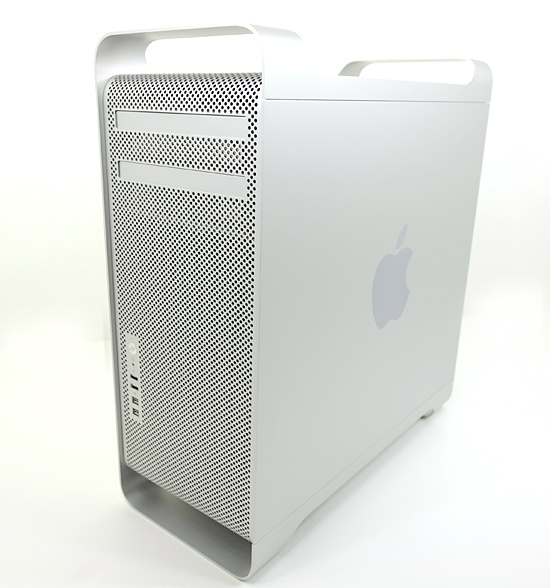
So it doesn’t look any different, but there are some subtle changes to the outside of the case.
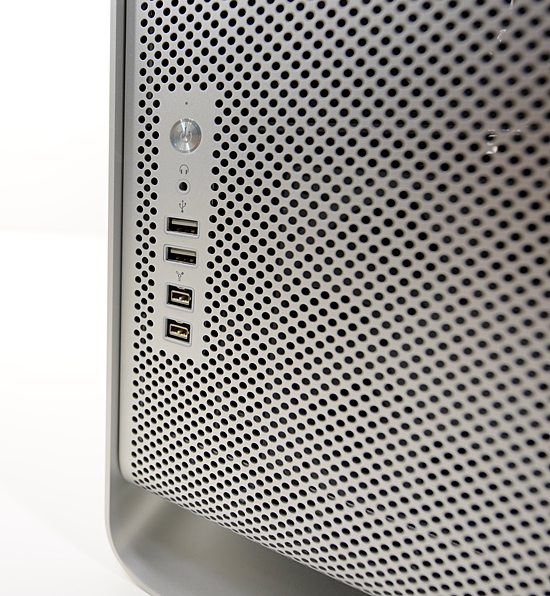
That's FireWire 800 for you
There are no longer any FireWire 400 ports - they are all now FireWire 800. I have two FireWire only devices: a Lexar UDMA Compact Flash card reader and an Apple iSight. The Lexar reader is FireWire 800 (woo!) and the iSight is FireWire 400; I can’t use the iSight on the new Mac Pro (not without a FireWire 400 to 800 adapter as many have pointed out). I’m guessing Apple will probably release an updated 30” display in the not too distant future with an integrated camera. I can’t have it both ways. I can’t have a company who assimilates every standard as quickly as possible yet provides backwards compatibility for every peripheral in my life. It’s the downside to innovation, but I simply can’t dock Apple any points here - it goes against one of the reasons I like Apple.
The inside of the new Mac Pro case is where all of the magic happened.
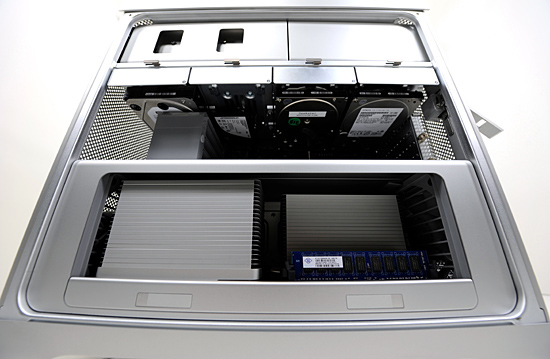
The drive bays in the first Mac Pro were great innovations at first sight; they just slid in and out and you didn’t really need any tools to use them (although a screwdriver was handy). Anyone who owned a Mac Pro knew that wasn’t enough room between the front of the drive sled and the hard drive when installed. There was just enough room for you to slide the tips of your fingers in there, grab and pull the drive out of the machine. The limited finger room plus the initial tendency of the drive sled to stay in place made for some crushed fingers. It was a nice attempt by Apple, but one that was ultimately frustrating to live with. The new Mac Pro adds more room for your fingers to grab the drive sled, avoiding the crushed fingers syndrome of the old model.
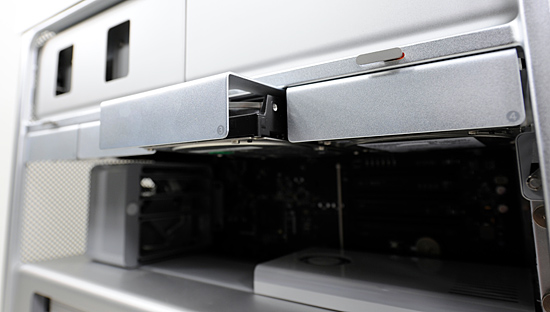
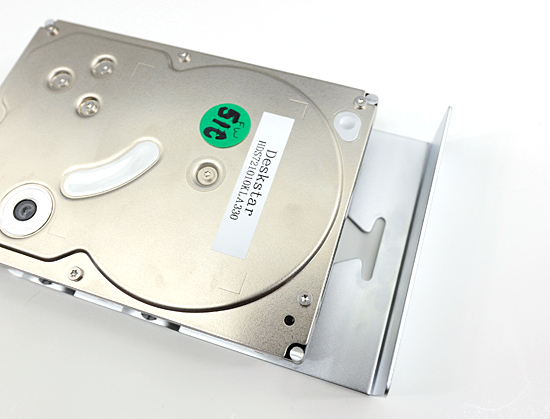
Look ma, more finger room.
The processors are also easier to gain access to; they live on a separate board with the X58 I/O Hub and the DIMM slots. Two latches and a pull are all you need to slide this puppy out:
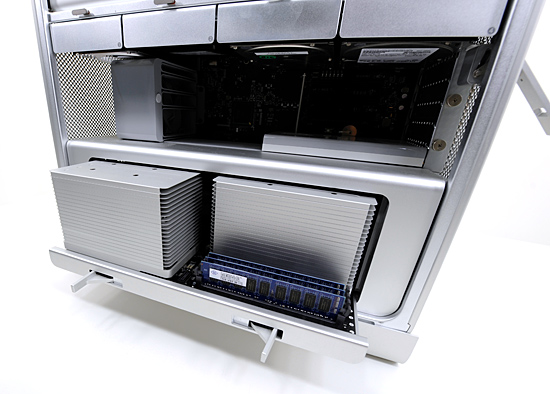
Of course these are the new Nehalem based Xeon processors, meaning the memory controllers are on-die. The DIMM slots on the board branch off directly from each CPU.
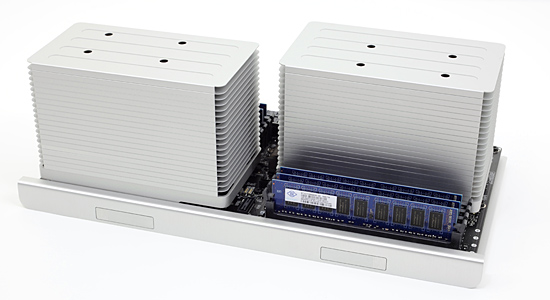
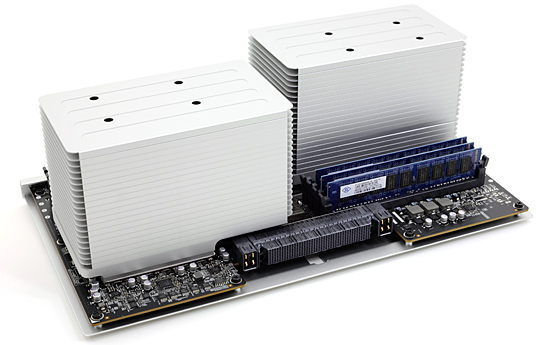
The only danger is bending one of the pins that go into the high density connector you see below
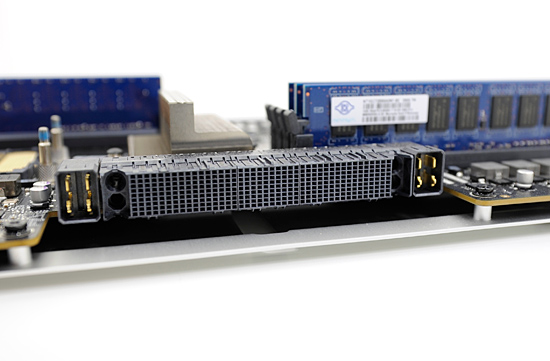
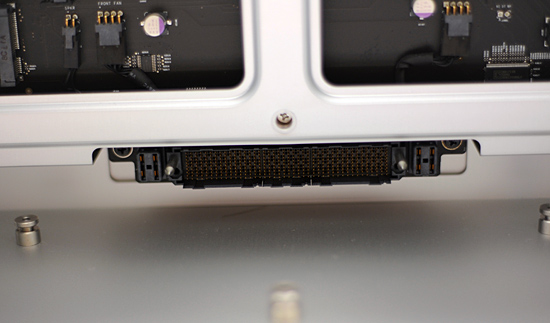
And yes, I’ll show you how to upgrade the CPUs in the new Mac Pro later on in this article.
Originally published at https://www.anandtech.com/show/2800/upgrading-and-analyzing-apple-s-nehalem-mac-pro (Wayback Machine).