
HP w2408: A "New" Twist on 24" LCDs
- Posted in
- Displays
Appearance and Design
Where the HP w2408 really makes a statement is in its external appearance. This is more or less identical to what we saw on the w2207, but we still like the design. The w2408 comes with 4.5" of height adjustment, and in the lowered state the bottom of the LCD panel rests on the thin base stand. The LCD panel and the surrounding border come with a glossy finish, with matte silver and black surfaces on the remainder of the display.
 |
 |
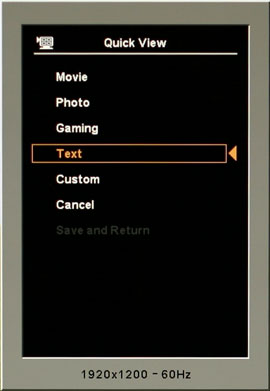
At the bottom right of the LCD, we get the usual buttons for accessing the on-screen display (OSD). The left button brings up the OSD, and then the other buttons become active for navigating the menus. Prior to entering the menu, the right button executes the auto adjustment function (for use with analog connections), the second button brings up volume control, and the third button cycles between five display modes (movie, photos, games, text, and user defined). You can customize these five display modes individually, should you so desire, providing a quick shortcut to various settings; the names are mostly there for the default settings. The power button is on the top of the chassis and glows a faint orange/blue depending on whether the display is on or in standby mode.
 |
Unlike many of the less expensive 24" LCDs, you can pivot the w2408 into portrait mode, which some people find useful for reading long web pages or documents. When in portrait mode, you have to raise the panel to its maximum height.
 |
The input ports all face downwards on the back of the display. As mentioned, the w2408 comes with DVI and VGA inputs. Additionally, there is a USB input port, an audio jack, and two USB output ports. All of the necessary cables come with the LCD, though you should probably ditch the audio cord if fidelity is of any concern - the sound quality is bad at best, and not very loud even at maximum volume.
 |
 |
 |
 |
Looking at the profile of the LCD, we see the range of motion that the base stand offers. Two more USB ports are on the left side, with no noteworthy features on the right side. Like other HP LCDs, the w2408 supports HP's Easy Clip accessories. HP sent us a webcam that attaches to the top of the display, and this time the drivers worked with Vista. Quality was fine though not noticeably better than the other webcams; unfortunately, the drivers under Windows Vista still appear to be immature -- attempting to adjust settings frequently caused video chat applications to crash.
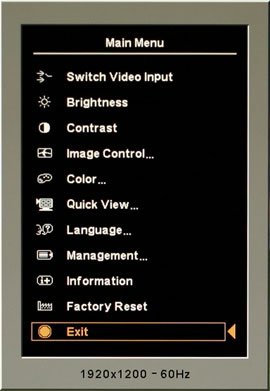
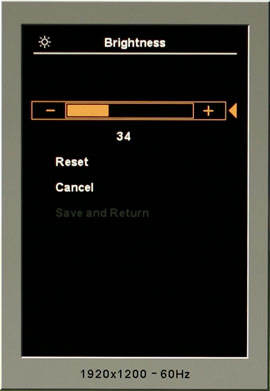
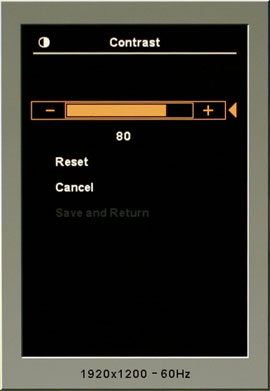
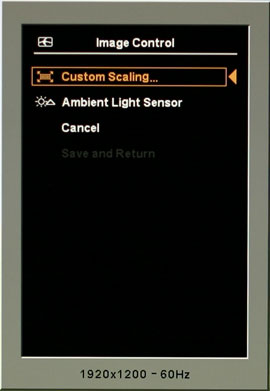
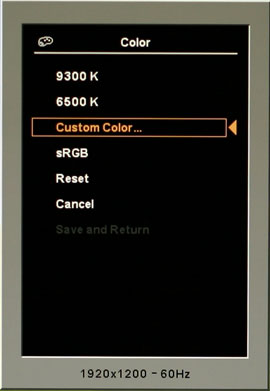
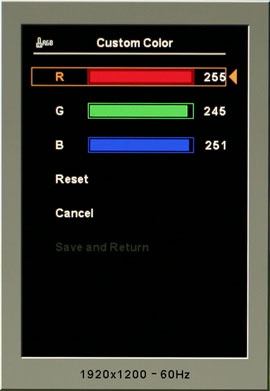
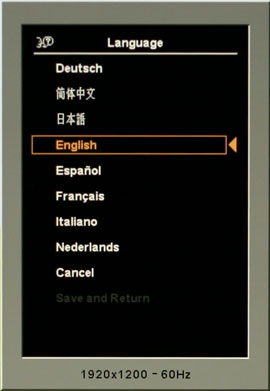
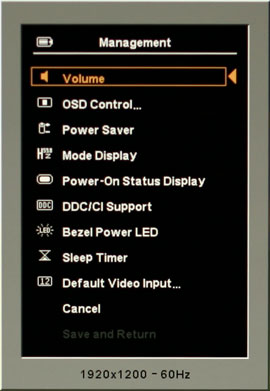
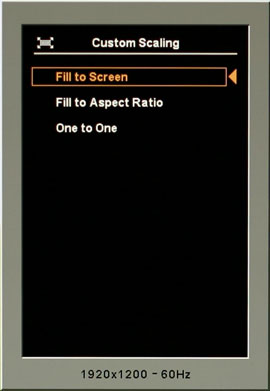
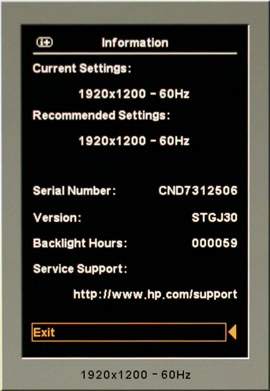
We will and this section with screenshots of the various OSD (On-Screen Display) menus. The various options should be self-explanatory.
Originally published at https://www.anandtech.com/show/2408 (Wayback Machine).