
Apple's iPhone: The Future is Here
- Posted in
- Smartphones
- Mobile
Image attachments are scaled and visible in-line, while PDFs, Word and Excel documents are visible by launching a viewer window.
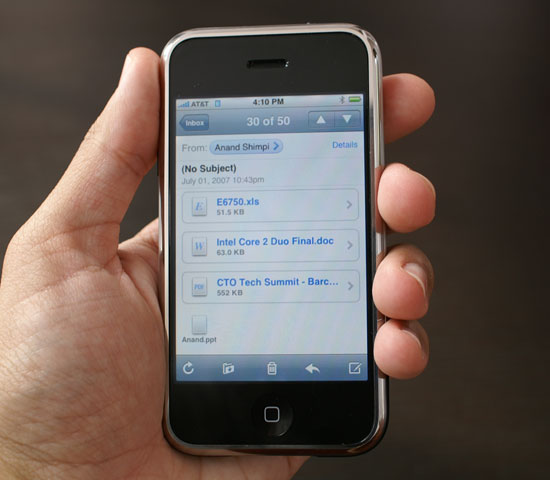
Lots of attachments, too bad there's no Powerpoint viewer
The process is seamless, if you see an attachment you can open simply click on it and if it's not already downloaded, it'll download and open in a new window; just close the window when you're done and you'll return to your email.
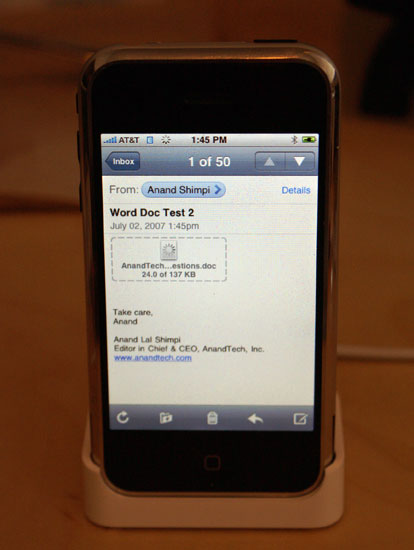
This is what an attachment that hasn't been downloaded looks like
The PDF/Word/Excel readers on the iPhone are nice and fast, just like the rest of the UI.
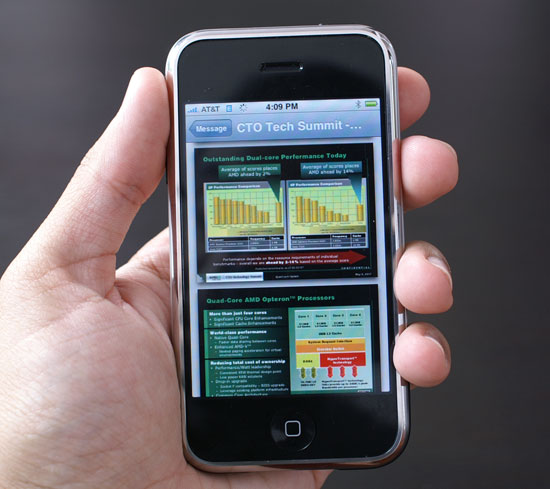
Tell me that's not the best looking PDF on a mobile phone you've ever seen
I didn't have any incompatibilities with PDF and Excel files, but I did run into the following issue with the attachment viewer and a Word document that I fed it:
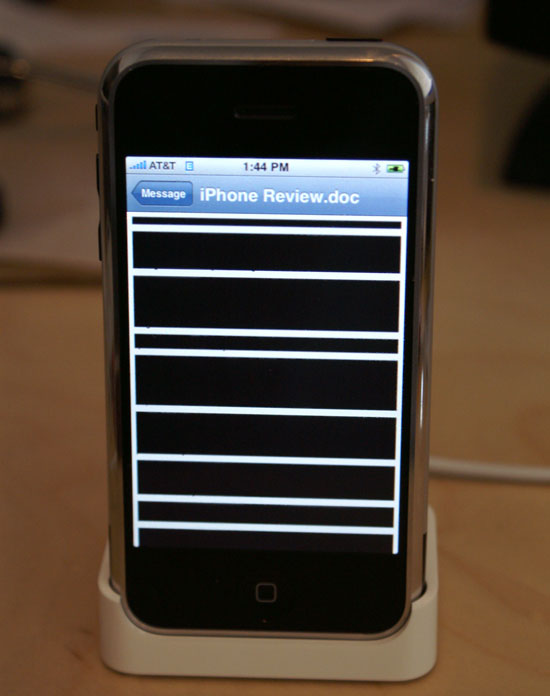
It turns out that any Pages document (Pages being Apple's own publishing program) exported as a Word document results in this on the iPhone. Normal Word docs open just fine.
A couple of times I'd received an image via email on the iPhone only to find that the file was corrupt. I'd see around 20% of the image inline in the email, but the rest would be a grey box. Re-downloading the email would always fix the problem, and it only seemed to happen over WiFi. A friend of mine had the same problem, also over WiFi, but with an image he sent. The image made its way to its recipient just fine, but in his sent folder it appeared corrupt. I can't seem to duplicate the problem on command, so for now I'll chalk it up to a recurring fluke.
I've also encountered another odd issue where the iPhone on WiFi will stop being able to communicate with anything outside of my local network. Leaving Mail and returning to it a couple of times fixed the issue and it only happened once, but a friend of mine with his own iPhone reported running into the same issue just last night.
Despite its appearances, the iPhone Mail application is really designed to be a passive application. While you can send emails and photos, there is no outbox, sent mail isn't queued. To make matters worse, you can only email one image at a time, so if you're trying to send multiple emails each with their own photo attached on the Edge network, prepared for a frustratingly sequential experience.
Note that there is no way to attach an image within the email application, you have to view the image you want to send in the photo viewer and select the mail to option from there.
There's also no way to save attachments that have been emailed to you, even if they are photos. You can only view the attachments within the Mail client, and if there's an image that someone forwarded you that you'd like to save, you'll have to wait and do so on your computer and sync it to your iPhone if you want it in your photo album.
I get that Apple wanted to keep the iPhone as simple as possible, while remaining quite powerful. Keeping the user totally isolated from the iPhone's file system makes sense in the quest for elegant simplicity, but not being able to save images you received via email on the go seems like a bit much.
Here you can already see a fundamental difference in approach between the Blackberry and iPhone. The Blackberry is designed to all but replace your computer for email, while the iPhone is far more of a companion device.
Originally published at https://www.anandtech.com/show/2265 (Wayback Machine).