
Apple's iPhone: The Future is Here
- Posted in
- Smartphones
- Mobile
The iPhone email client is one of the best applications on the device for the same reasons that the iPhone itself is impressive: it's fast and it just works.
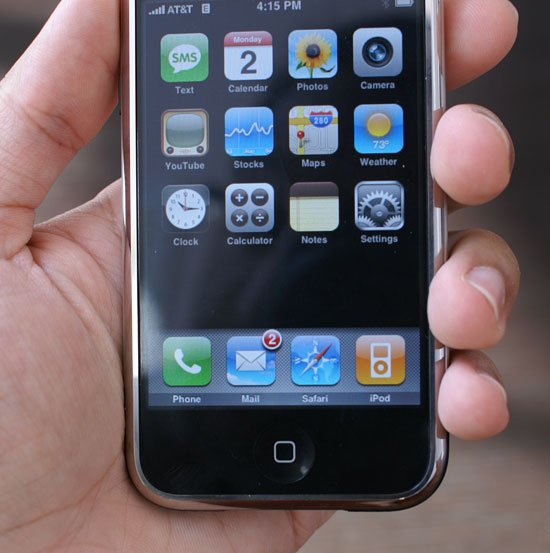
ITunes will automatically sync your email accounts from Mail or Outlook, or you can add email accounts manually to the iPhone. Just about any POP/IMAP account will work, provided that you supply the account credentials. I setup my AnandTech email address as well as my gmail and Yahoo mail accounts.
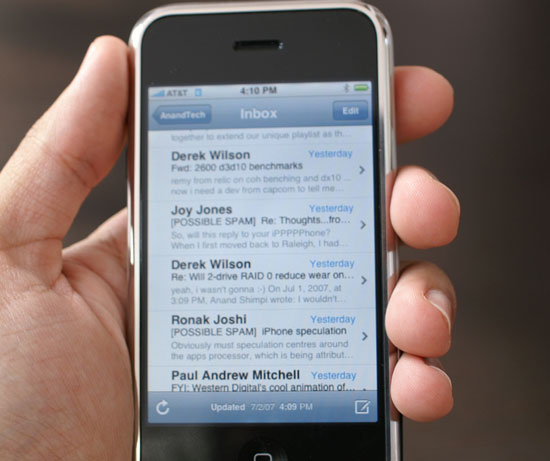
With your email accounts configured, the iPhone can check them every 15, 30 or 60 minutes automatically. Apple desperately needs support for free push email; while the iPhone supports Yahoo push mail, it appears that you have to pay a $3/month fee to enable push support on your Yahoo mail account. If Apple can bring push Gmail support to the iPhone, I'd be happy.
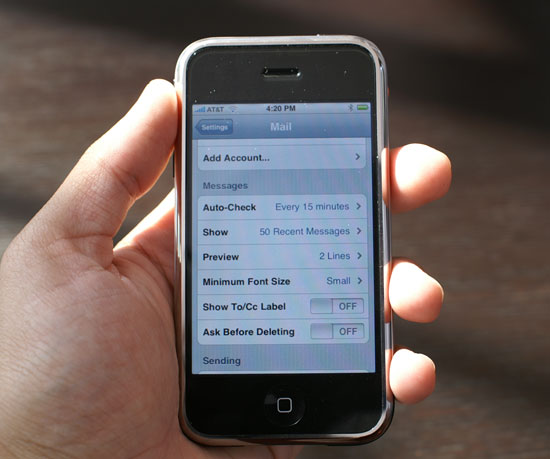
Email on the iPhone is geared towards keeping up with your messages while you're away from your computer, and as such there's absolutely no search functionality. By default, the client only shows you the last 50 messages in your inbox; if you want to see more, simply flick your finger up the screen until you reach the end of the messages and ask the application to load the next 50 (this number is configurable up to 200).
As a device designed to fill the gap between when you're using your desktop and your laptop, the iPhone succeeds in handling email. While downloading email the interface does slow down slightly, but even with an inbox full of 200 messages navigating and reading email is as intuitive as it could be.
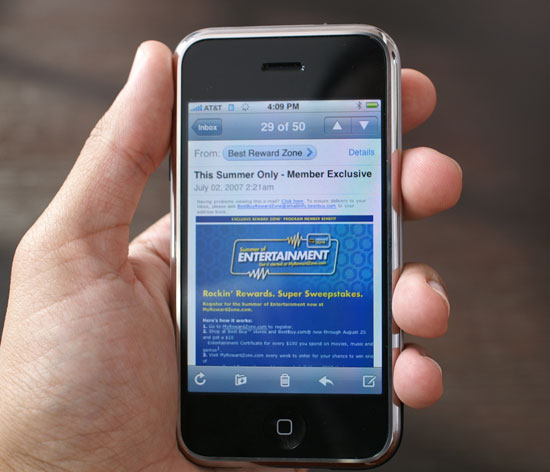
The iPhone's screen comes in handy when viewing emails, text is sharp and clear; mobile email never looked so good before.
Originally published at https://www.anandtech.com/show/2265 (Wayback Machine).