
ATI TV Wonder Digital Cable Tuner: AMD and Dell Bring CableCARD to PCs
- Posted in
- GPUs
Vista media center also changes the way recorded shows are displayed. By default, if you have a small number of recordings, they are displayed horizontally with accompanying graphics and text:
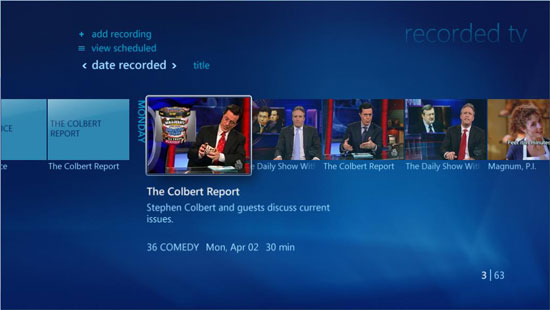
If you've got a lot recorded, Vista media center will recommend that you reorganize your recorded shows library into a bunch of columns of text. It's not nearly as pretty, but it's necessary if you record a lot of content.
The problem with both approaches is that while Vista tells you what program you recorded, the day it aired and how long it lasted, it does not immediately tell you when the program originally aired. You have to click on the item once more in order to find out that information. This is in stark contrast to other DVR solutions that make the time the program aired far more visible, which in our opinion is a useful thing to know.
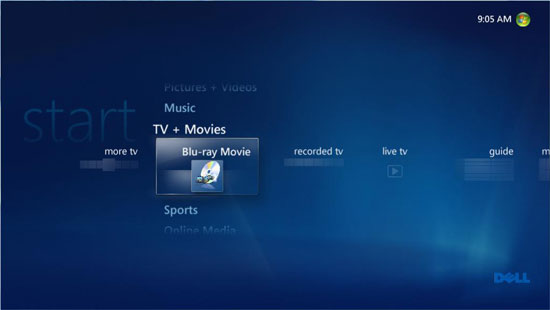
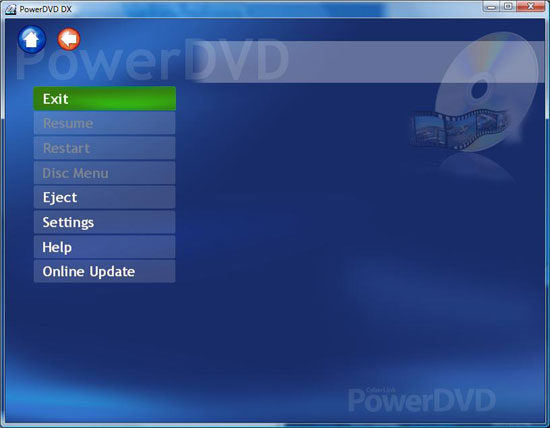
The system Dell shipped also had Blu-ray support, which appeared as an option in the media center interface. Unfortunately launching it simply brought us to a poorly made front end for PowerDVD that looked a lot like MCE 2005 and nothing like Vista's media center.
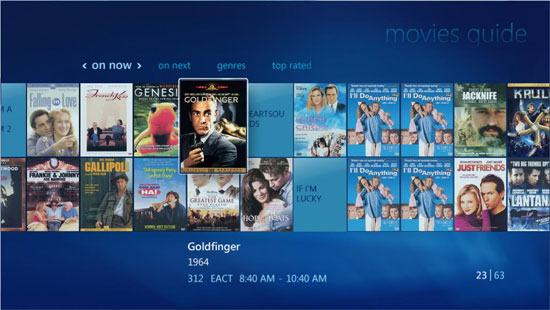
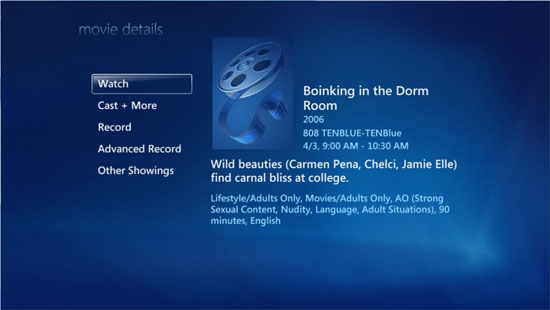
Making its return once more is the Movies section in media center. The movie guide gives you a rental store experience without actually having to pay for anything: it lists all movies that are going to be on TV in the near future.
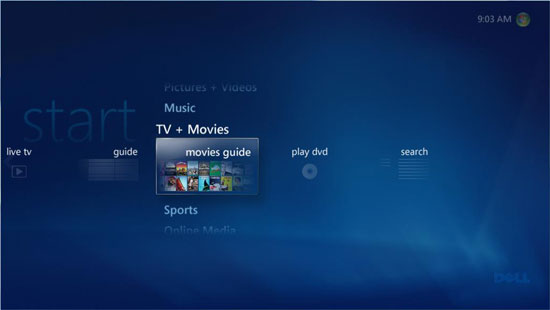
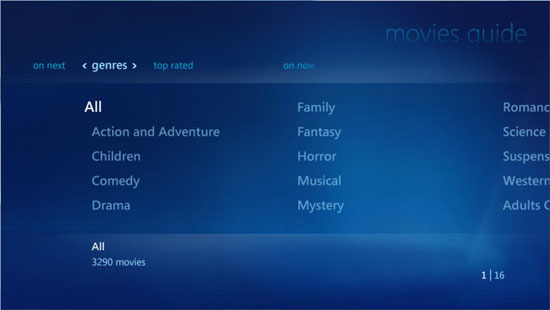
The movies are listed according to title, not channel, which makes sense but it means that you may unfortunately get your hopes up and try to watch a movie on a channel that you don't subscribe to.
Originally published at https://www.anandtech.com/show/2203 (Wayback Machine).