
ATI TV Wonder Digital Cable Tuner: AMD and Dell Bring CableCARD to PCs
- Posted in
- GPUs
The Experience: Vista Media Center
There are a few parts to the experience of Dell's OCUR enabled system. First and foremost is the Vista Media Center experience which we've never talked about in great detail. With Vista, Microsoft did away with having a separate Media Center Edition of the OS and simply rolled its functionality into two versions of Vista: Home Premium and Ultimate. Armed with either version of the OS, you get the familiar green icon that will launch a 10-ft UI designed to be used with a remote control.
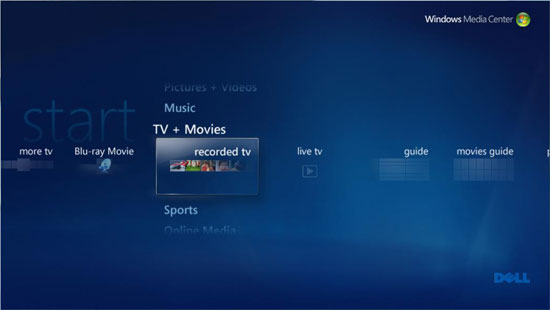
Vista's media center UI is a much more polished and updated version of the MCE we remember from Windows XP; the old UI just looks dated now. Vista once again cemented Microsoft's lead in the DVR UI market, it's just so slick:
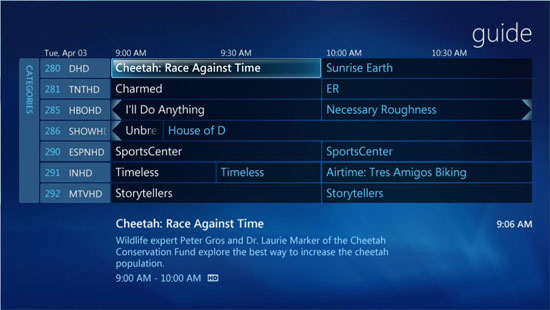
The Program Guide
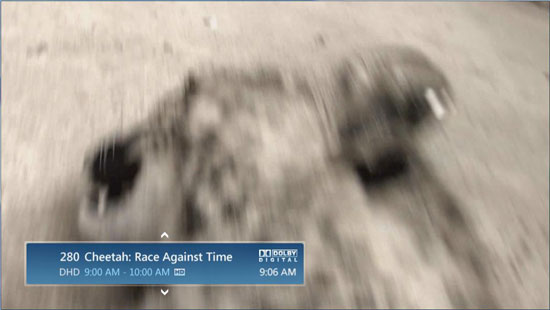
If you bring up the guide in front of video you get a nice overlay effect:
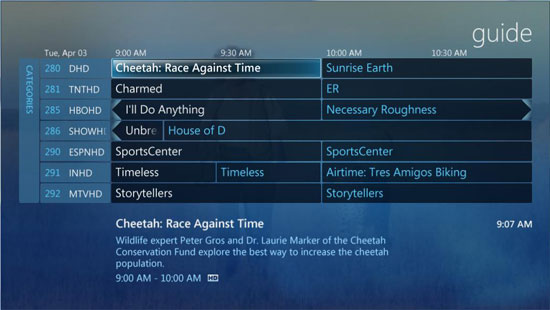
There are still parts of the media center UI that will minimize the playing video into an unreasonably small PiP square in the lower left corner of the screen:
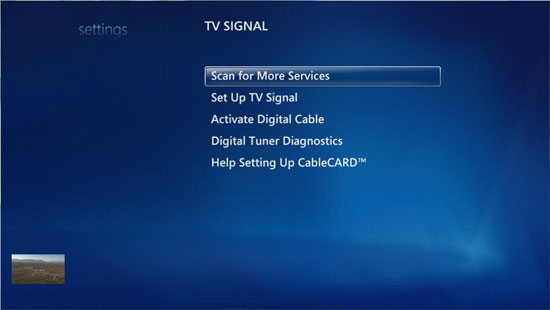
The little square in the lower left corner: useful or not?
Functionality hasn't necessarily increased, although like many of the changes in Vista's UI it's not hard to feel that the UI is a bit more cluttered.
Systems are far faster today than when Media Center Edition first made its debut, and thankfully the performance requirements of the UI haven't gone up too much. With Vista, the media center UI is nice and snappy with one exception: navigating the main menus appears choppy if you try to scroll horizontally too quickly. We're not exactly sure why, even on a custom built system we run into the same sluggish scrolling through the horizontal menus.
Originally published at https://www.anandtech.com/show/2203 (Wayback Machine).