
Ricoh EncryptEase: CD-R Password Protection Made Easy
- Posted in
- Storage
EncryptEase Complete Software - First Run
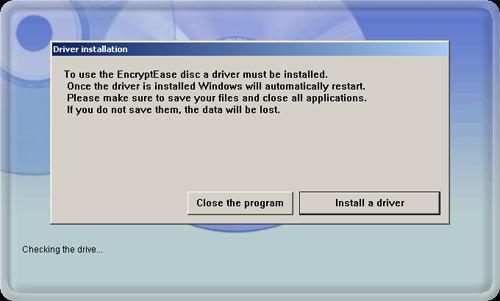
Each disc comes with the EncryptEase software stamped to the first track as we discussed earlier. Upon insertion of the media, the CD/DVD drive will pick up the Autorun function (if it is enabled in the OS) and begin the application.
Each disc comes with the EncryptEase software stamped to the first track as we discussed earlier. Upon insertion of the media, the CD/DVD drive will pick up the Autorun function (if it is enabled in the OS) and begin the application.
Originally published at https://www.anandtech.com/show/1940 (Wayback Machine).