
Price-Point Comparing Three-Way Case Shootout
- Posted in
- Cases/Cooling/PSUs
Raidmax X1 (cont’d)
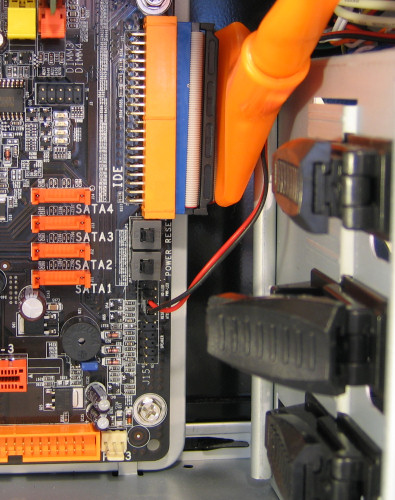
For the first of our pictures of a system getting installed into the X1, we thought that we'd show how the X1 also suffers from the same problem as the P150 in terms of making it a little hard to get side-mounted IDE cables into the motherboard. Thankfully, the access from the other side of the case makes it a little easier than in the P150, however; and nowadays, SATA drives are becoming more and more popular as users everywhere share the frustrations with thick IDE cables.
Sliding the hard drive into place and locking it with the single locking clip was simple and effective, and after connecting together the components, our build was complete. This picture doesn’t really do any justice, but the X1 overall just has a very nice feel to it and was a pleasure to work in. We didn't find sharp edges in the chassis anywhere.
For the first of our pictures of a system getting installed into the X1, we thought that we'd show how the X1 also suffers from the same problem as the P150 in terms of making it a little hard to get side-mounted IDE cables into the motherboard. Thankfully, the access from the other side of the case makes it a little easier than in the P150, however; and nowadays, SATA drives are becoming more and more popular as users everywhere share the frustrations with thick IDE cables.
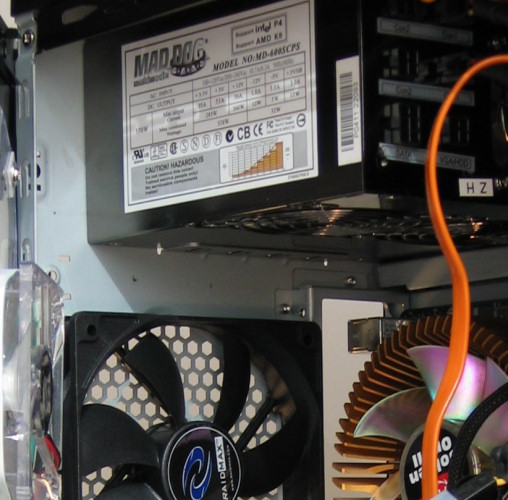
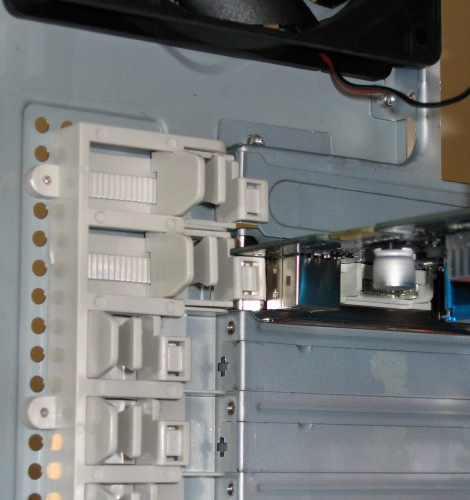
Sliding the hard drive into place and locking it with the single locking clip was simple and effective, and after connecting together the components, our build was complete. This picture doesn’t really do any justice, but the X1 overall just has a very nice feel to it and was a pleasure to work in. We didn't find sharp edges in the chassis anywhere.

Click to enlarge.
Originally published at https://www.anandtech.com/show/1922 (Wayback Machine).