
Mid-Tower Mega Roundup
- Posted in
- Cases/Cooling/PSUs
ThermalRock Eclipse (cont'd)
To secure 5¼”-sized drives, rails are once again used, but this time, they are simply kept in the accessories box when they are not in use.
Moving on, the rear of the Eclipse is relatively standard, but a couple of items are still worth mentioning.
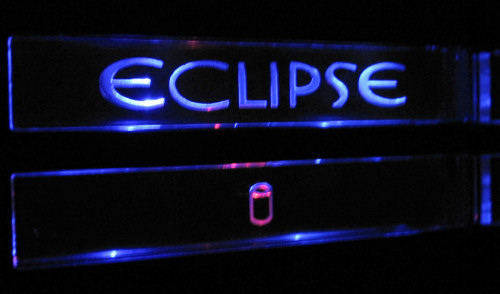
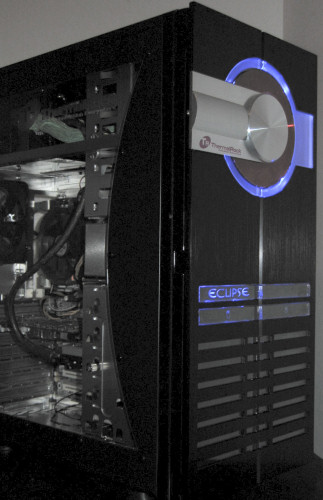
Once our test bed was installed, we took a couple more pictures of the various parts that light up, including the front insignia and power/HDD lights.
To secure 5¼”-sized drives, rails are once again used, but this time, they are simply kept in the accessories box when they are not in use.
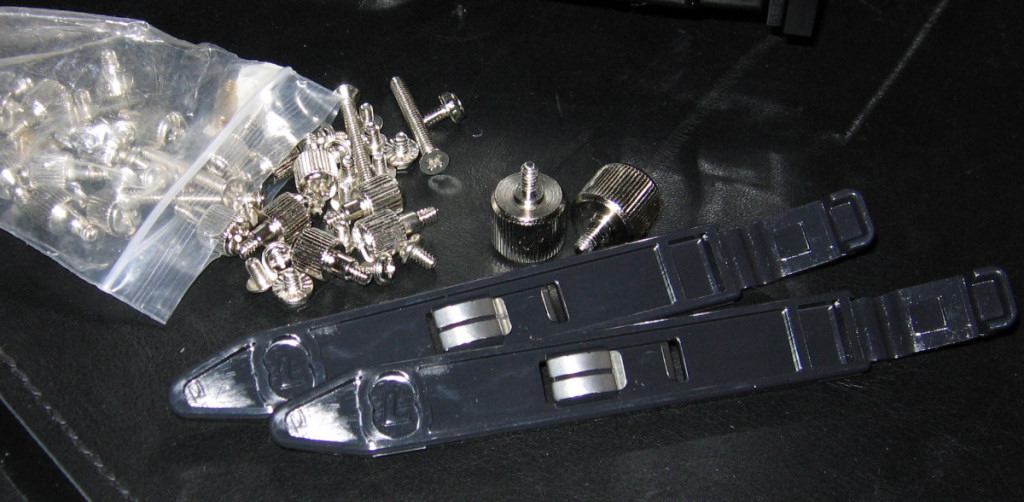
Click to enlarge.
Moving on, the rear of the Eclipse is relatively standard, but a couple of items are still worth mentioning.
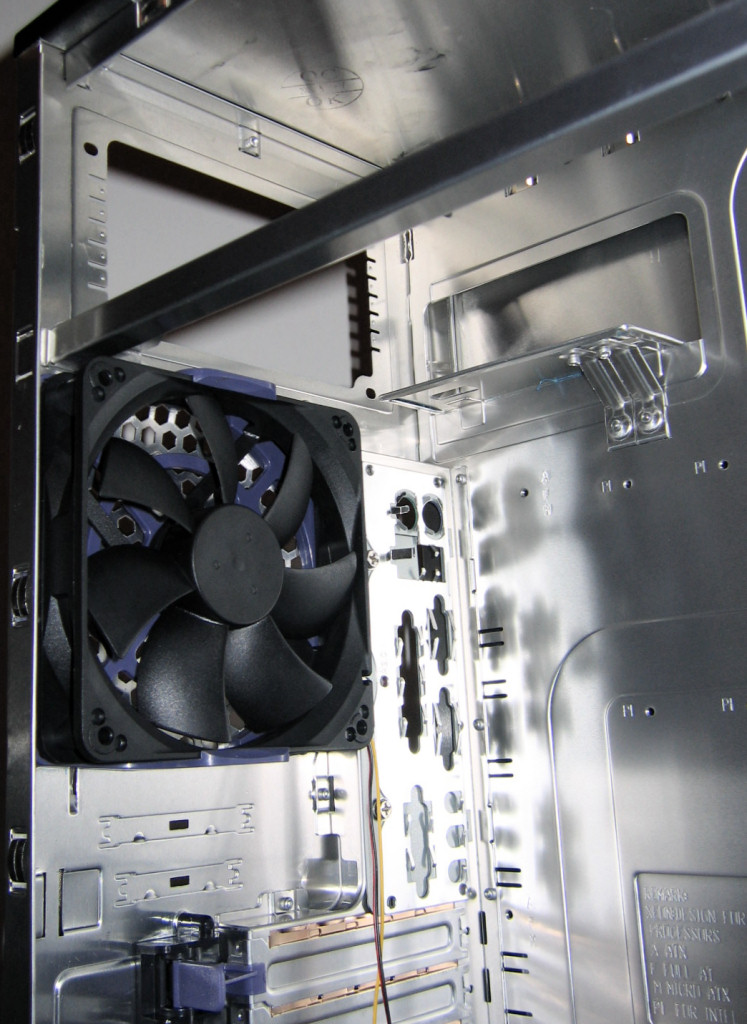
Click to enlarge.
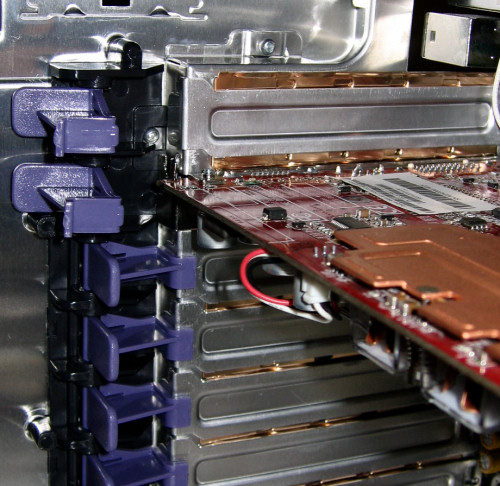
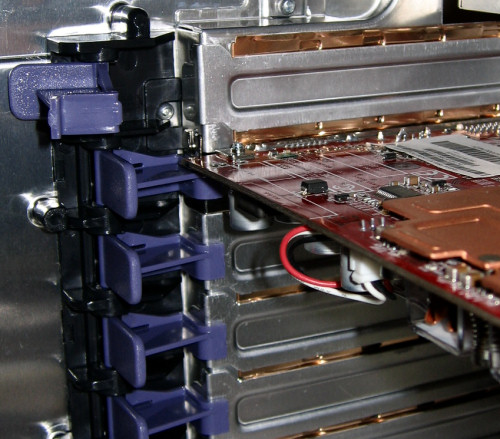
Once our test bed was installed, we took a couple more pictures of the various parts that light up, including the front insignia and power/HDD lights.
Originally published at https://www.anandtech.com/show/1783 (Wayback Machine).