Archive 1997–2024

Mid-Tower Mega Roundup

ThermalRock Eclipse (cont'd)

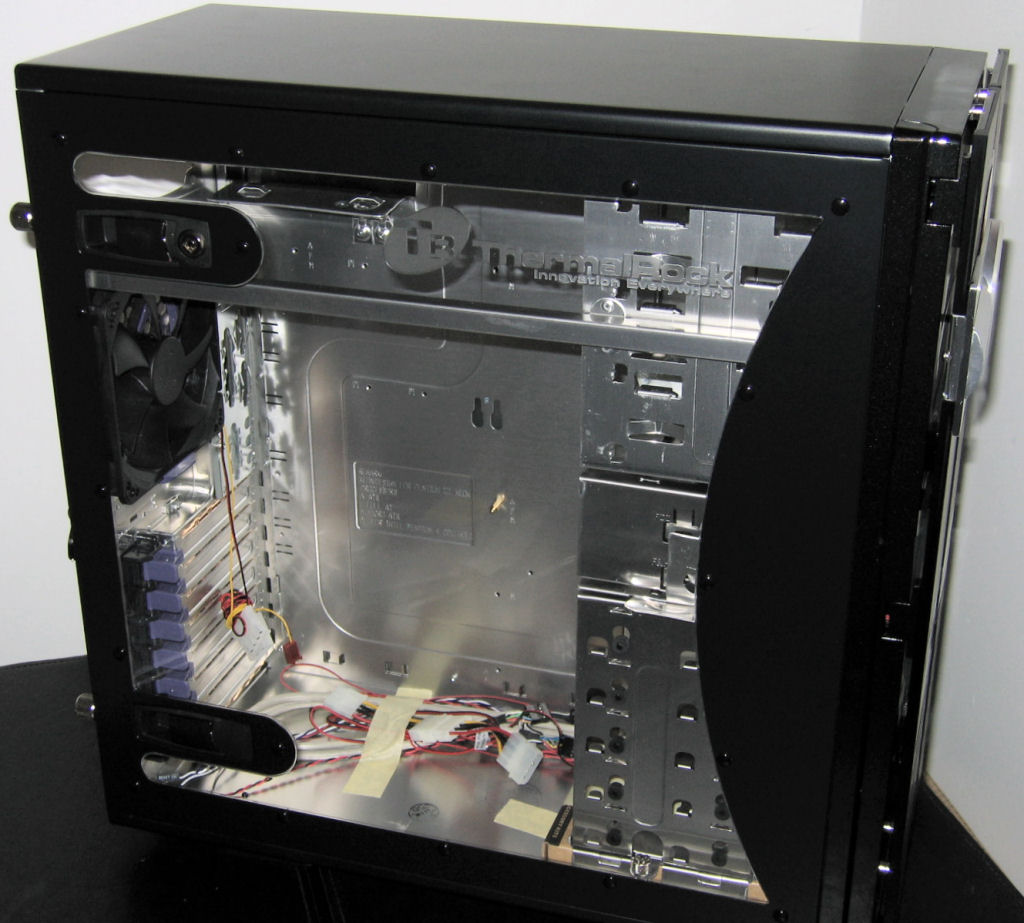
Instead of immediately jumping inside the case, we're going to show just a couple more pictures showing off the side of the Eclipse, as it uses a pretty uniquely-shaped window that really adds to the overall look of the chassis.

Click to enlarge.
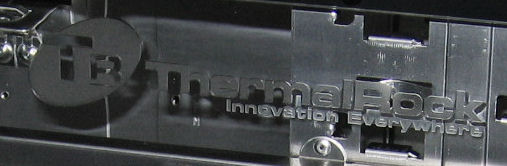
All too often, windows on cases are too limiting on what one can see in our opinion, but the Eclipse's side really doesn't suffer from this same shortcoming. Along with giving a great view of the internals, black rivets line the window and an embossed logo also sits there.

As nice as the included "hand screws" are, they aren't even needed to secure the side panel of the Eclipse, since it is also latched at the top and bottom. Just like ThermalTake cases, the side panel of this case removes and attaches so easily that it makes one wonder why they're so clumsy on most cases.


Click to enlarge.

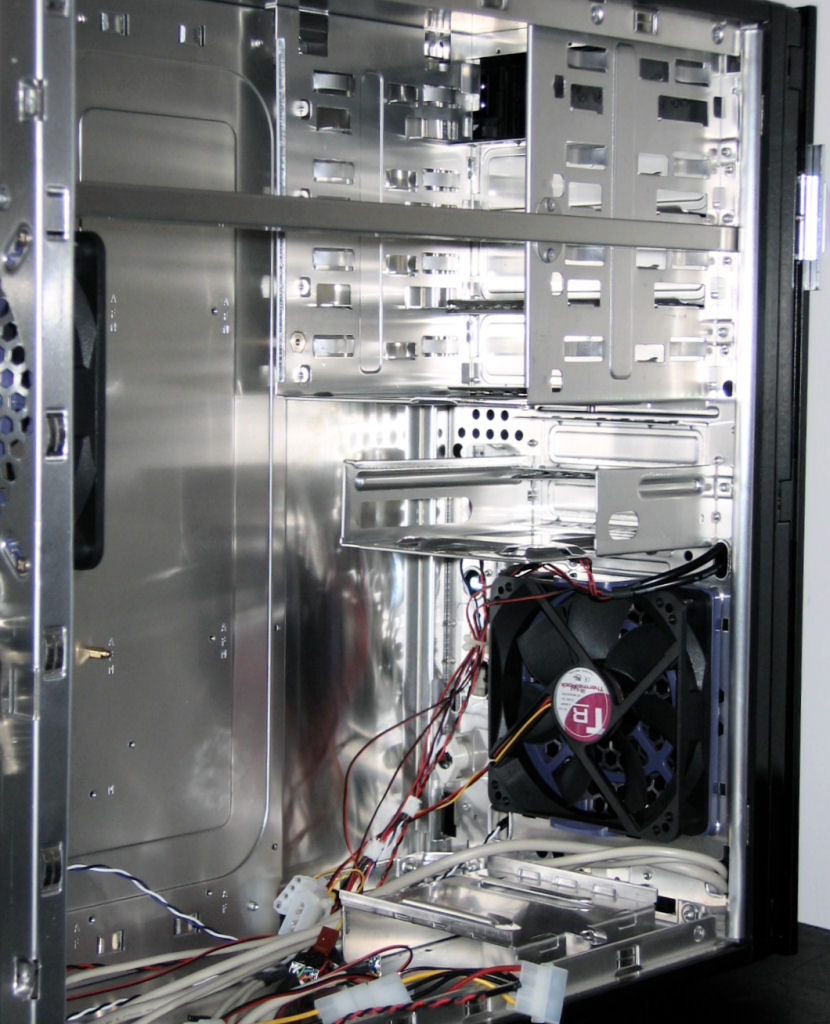
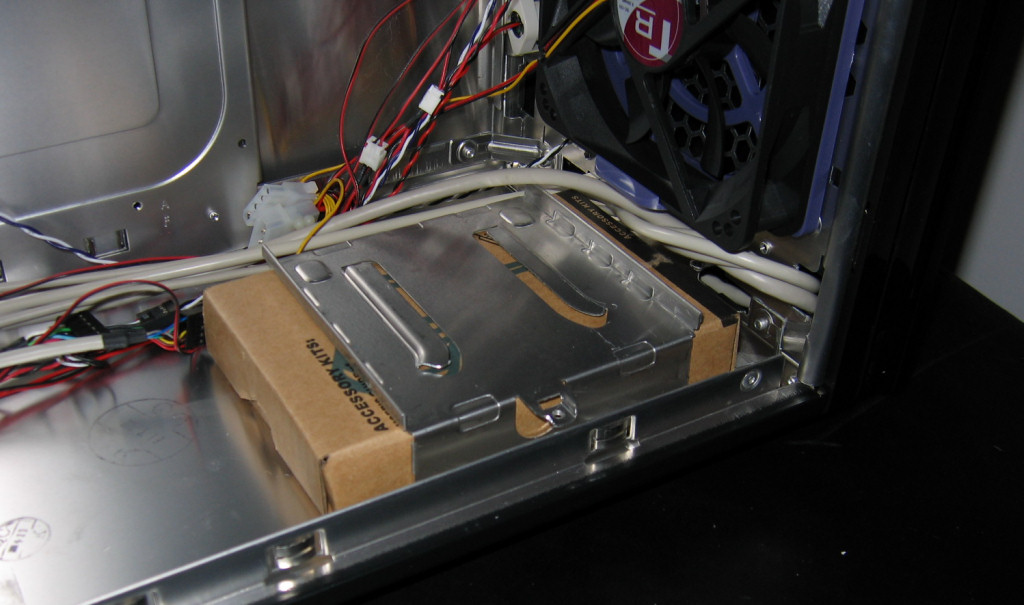
Looking towards the front, this is what we're left with after removing most of the components from the chassis. The large fan in front will help to keep the hard drives cool, and slightly below that is a holding place for the included accessories box.


Click to enlarge.

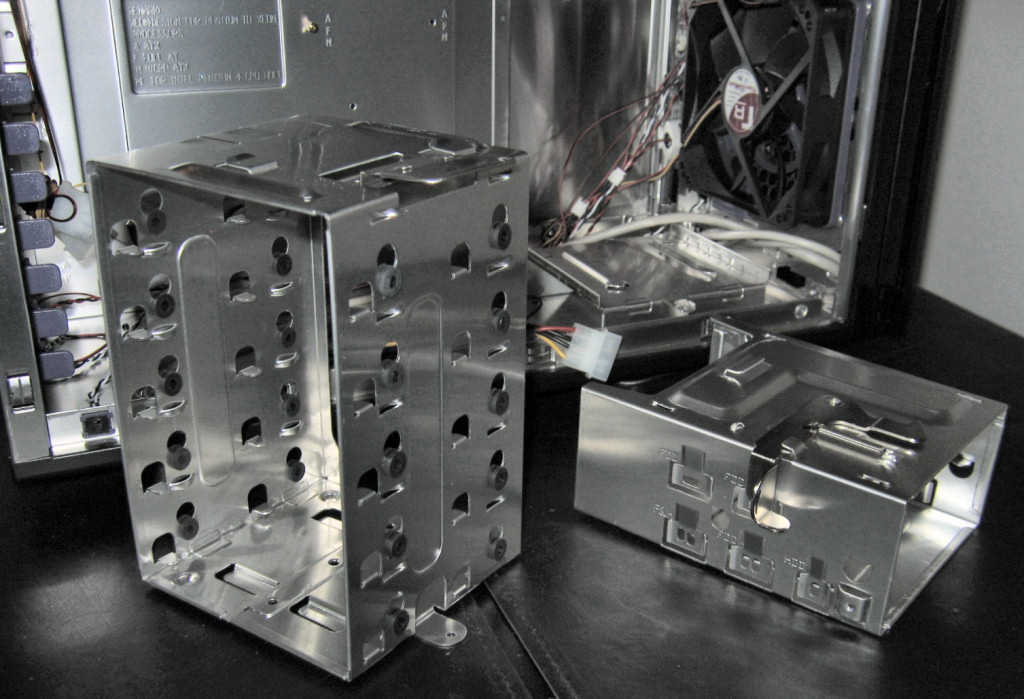
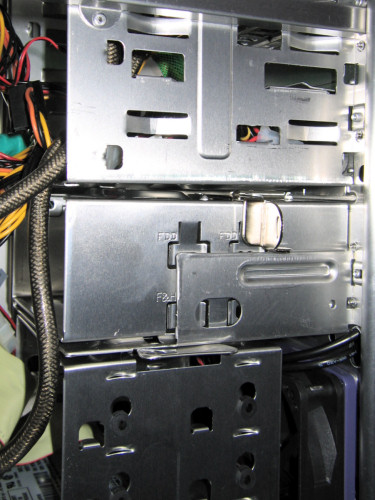
To get a feel for how the Eclipse holds the other internals, here's a shot of the two main removable cages.


Click to enlarge.

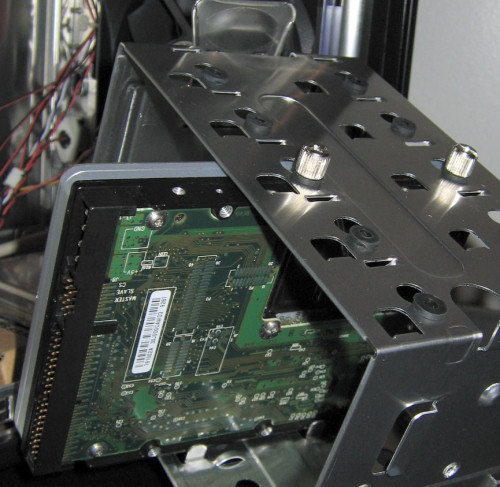
Like the Sonata, this case uses rubber grommets to isolate vibrations from the drives, but unlike the Antec case, these grommets are on the sides of each drive. In the following picture, one can even see how this simple tool-free design can still be very effective at reducing noise.

Once the 3½” drives are installed into their respective cages, they slide along rails until they latch securely into place, with the external cage sliding towards the front and the hard drive cage sliding in from the side.


Originally published at https://www.anandtech.com/show/1783 (Wayback Machine).