
Adaptive Game Bundles: Sapphire Select
- Posted in
- Software
The Process In A Nutshell (Trial and Purchase)
For every game that is installed, links for trial and purchase are dropped onto the desktop.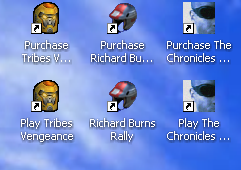
Running the trial brings up a screen similar to this one for each game:
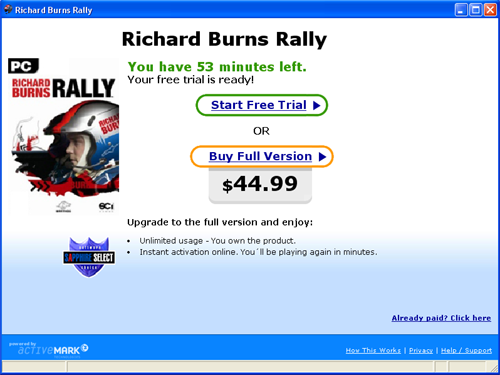
From here, we can see how much time our trial has left, play the game a little more, or make a purchase. It does take a little bit of time to bring the game up once we've decided to play it, but other than that, there is nothing different than the normal experience. If we decide to unlock the game, we simply click on the buy option. In order to unlock or buy a game, we do need to have an internet connection.
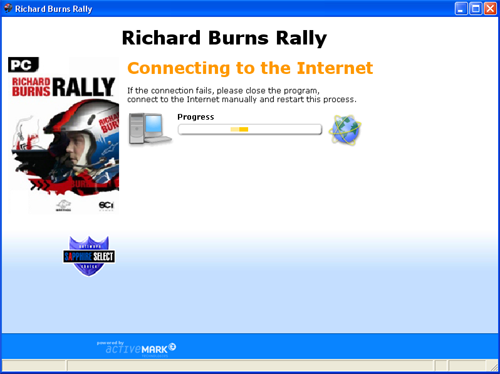
Note that it is quite obvious how to pay for the game. In order to unlock the title for free with the Sapphire provided code, we must locate the coupon button. This is a nice little text link tucked away to the side.
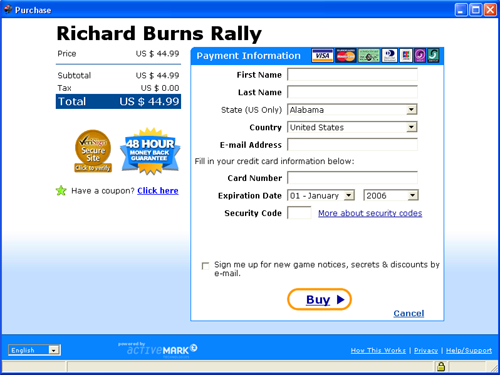
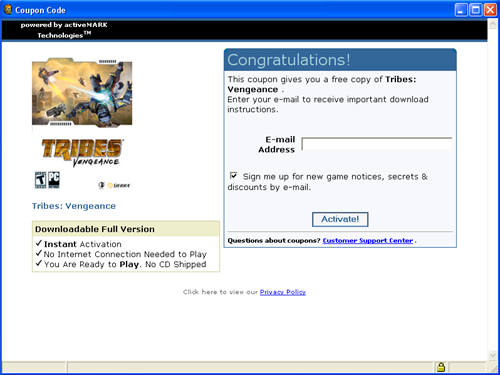
Entering the code is as simple as typing it into the box that pops up. After this, Sapphire wants your email address for "important" emails.
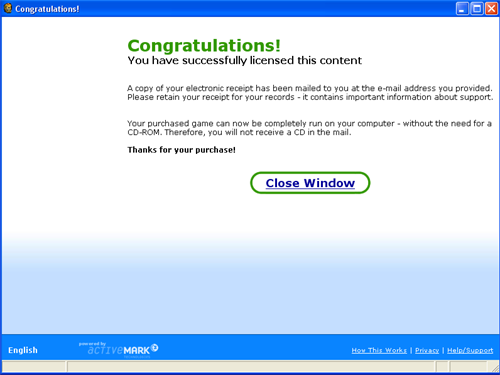
Summing everything up, we see that our receipt is in the mail and we don't need a CD to play our game. That's definitely a nice feature.
And that's all there is to it.
Originally published at https://www.anandtech.com/show/1706 (Wayback Machine).