
Adaptive Game Bundles: Sapphire Select
- Posted in
- Software
The Process In A Nutshell (Installation)
Ours is a prerelease copy that was shown at E3, and it doesn't include all the games that Sapphire will have on their shipping product. There are also a few other features and bumps in the road that are not final and will change by the time the product ships. The first interesting thing we noticed is that Sapphire uses a web interface. The problem here is that the very first thing we are greeted with is an active content warning. Depending on the end user's security settings, this could pose a problem.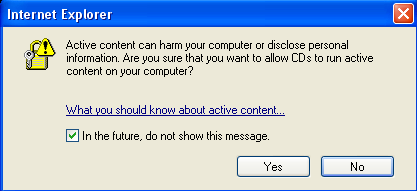
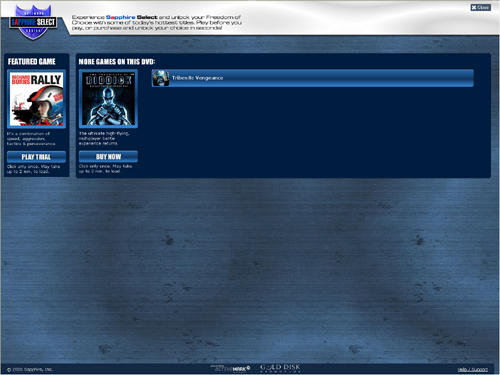
Moving on, we come to the main screen where we will be able to look at each game included on the disk. From here, we have quick access to playing trials, buying games, or just clicking on the title to read about it.
Clicking on the image of the game brings up a short description of the title. If we want to play the trial, all we need to do is click a button. But note the warning that indicates the button should only be pressed once as the process can take up to 2 minutes.
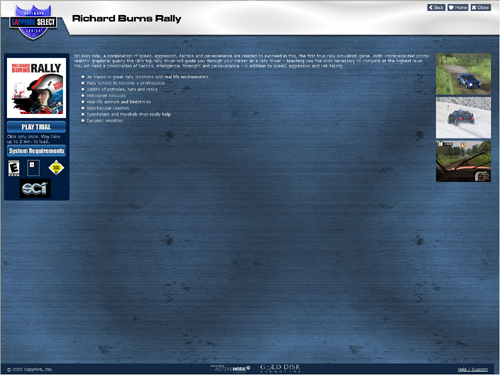
In our experience, the wait between when we clicked the button and when something happened was between 3 and 5 minutes on a mid-range P4 system. Currently, there is no status bar, but Sapphire has indicated that there will be some UI tweaks, which should include some sort of status indication during the long wait times. These long waits are our major complaint about the package. It takes quite some time to unpack and install these games. Of course, the fact that no disk switching is required for any single game is nice. Again, as it is a web interface, we are greeted with this:
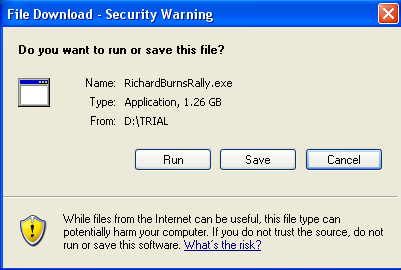
After dealing with this, the game's install process proceeds as usual.
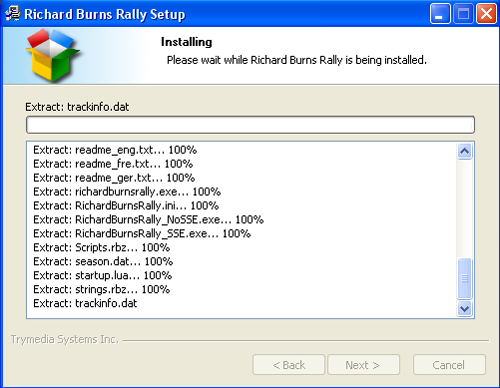
And now, after everything is loaded, we can either play the game or unlock/purchase it.
Originally published at https://www.anandtech.com/show/1706 (Wayback Machine).