
Mac OS X 10.4 Tiger Review
- Posted in
- Mac
Tiger: The Overprotective Parent?
There are a couple of extremely Windows-like elements to Tiger that have bothered me beyond belief.One thing that I never really appreciated about Panther, but was always there, was the fact that the OS rarely second-guessed me about things. With all of the issues surrounding security, spyware and viruses and Windows, the latest versions of Windows have become a little too big-brotherish. I was always warned about not letting Windows update my computer automatically and a clean install of Windows would always tell me that I shouldn't be playing around with system files. As a Windows user, I just put up with the OS telling me that I should be careful when downloading files or removing certain programs. But with Panther, most of those warnings were gone; I'd get a message making sure that I knew I was deleting something, but that's about as far as things would go. With Tiger, it looks like Apple is playing the role of big brother a little more.
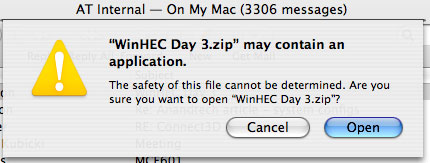
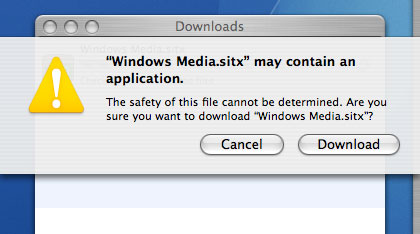
The changes aren't overboard, but they are little annoyances designed to protect the user from his/her actions - just the type of thing that I hate to see. First of all, if you double-click a zip attachment in Mail 2.0, you now get a warning that tells you that your file "may contain an application". You can get around this warning by just telling Mail to save the attachment(s) and open them yourself in Finder. If you do it that way, Mail thinks that you know what you're doing and doesn't play its motherly role.
Originally published at https://www.anandtech.com/show/1671 (Wayback Machine).