
Microsoft's Portable Media Center Devices: Exposed
- Posted in
- Smartphones
- Mobile
Watching TV and Movies
Microsoft intended Portable Media Center devices to be truly used as multi-purpose devices, so they expected their users to not only want to listen to music, but also to want to take other types of their content with them on the go - in particular, their favorite TV shows and movies.We've already discussed the issues with getting video content onto the PMC, but what about when you're actually viewing it on the PMC?
As you'll soon see, the quality of your video matters quite a bit in order to be able to get the most viewing pleasure out of the device. With such a small screen, low resolution and relatively high data compression, it is very easy to get a blocky, blurry mess when viewing content on the PMC.
Navigating through video content is fairly simple, but without any "album art", you are left with scrolling through text in order to find what you want. Granted, if you keep the PMC clean of anything that you've already watched and don't have a desire to watch again, then this isn't a big deal; but let your collection get too big, and navigation will suffer.
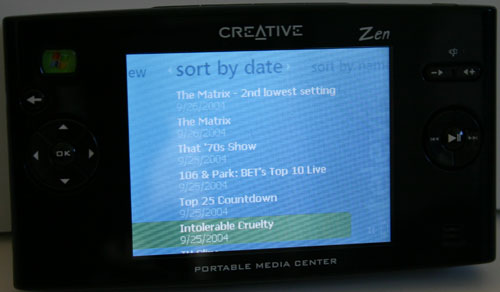
We put everything from TV shows to movies that we downloaded from links in the AnandTech Off Topic Forum on our PMC only to be met with mixed results. Even at the highest quality settings, if the original content was of questionable quality, then you're going to have a hard time discerning one thing from another.
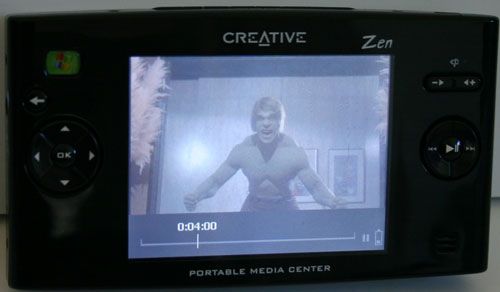
The Zen PMC came with clips from old TV shows. We swear that we didn't actually PVR The Incredible Hulk - honestly.
For the most part, shows recorded from cable TV using Windows XP MCE at its Best quality setting made it over well to the PMC. Unfortunately, that means that you're looking at over 300MB for every 30 minutes of content that you store on the PMC.
Originally published at https://www.anandtech.com/show/1489 (Wayback Machine).