
The Biostar X470GTN Motherboard Review: AM4 ITX Revisited
Board Features
As might be expected with a mini-ITX form factored motherboard, the size limitations clearly hinder the number of controllers and circuitry which can be implemented. That hasn’t stopped Biostar doing the best they can though with limited spacing. The X470GTN targets the lower end of an already crowded budget-focused AM4 motherboard market, and the inclusion of mid-range controllers such as the Realtek ALC892 HD audio codec and Realtek networking helps balancing competitiveness with cost effectivenes.
The Biostar X470GTN looks very suitable on paper for a small form factor based gaming system either usingthe multi-core power of the Ryzen desktop processors with a single graphics card, as well as being equally apt for use with one of the great value amalgamated Ryzen and Vega APUs such as the Ryzen 5 2400G ($169) or Ryzen 3 2200G ($99) due to the inclusion of a HDMI 1.4 and DVI-D output.
| Biostar X470GTN Mini-ITX Motherboard | |||
| Warranty Period | 3 Years | ||
| Product Page | Link | ||
| Price | $130 | ||
| Size | Mini-ITX | ||
| CPU Interface | AM4 | ||
| Chipset | AMD X470 | ||
| Memory Slots (DDR4) | Two DDR4 Supporting 32 GB Dual Channel Up to DDR4-3200+ |
||
| Video Outputs | 1 x HDMI 1.4 1 x DVI-D |
||
| Network Connectivity | Realtek RTL8118AS Gigabit | ||
| Onboard Audio | Realtek ALC892 | ||
| PCIe Slots for Graphics (from CPU) | 1 x PCIe 3.0 x16 | ||
| PCIe Slots for Other (from PCH) | N/A | ||
| Onboard SATA | Four, RAID 0/1/10 | ||
| Onboard M.2 | 1 x PCIe 3.0 x4/SATA | ||
| USB 3.1 (10 Gbps) | 1 x Type-A Rear Panel 1 x Type-C Rear Panel |
||
| USB 3.0 (5 Gbps) | 4 x Type-A Rear Panel 1 x Header (two ports) |
||
| USB 2.0 | 1 x Header (two ports) | ||
| Power Connectors | 1 x 24-pin ATX 1 x 4pin CPU |
||
| Fan Headers | 1 x CPU (4-pin) 1 x System (4-pin) |
||
| IO Panel | 1 x USB 3.1 Gen2 Type-C 1 x USB 3.1 Gen2 Type-A 4 x USB 3.0 Type-A 1 x Network RJ45 (Realtek) 1 x HDMI 1.4 1 x DVI-D 1 x Combo PS/2 5 x 3.5mm Audio Jacks (Realtek) 1 x S/PDIF Output (Realtek) |
||
The addition of two USB 3.1 Gen2 ports due to a single Type-A and Type-C port further enhances Biostar intent to offer users with a decent quality but more importantly, a highly affordable route onto the X470 chipset. The question could be asked why Biostar went with the X470 chipset over the B450 chipset as there are no specific X470 features that this board would benefit from over B450 due to the mini-ITX form factor, but from a marketing point of view, X470 comes across as a higher end chipset and from this aspect, it would make a lot of sense. As already mentioned numerous times in this review, the X470GTN and the X370GTN are totally identical in terms of specifications and componentry used.
Test Bed
As per our testing policy, we take a high-end CPU suitable for the motherboard that was released during the socket’s initial launch, and equip the system with a suitable amount of memory running at the processor maximum supported frequency. This is also typically run at JEDEC subtimings where possible. It is noted that some users are not keen on this policy, stating that sometimes the maximum supported frequency is quite low, or faster memory is available at a similar price, or that the JEDEC speeds can be prohibitive for performance. While these comments make sense, ultimately very few users apply memory profiles (either XMP or other) as they require interaction with the BIOS, and most users will fall back on JEDEC supported speeds - this includes home users as well as industry who might want to shave off a cent or two from the cost or stay within the margins set by the manufacturer. Where possible, we will extend out testing to include faster memory modules either at the same time as the review or a later date.
| Test Setup | |||
| Processor | AMD Ryzen 7 1700, 65W, $300, 8 Cores, 16 Threads, 3GHz (3.7GHz Turbo) |
||
| Motherboard | Biostar X470GTN (Bios X47AK807) | ||
| Cooling | Thermaltake Floe Riing RGB 360 | ||
| Power Supply | Thermaltake Toughpower Grand 1200W Gold PSU | ||
| Memory | 2x16GB Corsair Vengeance LPX DDR4-2400 | ||
| Video Card | ASUS GTX 980 STRIX (1178/1279 Boost) | ||
| Hard Drive | Crucial MX300 1TB | ||
| Case | Open Test Bed | ||
| Operating System | Windows 10 Pro | ||
Readers of our motherboard review section will have noted the trend in modern motherboards to implement a form of MultiCore Enhancement / Acceleration / Turbo (read our report here) on their motherboards. This does several things, including better benchmark results at stock settings (not entirely needed if overclocking is an end-user goal) at the expense of heat and temperature. It also gives, in essence, an automatic overclock which may be against what the user wants. Our testing methodology is ‘out-of-the-box’, with the latest public BIOS installed and XMP enabled, and thus subject to the whims of this feature. It is ultimately up to the motherboard manufacturer to take this risk – and manufacturers taking risks in the setup is something they do on every product (think C-state settings, USB priority, DPC Latency / monitoring priority, overriding memory sub-timings at JEDEC). Processor speed change is part of that risk, and ultimately if no overclocking is planned, some motherboards will affect how fast that shiny new processor goes and can be an important factor in the system build.
| Hardware Providers for CPU and Motherbaord Reviews | |||
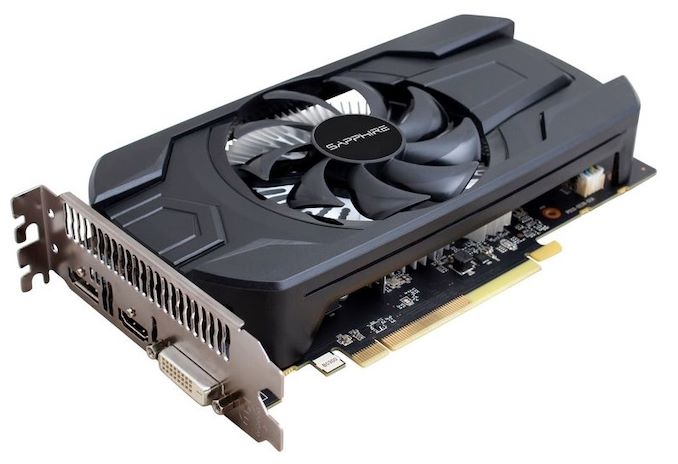
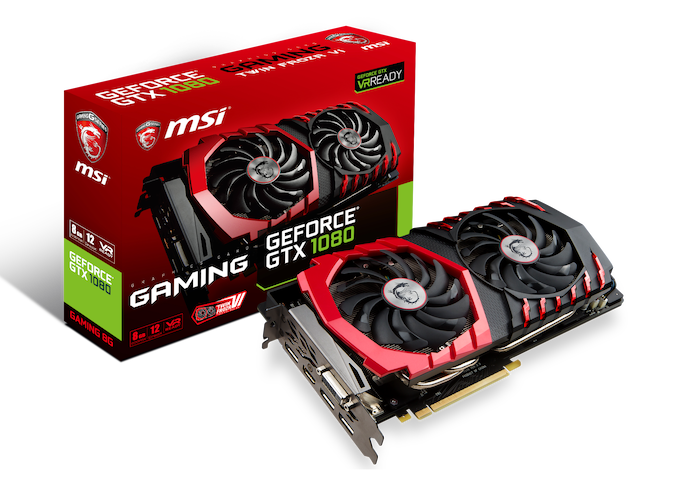
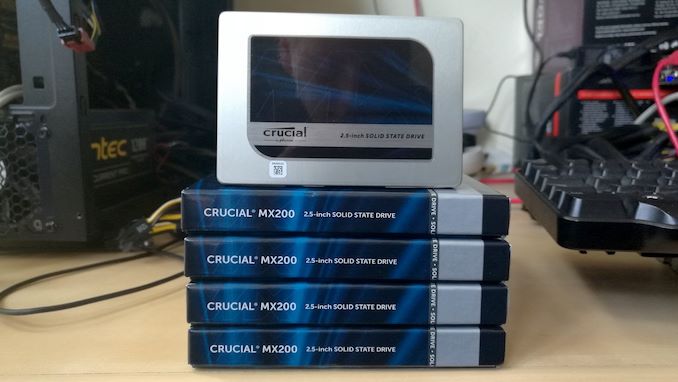
| Sapphire RX 460 Nitro | MSI GTX 1080 Gaming X OC | Crucial MX200 + MX500 SSDs |
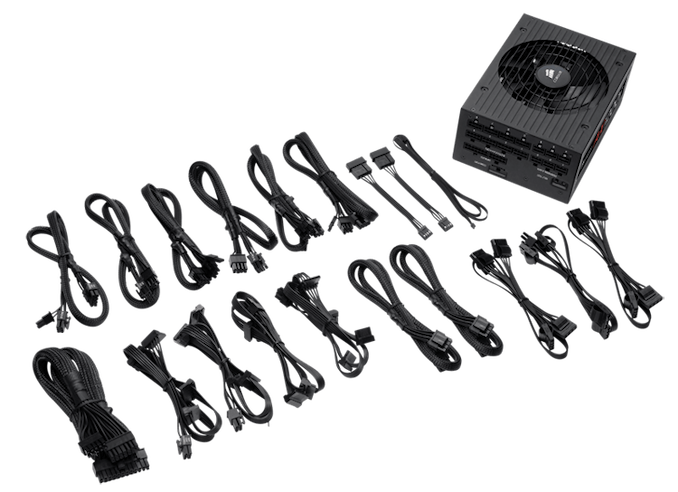
Corsair AX860i + AX1200i PSUs |
 |
 |
 |
 |
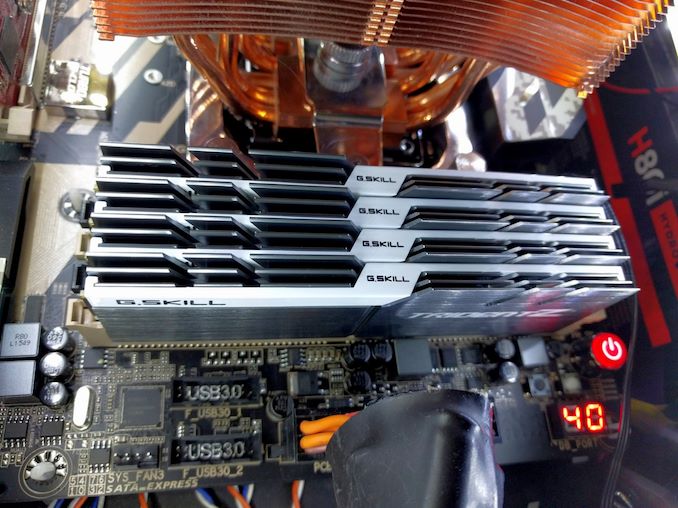
| G.Skill RipjawsV, SniperX, FlareX |
Crucial Ballistix DDR4 |
Silverstone Coolers |
Silverstone Fans |
 |
 |
 |
 |
Originally published at https://www.anandtech.com/show/13264/the-biostar-x470gtn-motherboard-review-am4-itx-revisited (Wayback Machine).