
Thermaltake's Xaser III Skull Series - A Case For the Tough Guy
- Posted in
- Cases/Cooling/PSUs
Installation
The Thermaltake Xaser III VM3000A's main feature is its completely screw-less design. Though it can be difficult to deal with some screw-less features, such as drive mounting rails, Thermaltake has done a great job with the design and construction of its chassis.A combination of both plastic and metal snap-ins, clips, and brackets are used in the VM3000A to hold all hardware in place. Metal brackets have been provided with the package to add a new drive easily into one of its 7 usable bays. The brackets themselves are made of steel and are somewhat flexible to allow a drive to be locked in place. A downside to these brackets is that they can be easily bent out of shape if not properly handled.
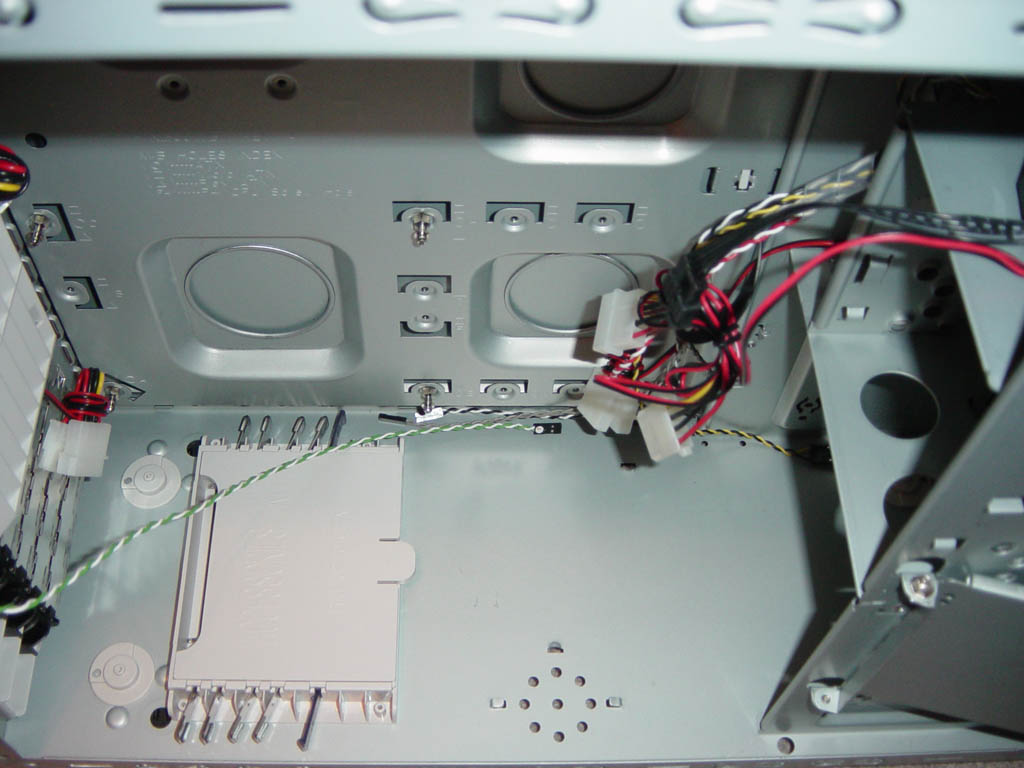
Click to enlarge.
The total time for installation was about 15 minutes for all of the necessary components. A small roadblock that we ran into was the lack of sufficient drive mounting rails. The package includes 5 pairs of rails, which seems incomplete in order to fill all 6 drive bays. The VM3000A, however, does have the traditional holes to mount various drives with screws. Again, the most time consuming portion of the installation was connecting all of the wires from the Hardcano module to the motherboard as well as all of the case fans to the power supply. The USB plugs that go to the motherboard are a bit frustrating to install. All wires are separated by their own plugs, where a better design would have been to group the wires together to end with a single easy install connector.
Originally published at https://www.anandtech.com/show/1264 (Wayback Machine).