
The Corsair Lapdog Review: Gaming with a Mouse and Keyboard in the Living Room
With the relatively recent releases of powerful ITX based gaming systems and cases, PCs are slowly but surely absorbing a portion of the living room gaming market away from consoles. The shape and bulk of PC gaming systems however is just part of the problem, as the control of the systems still relies on a keyboard and mouse, which can be very inconvenient into a living room in comparison to a wireless console controller.
Introduction
Several products seeking the convenient control of HTPC systems inside a living room have been introduced in the past, yet none of them could address the issue of PC gaming without introducing a controller into the equation. The use of a wireless gamepad rarely was the answer, as the majority of PC games have been designed for keyboard and mouse control. Therefore, those that wanted to have a PC gaming system into their living room would have to somehow bring a keyboard and mouse near them, and that is rarely convenient when sitting on a couch and no flat surface. The lean-back nature of a couch also precludes any self-standing tray device that didn't fold into the lap of the user. This makes it more difficult when the user wants to use a mechanical gaming keyboard; wireless gaming mice can be found, but no wireless mechanical keyboards are available.

Corsair clearly wants a piece of the living room gaming market, as their upcoming Bulldog barebones is a system designed with that specific purpose in mind. Small and elegant as the system might be, the company knew that the need to use a keyboard and mouse would be a deterring factor for many users who would still feel forced to the neatness of the gamepad controller. To that end, Corsair’s engineers designed the Lapdog, a “gaming control center” that seeks to make the use of a keyboard and mouse on a couch convenient and to keep everything tidy enough for use inside a modern living room. At this point we should mention that Corsair has been gathering and analyzing the feedback received ever since the announcement of the concept design several months ago, leading to a significantly different final retail product.
Packaging and bundle
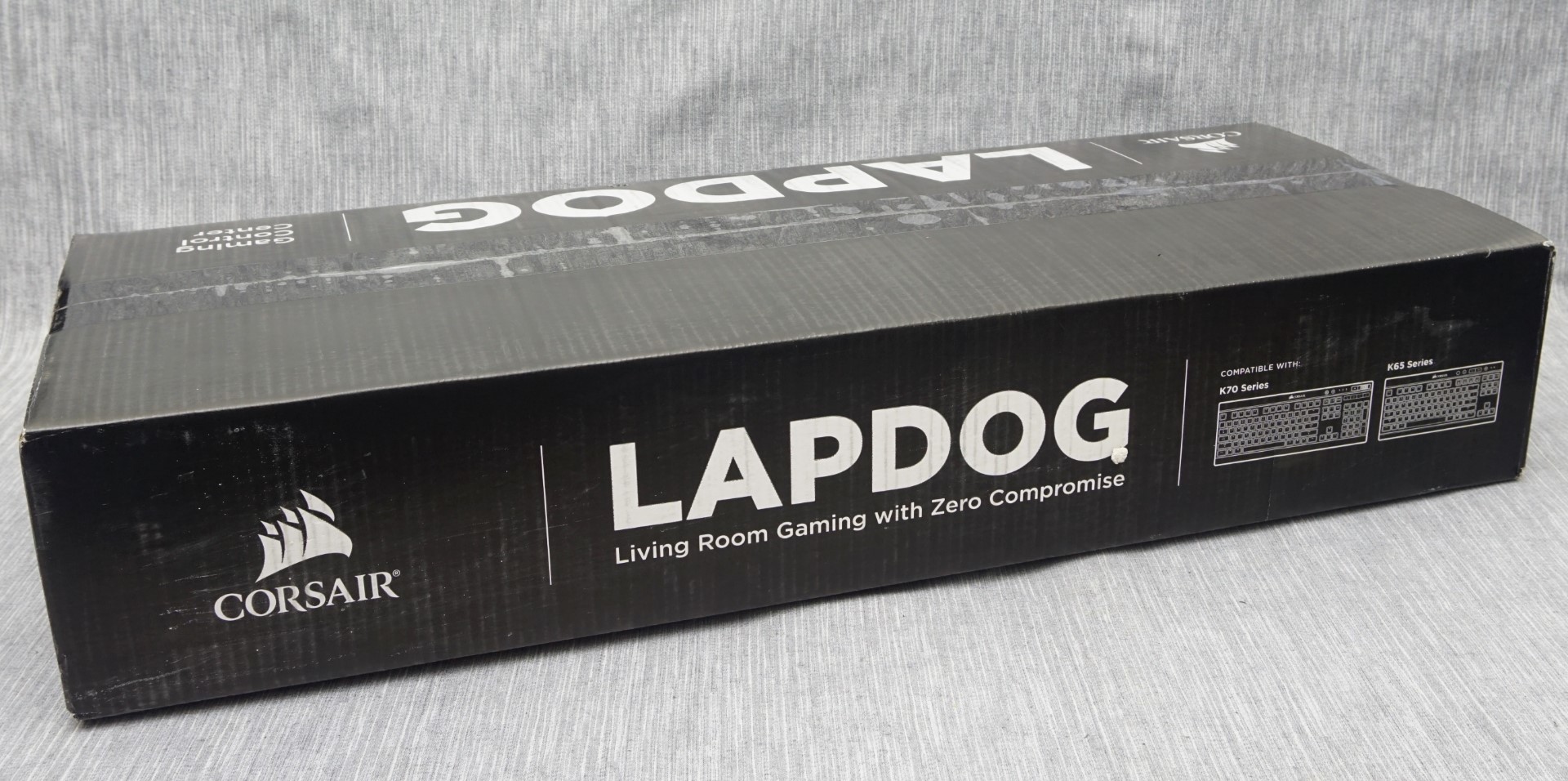
We received the Lapdog inside a long, sturdy cardboard box. The artwork is limited to the company logo and schematics of the supported keyboards. Inside the box, the hardware is well protected with a combination of polystyrene foam and cardboard pieces, as well as nylon bags.
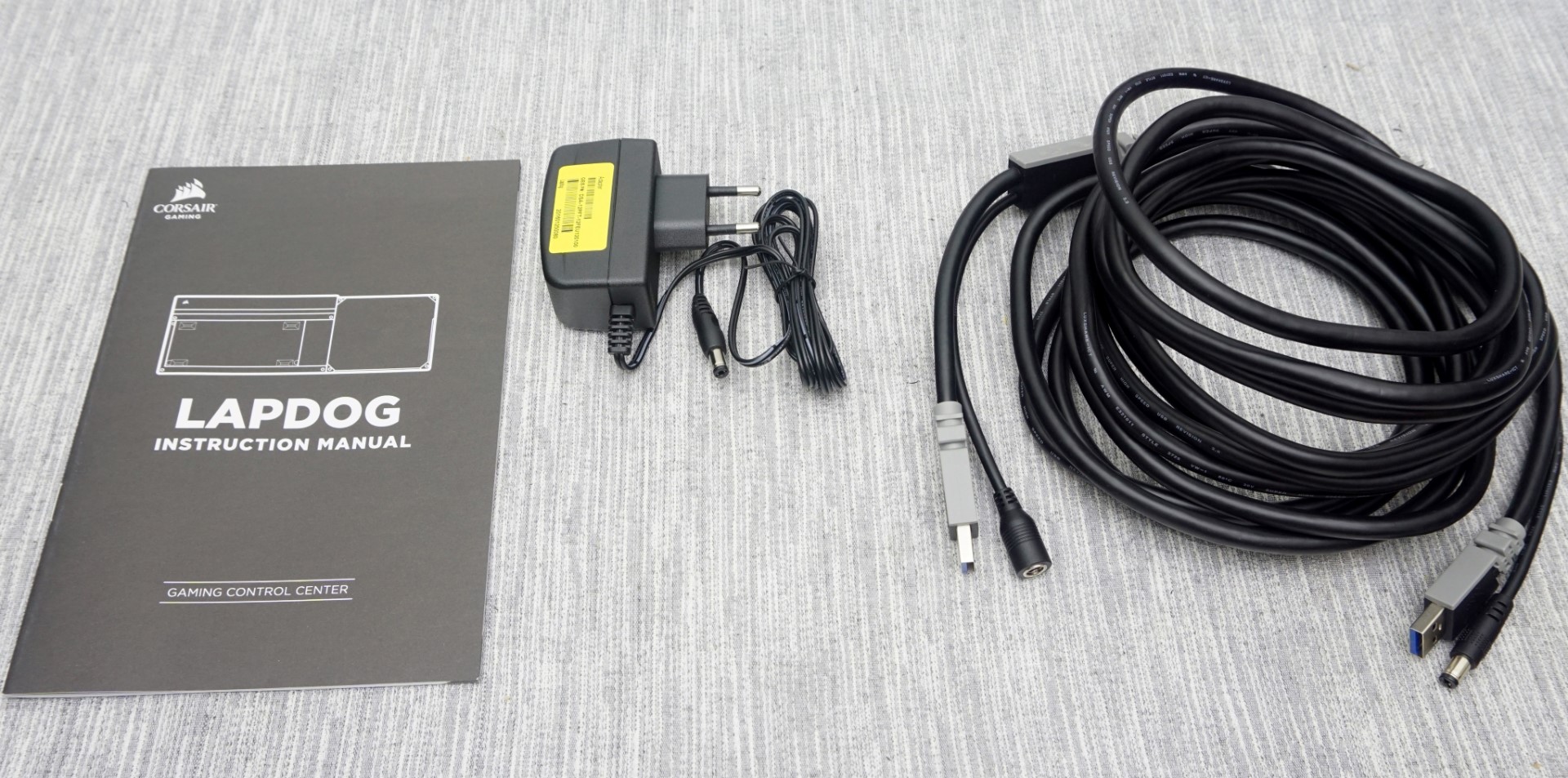
Inside the box we found a short but sufficient instructions manual, an AC power adapter and a very long (about five meters) cable. Corsair cleverly combined the USB cable and the AC power adaptor cable, meaning that only one cable needs to be connected between the system and the Lapdog and that the AC power adaptor should be near/behind the system. It should be noted that the AC adaptor is not needed when the Lapdog is connected to a USB 3.0 port, and only needs to be used if other USB devices are plugged in to the keyboard or a USB 2.0 port is used.
Originally published at https://www.anandtech.com/show/10300/corsair-lapdog-review (Wayback Machine).