
BitFenix Neos Case Review
- Posted in
- Cases/Cooling/PSUs
- bitfenix
- Case
Test Setup
Professional testing requires the emulation of real-world situations with repeatable results; thus, a perfectly controllable test setup and environment are required, especially for comparable results. Testing the thermal performance of any case with a typical real-world setup technically limits the comparability of the results to this setup alone, as an active system interacts with its environment and the change of a single component would alter myriads of variables.
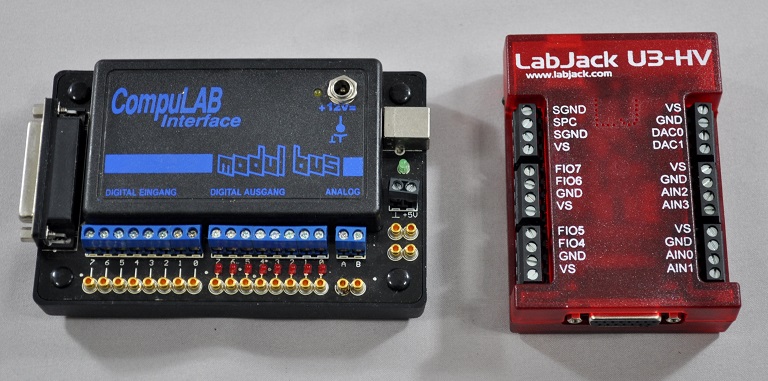
To help alleviate such issues, we developed synthetic loads that emulate the thermal output of real systems, but these loads are passive, steady, and quantifiable. Our thermal testing now displays the thermal capabilities of the case alone, as if it would have to deal with the entire thermal load by itself, regardless of the system installed inside it. Laboratory data loggers are used to monitor the PT100 sensors and control the safety relays, which are fully accessible via our custom software.
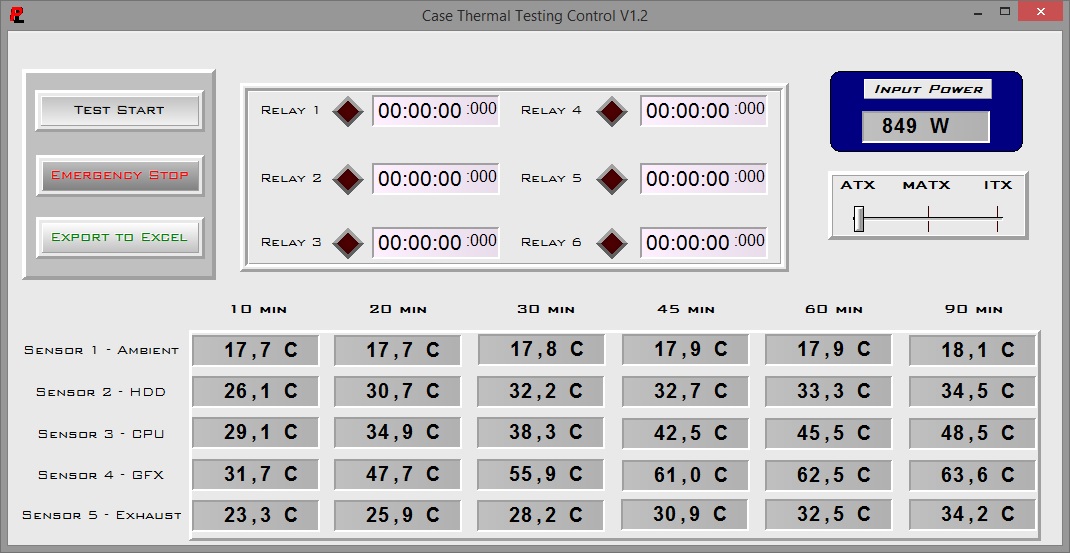
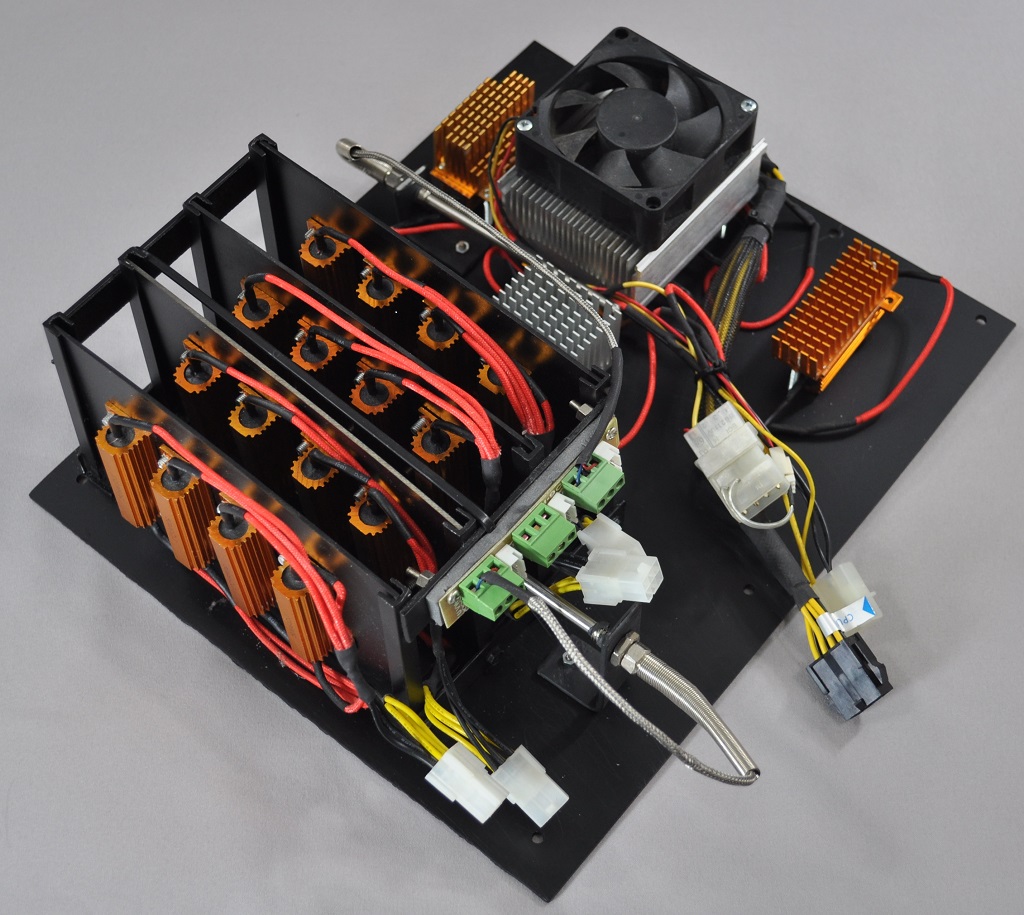
Three such loads have been developed; the ATX version simulates a 200W CPU, 50W VRM, 30W RAM and 4 × 120W GPU card thermal load. Finally, three 3.5" HDD dummy loads have also been created, with each of them converting 30W of electrical power to thermal, bringing the total thermal load of the ATX test setup up to 850 Watts. This thermal load is immense and only the best of cases will be able to handle it for more than a few minutes; we are also performing a test with a thermal load of 400W, with all of the aforementioned components except the HDD drives at about 42% power, which is more suitable for the majority of cases.
Thermal testing is performed with the stock fan operating at maximum speed. Noise testing is performed with a background noise level of 30.4dB(A). Advanced noise testing is also performed, in order to assess the ability of the case to dampen the noise of the components installed inside it. This includes the installation of two noise-generating sources (strong fans) inside the case, one positioned approximately over the first expansion slot and one over the CPU area, which generate ≈ 44.2 dB(A) when unobstructed. During the advanced noise test, all stock cooling options of the case are entirely disabled.
Results and Discussion


Our testing ended prematurely when the thermal load was operating at full power, as the thermal failsafe kicked in. Sadly, the stock thermal performance of the Neos is, simply put, horrific. Despite the large openings at the front of the case and the presence of a strong 120mm exhaust fan, the Neos performed far worse than we originally anticipated. It handles the 400W load better, but it's definitely not the best case for high performance systems.
When compared to other cases of similar size, the enormous difference becomes apparent. Note that the thermal load used during our testing is immense; a typical home/gaming system with a single GPU should operate just fine in the Neos, yet the operating temperatures will be considerably higher than with a more advanced case.


There is just one 120mm cooling fan in the Neos, and it is a fairly strong and noisy model. The single 120mm fan generates 44.3dB(A), which is enough to be clearly audible to the user from one meter away. There are no fan control options for the Neos, therefore a fan controller is required to achieve the 50% and 70% fan speeds depicted in the chart below.

As expected, the Neos has very little noise reduction capabilities as well. It is simply not designed with low-noise operation in mind and there are virtually zero noise reduction measures about this case. The many openings at the front do not help either. The Neos reduced the noise level of our artificial noise source from 44.2dB(A) to 43.0dB(A), a very small and virtually imperceptible difference for the human ear.
Originally published at https://www.anandtech.com/show/8903/bitfenix-neos-case-review (Wayback Machine).