
ASUS Z97-Pro WiFi AC Review
- Posted in
- Motherboards
- Asus
- Haswell
- 802.11ac
- Z97
ASUS Z97-Pro WiFi AC Conclusion
The to-and-fro with regards to the new SATA Express and M.2 storage options is not going to go away any time soon. PCIe storage is here to stay, but in the interim motherboard manufacturers have a tough choice to make between M.2 support, SATAe support, or both with some fancy PCIe lane management. ASUS at that point is going to have to be committed to SATAe due to their involvement with ASMedia, and ASMedia is the only company with a SATAe controller in the consumer market. It would seem that this controller is destined for $250+ motherboards, given that the Z97-Pro only has one SATAe from the chipset. It also depends on Intel’s support of SATAe, and whether it will expand in future chipsets to more than one x2 topology.
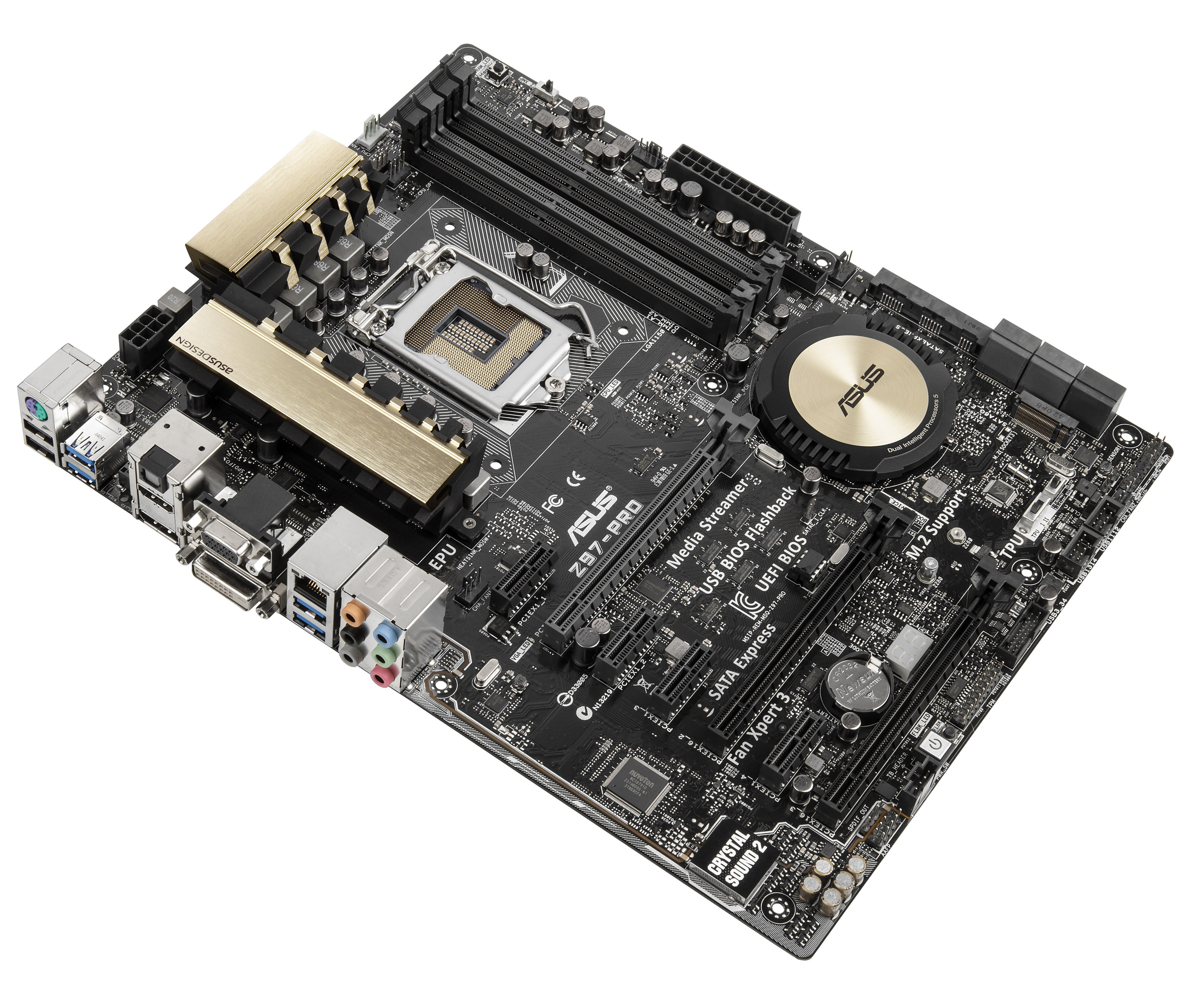
With that aside, the Z97-Pro has been a solid part of our CPU test bed. In terms of swapping out CPUs, GPUs and memory, I have not come across a problem. The key point in the performance metrics actually comes from the audio, where our motherboard achieved 105.1 dB dynamic range and -84.8 dB THD+N, and the DPC Latency came in under 100 microseconds.
The big challenges from ASUS’ perspective should be the Z97X-SOC, Fatality Z97 and Z97 Gaming 7 which are all in that $188-$210 bracket. ASUS 9-series BIOS shows that growth in these areas are still happening and similar to our Z97-Deluxe review conclusion, having the automatic overclocking option to determine maximum temperature and length of stress testing is something I imagine all other motherboard manufacturers taking on board relatively soon. It should be easy enough to implement as well. While I might not be the BIOS’ biggest fan, the EZ mode and My Favorites menus are evolving, and the fan controls in the BIOS are now second to none. My only additions to those fan controls would be an option to set all fans to ‘high speed’ or ‘silent’ with one click, as is possible in software, and also a measure of hysteresis.
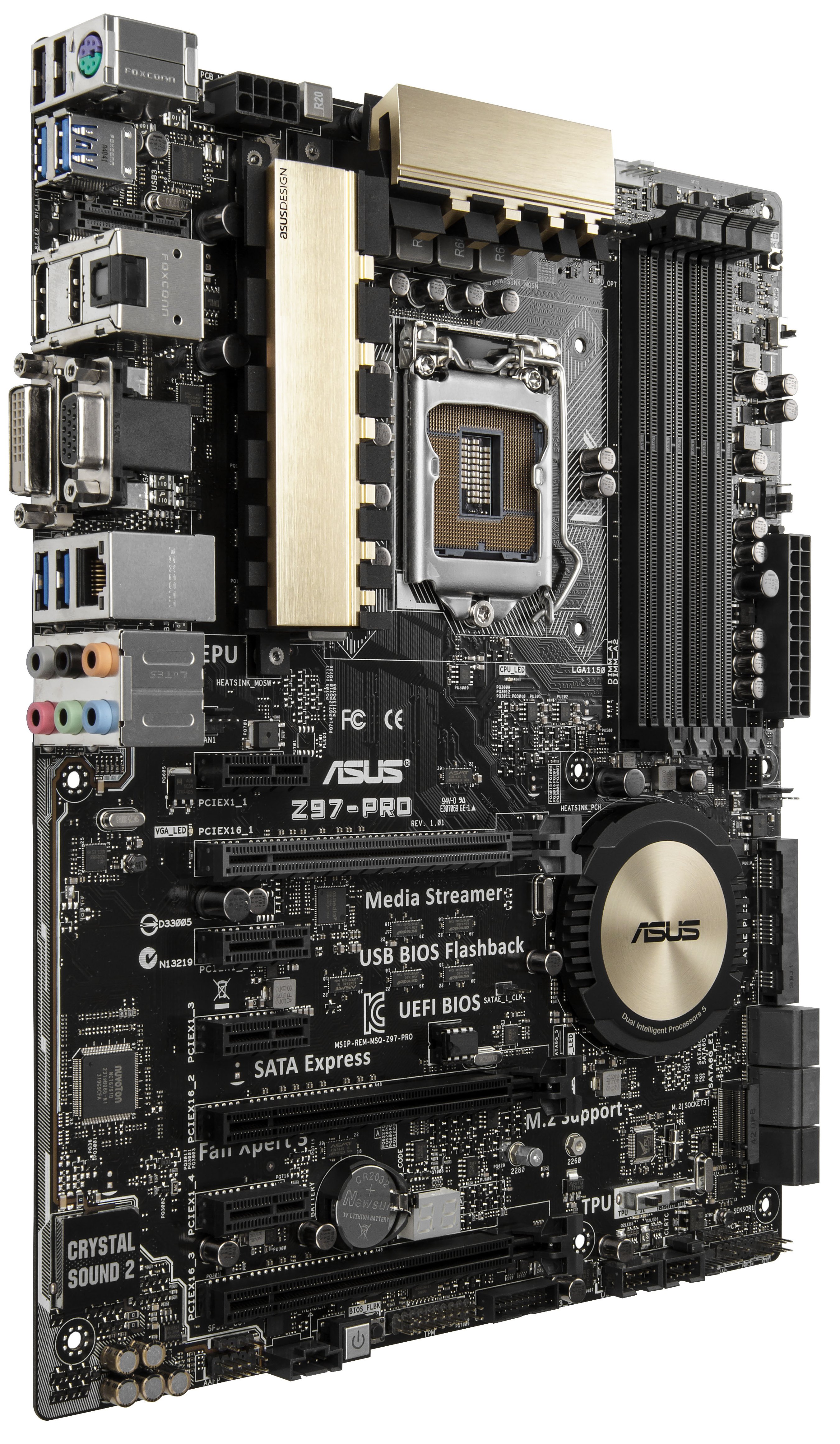
The addition of 802.11ac 2T2R WiFi might have come across as a bit pricy, originally being a $30 addition but has now moved down to +$12. The module cannot be purchased individually and one might argue that a PCIe card to do something similar would cost more, making the WiFi module a good investment. Given that ASUS now ship 3T3R 802.11ac routers, including the dual 3T3R AC3200 model announced at Computex, I wonder how close we are to seeing 3T3R solutions on motherboards. My expectation lies at the feet of X99, however the additional cost is a bit more difficult to predict. Nonetheless, the WiFi option of the Z97-Pro is preferred as a ‘just-in-case’ option should a user’s circumstances change. The XMP switch is also a nice touch that other manufacturers might implement, helping enthusiasts get the full speed out of their memory without worrying about accessing the BIOS.
Even at $200 the system punches above its weight, and the lack of issues across my testing with almost a dozen CPUs for other reviews can only ever be a positive. Users investing into the Z97 ecosystem should consider the Z97-Pro or the Z97-Pro WiFi AC as worthwhile motherboards in their builds.

Originally published at https://www.anandtech.com/show/8249/asus-z97-pro-wifi-ac-review (Wayback Machine).