
Averting Disaster - A Guide To Computer Backups (2014)
Final Words
Backups are important. If you were ever to have a catastrophic system failure, or your laptop bag was stolen from your car, any amount of time and money you spend setting up some form of backup will pay for itself hundreds of times over. We all store an amazing amount of our lives in digital form now, and you don’t want to be “that person” who loses everything they have saved over the years.
Take the time now to set up a backup. Here is a summary of the recommended backups for different scenarios:
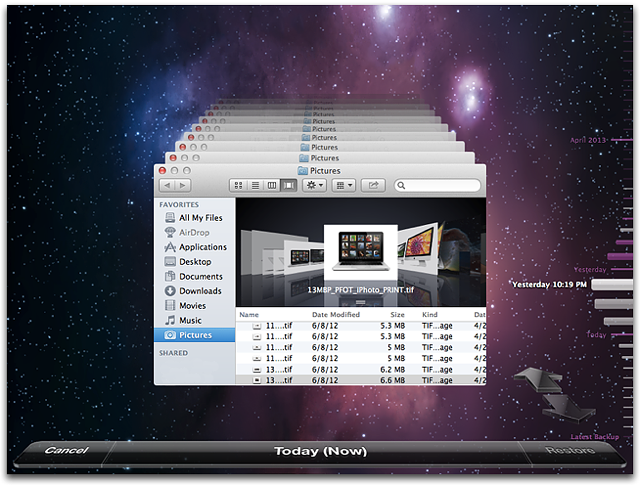
Single PC or Mac:
Good: Backup to USB hard drive using built-in utilities.
Better: Backup to cloud.
Best: Backup to USB hard drive and cloud for Hybrid Backup.
Multiple PCs or Macs:
Good: Backup to NAS using built-in utilities.
Better: Backup to NAS, then use NAS utilities to backup NAS to cloud.
Best: Centralized backup tool such as Windows Server 2012 Essentials.
NAS Storage:
Good: Backup NAS to internal or external drive.
Better: Backup NAS to cloud storage.
Best: Backup NAS to internal or external drive, and cloud storage.
Consumer Cloud:
Good: Use cloud storage as the default save location for all important files.
Best: Ensure entire cloud drive is synced with PC, then perform PC backups on the cloud data.
Hopefully you are already backing up your data, but if not, then the next best thing would be to have this discussion urge you towards adding a backup system to protect your files.
If you have a backup system that works great for you, sound off in the comments to let others know!
Originally published at https://www.anandtech.com/show/8030/backup-guide (Wayback Machine).