
Corsair Raptor K40 Keyboard Review
A Closer Look
At first sight, the Raptor K40 is remarkably similar to Corsair's mechanical Vengeance keyboards. In fact, some could easily mistake the K40 for a Vengeance K70 Black, if they are unaware that the latter has an aluminum frame. The frame and all of the parts of the Raptor K40 are all plastic. It has a full 104 key layout with additional dedicated multimedia keys and six programmable macro keys. The keys are surprisingly well made for a rubber dome keyboard, with minimal wobble and good response. Of course, if you have used a mechanical keyboard before and especially one with tactile switches, the rubber dome keys of the Raptor K40 will feel overly soft and mushy; however, they still feel much better than the typical $15-20 basic keyboard.
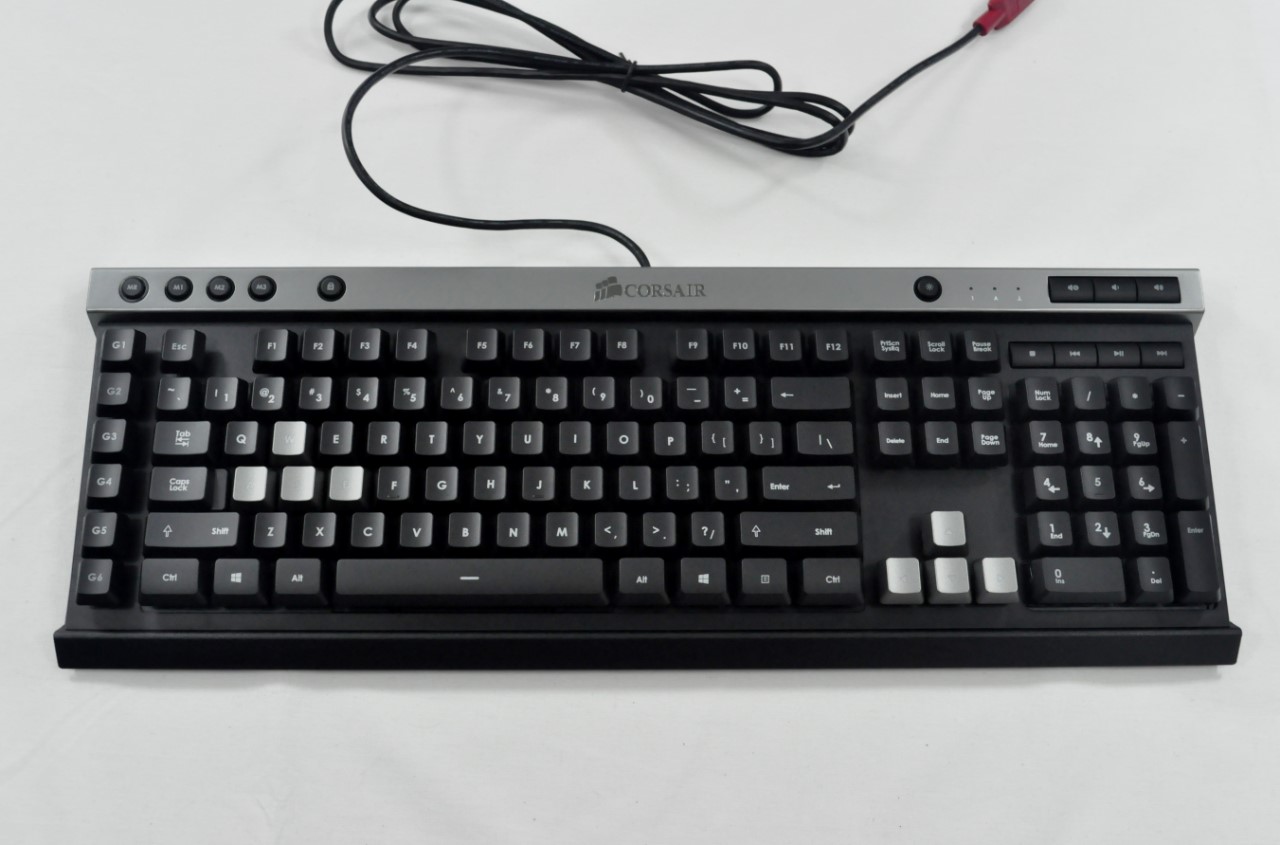
Most of the standard keys of the Raptor K40 are black, with the exception of the WASD and the arrow keys, which are silver. This is obviously part of Corsair's branding of the Raptor K40 as a gaming keyboard, and these are the two dominant sets of keys for direction control in all kinds of games. Of course, action RPG, RTS, and MMO gamers might be a little disappointed, as other keys are frequently used in such games, and anyone that uses something other than WASD will feel left out.
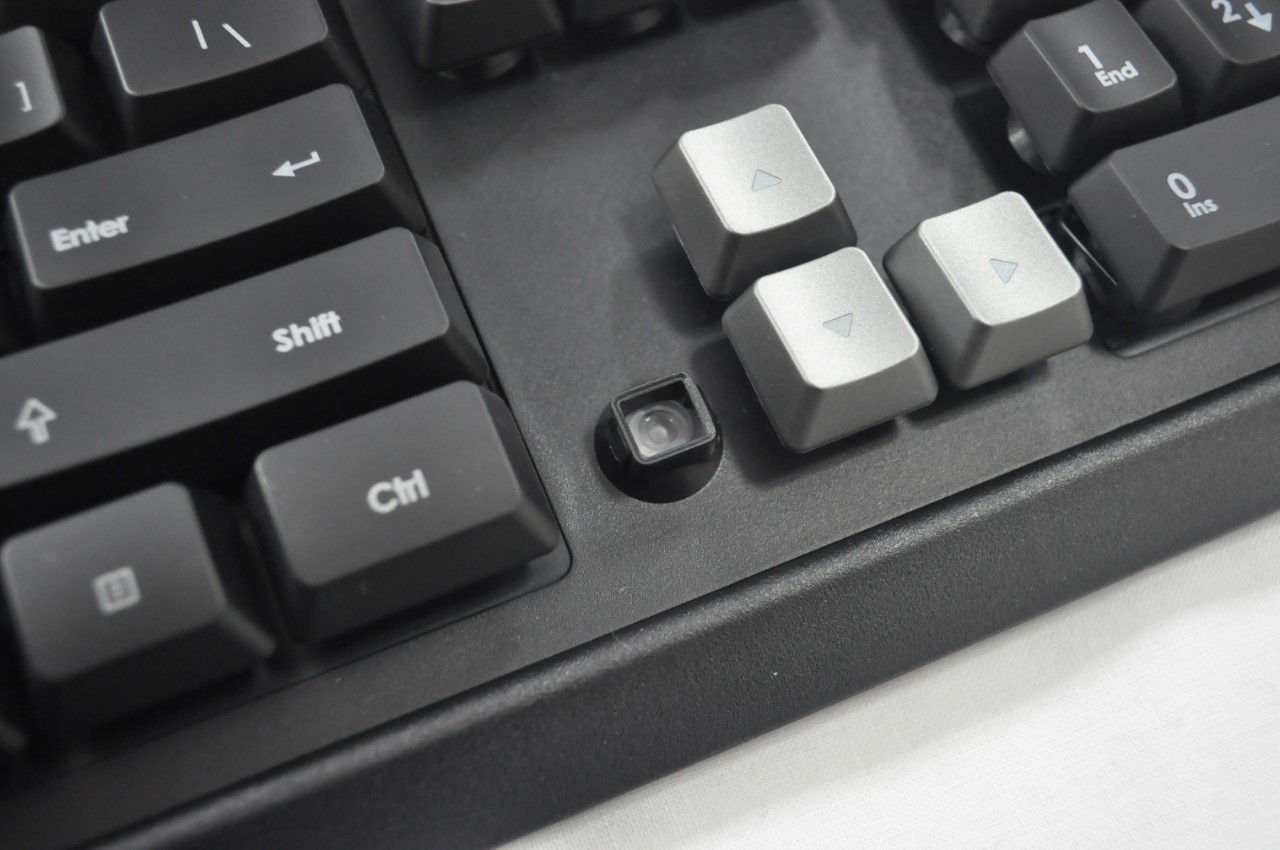
It's worth noting that the lowermost series of keycaps have their bottom edge slightly inclined downwards. As these keys are most usually pressed by the user's thumbs (particularly the space bar, but also during gaming), the thumb will press against the edge of the key rather than the top. Although this may look insignificant, it will increase the comfort level for gamers after prolonged use.
Seven dedicated multimedia keys sit along the top right corner of the keyboard. Three keys are for volume control and four are for media control. A circular key can also be seen, which is used to change the backlighting setting. A few more extra keys that are circular can be found at the top left corner of the keyboard. The four M keys are for control of the onboard profiles and the fifth key locks (disables) the Windows buttons. Six macro keys can be seen at the left edge of the keyboard. Six macro keys may be a bit too few for fanatic MMORPG gamers but they should be more than adequate for most users.
The rest of the Raptor K40 is relatively uninteresting. There are no extra USB ports or other features on the sides or the rear of the keyboard. Four anti-skid pads are installed on its bottom and two standard flip-out feet can be used to increase the tilt of the keyboard. The cable is a thick, standard USB cable with a red connector. There is nothing of great importance beneath the plastic shell of the Raptor K40, as removing it only reveals a typical circuit board.


The software of the Raptor K40 is simple, clean and straightforward. It allows the user to program the macro keys and save them as profiles into the keyboard's memory. The macro programming options allow the user to choose different playback options and adjust the delay times, or the keys may be programmed to perform other functions (e.g. launch an application). You can create any number of software profiles but only three can be loaded into the keyboard. It's worth pointing out that the profiles programmed into the keyboard will function regardless of the system OS or software, but Corsair's software is necessary for the creation of macros and is currently only available for Windows.
Finally, there are the backlight settings. A different color/brightness can be programmed for each profile. There are also two Light FX modes, one that will make the keyboard pulse and one that will cycle through different colors. Both the pulse and cycling are more useful for demonstration purposes as opposed to being practical during normal use, but what's a gaming keyboard for if not to show off?


Originally published at https://www.anandtech.com/show/7934/corsair-raptor-k40-keyboard-review (Wayback Machine).