
HTC One max Review - It's Huge
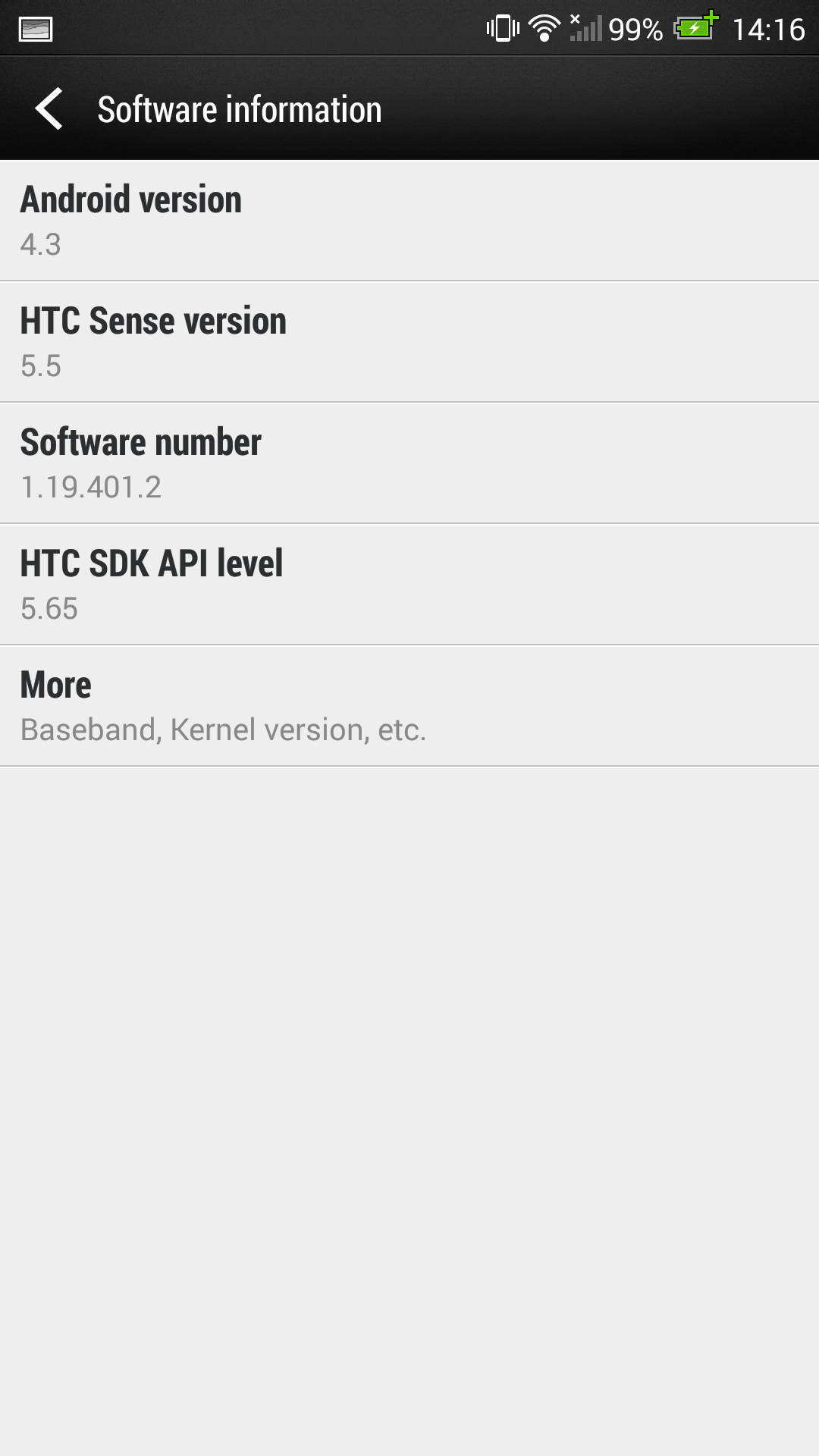
The software side of the One max also changes slightly from the original HTC One. The One max launches running Android 4.3, which as of this writing is the newest version of Android available, although 4.4 KitKat is right on the horizon. In addition the version of HTC’s skin and software suite, Sense, is bumped up to 5.5. The biggest changes in Sense 5.5 are to Blinkfeed, HTC’s newsfeed and home screen replacement, and the computationally generated highlights reel videos. First off, blinkfeed gets improvements that now allow custom topics, RSS, and more control over what items appear. In addition there’s now support for both Instagram and Google+ accounts to surface stories in Blinkfeed.

There’s also a read later feature in the highlights feed. Finally there’s also a way to disable Blinkfeed entirely, previously you could change the primary home screen to a widget panel, in Sense 5.5 this menu has been changed around to allow Blinkfeed to be disabled entirely.


A bunch of features that people originally wanted for the automatically generated highlights reel videos are now incorporated into Sense 5.5 as well. The gallery application it lives inside has been reorganized and is more intuitive now, albums and events views are now a pivot rather than drop down option, likewise the individual views beneath the are pivots. Video highlights now lives in its own pivot as well, and now has a simple picker for choosing what videos, Zoes, or photos the algorithm can select from. There are also more themes, which are entirely new, as well as the ability to select your own music. I’m told the highlights reel engine has been completely rewritten with better textures, film treatments, overlays, and dynamic editing. Subjectively I find the results of the new engine to be much better, where the previous highlights videos would always follow basically the same schedule, the new ones seem much more dynamic and won’t get tiresome nearly as fast.


Animated GIFs are all the rage right now, and HTC has chosen to capitalize on some of that with a GIF creator inside Sense 5.5. From the gallery’s edit menu animated GIFs can be created from continual shooting shots or Zoes.


The notification shade also gets a tweak, and the quick settings inside can now be customized. These settings tiles can now either be rearranged or disabled and swapped out for other ones. There is a simple picker for choosing the 12 you want to appear on the shade.
A new addition among these is a do not disturb function mode which can be toggled either here or from the sound menu. This does what you’d expect and silences incoming calls or notifications and prevents them from making sounds, vibrations, or activating the LED. Selected contacts can still cause a ring, and there’s also a timeout duration option.


A smaller but noteworthy change is that HTC no longer preinstalls Dropbox and gives free storage along with it. Instead of Dropbox, HTC has partnered with Google and gives 50 GB of bonus space with the One max.
There are a few other changes in the Sense 5.5 UI but I’ll get to those in the respective sections. The reality is that UI skins aren’t going away, but after spending a lot of time with Sense 5 I honestly never felt like it was distracting. I was able to live comfortably on the HTC One and One mini with Sense 5 just fine, 5.5 is a good refinement that continues to arguably look very good in a world of increasingly flat UI.
Originally published at https://www.anandtech.com/show/7455/htc-one-max-review-its-huge (Wayback Machine).