
ASUS MeMO Pad HD7 Review: $149 Nexus 7.1 Successor & Our First Look at MediaTek's MT8125
- Posted in
- Tablets
- Asus
- Mobile
- Android 4.2
- MeMO Pad
ASUS' Android Customizations
The MeMO Pad HD7 ships with Android 4.2.2, as well as a few ASUS customizations. ASUS includes its own keyboard by default as well as its own unified notification shade:
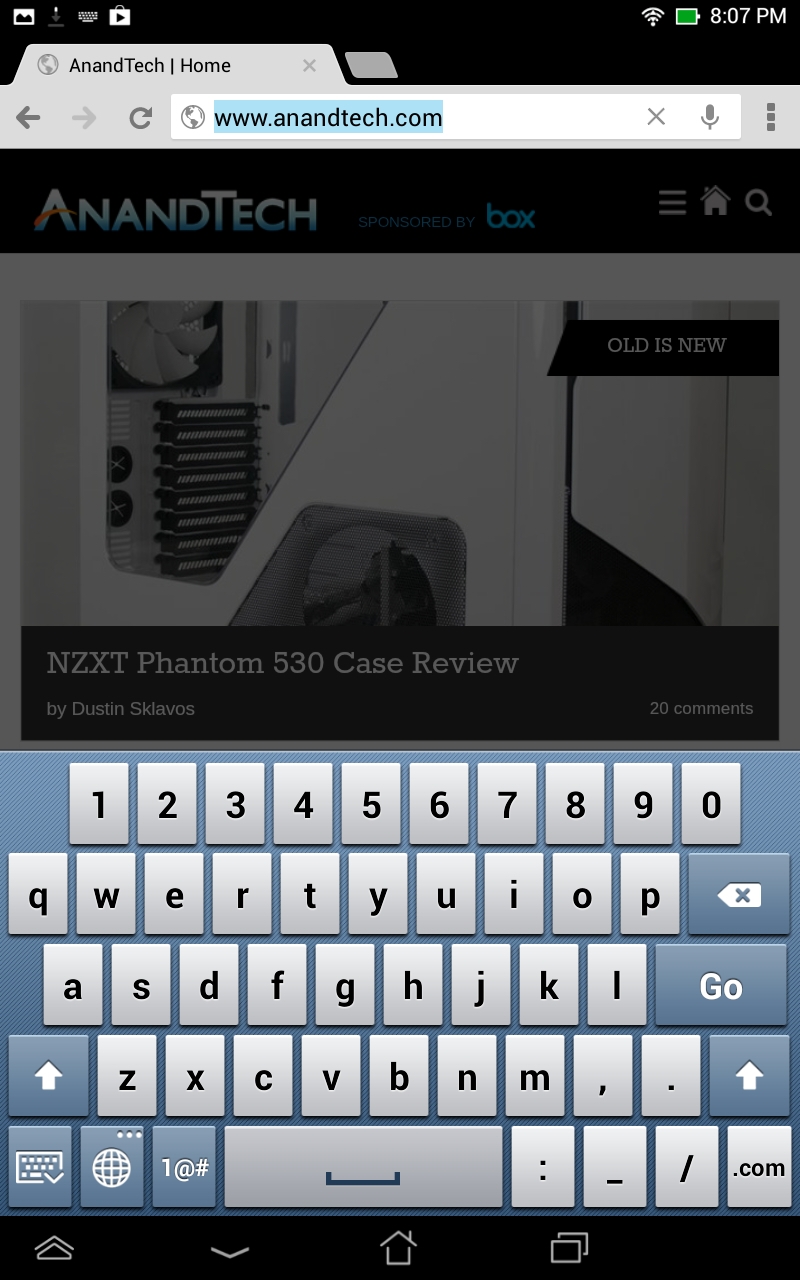
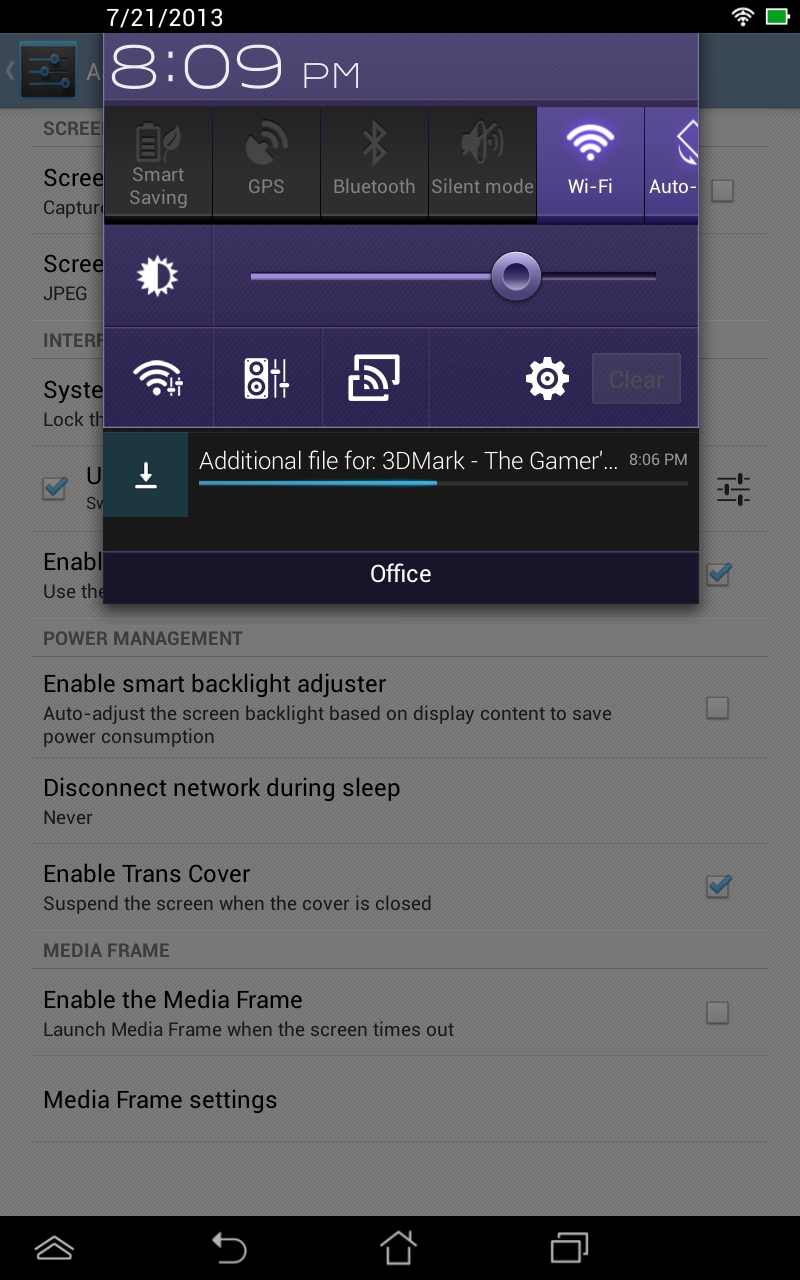
Both of these customizations are reversible. The HD7 includes the stock Jellybean keyboard, and you can revert to the standard notification and quick settings combo shades.
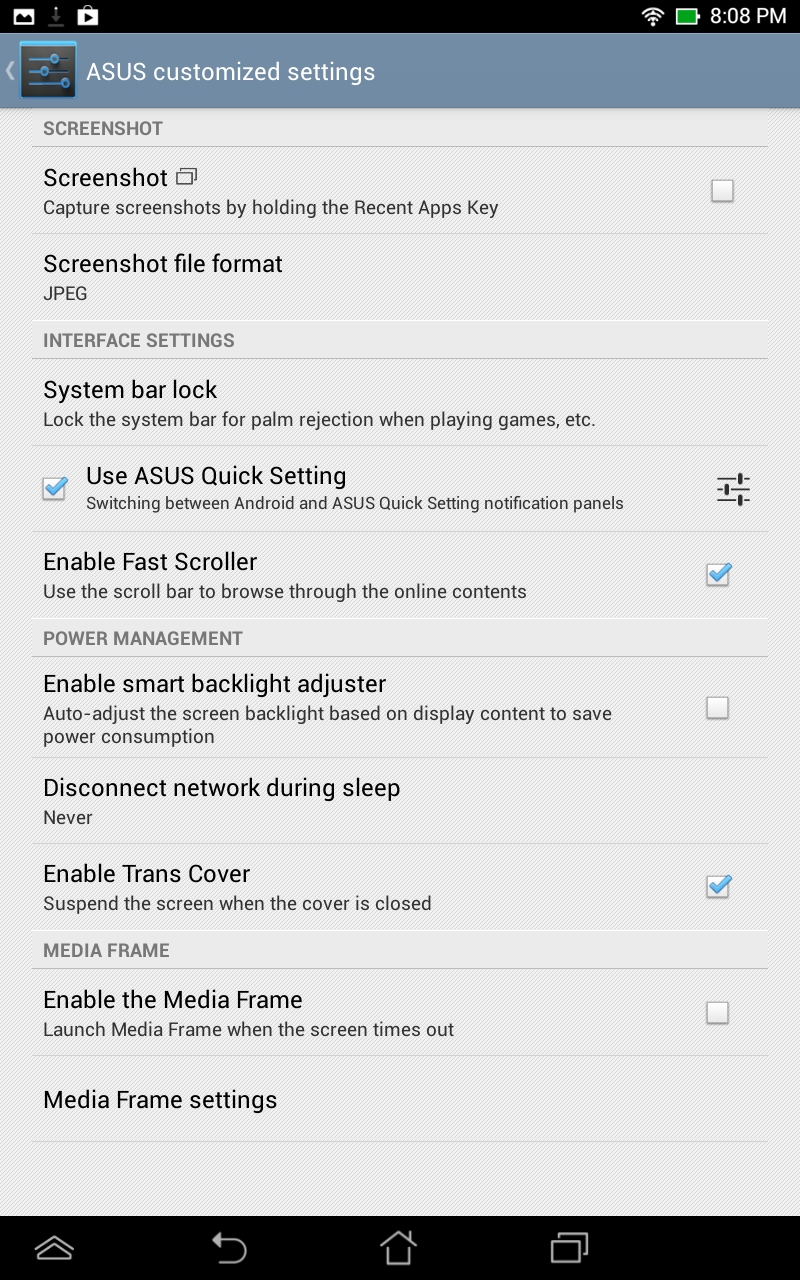
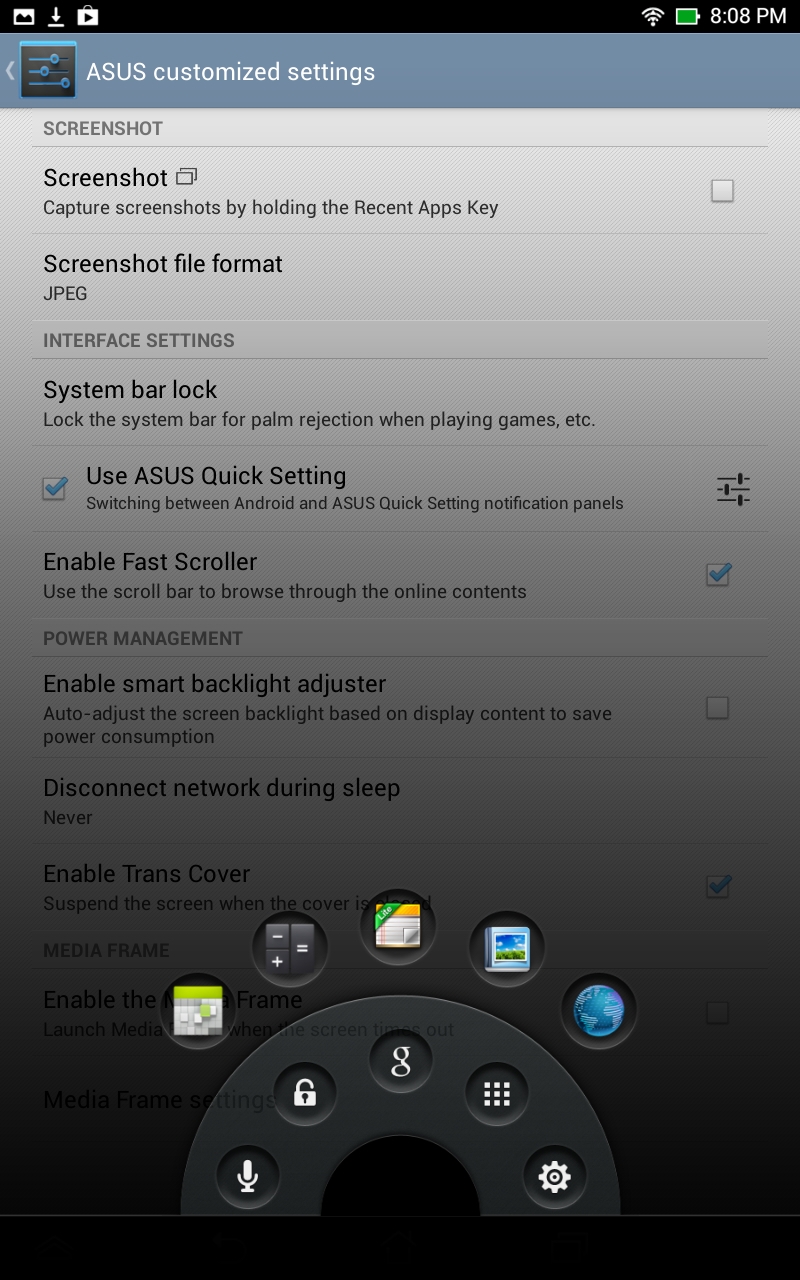
A tap and hold on the virtual home button brings up a shortcut widget that lets you launch voice search, Google Now as well as a number of user definable applications.
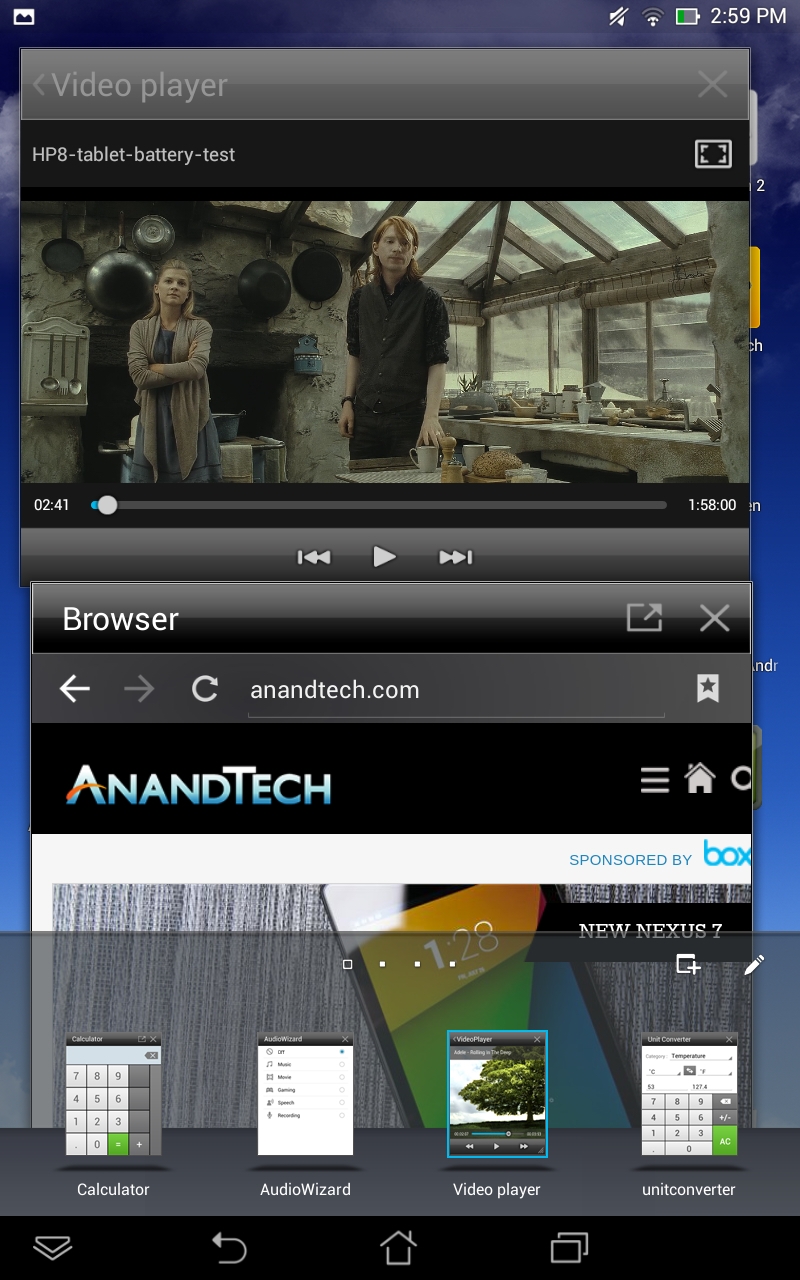
Borrowing from what we've seen a number of Android OEMs do lately, ASUS includes support for floating apps/widgets with the MeMO Pad HD7. There's a fourth virtual button to the left of the standard three, tapping it brings up a configurable list of floating apps/widgets. Tapping on any of the icons drops the app/widget on your screen in a floating window. You can move the window anywhere you'd like. Resizing is supported depending on the app/widget. Floating windows persist across app switches, however they disappear the minute you hit the home button. There are video player and browser floating apps, although there's no support for automatically snapping individual windows to half of the screen to easily share display real estate with two windows.
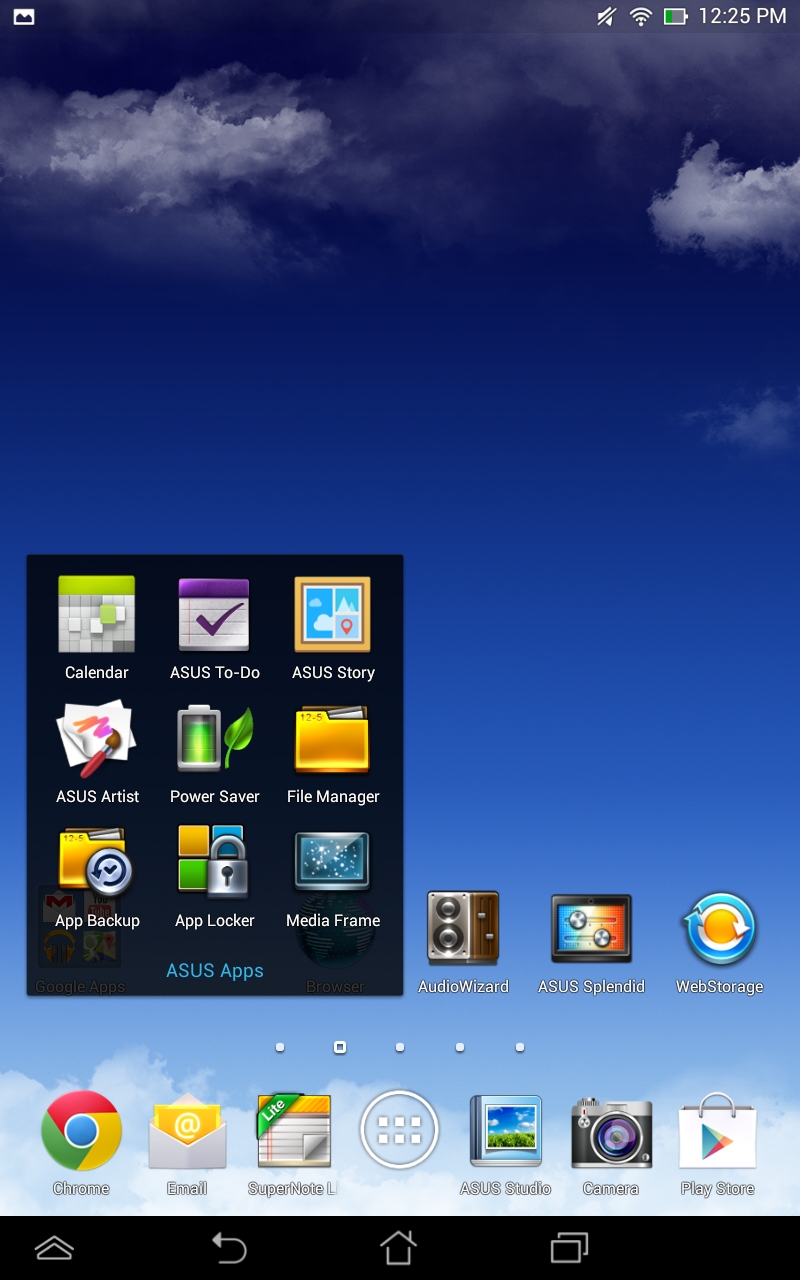
The rest of the experience is pretty much stock. As always, ASUS includes a set of preloaded apps including SuperNote Lite, File Manager, and its own gallery app (ASUS Studio).
Originally published at https://www.anandtech.com/show/7160/asus-memo-pad-hd7-review (Wayback Machine).