
Intel Z87 Motherboard Review with Haswell: Gigabyte, MSI, ASRock and ASUS
ASRock Z87 Extreme6/AC Conclusion
Everyone has their own ideas as to what constitutes a perfect motherboard. My first question is usually ‘what price band are we talking about?’, as that would define the level of ‘extras’ above the base model. When I first looked at the unassuming ASRock Z87 Extreme6/AC, the main feature for me was the 802.11ac dual band WiFi module on board. Having had the time to test the Extreme6/AC, it is clear to me now that the board is so much more than just the AC.
Now when I started to prepare this review, I was circling around the main motherboard manufacturers asking for their $200 motherboards – something around this mark, perhaps up to 10% above and below this mark, whatever in this price bracket the manufacturer believes will be its best seller. It is a value that tends to be popular enough for enthusiasts going for new builds, and I like the fact it contrasts many of the super high-end value reviews we see at launch day. This price band gives the manufacturer the option of one or two SKUs to send me – either something lower which may attract more users, or at the high end to expose the feature set. I am glad each manufacturer sent me something different (mid-range, gaming-range) – ASRock went in at the high end of my request with the Extreme6/AC at $220 (-$20 instant rebate in June for NA), but I am glad they did.
For that $200/$220, we get ten SATA 6 Gbps ports, eight USB 3.0 ports, 802.11ac dual band WiFi, Realtek ALC1150 audio, DVI-I, dual Intel NICs, HDMI-In and x8/x4/x4 PCIe. Ding ding, we have a connectivity winner. This product is hitting an obscene price point compared to the motherboards around it, and could very well be this generations Z77X-UD5H, which we rated highly for similar reasons. Of course with all this onboard, something has to give – as a result we do not get a black coating covering the traces on board, the CPU VRM heatsinks are a little small, most of the fan headers are 3-pin and there are no voltage check points or similar for overclockers.
There is always room for improvement, and the main goal from ASRock should be to improve their software. It gets an upgrade from Z77 for Z87, but the simple things like correct spelling should be sorted before a reviewer gets hands on a motherboard.
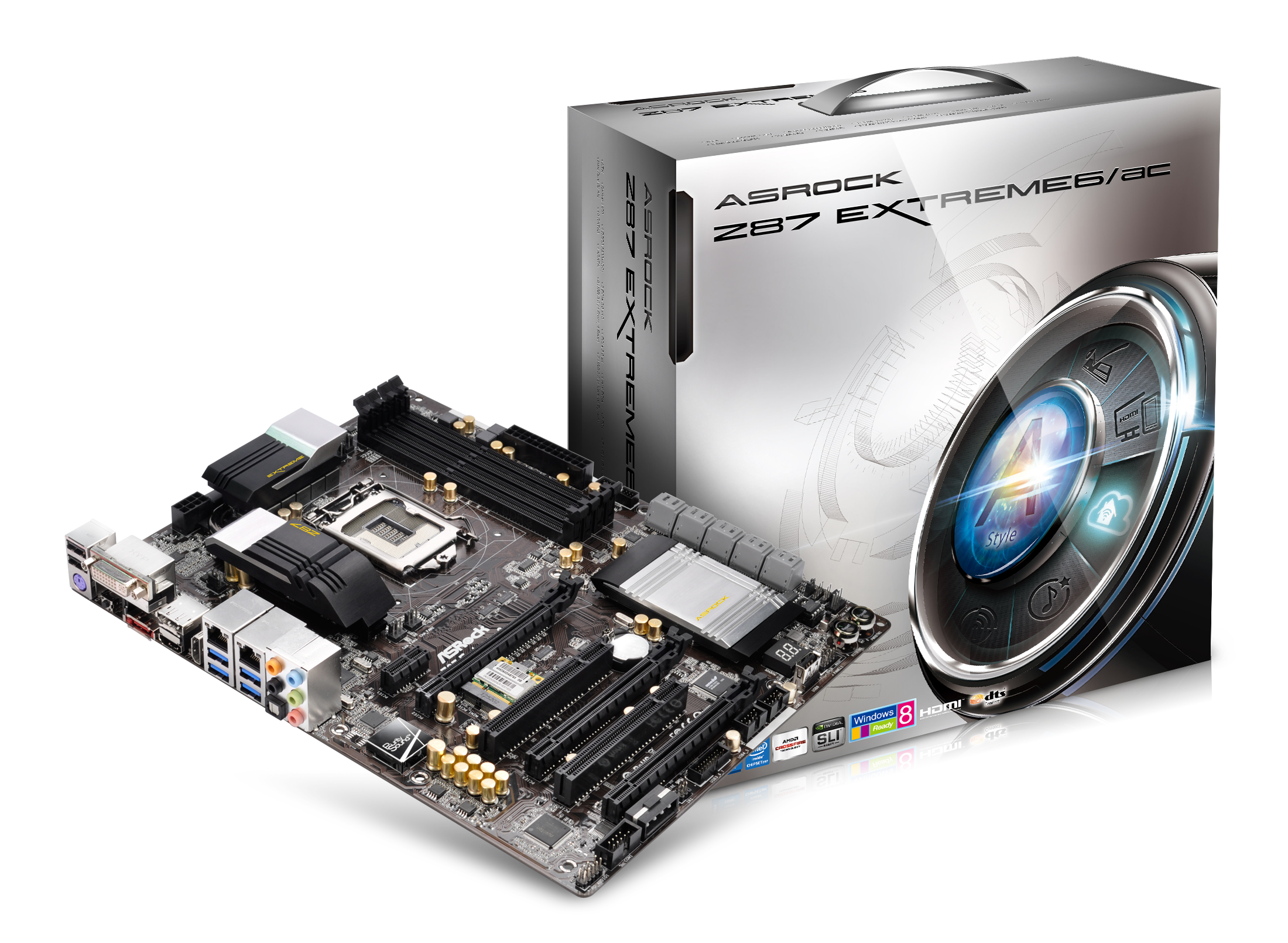
In terms of performance the Extreme6/AC comes with MultiCore Turbo as standard, giving that extra boost over motherboards that do not have it. Against the boards that do, the ASRock seems to have good efficiency, and the x8/x4/x4 does help against the x8/x8+x4 setups in tri-GPU mode. The XFast software helps the Extreme6/AC generate new records in USB performance, both for USB 2.0 and USB 3.0, and Windows 7 POST times fall under 12 seconds which is always good. The only two downsides for performance come at the expense of DPC Latency which is quite high for Z87 (314 microseconds), and there is no good software to accurately monitor the CPU voltage on the motherboard.
Nevertheless, the ASRock Z87 Extreme6/AC is a great motherboard to play with, especially in connectivity alone. Other manufacturers will have a big challenge to offer something at this price point with more functionality. ASRock have truly hit the nail on the head, and if I were buying a motherboard today, as an 802.11ac WiFi user, the Extreme6/AC would be on the short list. For these reasons, I feel no shame in offering the ASRock Z87 Extreme6/AC our Editor’s Choice Silver Award. The Extreme6/AC is an exciting play by ASRock that the competition will struggle to match.

ASRock Z87 Extreme6/AC
AnandTech Editor’s Choice Silver Award
Originally published at https://www.anandtech.com/show/6989/intel-z87-motherboard-review-with-haswell-gigabyte-msi-asrock-and-asus-at-200 (Wayback Machine).