
Three Months with Microsoft's Office 365
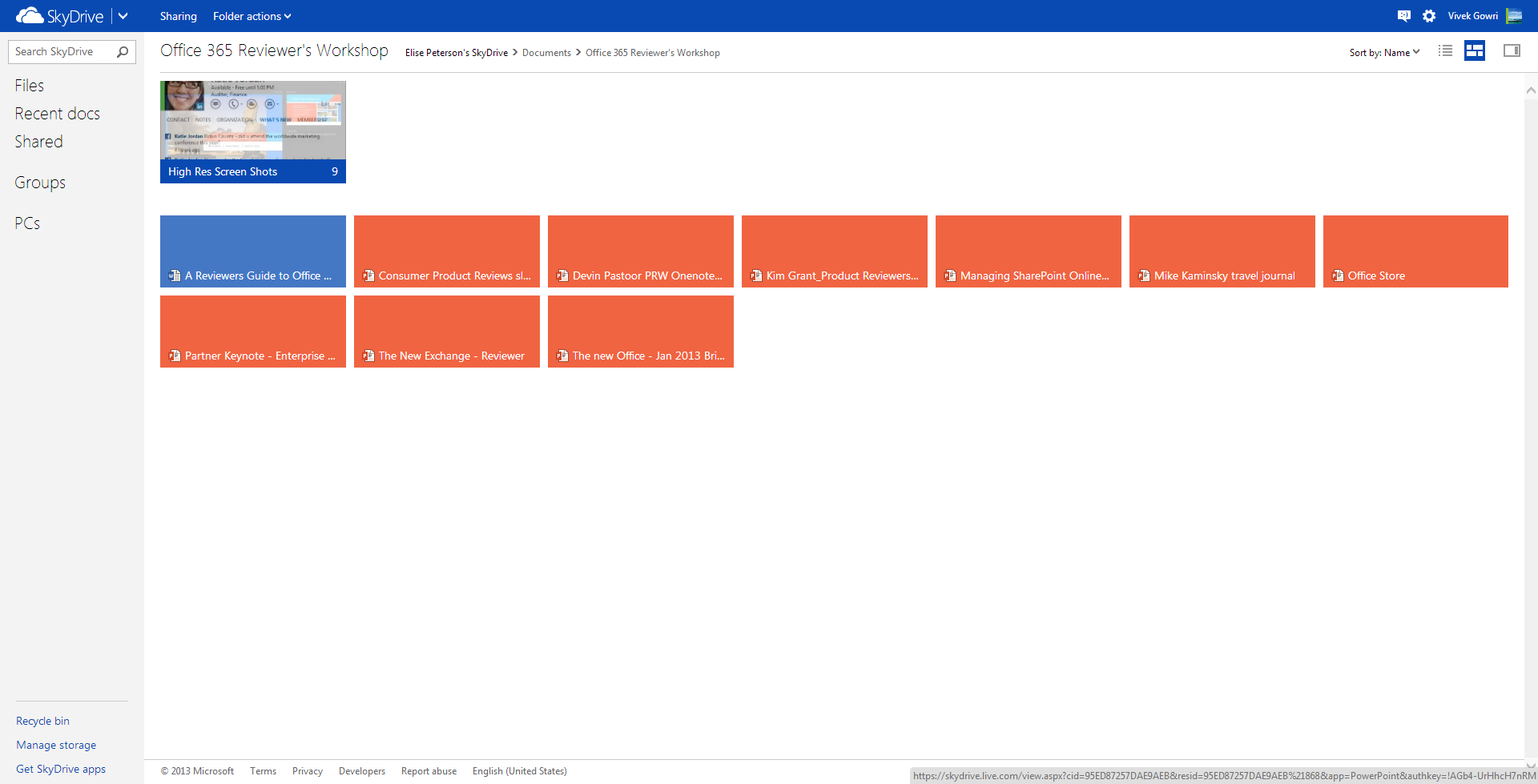
How big is Microsoft pushing the cloud integration in Office 2013? After signing into a Microsoft account, SkyDrive is the default save location in all Office apps, replacing the local My Documents folder. That’s an important distinction, because SkyDrive is a huge part of the Office 365 message (and likewise, Office integration is a huge part of SkyDrive’s appeal).
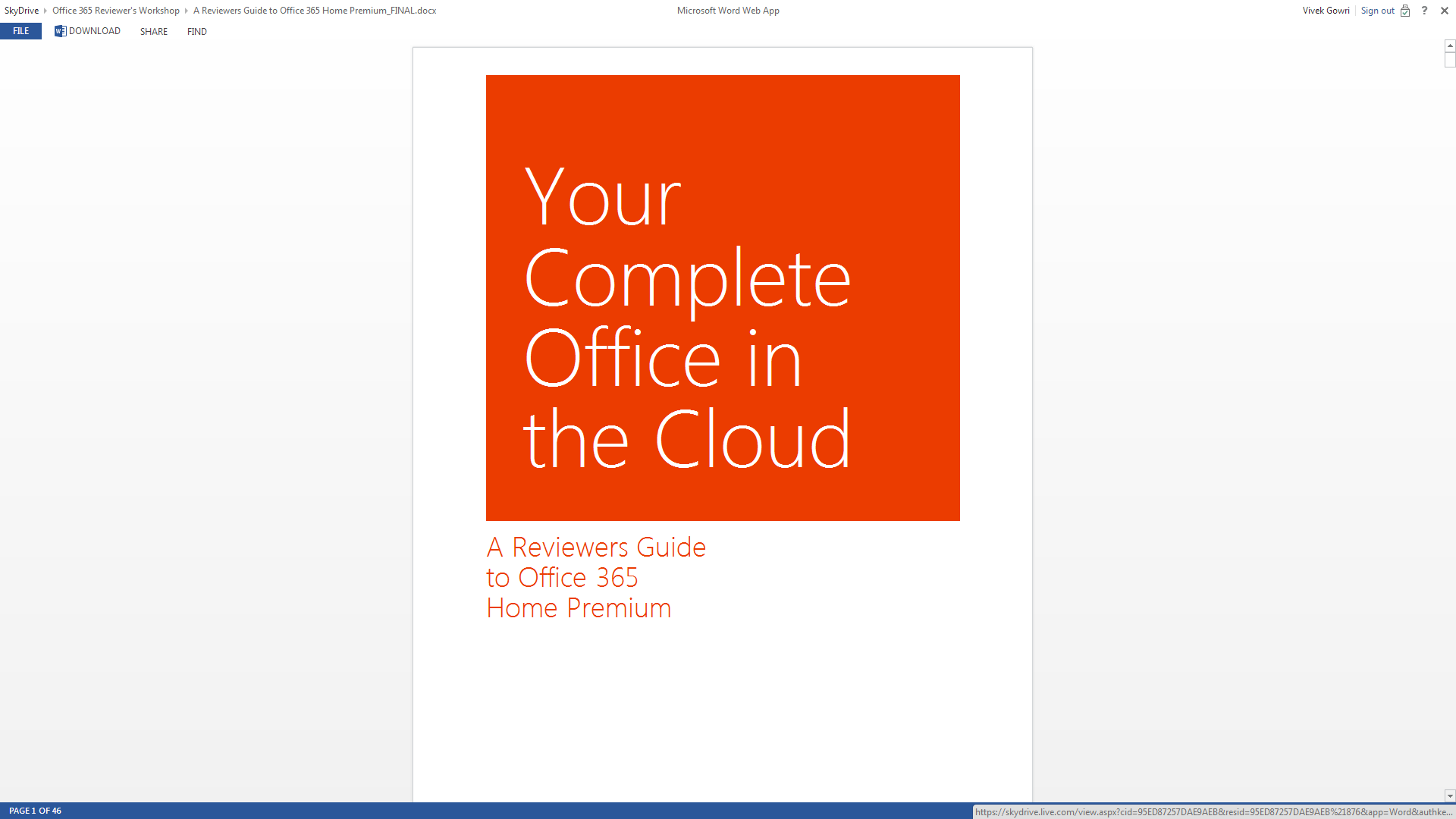
Combined with Office Web Apps in SkyDrive, the Office+SkyDrive combination is actually a pretty powerful way of creating and editing documents and presentations from the web, much more so than Google Docs is. And in that, I think Office 365 makes some huge strides in matching the convenience factor of Google’s purely online document creation tools, except with all the versatility and formatting power that comes with proper Office.
Sharing files from SkyDrive is also a breeze, much like Dropbox. And honestly, between the cheaper storage upgrades and Office integration, SkyDrive looks like a pretty compelling option for cloud storage when compared to Dropbox. Microsoft is doing a good job of leveraging its own products and services for better online integration, and that’s really one of the main stories in the new Office.
I’m coming away from Office 365 a big fan of the Office 2013 suite, along with a newfound appreciation of SkyDrive. The combination is a potent one, and could make the lives of students and professionals much, much easier. Unlike many Microsoft software redesigns of years past, including Windows 8, I don’t have too much in the way of misgivings about this one. The improvements are pretty comprehensive, and offer a more streamlined, polished, and visually refined user experience. That’s about all you can ask from an office suite.
My real questions center primarily around the subscription model. And even that is mostly limited to single or dual user families that don’t have access to a University subscription or Microsoft’s historically lenient home use agreements for commercial licenses. The $99 yearly price for Office 365 is pretty steep if you don’t make use of either the multi-computer install capabilities or the cloud services. I’d say in that case, you’re probably better off just getting a standalone Office 2013 license and signing up for a SkyDrive account which comes with 7GB of free storage. If you really need more storage, the 20GB upgrade only costs $10 per year, which isn’t bad at all. Or, alternatively, you could pay a student to get you an Office 365 University serial number on the cheap. [Update: I was joking about this part, sorry if it didn't come across that way. Yes, it violates the EULA, so no, don't do this.]
Other than that? It’s great. If you’ve got 4 or 5 computers to install Office on, $99/year isn’t bad at all, and for students that can get the University license, $79 for 4 years is a bargain considering that it comes with 20GB of SkyDrive storage for that four year stretch of time. If you have Office 2010 and are happy with it, I wouldn’t say you need to upgrade though the cloud integration makes that a compelling option, but for users of any previous edition Office, I’d seriously recommend making the transition.
Originally published at https://www.anandtech.com/show/6718/microsoft-office-365-review (Wayback Machine).