
Gigabyte GA-7PESH1 Review: A Dual Processor Motherboard through a Scientist’s Eyes
- Posted in
- Motherboards
- Gigabyte
- C602
Gigabyte GA-7PESH1 Software
Typically when a system integrator buys a server motherboard from Gigabyte, a full retail package comes with it including manuals, utility CDs and SATA cables. Gigabyte have told me that this will be improved in the future, with SAS cables, header accessories and GPU bridges for CF/SLI. But due to the nature of my review sample, there was no retail package as such. When I received a sample from Gigabyte, there was no retail box with extras, nor were there driver CDs or a user guide and manual. Good job then that all these can be found on the Gigabyte website under the download section for the GA-7PESH1. In my case, this involves downloading the Intel .inf files, the ASPEED 2300 drivers, and the Intel LAN drivers. Also available on the website are the LSI SAS RAID drivers, and the SATA RAID driver.
When it comes to software available to download, the river has run dry. There is literally not one piece of software available to the user – nothing relating to monitoring, or fan controls or the like. The only thing that approaches a software tool is the Advocent Server Management Interface, which is accessed via the browser of another computer connected to the same network when the system has the third server management NIC connection activated.
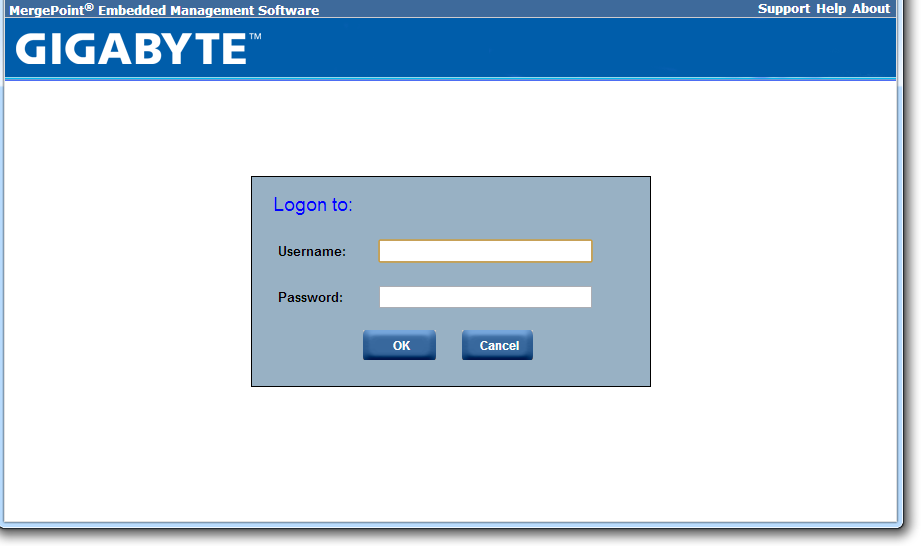
When the system is connected to the power supply, and the power supply is switched on, the motherboard takes around 30 seconds to prepare itself before the power button on the board itself can be pushed. There is a green light physically on the board that turns from a solid light to a flashing light when this button can be pushed - the board then takes another 60 seconds or so to POST. During this intermediate state when the light is flashing, the server management software can be accessed through the web interface.
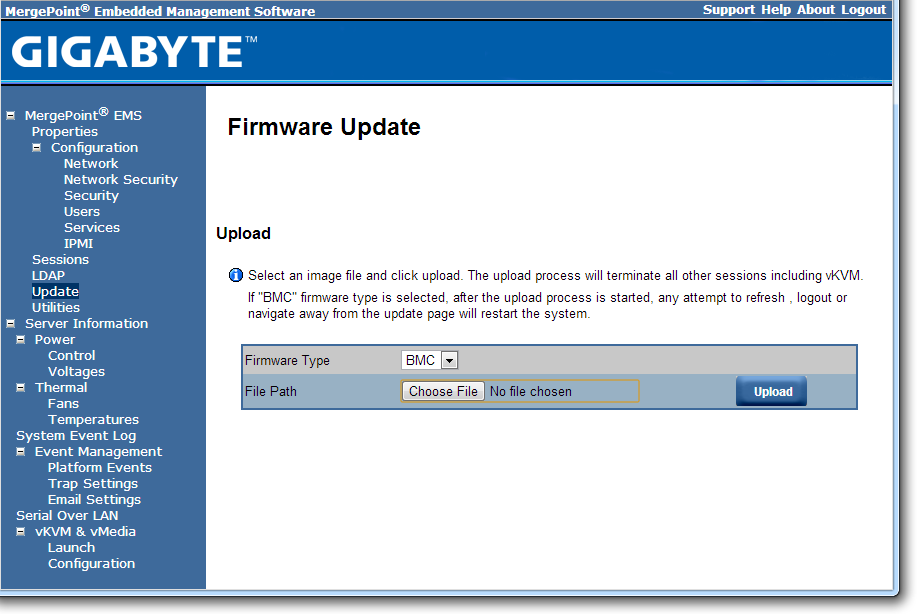
The default username and password are admin and password for this interface, and when logged in we get a series of options relating to the management of the motherboard:
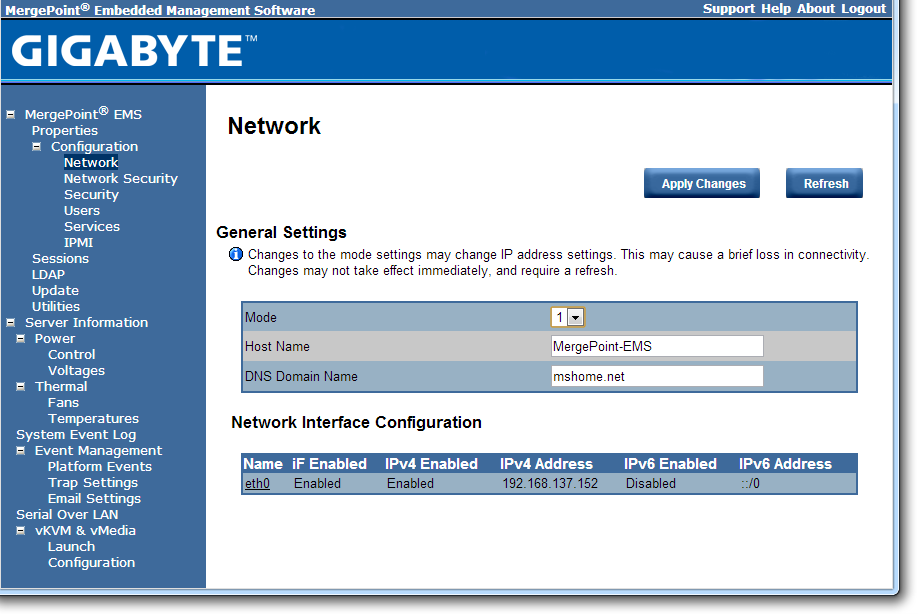
The interface implements a level of security in accessing the management software, as well as keeping track of valid user accounts, web server settings, and active interface sessions.

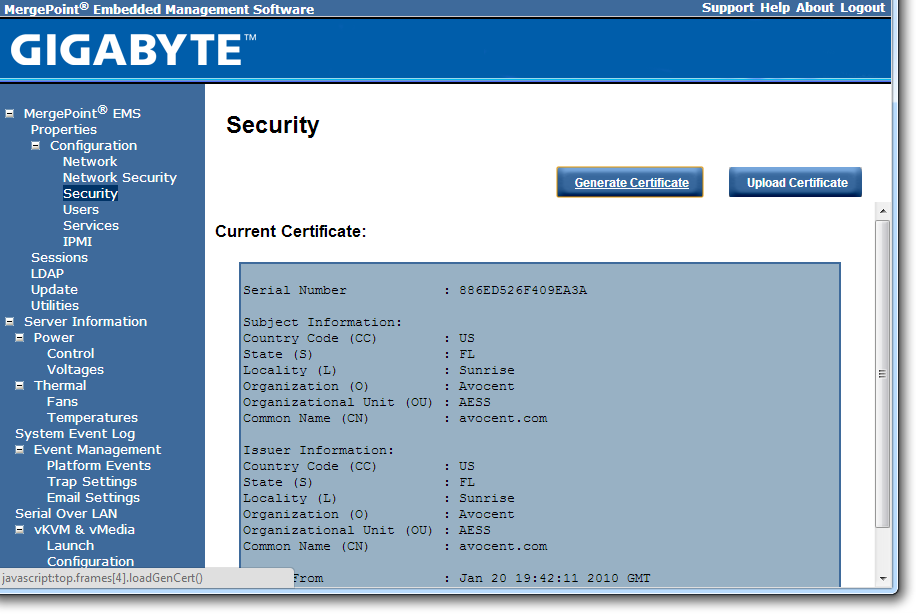
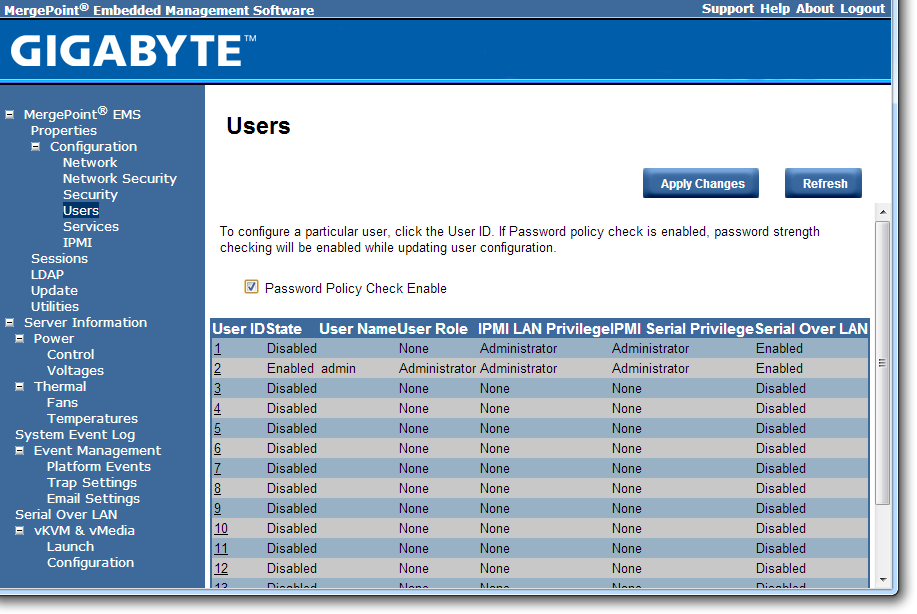

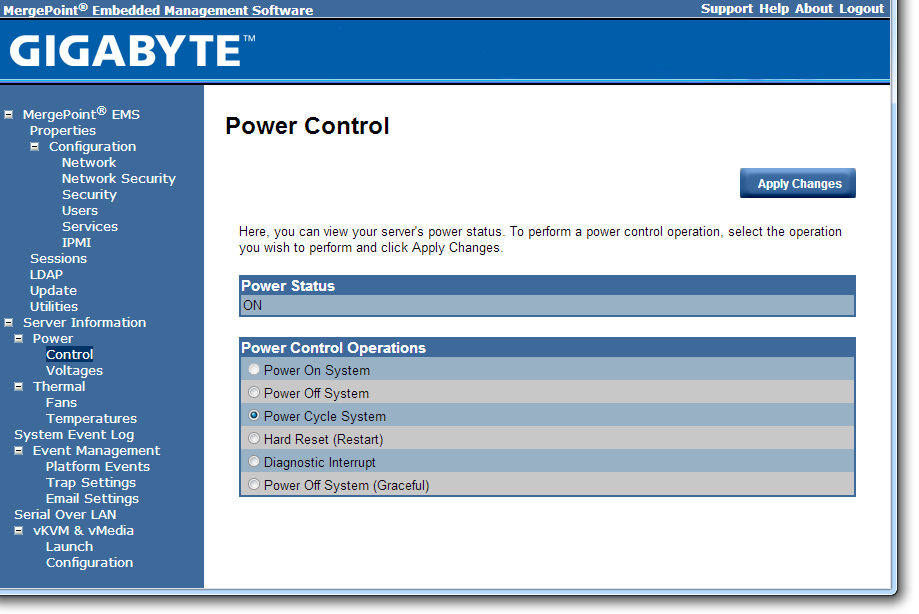
The software also provides options to update the firmware, and to offer full control as to the on/off state of the motherboard with access to all voltages, fan speeds and temperatures the software has access to.

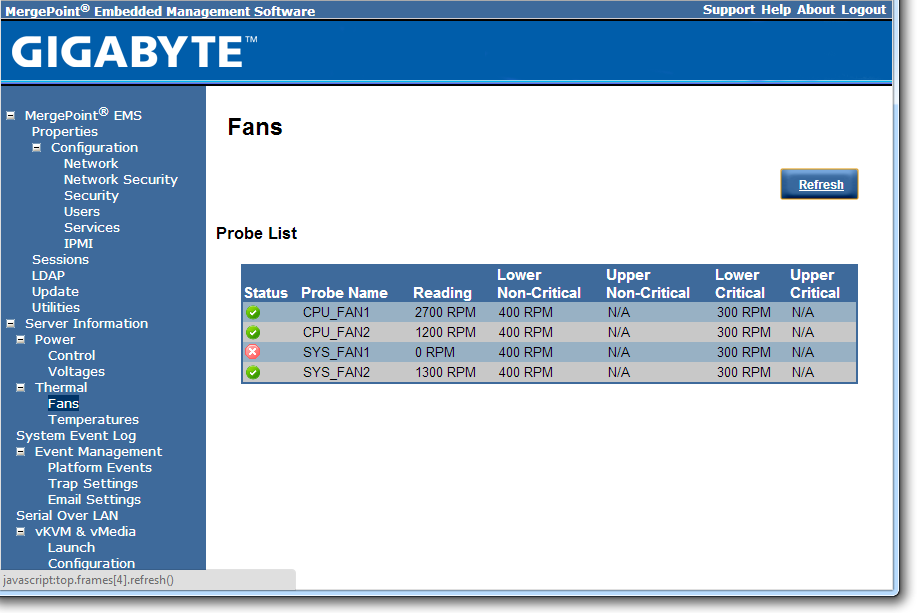
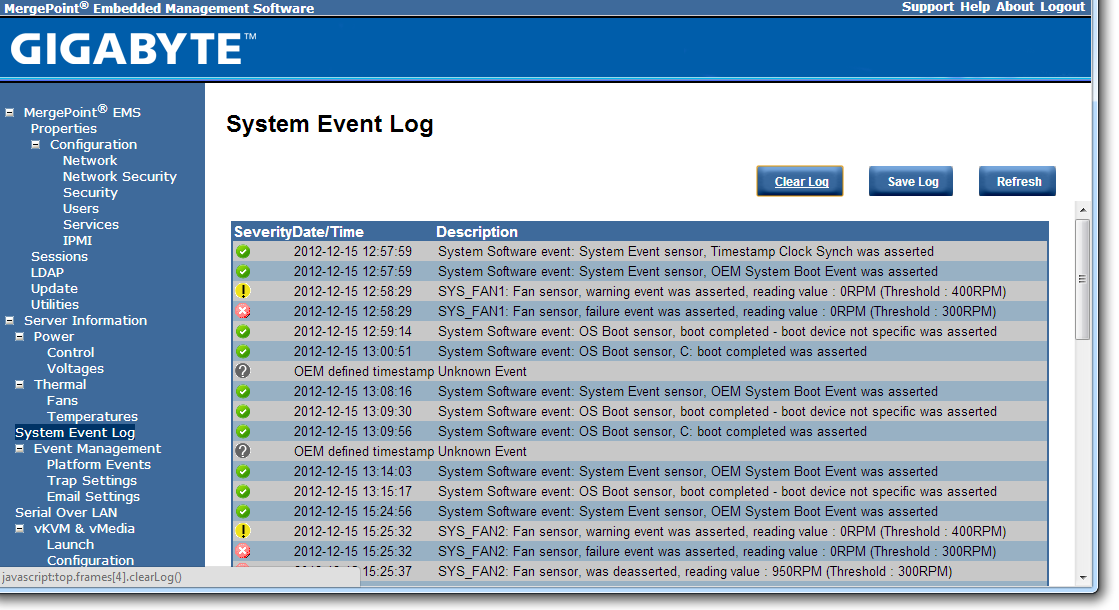
The system log helps identify when sensors are tripped (such as temperature and fans) as well as failed boots and software events.
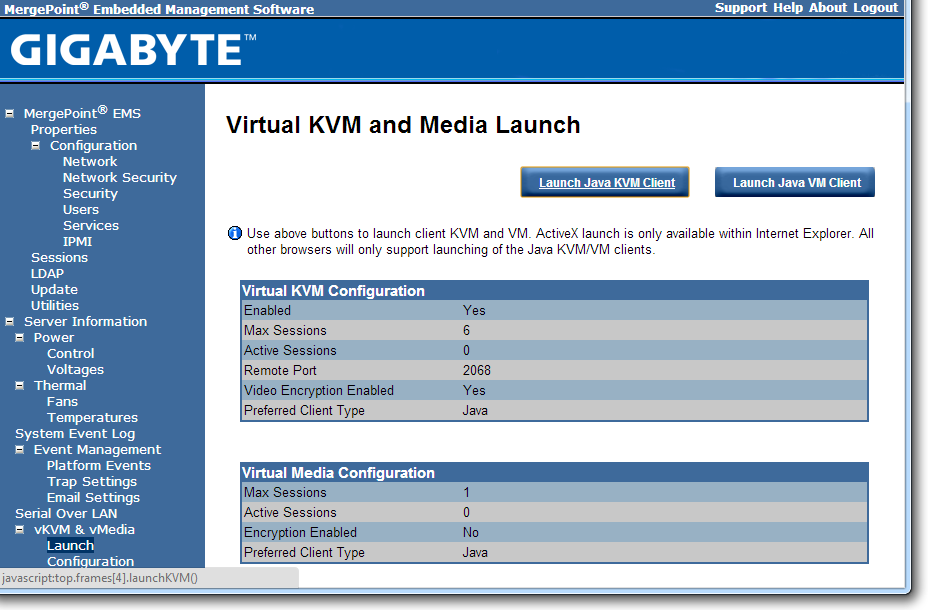
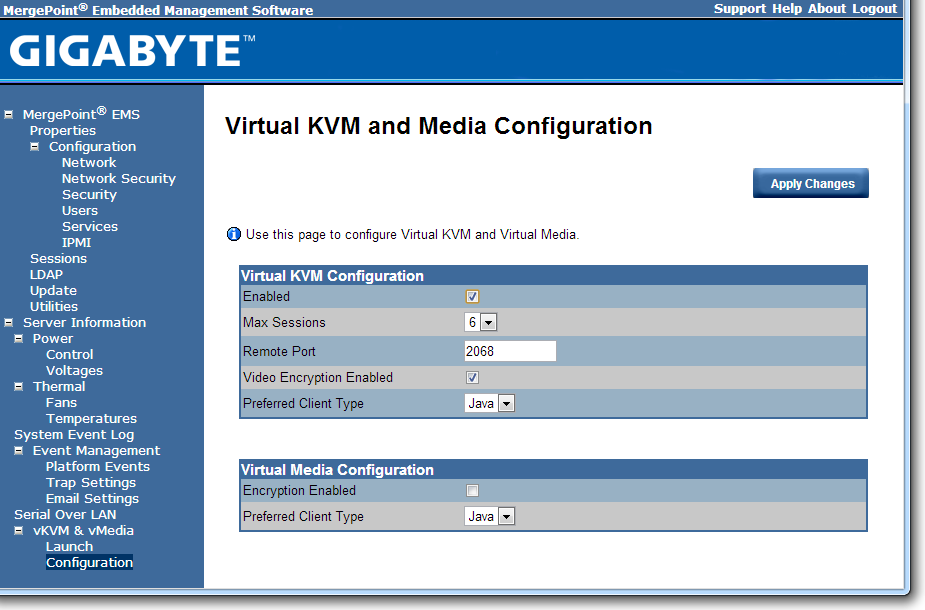
Both Java KVM and Have VM environments are supported, with options relating to these in the corresponding menus.
It should also be noted that during testing, we found the system to be unforgiving when changing discrete GPUs. If an OS was installed while attached to a GTX580 and NVIDIA drivers were installed, the system would not boot if the GTX580 was removed and a HD7970 was put in its place. The same thing happens if the OS is installed under the HD7970 and the AMD drivers installed.


Originally published at https://www.anandtech.com/show/6533/gigabyte-ga7pesh1-review-a-dual-processor-motherboard-through-a-scientists-eyes (Wayback Machine).